
1. Introduzione
Thank you for choosing the NGS Roller Furia 1 portable speaker. This device is designed to provide high-quality audio with advanced features such as Bluetooth 5.0 connectivity, True Wireless Stereo (TWS) functionality, RGB lighting, and IPX6 water resistance. This manual provides essential information for the safe and efficient use of your speaker.
2. Contenuto della confezione
Si prega di controllare la confezione per verificare la presenza dei seguenti elementi:
- NGS Roller Furia 1 Portable Speaker
- Cavo di ricarica USB di tipo C.
- Cinghia di trasporto
- Manuale di istruzioni (questo documento)
3. Prodotto finitoview
Familiarizzare con i componenti e i controlli dell'altoparlante.
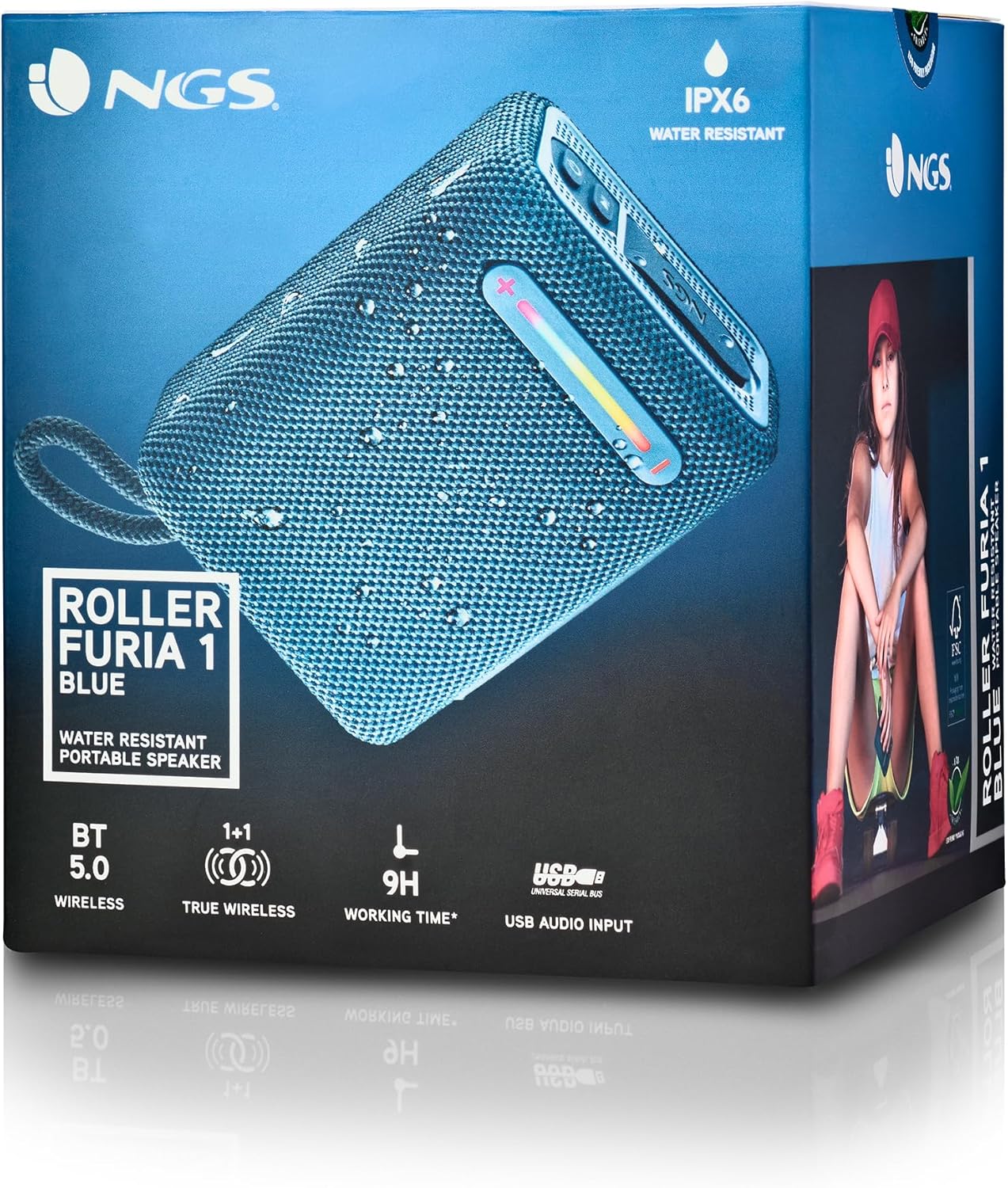
Questa immagine fornisce una descrizione dettagliata view of the NGS Roller Furia 1 speaker, indicating its approximate dimensions (10cm length, 7.5cm height) and labeling the USB input and AUX input ports. It also highlights the RGB light strip and the power button.
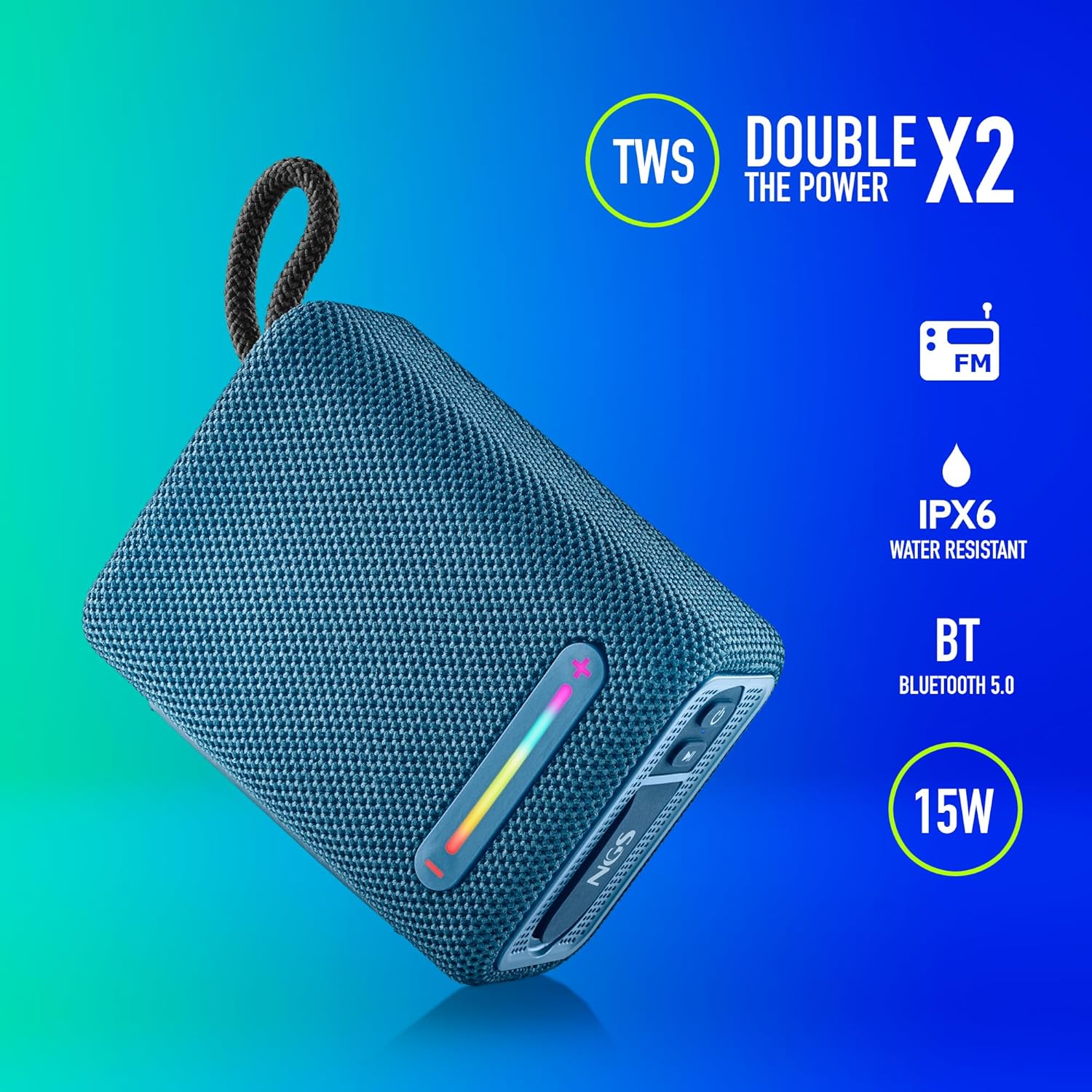
This image illustrates the NGS Roller Furia 1 Blue speaker from an angled view, emphasizing its key features: True Wireless Stereo (TWS) for pairing two speakers, IPX6 water resistance, Bluetooth 5.0 connectivity, and 15 Watts of audio power.
Controlli e porte:
- Pulsante di accensione: Press and hold to turn the speaker on or off. Short press to play/pause audio.
- Pulsante Volume su / Traccia successiva (+): Premere brevemente per aumentare il volume. Premere a lungo per passare alla traccia successiva.
- Pulsante Volume giù / Traccia precedente (-): Premere brevemente per diminuire il volume. Premere a lungo per tornare alla traccia precedente.
- Pulsante Modalità (M): Short press to switch between Bluetooth, USB, and AUX input modes.
- Pulsante luce RGB: Press to cycle through different RGB light modes or turn them off.
- Porta di ingresso USB: For playing audio from USB memory devices (up to 32GB).
- Porta di ingresso AUX: Per collegare dispositivi audio esterni tramite un cavo audio da 3.5 mm (non incluso).
- Porta di ricarica USB di tipo C: Per caricare la batteria interna dell'altoparlante.
4. Impostazione
4.1 Ricarica dell'altoparlante
- Collegare il cavo di ricarica USB Type-C in dotazione alla porta di ricarica dell'altoparlante.
- Collegare l'altra estremità del cavo a un adattatore di alimentazione USB (non incluso) o alla porta USB di un computer.
- The charging indicator light will illuminate. Once fully charged, the light will change or turn off (refer to the speaker's LED behavior).
- A full charge provides approximately 9 hours of playback at 50% volume.
4.2 Accensione/Spegnimento
- Per accendere, tieni premuto il tasto Pulsante di accensione until you hear an audible prompt and the indicator lights illuminate.
- Per spegnere, tenere premuto il pulsante Pulsante di accensione again until you hear an audible prompt and the indicator lights turn off.
5. Istruzioni per l'uso
5.1 Associazione Bluetooth
- Ensure the speaker is powered on and in Bluetooth mode (the indicator light will flash, indicating it's ready for pairing). If not, press the Pulsante modalità (M) per passare alla modalità Bluetooth.
- Sul tuo dispositivo mobile, attiva il Bluetooth e cerca i dispositivi disponibili.
- Seleziona "NGS ROLLER FURIA 1" dall'elenco dei dispositivi.
- Una volta effettuato l'accoppiamento, l'altoparlante emetterà un segnale acustico di conferma e la spia luminosa Bluetooth smetterà di lampeggiare e rimarrà fissa.
- Una volta acceso, l'altoparlante tenterà automaticamente di riconnettersi all'ultimo dispositivo associato.
5.2 Accoppiamento True Wireless Stereo (TWS)
TWS allows you to pair two NGS Roller Furia 1 speakers together for a stereo sound experience.
- Ensure both NGS Roller Furia 1 speakers are powered on and in Bluetooth pairing mode (indicator lights flashing).
- Su uno degli altoparlanti (questo sarà l'altoparlante principale), premere due volte il tasto Pulsante modalità (M). The speaker will emit a sound, indicating it's searching for another TWS speaker.
- The two speakers will automatically connect to each other. Once connected, you will hear a confirmation sound, and the indicator light on the primary speaker will flash slowly, while the secondary speaker's light will remain solid.
- Ora collega il tuo dispositivo mobile all'altoparlante principale tramite Bluetooth come descritto nella sezione 5.1.
5.3 Riproduzione USB
- Insert a USB memory device (up to 32GB) containing MP3 audio files into the USB Input Port.
- L'altoparlante passerà automaticamente alla modalità USB e inizierà a riprodurre l'audio. In caso contrario, premere il pulsante Pulsante modalità (M) per selezionare la modalità USB.
- Utilizzare il Volume su (+) E Volume basso (-) buttons for track control and volume adjustment.
5.4 Ingresso AUX
- Connect one end of a 3.5mm audio cable (not included) to the AUX Input Port on the speaker.
- Collegare l'altra estremità del cavo alla presa di uscita audio del dispositivo esterno.
- L'altoparlante passerà automaticamente alla modalità AUX. In caso contrario, premere il pulsante Pulsante modalità (M) per selezionare la modalità AUX.
- Controlla la riproduzione e il volume dal tuo dispositivo esterno.
5.5 modalità di illuminazione RGB
The speaker features an integrated RGB light strip.
- Premere il tasto Pulsante luce RGB to cycle through various light patterns and colors.
- Continuare a premere il pulsante per spegnere le luci.
5.6 Volume Control and Call Management
- Regolazione del volume: Premere brevemente il tasto Volume su (+) or Volume basso (-) pulsanti.
- Rispondi/Termina chiamata: Quando arriva una chiamata mentre sei connesso tramite Bluetooth, premi brevemente il tasto Pulsante di accensione to answer or end the call.
- Rifiuta chiamata: Premere a lungo il tasto Pulsante di accensione per rifiutare una chiamata in arrivo.
6. Manutenzione
6.1 Pulizia
- Pulire l'altoparlante con un panno morbido e asciutto.
- Non utilizzare detergenti abrasivi, alcol, benzene o altri solventi chimici, poiché potrebbero danneggiare la superficie o i componenti.
6.2 Conservazione
- Conservare l'altoparlante in un luogo fresco e asciutto, lontano dalla luce solare diretta e da temperature estreme.
- Se si prevede di non utilizzarla per un periodo prolungato, caricare periodicamente la batteria per preservarne la durata.
6.3 Resistenza all'acqua (IPX6)
- The NGS Roller Furia 1 is IPX6 water resistant, meaning it can withstand powerful water jets. It is suitable for outdoor use and can resist rain or splashes.
- Non immergere l'altoparlante in acqua.
- Assicurarsi che la linguetta di gomma che copre le porte sia ben chiusa per garantire la resistenza all'acqua.
7. Risoluzione Dei Problemi
| Problema | Possibile causa | Soluzione |
|---|---|---|
| L'altoparlante non si accende. | La batteria è scarica. | Caricare l'altoparlante utilizzando il cavo USB Type-C in dotazione. |
| Nessun suono. | Volume is too low or muted. Incorrect input mode. Device not paired. | Increase volume on speaker and connected device. Press the Pulsante modalità (M) to select the correct input. Re-pair the Bluetooth device. |
| L'associazione Bluetooth non riesce. | L'altoparlante non è in modalità di associazione. Il dispositivo è troppo lontano. Interferenza. | Ensure speaker is in pairing mode (flashing light). Move device closer (within 10m). Turn off other Bluetooth devices. |
| L'associazione TWS non riesce. | Speakers are too far apart. One speaker is already paired to a device. | Ensure both speakers are close to each other. Disconnect any Bluetooth devices from both speakers before initiating TWS pairing. |
| Distorsione del suono. | Volume too high. Low battery. | Ridurre il volume. Caricare l'altoparlante. |
8. Specifiche
| Caratteristica | Dettaglio |
|---|---|
| Nome del modello | Roller Furia 1 |
| Numero di modello | ELEC-SPK-0865 |
| Marca | NGS |
| Tecnologia di connettività | Bluetooth 5.0, ausiliario, USB |
| Potenza di uscita dell'altoparlante | 15 Watt |
| Risposta in frequenza | 2480 MHz |
| Signal-to-Noise Ratio | 80 dB |
| Valutazione della resistenza all'acqua | Grado di protezione IPX6 |
| Tipo di batteria | Batteria al litio da 3.7 V / 2500 mAh |
| Durata media della batteria | Fino a 9 ore (al 50% del volume) |
| wireless Range | Fino a 10 metri |
| Supporto USB | Up to 32GB memory devices |
| Dimensioni (P x L x A) | 5P x 9.9W x 7.5H centimetri (circa) |
| Materiale | Stoff (Fabric) |
9. Garanzia e supporto
The NGS Roller Furia 1 portable speaker comes with a limited warranty. Please refer to the warranty card included in your package or visit the official NGS websito per termini e condizioni di garanzia dettagliati.
For technical support, troubleshooting assistance, or inquiries about your product, please contact NGS customer service through their official websito o le informazioni di contatto fornite nella documentazione del prodotto.