
1. Introduzione
The Ion Audio Geode Rock Speakers provide a seamless audio experience for your outdoor spaces. Designed to blend naturally with your garden or patio environment, these speakers feature solar recharging capabilities and a durable, waterproof design. Enjoy continuous, high-quality audio without the hassle of frequent charging or weather concerns.
- Continuous Audio: Built-in rechargeable Li-ion battery for extended playback.
- Doppia ricarica: Recharge via embedded solar panel or included micro-USB cable.
- Design resistente alle intemperie: IPX5 waterproof rating ensures durability in various outdoor conditions.
- Integrazione perfetta: Unique industrial design blends perfectly with outdoor surroundings.
2. Cosa c'è nella scatola
- Ion Audio Geode Rock Speakers (Pair)
- Cavo di ricarica micro-USB
- Manuale di istruzioni
3. Prodotto finitoview

Immagine 1: Davanti view of two Ion Audio Geode Rock Speakers, showcasing their rock-like appearance and speaker grilles.

Immagine 2: Top-down view of two Ion Audio Geode Rock Speakers, highlighting the integrated solar panels on their upper surface.
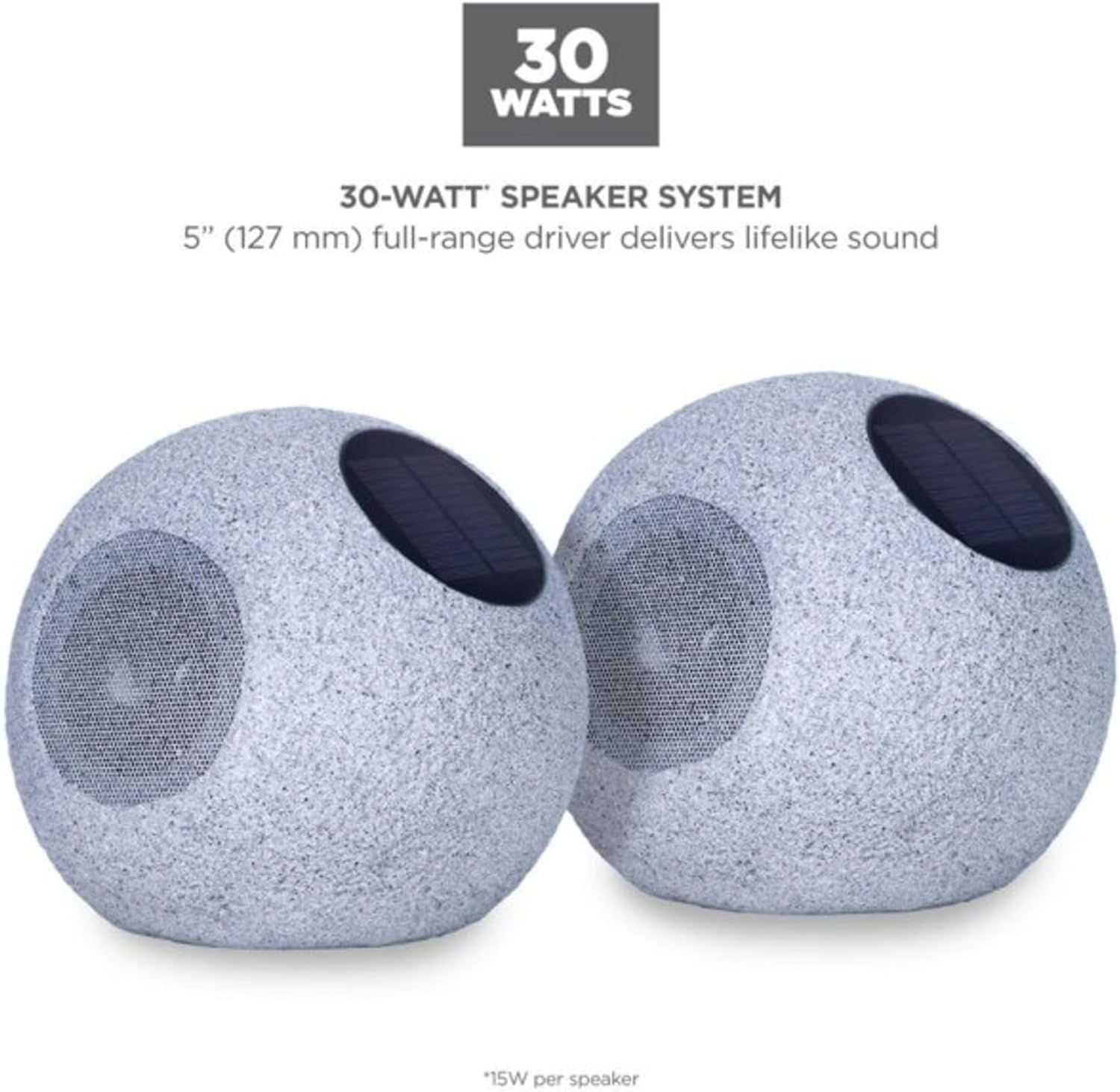
Immagine 3: A pair of Ion Audio Geode Rock Speakers with text indicating a 30-watt speaker system and a 5-inch full-range driver for lifelike sound.
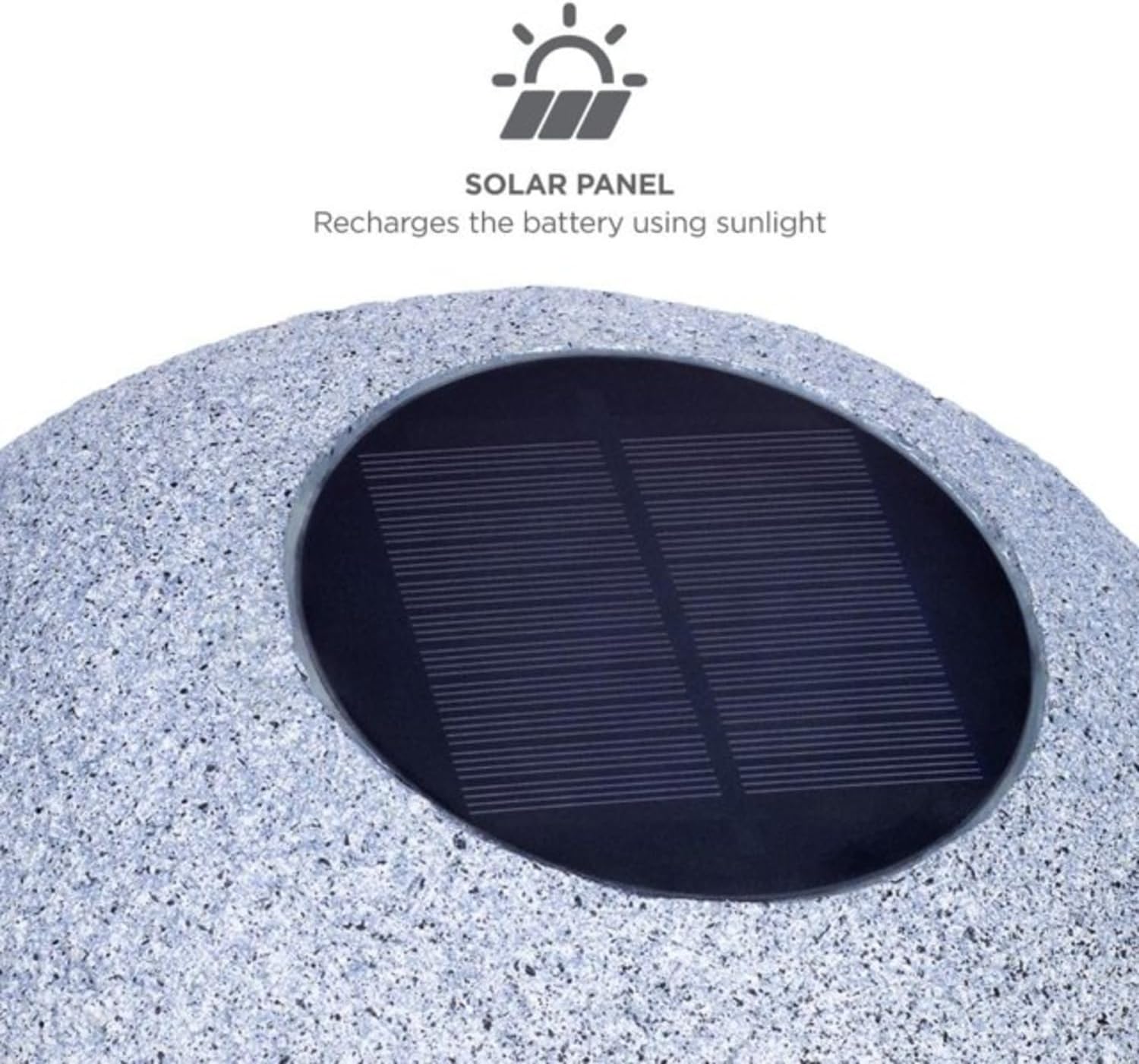
Immagine 4: Avvicinamento view of the solar panel on an Ion Audio Geode Rock Speaker, illustrating its function to recharge the battery using sunlight.

Immagine 5: Ion Audio Geode Rock Speakers positioned in an outdoor garden, demonstrating their IPX5 water-resistant feature, safe for use in rain or near a pool.
4. Impostazione
4.1 Carica iniziale
Before first use, fully charge your Geode Rock Speakers. You can charge them using the embedded solar panel by placing them in direct sunlight, or by connecting the included micro-USB cable to the USB-C port on the speaker and a power source.
4.2 Posizionamento
Place the speakers in your desired outdoor location. For optimal solar charging, ensure the solar panel on top of each speaker receives direct sunlight for several hours daily. The rock-like design allows them to blend discreetly into landscaping.
4.3 Accensione
Locate the power button on the speaker. Press and hold the power button for a few seconds until you hear an audible prompt or see an indicator light, signifying the speaker is on and ready for pairing.
5. Istruzioni per l'uso
5.1 Associazione Bluetooth
- Assicurarsi che entrambi gli altoparlanti siano accesi.
- Sul tuo dispositivo mobile, vai alle impostazioni Bluetooth.
- Select 'ION GEODE ROCK' from the list of available devices.
- Una volta effettuata la connessione, sentirai una conferma acustica.
- For stereo sound (TWS - True Wireless Stereo), ensure both speakers are powered on. They should automatically attempt to pair with each other. If not, consult the specific pairing instructions in the included manual for TWS mode activation.
5.2 Controllo del volume
Regola il volume direttamente dal tuo dispositivo Bluetooth connesso (smartphone, tablet, ecc.).
5.3 modalità di illuminazione
The speakers may feature various light modes. Refer to the detailed instructions in your product's manual for specific controls to cycle through different light patterns or to activate light sensor functions.
6. Manutenzione
6.1 Pulizia
Pulisci gli altoparlanti con un panno morbido, damp cloth. Avoid using harsh chemicals or abrasive cleaners. Ensure the USB-C port cover is securely closed to maintain water resistance.
6.2 Cura dei pannelli solari
Keep the solar panel clean and free of debris (leaves, dirt, snow) to ensure efficient charging. Periodically wipe the panel with a soft cloth.
6.3 Resistenza all'acqua
The speakers are IPX5 water-resistant, meaning they can withstand splashes and light rain. Do not submerge the speakers in water.
7. Risoluzione Dei Problemi
- Speakers not pairing: Ensure both speakers are fully charged and within range of each other and your Bluetooth device. Power cycle both speakers and your device, then attempt pairing again.
- Only one speaker playing audio: This may indicate that the TWS (True Wireless Stereo) pairing between the two speakers was not successful. Refer to your product manual for specific instructions on how to activate and troubleshoot TWS mode.
- Nessun suono: Check the volume levels on both the speaker and your connected device. Ensure the device is properly paired.
- Problemi di ricarica: Verify the solar panel is clean and receiving direct sunlight, or ensure the USB-C cable is securely connected to a working power source.
8. Specifiche
| Caratteristica | Dettaglio |
|---|---|
| Nome del modello | ION GEODE ROCK |
| Tipo di altoparlante | All'aperto |
| Caratteristica speciale | Portatile |
| Componenti inclusi | Batteria |
| È impermeabile | Vero (IPX5) |
| Numero di articoli | 2 |
| Metodo di controllo | Tocco |
| Tecnologia di comunicazione wireless | Bluetooth |
| Fonte di alimentazione | Alimentato a batteria, alimentato a energia solare |
| Dimensioni del prodotto | 9.4 x 10.2 x 8.9 pollici |
| Potenza massima in uscita dell'altoparlante | 30 Watt |
| Tecnologia di connettività | Bluetooth |
| Modalità di uscita audio | Stereo |
| Tipo di montaggio | Da terra |
9. Garanzia e supporto
The Ion Audio Geode Rock Speakers come with a Limited Warranty. For detailed information regarding warranty coverage, terms, and conditions, please refer to the warranty card included in your product packaging or visit the official Ion Audio websito.
For technical support, troubleshooting assistance, or any product-related inquiries, please contact Ion Audio customer service through their official support channels. Contact information can typically be found in your product manual or on the manufacturer's websito.