
1. Introduzione
This manual provides essential instructions for the safe and efficient installation, operation, and maintenance of your LiftMaster MAXUM DC Trolley Commercial Door Operator, Model TDC. This operator is engineered for demanding commercial applications, offering advanced features for performance and reliability.
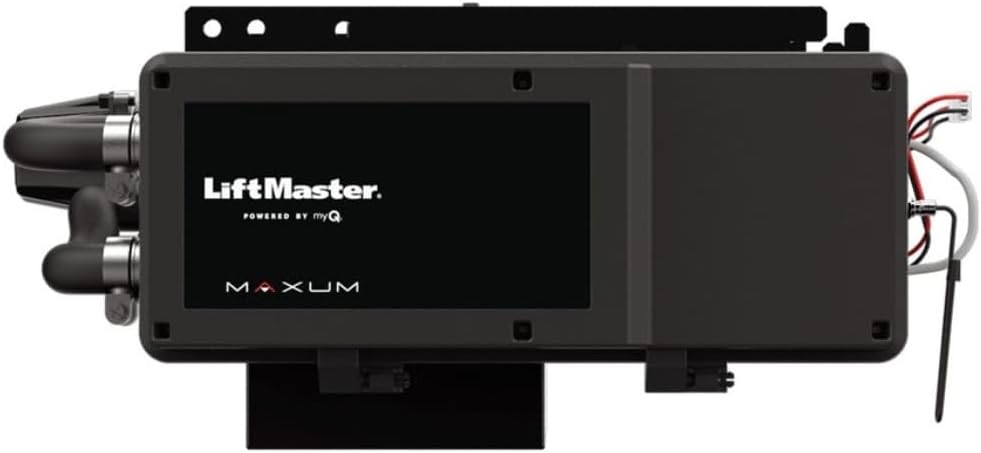
Figura 1: Fronte view of the LiftMaster MAXUM DC Trolley Commercial Door Operator.
2. Informazioni sulla sicurezza
Dare sempre priorità alla sicurezza durante l'installazione, il funzionamento e la manutenzione. Il mancato rispetto di queste istruzioni può causare gravi lesioni personali o danni materiali.
- Read and understand all instructions before beginning installation or operation.
- Assicurarsi che tutti i collegamenti elettrici siano effettuati da un elettricista qualificato e siano conformi alle normative elettriche locali.
- Disconnect power to the operator before performing any service or maintenance.
- Keep hands and clothing clear of the door and operator mechanisms during operation.
- Install safety devices such as photo eyes (CPS-U Commercial Photo Eyes are included) to prevent entrapment.
- Do not allow children or unauthorized personnel to operate the door.
- Regularly inspect the door and operator for signs of wear or damage.
3. Contenuto della confezione
Verificare che tutti i componenti siano presenti prima di iniziare l'installazione:
- LiftMaster MAXUM DC Trolley Commercial Door Operator (Model TDC)
- 3-button control with 4-line LCD display
- CPS-U Commercial Photo Eyes
- Manuale di istruzioni (questo documento)
- Note: Rail for the trolley system is not included and must be sourced separately.
4. Configurazione e installazione
The LiftMaster MAXUM DC Trolley Operator is designed to suspend from the ceiling and directly attach to drive and control standard-lift sectional overhead doors. Professional installation is recommended.
4.1 Montaggio dell'operatore
Securely mount the operator to the ceiling structure, ensuring it is properly aligned with the door and the trolley rail system (not included). Refer to the detailed mounting diagrams in the separate installation guide for specific instructions.
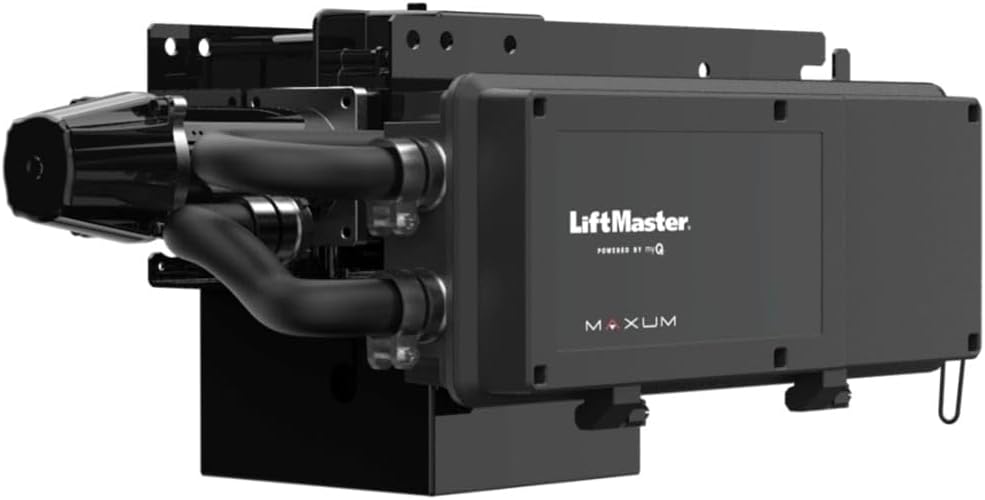
Figura 2: lato view of the operator, showing connection points.
4.2 collegamenti elettrici
The operator supports various power configurations: 120V/240V (1PH/3PH), 480V (3PH), and 208V & 600V (3PH) with an optional transformer accessory. Ensure all wiring is performed by a certified electrician according to local codes and the wiring diagrams provided in the full installation manual.
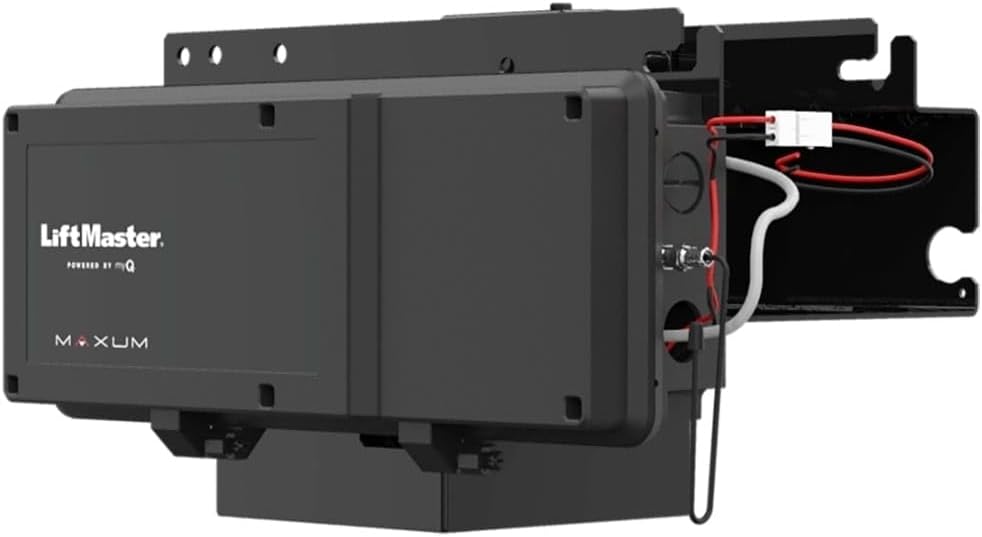
Figura 3: View illustrating internal wiring and components of the operator.
4.3 Connecting Safety Devices
Install the included CPS-U Commercial Photo Eyes at the appropriate height to detect obstructions in the door's path. Proper alignment and connection are crucial for safe operation.
4.4 Programmazione iniziale
Utilize the 3-button control with its 4-line LCD display for initial setup and programming. This interface allows for floor-level configuration of limits, force settings, and other operational parameters. Refer to the programming section of the detailed installation guide for step-by-step instructions.
5. Istruzioni per l'uso
The LiftMaster MAXUM DC operator offers intuitive control and advanced features for efficient door management.
5.1 Using the 3-Button Control
The operator is controlled via a 3-button station, typically mounted at floor level. The buttons are usually for UP, DOWN, and STOP functions. The integrated 4-line LCD display provides real-time status and allows for adjustments.

Figure 4: The 3-button control panel with a 4-line LCD display for operator control and programming.
5.2 Soft Start/Stop Functionality
The operator features a Soft Start/Stop function, which reduces wear and tear on the door and operator by gradually accelerating and decelerating the door's movement.
5.3 myQ Facility Connectivity
Built-in Wi-Fi allows for easy connection to the myQ Facility software. This platform provides valuable data and insights, enabling remote monitoring, diagnostics, and improved operational efficiency. Access diagnostics at floor level through your mobile device.
5.4 Security+ 2.0
The Security+ 2.0 technology enhances security by virtually eliminating radio wave interference and offering an extended operating range for remote controls (if applicable).
5.5 Optional Battery Backup
An optional Battery Backup accessory ensures continuous operation of your door even during power outages, maintaining safety and accessibility.
6. Manutenzione
Regular maintenance is crucial for the longevity and reliable operation of your LiftMaster MAXUM DC Trolley Operator. Always disconnect power before performing any maintenance.
- Ispezione giornaliera: Visually inspect the door and operator for any obvious signs of damage, loose parts, or obstructions.
- Ispezione mensile:
- Check the balance of the door. A properly balanced door should stay in place when manually lifted halfway.
- Test the safety photo eyes by breaking the beam with an object while the door is closing. The door should reverse.
- Inspect all cables, springs, rollers, and hinges for wear or damage.
- Servizio professionale annuale: It is recommended to have a qualified door technician perform a comprehensive inspection and service annually.
- myQ Facility Diagnostics: Utilize the myQ Facility software to monitor operator performance and anticipate maintenance cycles, helping to prevent unexpected downtime.
7. Risoluzione Dei Problemi
This section provides solutions to common issues. For more complex problems, consult the full troubleshooting guide or contact customer support.
| Problema | Possibile causa | Soluzione |
|---|---|---|
| Operator does not respond to controls. | No power; safety eyes obstructed or misaligned; control panel issue. | Check power supply; clear and align photo eyes; inspect control panel wiring. |
| La porta si inverte inaspettatamente. | Obstruction in door path; safety eyes misaligned; excessive force setting. | Remove obstruction; align photo eyes; adjust force settings via LCD display. |
| Door opens or closes partially. | Limit settings incorrect; door balance issue; mechanical binding. | Reprogram limits using the LCD display; check door balance; inspect for mechanical issues. |
| myQ Facility connection issues. | Segnale Wi-Fi debole; impostazioni di rete errate. | Verify Wi-Fi signal strength; reconfigure network settings through the operator's display or myQ app. |
8. Specifiche
| Caratteristica | Dettaglio |
|---|---|
| Produttore | Maestro di sollevamento |
| Numero di modello | PMS (punto morto superiore) |
| Peso dell'articolo | 49.9 libbre |
| Dimensioni del prodotto | 26 x 24 x 16 pollici |
| Colore | Nero |
| Componenti inclusi | 3-button control with 4-line LCD display, CPS-U Commercial Photo Eyes |
| Opzioni di alimentazione | 120V/240V (1PH/3PH); 480V (3PH); 208V & 600V (3PH) with transformer accessory |
| Duty Cycle (Standard) | 20 cycles per hour / 90 per day |
| Duty Cycle (Extended) | 30 cycles per hour / 150 per day |
| Door Speed (Average) | 12 inches per second (sectional doors), 8-9 inches per second (rolling steel doors) |
| Batterie incluse | NO |
| Batterie richieste | No (for main unit, optional battery backup sold separately) |
9. Garanzia e supporto
9.1 Informazioni sulla garanzia
The LiftMaster MAXUM DC Trolley Commercial Door Operator TDC comes with a 2-Year Warranty. Please retain your proof of purchase for warranty claims. Refer to the official LiftMaster warranty documentation for full terms and conditions.
9.2 Assistenza clienti
For technical assistance, troubleshooting beyond this manual, or warranty inquiries, please contact LiftMaster Customer Support. Visit the official LiftMaster websito per informazioni di contatto e risorse aggiuntive.
Puoi anche trovare informazioni generali sull'assistenza clienti Qui.
10. Video ufficiali dei prodotti
No official product videos from the seller were provided for this product at this time.