
1. Introduzione
Grazie per l'acquistoasing the eKids Marvel Deadpool Wireless Earbuds. These earbuds are designed to provide a high-quality audio experience with the convenience of wireless connectivity. This manual will guide you through the setup, operation, and maintenance of your new earbuds.
Si prega di leggere attentamente il presente manuale prima di utilizzare il prodotto e di conservarlo per riferimento futuro.
2. Prodotto finitoview
The eKids Marvel Deadpool Wireless Earbuds feature a distinctive Deadpool design and offer wireless stereo sound streaming with a built-in microphone for calls. They come with a portable charging case and multiple ear cushion sizes for comfort.
Caratteristiche principali:
- Wireless stereo sound streaming
- Microfono integrato per le chiamate
- Three sizes of rubber ear cushions (small, medium, large) for personalized comfort
- Connessione di ricarica USB-C
- Connettività Bluetooth
- Up to 22 hours total music playtime with charging case
- Ergonomic shape for comfort
- Costruzione leggera
- Compatible with iPhone, Android, smartphones, tablets, and computers
- Suitable for gaming, audiobooks, video calls, and various entertainment/educational content
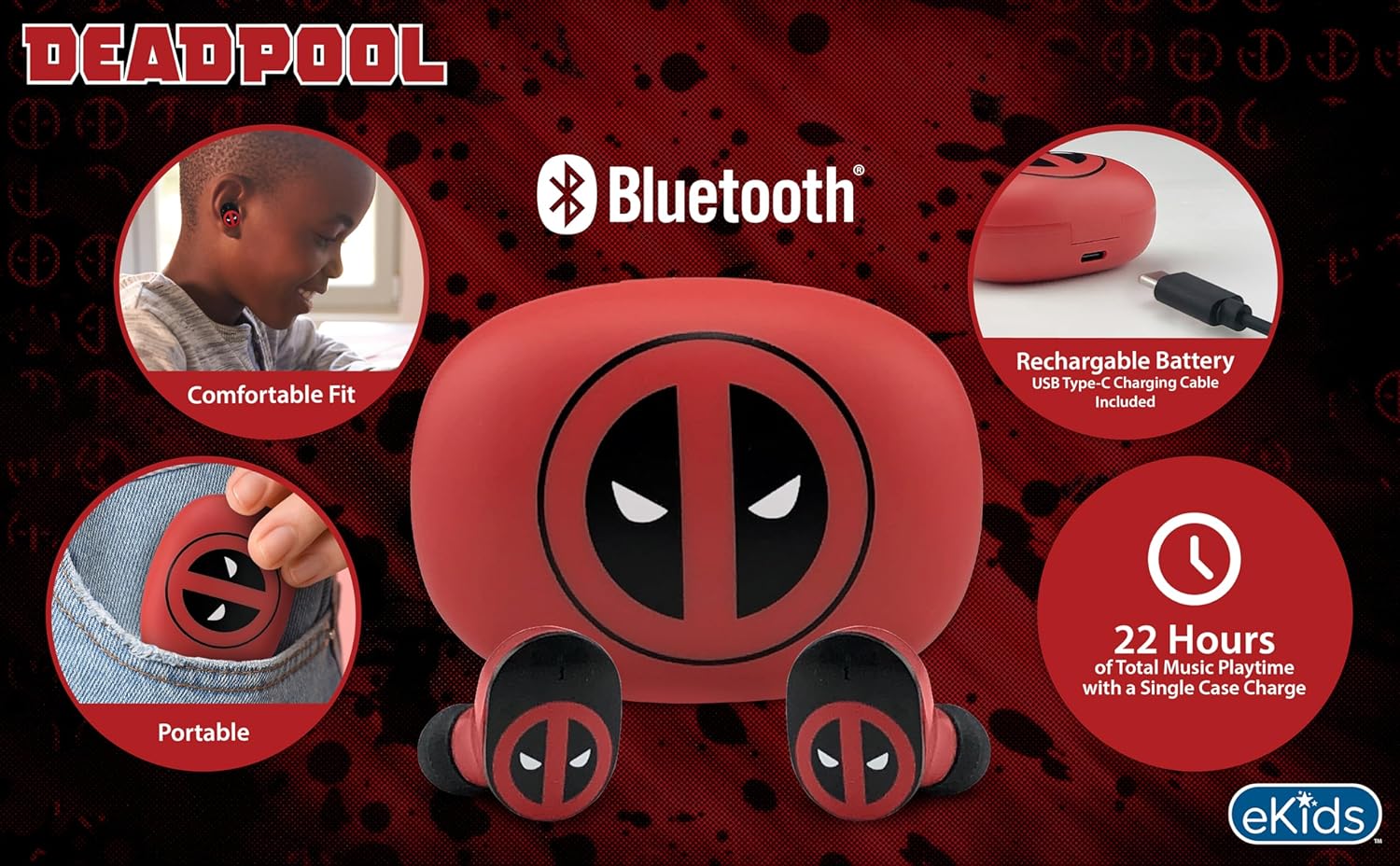
Image 2.1: The eKids Marvel Deadpool Wireless Earbuds and their charging case, showcasing the distinctive Deadpool logo.
3. Impostazione
3.1 Ricarica degli auricolari e della custodia
- Open the charging case and place both earbuds inside, ensuring they are correctly seated.
- Collegare il cavo di ricarica USB-C in dotazione alla porta di ricarica sulla custodia.
- Collegare l'altra estremità del cavo USB-C a una fonte di alimentazione USB compatibile (ad esempio, un computer, un adattatore da parete).
- La spia luminosa sulla custodia di ricarica si illuminerà per mostrare lo stato di carica. Una volta completata la carica, la spia potrebbe cambiare colore o spegnersi.
A full charge provides up to 22 hours of total music playtime, with the case offering 2.5 times extra charge for the earbuds.

Image 3.1: The Deadpool-themed charging case with the USB-C charging cable connected, illustrating the charging process.
3.2 Associazione con un dispositivo Bluetooth
- Assicurarsi che gli auricolari siano carichi e inseriti nella custodia di ricarica.
- Apri la custodia di ricarica. Gli auricolari si accenderanno automaticamente e tenteranno di connettersi all'ultimo dispositivo associato.
- Sul tuo dispositivo (smartphone, tablet, computer), vai alle impostazioni Bluetooth.
- Cercare available devices and select "eKids Deadpool Earbuds" (or similar name).
- Once connected, the LED light on the earbuds will stop flashing or change to a solid color.
The earbuds are compatible with iPhone, Android, and other Bluetooth-enabled devices.
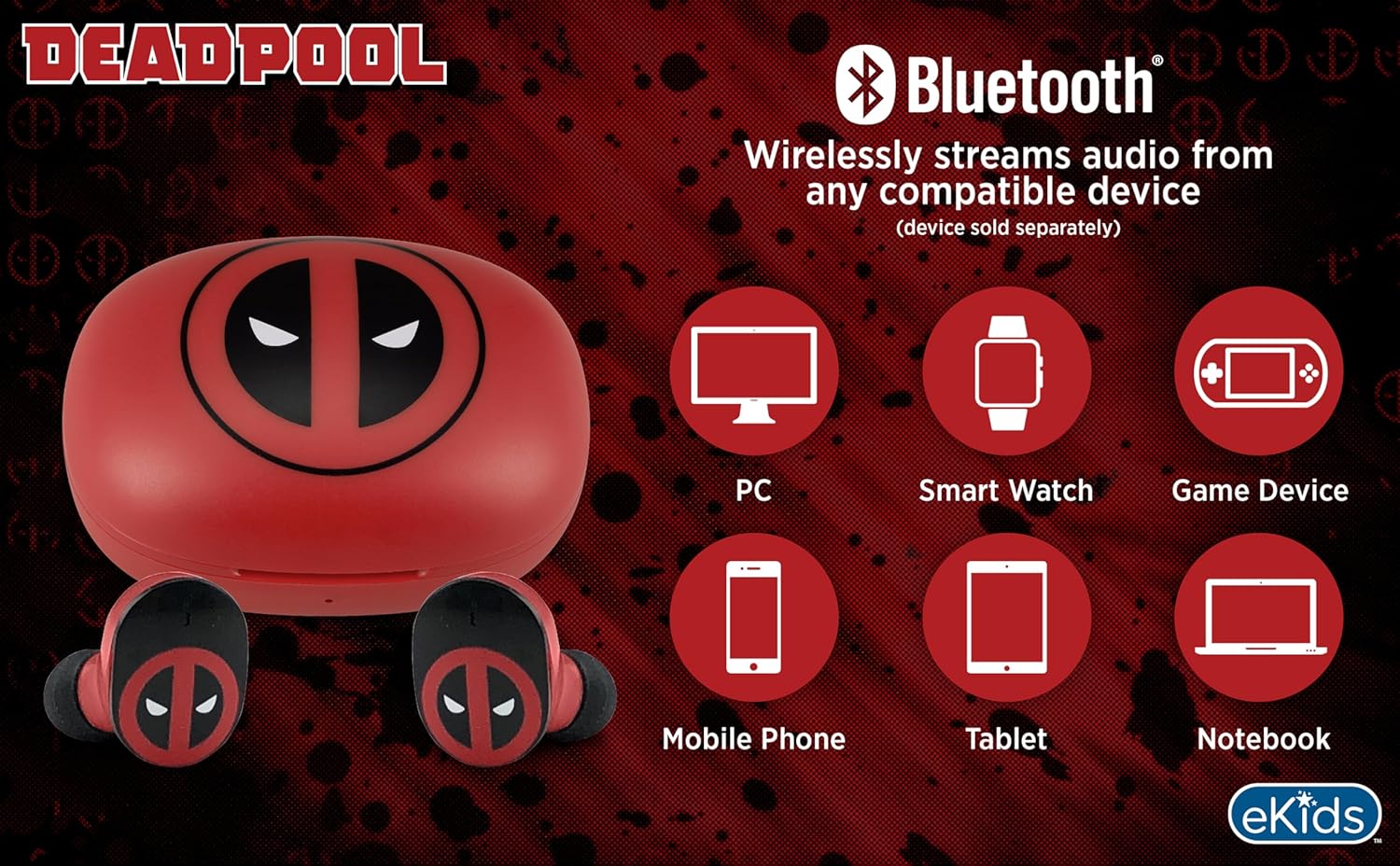
Image 3.2: An illustration showing the Bluetooth connectivity of the earbuds with various devices such as PCs, smartwatches, game devices, mobile phones, tablets, and notebooks.
3.3 Selecting Ear Cushions for Comfort
The earbuds come with three sizes of rubber ear cushions (small, medium, large) to ensure a comfortable and secure fit. Experiment with different sizes to find the best fit for your ears. A proper fit enhances sound quality and comfort.
- Gently remove the pre-installed ear cushions from the earbuds.
- Select a different size ear cushion.
- Carefully attach the new ear cushion to the earbud, ensuring it is securely fastened.

Image 3.3: The Deadpool earbuds shown with the three different sizes of ear cushions included for a customized fit.
4. Utilizzo degli auricolari
4.1 Accensione/spegnimento
- Accensione: Apri la custodia di ricarica e gli auricolari si accenderanno automaticamente e tenteranno di connettersi all'ultimo dispositivo associato.
- Spegni: Riponi gli auricolari nella custodia di ricarica e chiudi il coperchio. Si spegneranno automaticamente e inizieranno a caricarsi.
4.2 Riproduzione di musica
- Riproduci/Pausa: Tocca uno degli auricolari una volta.
- Traccia successiva: Tocca due volte l'auricolare destro.
- Traccia precedente: Tocca due volte l'auricolare sinistro.
- Controllo del volume: Regola il volume direttamente dal tuo dispositivo connesso.
4.3 Chiamate telefoniche
Il microfono integrato consente di effettuare chiamate in vivavoce.
- Rispondi/Termina chiamata: Tocca uno degli auricolari una volta.
- Rifiuta chiamata: Tieni premuto uno degli auricolari per 2 secondi.
5. Manutenzione
- Pulizia: Utilizzare un panno morbido e asciutto per pulire gli auricolari e la custodia di ricarica. Non utilizzare detergenti abrasivi o solventi.
- Magazzinaggio: Quando non li usi, riponi gli auricolari nella custodia di ricarica per proteggerli e mantenerli carichi.
- Evitare l'acqua: Questi auricolari non sono impermeabili. Evitare l'esposizione all'acqua o a umidità eccessiva.
- Temperatura: Non esporre gli auricolari o la custodia a temperature estreme.
6. Risoluzione Dei Problemi
| Problema | Soluzione |
|---|---|
| Gli auricolari non si accoppiano. | Ensure earbuds are charged. Turn off Bluetooth on your device and turn it back on. Forget the device in your Bluetooth settings and re-pair. |
| Nessun suono da un auricolare. | Place both earbuds back in the charging case, close the lid, then open it again. Check device audio balance settings. |
| La custodia di ricarica non si carica. | Check the USB-C cable and power adapter. Ensure the cable is securely connected to both the case and the power source. |
| Qualità del suono scadente. | Ensure earbuds are properly seated in your ears with the correct size ear cushions. Move closer to your connected device to avoid interference. |
7. Specifiche
- Marca: eKids
- Modello: B0D1CS61NB
- Colore: Deadpool (Red/Black)
- Posizionamento dell'orecchio: Nell'orecchio
- Fattore di forma: Nell'orecchio
- Impedenza: 32 Ohm
- Distanza Bluetooth: ≥ 10M / 32ft
- Sensibilità: 100dB ± 3dB at 1kHz spl
- Durata della batteria: Fino a 22 ore di riproduzione totale con custodia di ricarica
- Porta di ricarica: USB-C
- Dimensioni (custodia): Approximately 2.4 in / 6.2 cm (width) x 1.8 in / 4.6 cm (height) x 1.2 in / 3.1 cm (depth)
- Dimensions (Earbud): Approximately 0.9 in / 2.5 cm (height) x 0.7 in / 1.8 cm (width)

Image 7.1: A detailed diagram illustrating the dimensions and key specifications of the Deadpool wireless earbuds and their charging case.
8. Garanzia e supporto
Per informazioni sulla garanzia e sull'assistenza clienti, fare riferimento alla documentazione inclusa con l'acquisto o visitare il sito ufficiale eKids websito. Conservare la prova d'acquisto per eventuali reclami in garanzia.
For additional assistance, you may contact eKids customer service directly.
9. Video ufficiale del prodotto
Video 9.1: Un video ufficiale del prodotto mostraasing the eKids Marvel Deadpool Wireless Earbuds, highlighting their features and design. This video provides a visual overview della funzionalità e dell'aspetto del prodotto.