
Ashfly 366C
Ashfly LCD Digital Coin Microscope User Manual
Model: 366C | Brand: Ashfly
Introduzione
The Ashfly LCD Digital Coin Microscope is a versatile and powerful tool designed for detailed observation and analysis. Featuring a 4.3-inch IPS screen and up to 1000x magnification, it allows users to explore the microscopic world with clarity. It is ideal for inspecting coins, circuit boards, textiles, plants, and jewelry, and can also be connected to a PC for real-time viewing and recording. Its portable design and adjustable LED lighting make it suitable for various applications, from educational purposes to professional inspections.
Cosa c'è nella scatola
- Microscope Device (with 4.3-inch LCD screen)
- Adjustable Stand (Base, Pole, Bracket)
- Cavo di ricarica USB-C
- Manuale di istruzioni
Impostare
Follow these steps to assemble your Ashfly Digital Microscope:
- Fissare il palo alla base: Insert the metal pole into the designated slot on the plastic base. Ensure it is firmly seated.
- Montare la staffa: Slide the adjustable bracket onto the metal pole. This bracket will hold the microscope unit.
- Attach the Microscope Unit: Secure the microscope unit to the bracket. Use the tightening knobs on the bracket to firmly hold the microscope in place.
- Rimuovere la pellicola protettiva: Gently peel off the protective plastic film from the LCD screen.

Figure 1: Fully assembled Ashfly Digital Microscope.

Figure 2: Step-by-step assembly guide for the microscope.
Guida video all'installazione
Video: Easy to install motherboard repair magnifier. This video demonstrates the assembly process and initial setup of the microscope, including attaching the unit to the stand and adjusting its position.
Istruzioni per l'uso
Funzionamento di base
- Accensione/spegnimento: Per accendere o spegnere il dispositivo, tenere premuto il pulsante di accensione (solitamente contrassegnato da un cerchio e una linea verticale).
- Regola l'ingrandimento: Use the zoom in/out buttons (often marked with '+' and '-' or arrows) on the unit to adjust the digital magnification. The optical magnification is fixed at 1000x.
- Regolazione della messa a fuoco: Rotate the focus knob located on the microscope body to achieve a clear image of your specimen. Adjust the height of the microscope on the stand for coarse focus, then use the knob for fine-tuning.
- Luci LED: The microscope features 8 adjustable LED lights. Use the dedicated control (often a dial or button) to adjust the brightness for optimal illumination of your subject.

Figure 3: Adjusting the 8 LED lights for optimal viewing.

Figure 4: Stepless adjustment of the 8 high-brightness LED ring lights.
Connessione al PC
A view the microscope's feed on your computer:
- Connect the microscope to your PC using the provided USB-C cable.
- On the microscope's screen, select "PC Camera" mode when prompted.
- On your computer, open a camera application (e.g., Windows Camera app or a third-party software like Inskam Camera). The microscope feed should appear.
- You can capture photos and record videos directly from your computer's software.

Figure 5: Real-time zoomed-in view on a PC via USB-C connection.

Figure 6: Microscope connected to a PC, displaying a coin for detailed inspection.
Acquisizione di foto e video
- The microscope has built-in storage for approximately 100 photos.
- To capture a photo, press the "OK" or "Photo/Video" button on the unit.
- To record video, press the "Photo/Video" button again to switch to video mode, then press "OK" to start/stop recording.
- For extended storage, insert a TF Card (up to 64GB, Class 10 recommended) into the designated slot.
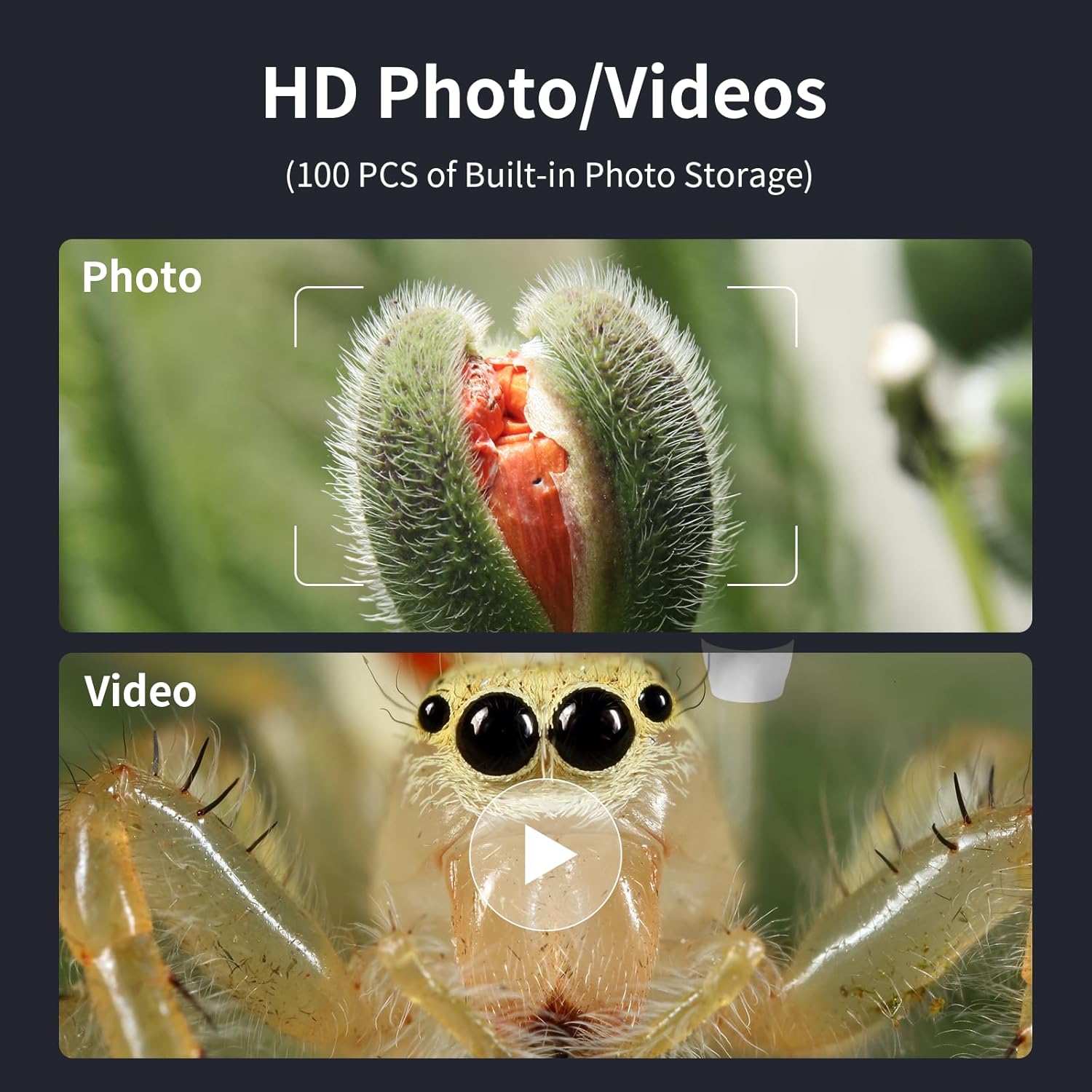
Figure 7: Options for capturing high-definition photos and videos.
Manutenzione
- Keep the microscope lens clean using a soft, lint-free cloth. Avoid abrasive materials.
- Quando non viene utilizzato, conservare il dispositivo in un ambiente asciutto e privo di polvere.
- Charge the internal battery using a 5V-1A charger. Do not charge via PC to prevent potential damage.
- Evitare di esporre il dispositivo a temperature estreme o alla luce solare diretta.
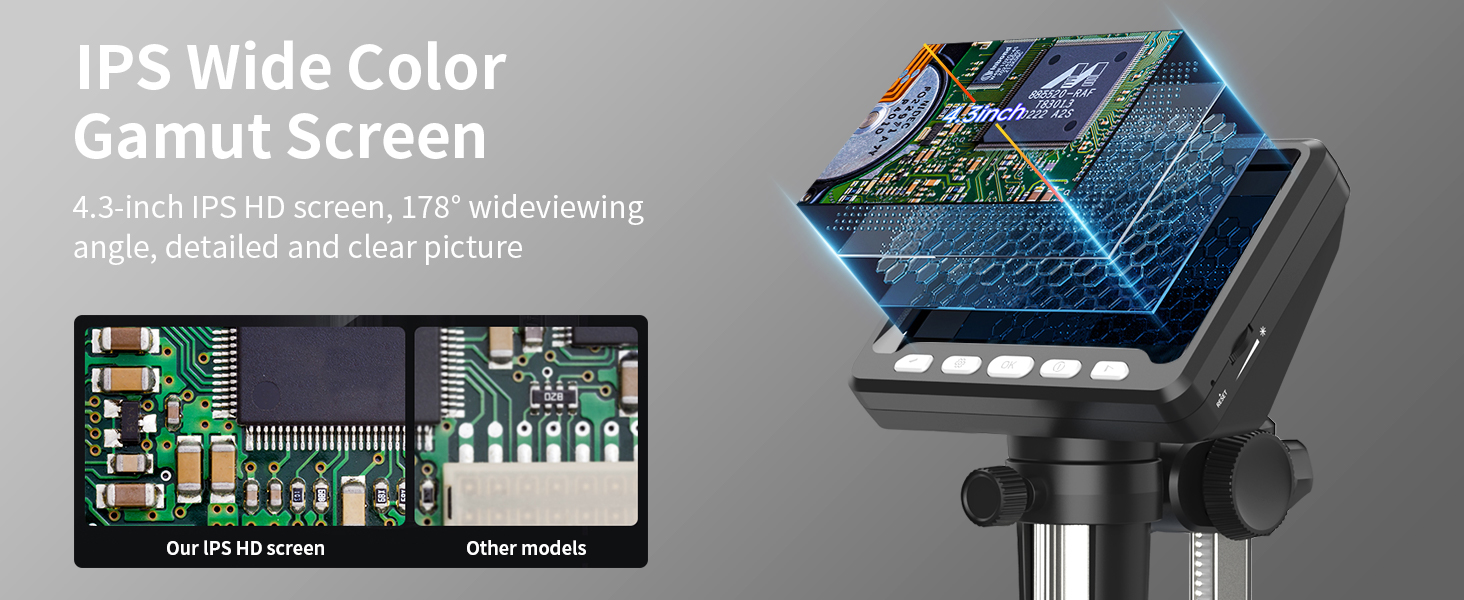
Figure 8: Charging the microscope for optimal battery life.
Risoluzione dei problemi
- Nessuna immagine sullo schermo: Ensure the device is powered on and fully charged. Check if the lens cap is removed.
- Immagine sfocata: Adjust the focus knob and the height of the microscope on the stand. Ensure adequate lighting from the LED lights.
- Problemi di connessione al PC: Verify the USB-C cable is securely connected. Ensure "PC Camera" mode is selected on the microscope. Try restarting the camera application on your computer.
- Durata breve della batteria: Ensure the device is fully charged before use. Reduce LED brightness if not needed.
Specifiche
| Caratteristica | Dettaglio |
|---|---|
| Numero di modello | 366C |
| Dimensioni dello schermo | Schermo IPS HD da 4.3 pollici |
| Ingrandimento | Fino a 1000x |
| Risoluzione | 1080P (for display) |
| Sorgente luminosa | 8 luci LED regolabili |
| Tipo di batteria | Ioni di litio (inclusi) |
| Tempo di funzionamento | Fino a 3.5 ore |
| Tempo di ricarica | Circa 3.0 ore |
| Compatibilità PC | MacOS, Windows (Vista, XP, 7, 8, 10, 11) |
| Dimensioni del prodotto | 5 x 5 x 5 pollici |
| Peso dell'articolo | 1.01 libbre |
| Materiale | Plastica |
| Colore | Nero |
Informazioni sulla sicurezza
- Non guardare direttamente le luci LED per periodi prolungati.
- Tenere il dispositivo lontano dall'acqua e da altri liquidi.
- Non tentare di smontare o riparare da soli il dispositivo. Contatta l'assistenza clienti per assistenza.
- Tenere fuori dalla portata dei bambini piccoli senza la supervisione di un adulto.
Garanzia e supporto
For warranty information, technical support, or any inquiries regarding your Ashfly LCD Digital Coin Microscope, please refer to the contact details provided on the product packaging or visit the official Ashfly websito. Conservare la prova d'acquisto per eventuali reclami in garanzia.
Ask a question about this manual
Ask about setup, troubleshooting, compatibility, parts, safety, or missing instructions. Manuals+ will review the question and use this page’s manual context to help answer it.