
Introduzione
Grazie per l'acquistoasing the ZEBRONICS Zeb-Escape 10 Wireless BT Earphone. This manual provides essential information for setting up, operating, and maintaining your device. Please read it carefully before use to ensure optimal performance and longevity of your earphones.
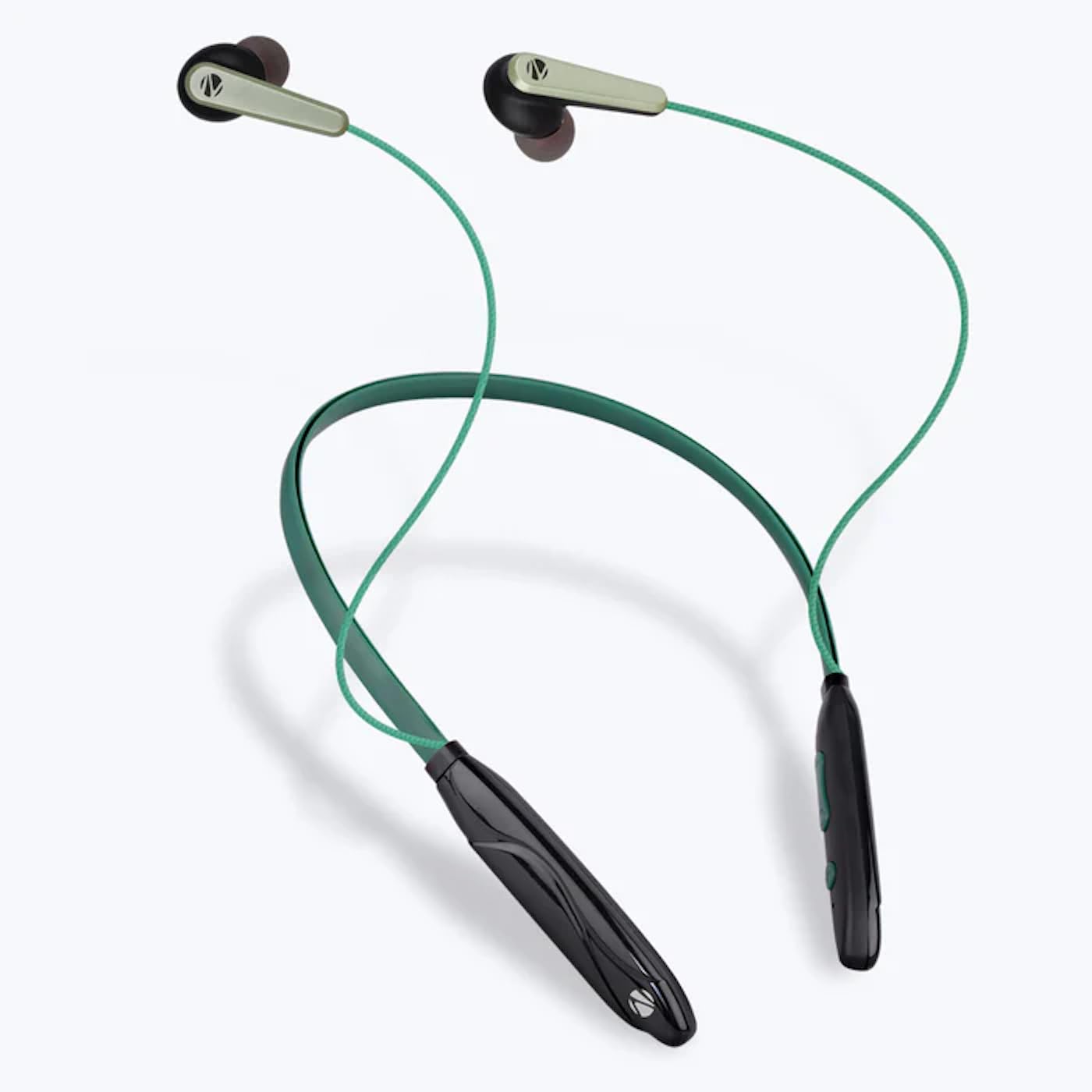
Image: The ZEBRONICS Zeb-Escape 10 Wireless BT Earphone, featuring a green and black neckband design with in-ear earbuds.
Contenuto della confezione
Nella confezione del prodotto sono inclusi i seguenti articoli:
- 1 U Neckband Earphone
- 1 U Charging Cable (Type-C)
- 1 U QR Code Guide
Impostare
1. Ricarica dell'auricolare
Before first use, fully charge the earphone. Use the provided Type-C charging cable to connect the earphone to a USB power source (e.g., computer USB port, wall adapter). The LED indicator will show the charging status.
- Tempo di ricarica: Circa 1.5 ore.

Image: The earphone's control module with a Type-C charging port, showing a charging cable connected.
2. Accoppiamento Bluetooth
To connect your earphone to a Bluetooth-enabled device:
- Assicurarsi che gli auricolari siano carichi e spenti.
- Press and hold the multi-function button on the earphone until the LED indicator flashes red and blue, indicating it is in pairing mode.
- Sul tuo dispositivo (smartphone, tablet, ecc.), attiva il Bluetooth e cerca i dispositivi disponibili.
- Select "ZEB-ESCAPE 10" from the list of found devices.
- Once connected, the LED indicator will flash blue slowly or turn off, depending on the model.

Image: A smartphone display illustrating the Bluetooth pairing process, showing the earphone model 'ZEB-ESCAPE 10' as connected.
Istruzioni per l'uso
Accensione/spegnimento
- Accensione: Tenere premuto il pulsante multifunzione finché l'indicatore LED non si accende.
- Spegni: Tenere premuto il pulsante multifunzione finché l'indicatore LED non si spegne.
Volume and Media Control
The earphone features integrated controls for managing audio playback and volume.
- Aumenta volume: Premere il pulsante '+'.
- Volume basso: Premere il pulsante '-'.
- Riproduci/Pausa: Premi una volta il pulsante multifunzione.
- Traccia successiva: Premere e tenere premuto il pulsante '+'.
- Traccia precedente: Premere e tenere premuto il pulsante '-'.
Funzione di chiamata
Manage calls directly from your earphone.
- Rispondi alla chiamata: Premi una volta il pulsante multifunzione.
- Termina chiamata: Premere una volta il pulsante multifunzione durante una chiamata.
- Rifiuta chiamata: Premere e tenere premuto il pulsante multifunzione.
- Ricomponi l'ultimo numero: Premere due volte il pulsante multifunzione.
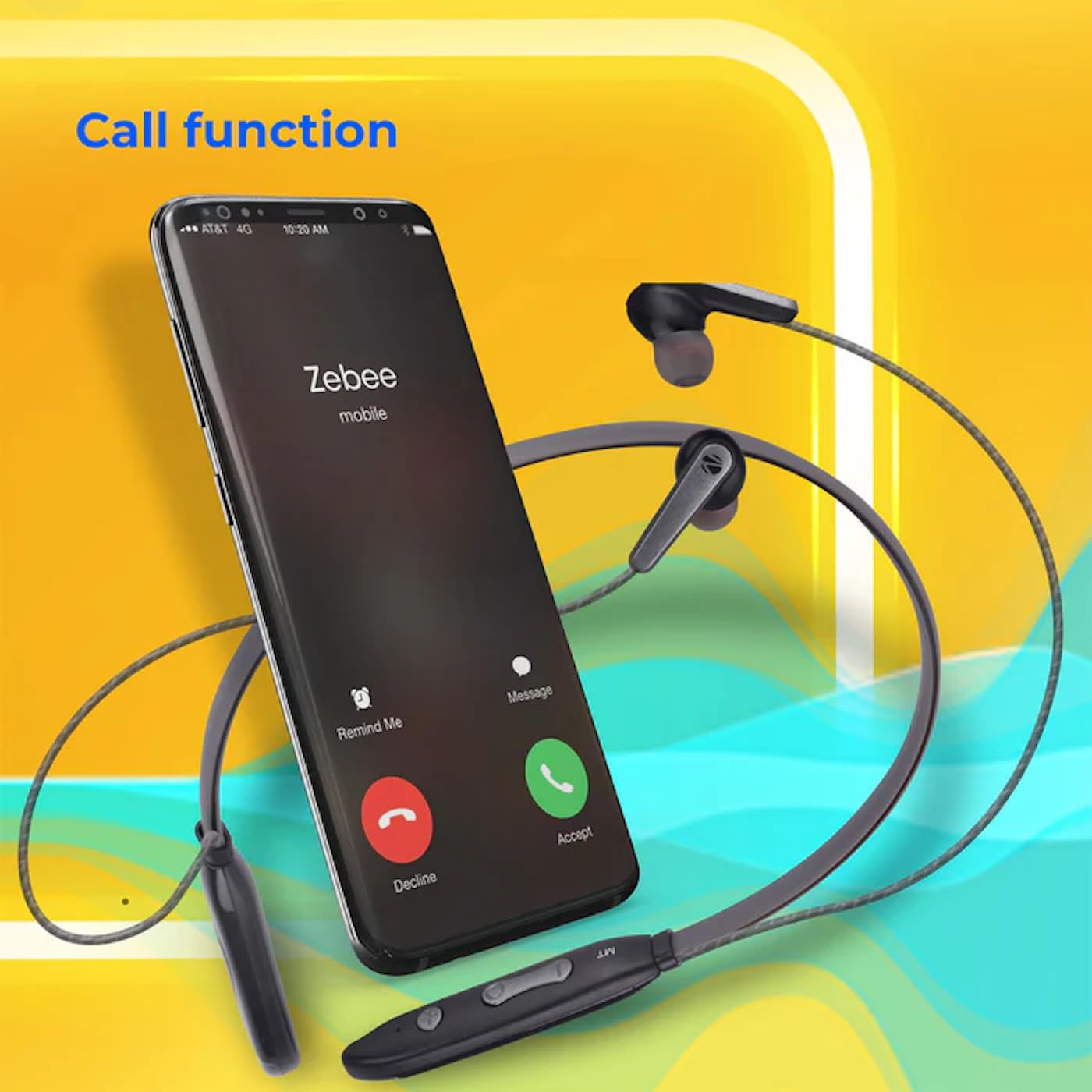
Image: A smartphone showing an incoming call interface, indicating the earphone's call handling capability.
Supporto assistente vocale
Activate your device's voice assistant (e.g., Google Assistant, Siri) by triple-pressing the multi-function button.
Auricolare magnetico
The earpieces are magnetic, allowing them to securely attach to each other when not in use, preventing tangling and ensuring they stay in place around your neck.

Immagine: Un dettaglio view of an earbud, illustrating its design for a stable and comfortable fit.
Manutenzione
To ensure the longevity and optimal performance of your ZEBRONICS Zeb-Escape 10 earphones, follow these maintenance guidelines:
- Pulizia: Per pulire gli auricolari, utilizzare un panno morbido e asciutto. Non utilizzare prodotti chimici aggressivi o materiali abrasivi.
- Magazzinaggio: Conservare gli auricolari in un luogo fresco e asciutto, lontano dalla luce solare diretta e da temperature estreme.
- Resistenza all'acqua: The earphones are water resistant. Avoid submerging them in water or exposing them to heavy rain.
- Ricarica: Utilizzare solo il cavo di ricarica fornito o un cavo Type-C certificato. Evitare di sovraccaricare.
Risoluzione dei problemi
If you encounter issues with your earphone, refer to the following common problems and solutions:
| Problema | Possibile soluzione |
|---|---|
| L'auricolare non si accende. | Assicurarsi che gli auricolari siano completamente carichi. |
| Impossibile associare il dispositivo. | Ensure the earphone is in pairing mode (flashing red/blue). Turn off and on Bluetooth on your device. Move closer to the earphone. |
| Nessun suono o volume basso. | Check volume levels on both the earphone and your connected device. Ensure the earphone is properly paired. |
| Problemi di qualità delle chiamate. | Ensure you are within Bluetooth range. Check for obstructions between the earphone and your device. |
Specifiche
Technical specifications for the ZEBRONICS Zeb-Escape 10 Wireless BT Earphone:
| Caratteristica | Dettaglio |
|---|---|
| Nome del modello | ZEB-NBI 5 |
| Versione Bluetooth | versione 5.3 |
| BT Pro supportatofiles | HSP/HFP/A2DP/AVRCP |
| Dimensioni del conducente | 10mm |
| Impedenza dell'altoparlante | 16Ω |
| Tempo di riproduzione | Fino a 20 ore (al 50% del volume) |
| Tempo di conversazione | Fino a 20 ore |
| Tempo di ricarica | 1.5 ore |
| Tempo di standby | 200 ore |
| Peso netto | 26g |
| Tipo di controllo | Controllo multimediale, tocco |
| Livello di resistenza all'acqua | Resistente all'acqua |
| Caratteristiche speciali | Ricarica rapida, pieghevole, microfono incluso, resistente al sudore |

Image: Visual representation of the earphone's 20-hour playback capability.
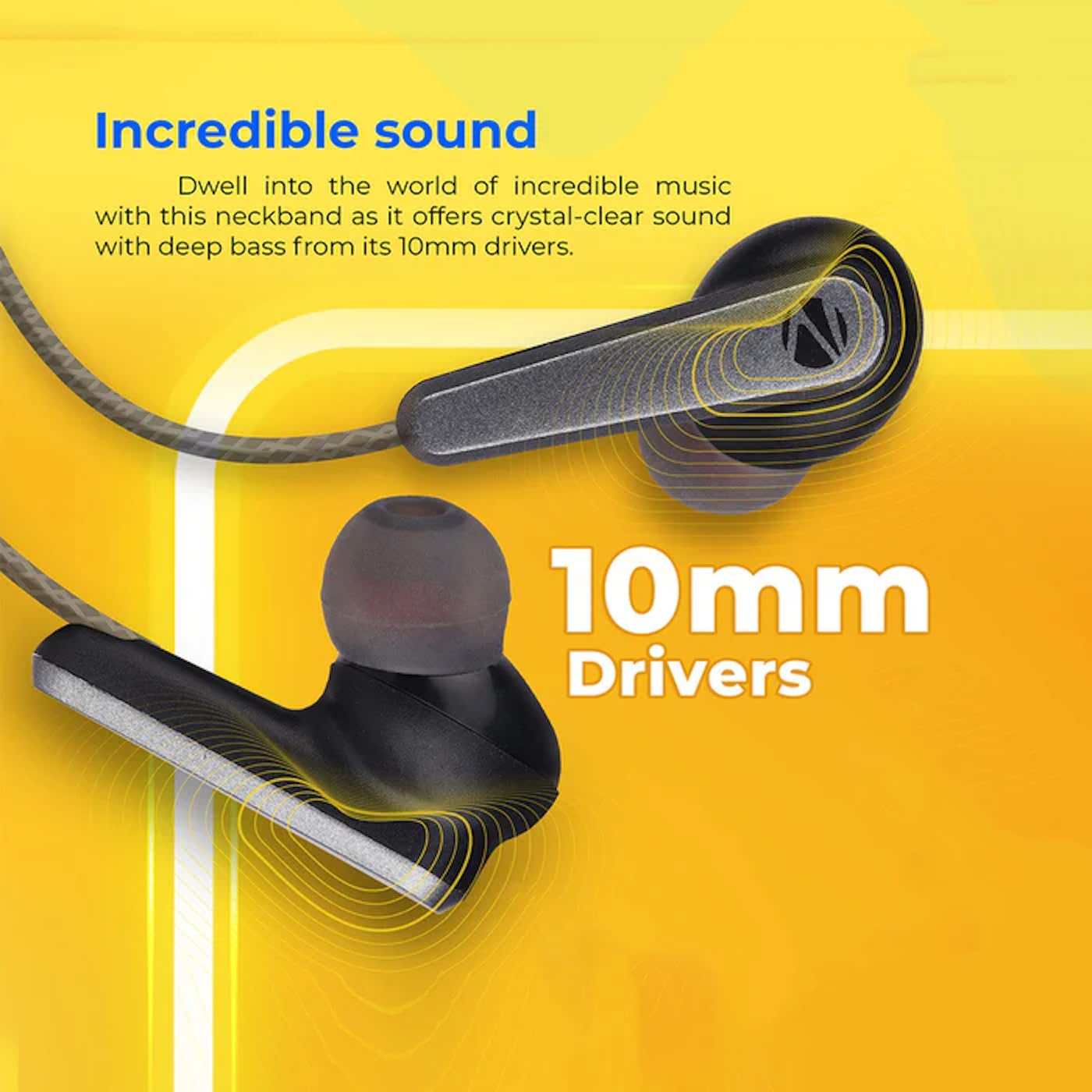
Image: A close-up of an earbud, highlighting the 10mm audio drivers responsible for sound output.
Informazioni sulla garanzia
The ZEBRONICS Zeb-Escape 10 Wireless BT Earphone comes with a Garanzia di 6 mesi from the date of purchase. This warranty covers manufacturing defects. Please retain your purchase receipt as proof of purchase for warranty claims. The warranty does not cover damage caused by misuse, accidents, unauthorized modifications, or normal wear and tear.
Assistenza clienti
For further assistance, technical support, or warranty claims, please contact ZEBRONICS customer service. Refer to the QR code guide included in your package or visit the official ZEBRONICS websito per i contatti.