
1. Informazioni importanti sulla sicurezza
Please read these safety instructions carefully before operating your TV and retain them for future reference. Always follow basic safety precautions to reduce the risk of fire, electric shock, and injury.
- Energia: Connect the TV to an AC power outlet only. Do not overload wall outlets. Ensure the power cord is not damaged or pinched.
- Ventilazione: Do not block ventilation openings. Install the TV in a location with adequate airflow.
- Pulizia: Scollegare il televisore prima di pulirlo. Utilizzare un panno morbido e asciutto. Non utilizzare detergenti liquidi o spray.
- Acqua e umidità: Non esporre il televisore a pioggia o umidità. Non posizionare oggetti contenenti liquidi sul televisore.
- Stabilità: Ensure the TV is placed on a stable surface or securely mounted to prevent it from falling.
2. Cosa è incluso
Verificare che tutti i componenti siano presenti nella confezione:
- LG 55QNED85T 55-inch 4K QNED Smart TV
- Base (Stand)
- Cavo di alimentazione staccabile
- Magic Remote (MR 24Y)
- Batterie AA x 2
3. Impostazione
3.1 Disimballaggio
Carefully remove the TV and all accessories from the packaging. It is recommended to keep the packaging materials for future transport or service needs.
3.2 Installazione dello stand
Per installare il supporto TV:
- Posizionare il televisore a faccia in giù su una superficie morbida e piana per evitare di danneggiare lo schermo.
- Allineare i componenti del supporto con le fessure corrispondenti nella parte inferiore del televisore.
- Fissare il supporto utilizzando le viti fornite. Assicurarsi che tutte le viti siano ben serrate.

Davanti view of the LG 55QNED85T 55-inch 4K QNED Smart TV with its stand installed.

Lato view of the LG 55QNED85T 55-inch 4K QNED Smart TV showing its slim profile e stare in piedi.
3.3 Montaggio a parete (opzionale)
If you choose to wall mount your TV, refer to the instructions provided with your wall mount bracket. Ensure the bracket is compatible with VESA standards for your TV model and installed by a qualified professional.
3.4 Collegamento delle periferiche
Connect external devices such as set-top boxes, gaming consoles, or sound systems to the TV's ports. The TV features HDMI, USB, Ethernet, Bluetooth, and Wi-Fi connectivity.

Posteriore view of the LG 55QNED85T 55-inch 4K QNED Smart TV showing various input and output ports.
3.5 Collegamento di alimentazione
After connecting all desired devices, plug the detachable power cable into the TV's power input and then into a wall outlet.
3.6 Configurazione iniziale
Upon first power-on, the TV will guide you through the initial setup process. This includes selecting your language, connecting to a network (Wi-Fi or Ethernet), and scanning for channels.
4. Utilizzo della TV
4.1 Magic Remote (MR 24Y)
The LG Magic Remote allows for intuitive control of your TV. It functions like an air mouse, allowing you to point and click. It also features a dedicated AI button for smart functions.

The LG AI Magic Remote offers dedicated buttons and features for AI functions, including AI Chatbot, AI Concierge, AI Search, AI Picture Wizard, AI Voice ID, and AI Sound Wizard.
4.2 WebFunzionalità intelligenti del sistema operativo OS 24
La tua TV LG QNED funziona con webOS 24, con un'interfaccia intuitiva e intuitiva. Le caratteristiche principali includono:
- IA LG ThinQ: Integrated artificial intelligence for enhanced control and personalization.
- Amazon Alexa integrato: Use voice commands for various TV functions and smart home control.
- Riconoscimento vocale intelligente: Control your TV and search for content using your voice.
- App Remote Control (LG ThinQ): Control your TV from your smartphone using the LG ThinQ app.
- Concierge AI: Provides personalized keyword suggestions and recommendations based on your viewstoria.

The AI Concierge feature provides personalized keyword suggestions and recommendations based on your search and viewstoria.
- Ricerca AI: Offers personalized recommendations for your queries and additional solutions with Microsoft Copilot.

AI Search provides personalized recommendations for your queries and can integrate with Microsoft Copilot for additional solutions.
- ID vocale AI: Recognizes each user's vocal signature and offers personalized recommendations as you speak.

AI Voice ID recognizes individual user voices to provide personalized content recommendations.
4.3 Impostazioni immagine
Your QNED TV combines Quantum Dot and NanoCell technologies for vibrant and accurate colors. The α8 AI Processor Gen 2 optimizes picture quality.
- QNED Dynamic Colors: LG's wide color gamut technology provides enhanced color reproduction.
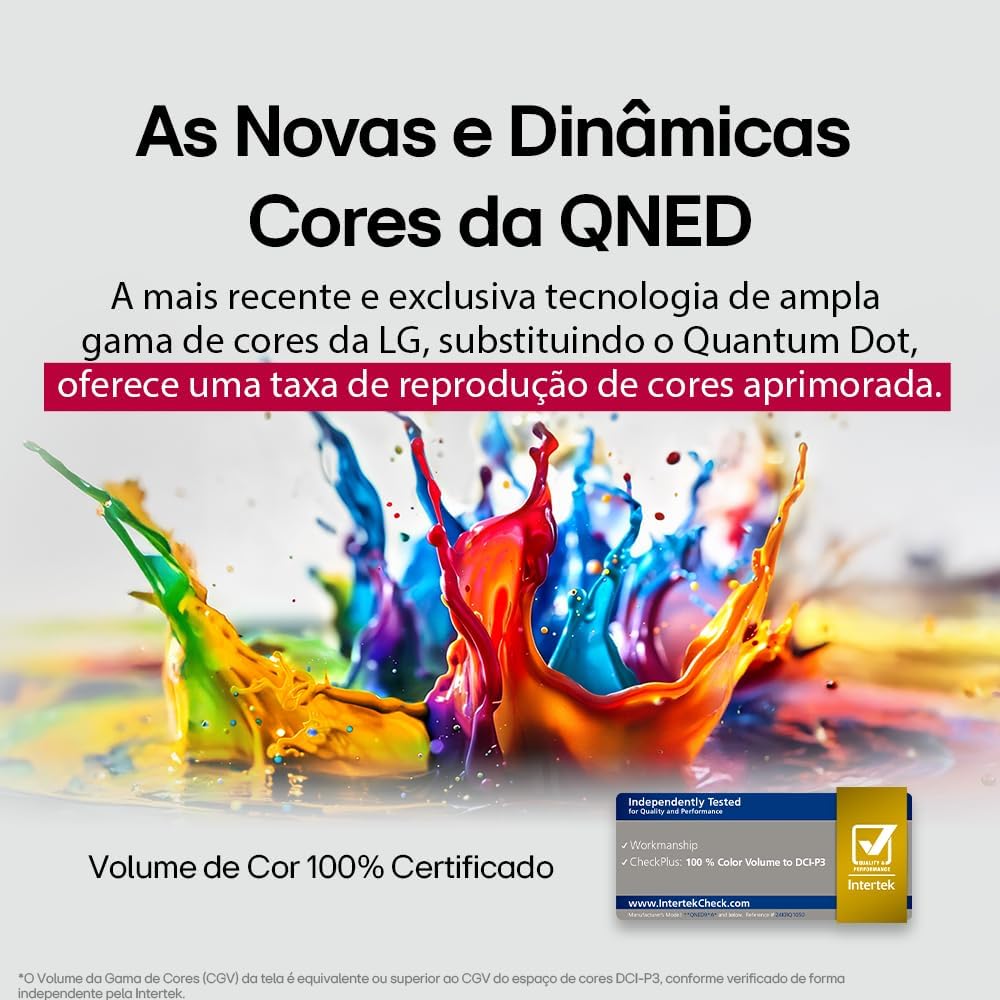
LG's QNED technology delivers new and dynamic colors, offering an improved color reproduction rate with 100% Certified Color Volume to DCI-P3.
- MiniLED: This technology enhances sharpness and provides superior contrast for an immersive viewesperienza di acquisizione.
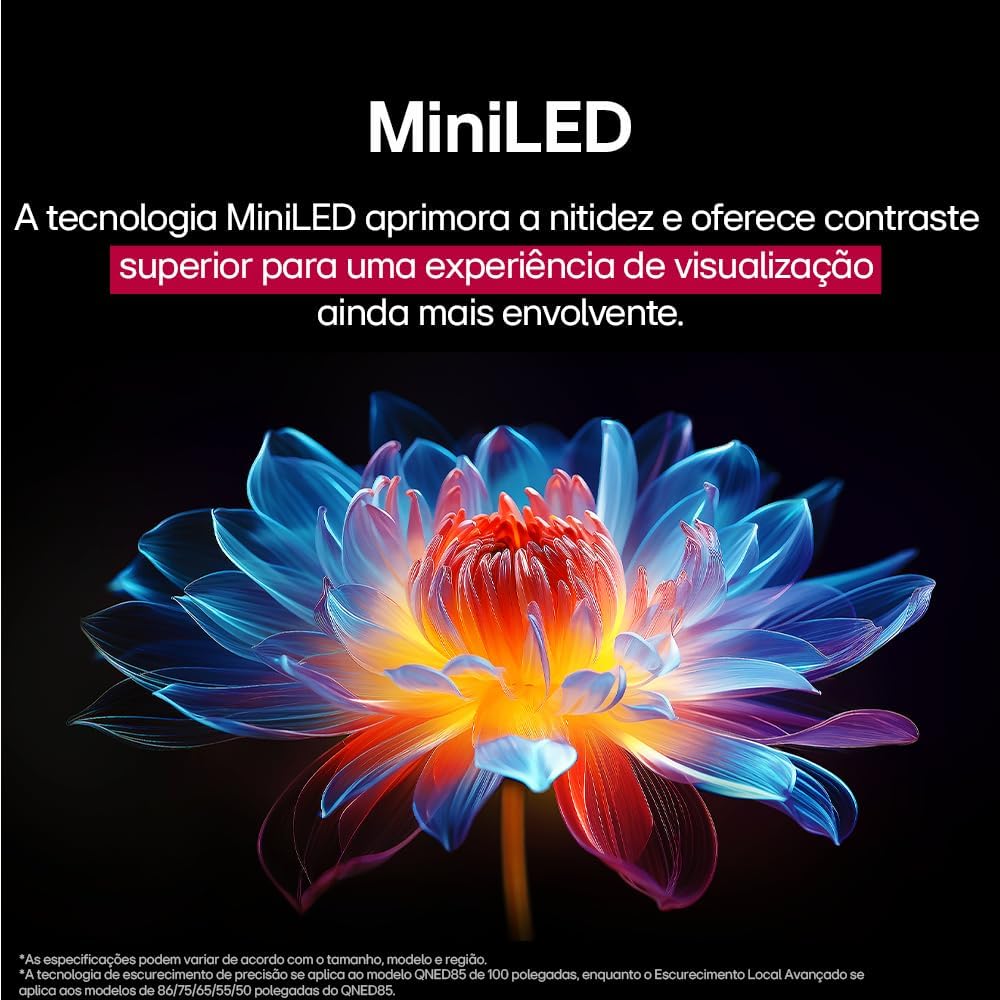
MiniLED technology improves sharpness and offers superior contrast for an immersive viewesperienza di acquisizione.
- α8 AI Processor Gen 2: This processor enhances 4K visuals with impressive colors and brightness.
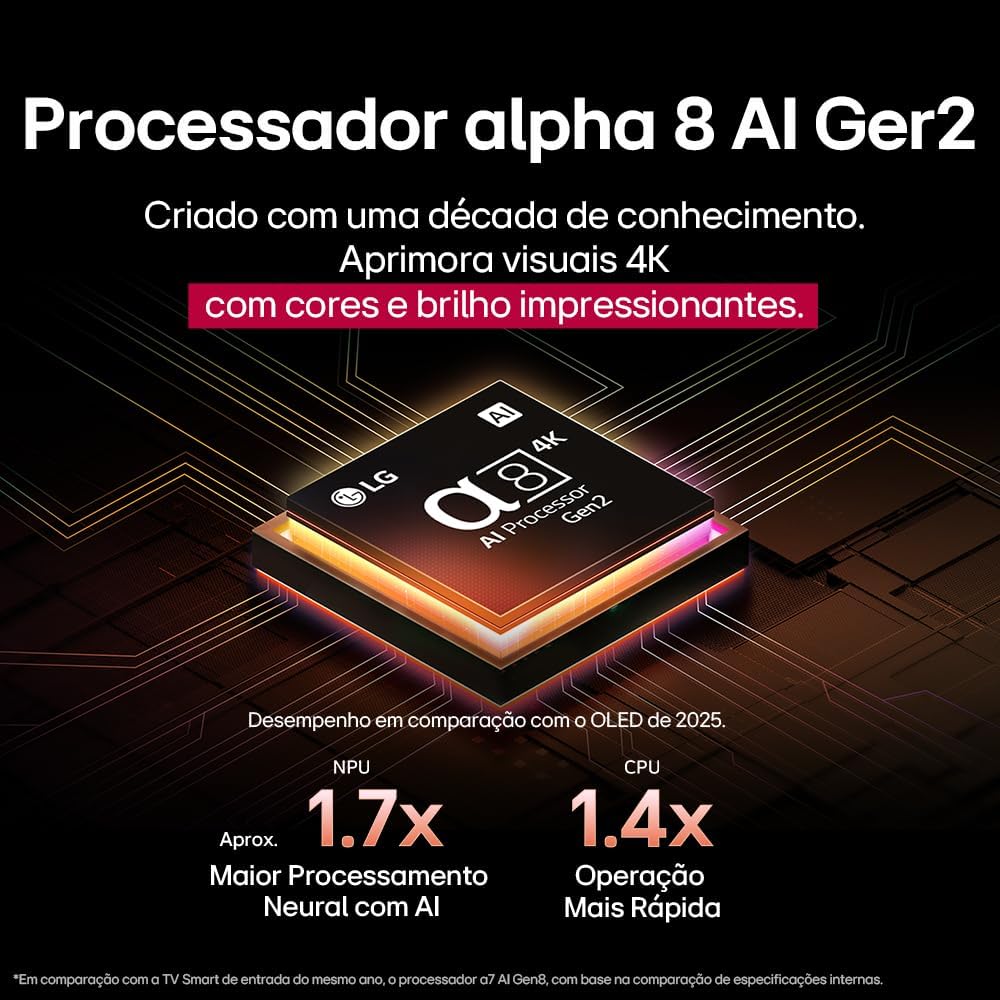
The Alpha 8 AI Processor Gen 2 enhances 4K visuals with impressive colors and brightness, offering approximately 1.7x greater neural processing with AI and 1.4x faster operation compared to previous generations.
- Immagine AI Pro: Analyzes each frame, enhancing resolution, brightness, depth, and clarity to bring every scene to life.

AI Picture Pro analyzes each frame, enhancing resolution, brightness, depth, and clarity to bring every scene to life.
4.4 Impostazioni audio
The TV includes AI Sound Wizard features to optimize audio output based on your environment and content.
4.5 Connettività
Your TV supports various connectivity options:
- Wifi: Collegati alla rete wireless di casa per accedere a Internet e usufruire di funzionalità intelligenti.
- Collegamento Ethernet: Per un accesso stabile a Internet, utilizzare una connessione cablata.
- HDMI: Connect high-definition devices like Blu-ray players, game consoles, and soundbars.
- USB: Riproduci contenuti multimediali files da dispositivi di archiviazione USB.
- Bluetooth: Connect wireless headphones, speakers, or other compatible devices.
4.6 Caratteristiche di gioco
The LG 55QNED85T is equipped with features for an enhanced gaming experience:
- 120Hz Panel: Provides smoother motion for fast-paced games.
- Sincronizzazione libera: Reduces screen tearing and stuttering when connected to compatible gaming devices.
5. Manutenzione
5.1 Pulizia
- Schermo: Pulire delicatamente lo schermo con un panno morbido e privo di lanugine. Per i segni ostinati, strofinare leggermenteampInumidire il panno con acqua o con un detergente specifico per schermi (non spruzzare direttamente sullo schermo).
- Telaio e supporto: Pulire con un panno morbido e asciutto.
- Telecomando: Use a soft, dry cloth to clean the remote.
5.2 Aggiornamenti software
Your TV may receive software updates to improve performance and add new features. You can usually check for and install updates through the TV's settings menu (Settings > General > About This TV > Check for Updates).
6. Risoluzione Dei Problemi
Se riscontri problemi con la tua TV, fai riferimento alle seguenti soluzioni comuni:
| Problema | Possibile soluzione |
|---|---|
| Nessun potere | Controllare che il cavo di alimentazione sia collegato saldamente al televisore e alla presa a muro. Assicurarsi che la presa sia funzionante. |
| Nessuna immagine, ma l'audio è presente | Check the input source. Ensure external devices are powered on and connected correctly via HDMI. |
| Nessun suono, ma l'immagine è presente | Check the volume level and mute status. Verify audio output settings (e.g., internal speakers, external soundbar). |
| Il telecomando non funziona | Sostituisci le batterie. Assicurati che non ci siano ostacoli tra il telecomando e il televisore. Se necessario, riassocia il Magic Remote. |
| Problemi di connessione di rete | Restart your router and modem. Check Wi-Fi password. Try a wired Ethernet connection if possible. |
| Problemi di qualità dell'immagine | Regola le impostazioni dell'immagine (luminosità, contrasto, nitidezza). Assicurati che la sorgente di ingresso fornisca un segnale di alta qualità. |
If the problem persists, try performing a factory reset (refer to the TV's settings menu) or contact LG customer support.
7. Specifiche
Detailed specifications for the LG 55QNED85T 55-inch 4K QNED Smart TV:
| Caratteristica | Specificazione |
|---|---|
| Dimensioni dello schermo | 55 pollici |
| Marca | LG |
| Tecnologia di visualizzazione | LED (QNED, MiniLED) |
| Risoluzione | Risoluzione 4K (3840 x 2160) |
| Frequenza di aggiornamento | Frequenza 120 Hz |
| Caratteristiche speciali | QNED Dynamic Colors, MiniLED, α8 AI Processor Gen 2 |
| Tecnologia di connettività | Bluetooth, Ethernet, HDMI, USB, Wi-Fi |
| Proporzioni | 16:9 |
| Dimensioni del prodotto (PxLxA) | 25.7D x 123.6W x 78.3H centimeters (with stand) |

Dimensions of the LG 55QNED85T 55-inch TV. Indicated values and actual measurements may differ.
8. Garanzia e supporto
Your LG 55QNED85T Smart TV comes with a manufacturer's warranty. Please refer to the warranty card included in your product packaging for specific terms and conditions.
For technical support, service, or warranty claims, please contact LG customer service through their official websito o le informazioni di contatto fornite nella documentazione di garanzia.