
1. Introduzione
This manual provides detailed instructions for the setup, operation, and maintenance of your Bolyguard BG410-MS 4G Trail Camera. Please read this manual thoroughly before using the camera to ensure proper functionality and to maximize its performance.
2. Prodotto finitoview
The Bolyguard BG410-MS is a high-performance 4G trail camera designed for wildlife monitoring, security, and surveillance. It features advanced imaging capabilities and robust connectivity.
Caratteristiche principali:
- 37MP Image Resolution & 4K HD Video: Captures high-quality images and videos with vivid detail.
- Comunicazione 4G: Supports 4G/3G/2G networks for sending photos and videos via email, MMS, or cloud storage (Molnus).
- Fast Trigger Time: An ultra-fast 0.7-second trigger speed ensures quick capture of detected motion.
- Visione notturna invisibile: Equipped with 940nm No-Glow Black IR LED lights for clear black and white images/videos at night without disturbing wildlife, with a detection range up to 30 meters (100 feet).
- Basso consumo energetico: Efficient design allows for extended standby time, up to 6 months.
- IP66 impermeabile: Durable housing provides protection against dust, rain, ice, and snow, suitable for various outdoor conditions.
- Fonte di energia: Requires 2x18650 lithium batteries (not included), which are rechargeable and recyclable. Can be charged via USB or a compatible solar panel.
Contenuto della confezione:
- Bolyguard BG410-MS 4G Trail Camera
- Cavo USB
- Cinghia di montaggio
- Staffa di fissaggio
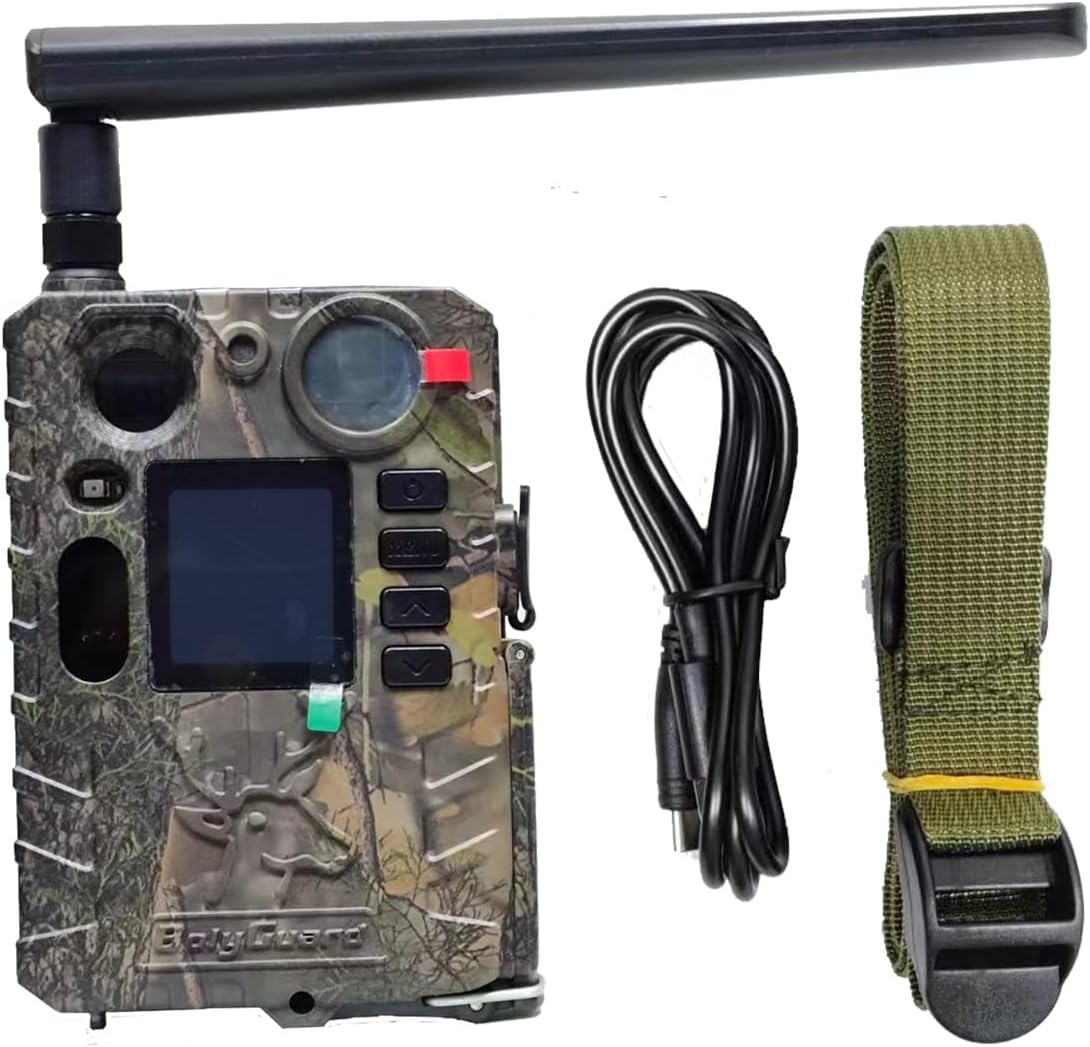
Image: Bolyguard BG410-MS camera, USB cable, and mounting strap included in the package.
3. Impostazione
3.1 Installazione della batteria
- Aprire il fermo dell'alloggiamento della fotocamera.
- Insert two 18650 lithium batteries (not included) into the battery compartment, ensuring correct polarity (+/-).
- Chiudere bene il vano batterie.
3.2 Installazione della scheda SIM e della scheda SD
- Locate the SIM card slot and insert a compatible 4G SIM card. Ensure it is activated and has an active data plan.
- Insert a formatted SD card (up to 32GB, Class 10 recommended) into the SD card slot.
3.3 Montaggio della telecamera
The camera can be mounted using the provided strap or mounting bracket.
- Montaggio della cinghia: Infilare la cinghia di montaggio nelle fessure sul retro della telecamera e fissarla attorno a un albero o a un palo.
- Montaggio su staffa: Attach the mounting bracket to a desired surface using screws. Then, attach the camera to the bracket.
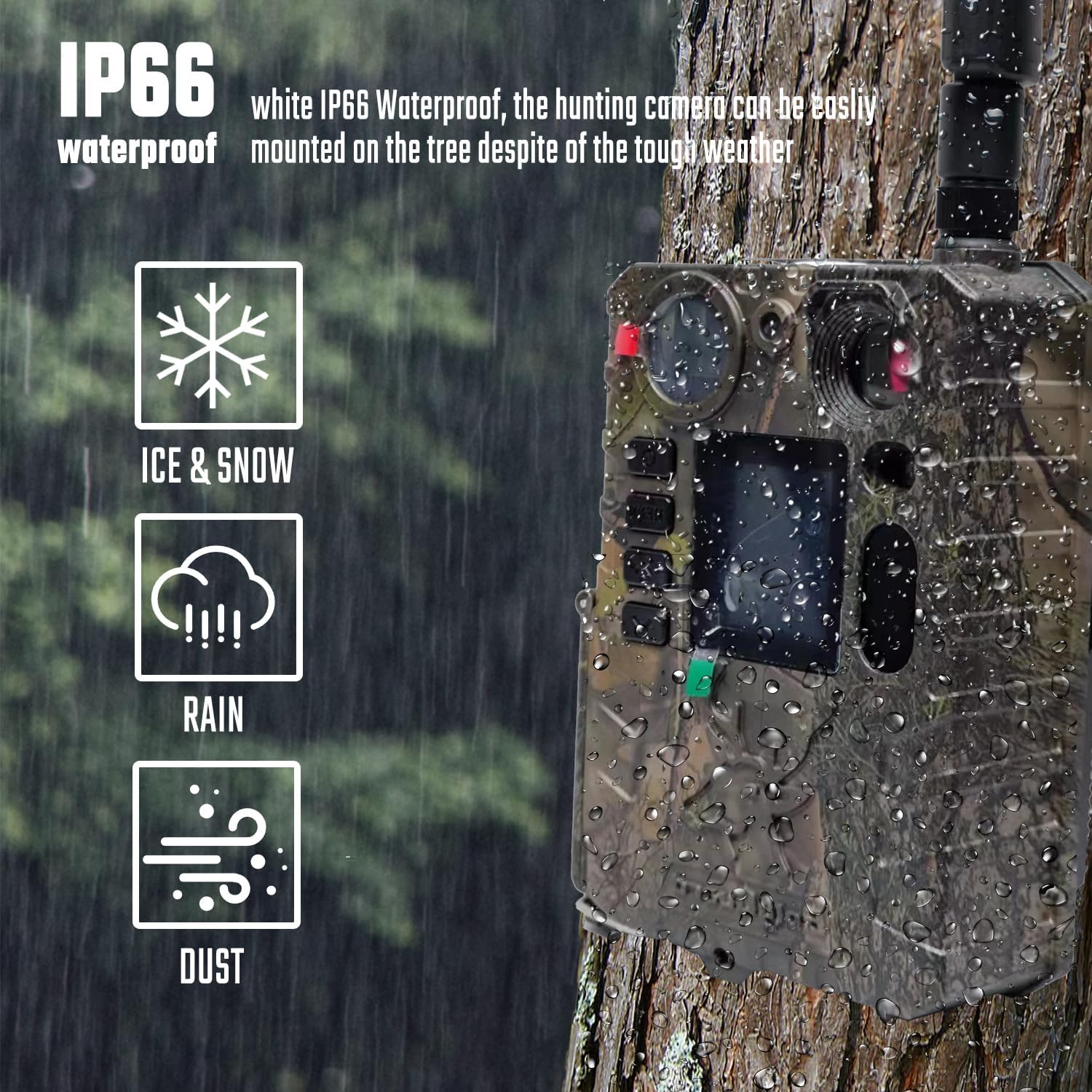
Image: The Bolyguard BG410-MS camera securely mounted on a tree, demonstrating its IP66 waterproof capability in wet conditions.
4. Istruzioni per l'uso
4.1 Accensione/Spegnimento
Per accendere la fotocamera, portare l'interruttore di alimentazione in posizione "ON". Per spegnerla, portarlo in posizione "OFF".
4.2 Navigazione nel menu
Use the 'MENU' button to access settings and the arrow buttons (Up, Down, Left, Right) to navigate through options. The 'OK' button confirms selections.
4.3 Selezione della modalità
La fotocamera offre in genere diverse modalità operative:
- Modalità foto: Cattura immagini fisse quando attivato.
- Modalità video: Registra clip video quando attivato.
- Modalità foto + video: Cattura un'immagine fissa seguita da un videoclip.
Selezionare la modalità desiderata dal menu della fotocamera.
4.4 4G Communication Setup
The BG410-MS can send captured media via 4G. This requires proper configuration of network settings, which may vary depending on your SIM card carrier and region. Refer to the camera's advanced settings menu or the Molnus cloud platform for detailed instructions on setting up MMS, GPRS, or cloud transmission.
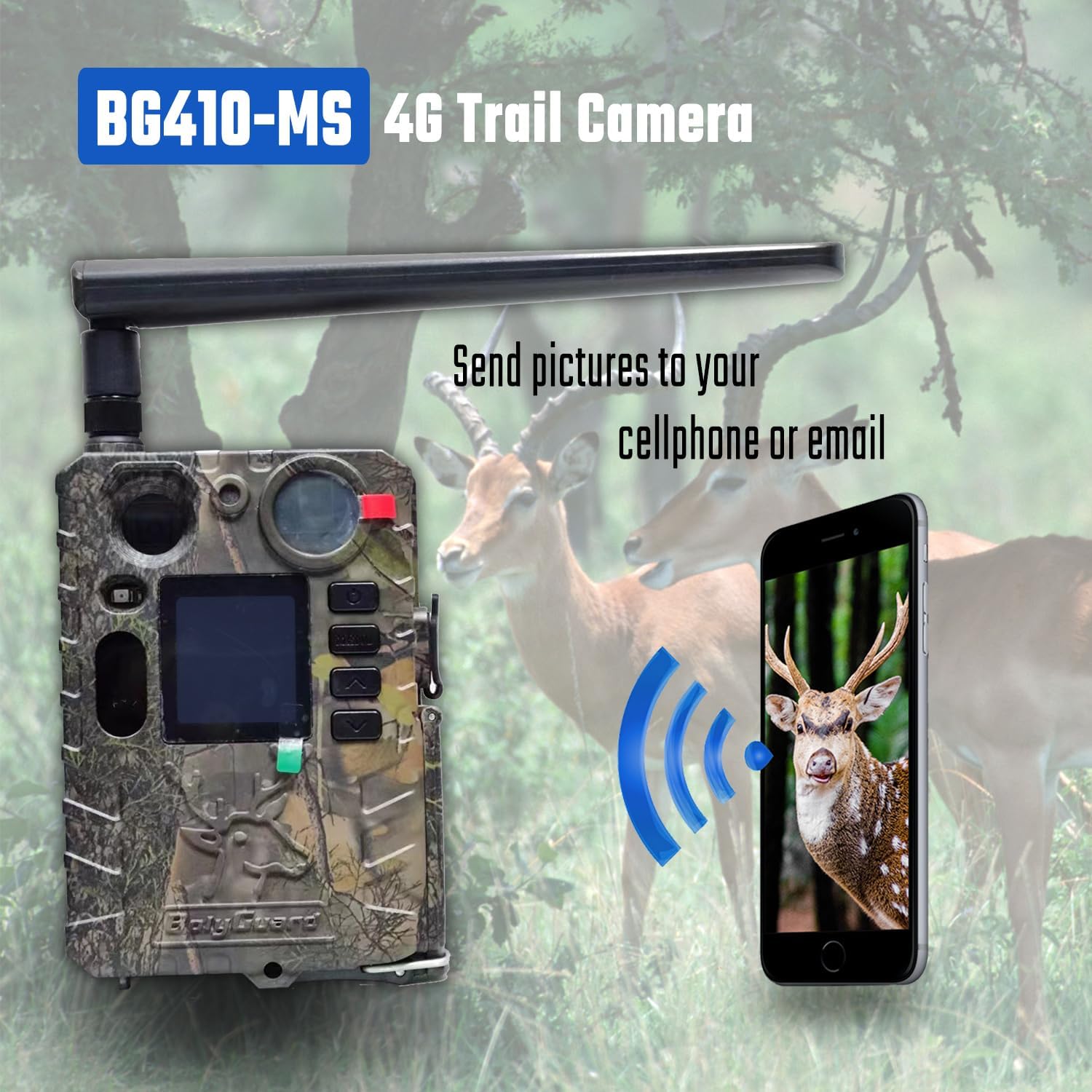
Image: The Bolyguard BG410-MS camera wirelessly transmitting captured images to a mobile phone, illustrating its 4G communication capability.
4.5 Trigger Settings and Night Vision
Configure trigger sensitivity and delay settings in the menu. The camera's 0.7-second trigger time ensures rapid capture. The 940nm invisible infrared technology automatically activates in low-light conditions, providing clear night vision without visible flash.

Image: The Bolyguard BG410-MS camera positioned with a tiger in the background, emphasizing its rapid 0.7-second trigger time for capturing fast-moving subjects.

Image: The Bolyguard BG410-MS camera capturing an image of a fox at night, demonstrating its 940nm No-Glow Black IR LED lights for invisible night vision.
5. Manutenzione
5.1 Pulizia
Regularly clean the camera lens and IR sensors with a soft, dry cloth. Avoid using abrasive cleaners or solvents. Wipe the camera housing with a damp panno se si sporca.
5.2 Cura della batteria
Ensure 18650 batteries are fully charged before deployment. If using rechargeable batteries, recharge them regularly. Remove batteries if the camera will be stored for an extended period to prevent leakage.
5.3 Conservazione
Quando non viene utilizzata, conservare la fotocamera in un luogo fresco e asciutto, lontano dalla luce solare diretta e da temperature estreme.
6. Risoluzione Dei Problemi
La fotocamera non si accende:
- Controllare che le batterie siano inserite correttamente e con la giusta polarità.
- Assicurarsi che le batterie siano completamente cariche.
- Verificare che l'interruttore di alimentazione sia in posizione "ON".
Nessuna immagine/video catturato:
- Assicurarsi che la scheda SD sia inserita e formattata correttamente.
- Check if the camera is in the correct operating mode (Photo, Video, or Photo+Video).
- Adjust trigger sensitivity and placement to ensure subjects are within the detection range.
4G Transmission Issues:
- Verify the SIM card is active and has a sufficient data plan.
- Check network signal strength at the camera's location.
- Ensure 4G settings (APN, server details) are correctly configured in the camera menu or via the Molnus platform.
7. Specifiche
| Caratteristica | Specificazione |
|---|---|
| Nome del modello | BG410-MS |
| Risoluzione dell'immagine | 37MP |
| Risoluzione video | 4K ad alta definizione |
| Tempo di attivazione | 0.7 secondi |
| Visione notturna | 940nm No-Glow Black IR LED |
| Gamma di rilevamento IR | Fino a 30 metri (100 piedi) |
| Connettività | 4G / 3G / 2G (MMS, GPRS, Molnus) |
| Fonte di alimentazione | 2x18650 Lithium Batteries (not included) |
| Grado di impermeabilità | Grado di protezione IP66 |
| Materiale | Metallo |
| Tipo di montaggio | Monte albero |
| Dispositivi compatibili | Smartphone |
| Dimensioni (confezione) | Dimensioni: 12 x 8 x 5 cm |
| Peso (confezione) | 400 grammi |
8. Garanzia e supporto
Bolyguard offers a one-year replacement and refund warranty for the BG410-MS 4G Trail Camera. For technical support, troubleshooting assistance, or warranty claims, please contact Bolyguard customer service through their official channels or the retailer where the product was purchased.