
1. Prodotto finitoview
The Lepro S1 AI LED Strip Lights offer advanced smart lighting solutions for indoor environments. Featuring AI-generated lighting effects, app control, and music synchronization, these strip lights provide a customizable and immersive lighting experience. The S1 model integrates IC technology for multi-color display and rainbow chasing effects, distinguishing it from standard RGB strip lights. Control is primarily via the Lepro app, supporting Wi-Fi and Bluetooth connectivity, and compatible with voice assistants like Alexa and Google Assistant.

Image: The Lepro S1 AI LED Strip Lights, showing the coiled light strip, power adapter, and a smartphone displaying the control app interface. The product packaging is visible in the background.
Caratteristiche principali:
- AI LightGPM Technology: Utilizes a large language model trained on color psychology and lighting design to generate professional lighting effects based on user prompts, emotions, or commands.
- Controllo vocale avanzato: Integrated voice assistant within the Lepro app allows for intuitive control beyond basic on/off and color changes, adapting lighting to moods and activities.
- Rainbow Chasing Effect: Individual IC chips enable multiple colors to be displayed simultaneously along the strip, creating dynamic rainbow and chasinmodelli g.
- Billions of AI-Generated Scenes: LightGPM can generate up to 10 optimal lighting effects from a vast combination of possibilities, tailored for various occasions like parties, relaxation, or gaming.
- Personalizzazione fai da te: Offers flexibility to customize color, brightness, and effects for each segment of the light strip, allowing users to unleash their creativity.
- LightBeats Music Sync: Synchronizes lighting effects with music rhythms, creating an energetic and immersive environment.
- Seamless App Control: Manage multiple devices, adjust settings, set timers, and control lights remotely via the "Lepro" app (2.4GHz Wi-Fi and Bluetooth required).
2. Cosa c'è nella scatola
Dopo aver aperto la confezione, verificare che tutti i componenti siano presenti e integri.
- 1 x 50FT LED Strip Lights
- 1 x adattatore di alimentazione
- Mounting Clips and Screws (for added security during installation)

Image: The contents of the Lepro S1 AI LED Strip Lights package, including the coiled LED strip, power adapter, and a small bag of mounting clips and screws.
3. Configurazione e installazione
Follow these steps for proper installation of your Lepro S1 AI LED Strip Lights. Ensure the installation surface is clean, dry, and smooth for optimal adhesive performance.
- Preparare la superficie: Clean the desired installation area thoroughly to remove dust, dirt, or oils. A clean, dry surface ensures the adhesive sticks firmly.
- Pianificare il layout: Before peeling the adhesive, unroll the LED strip and plan its path. Avoid sharp bends or folds that could damage the strip. Note that the strip lights cannot be cut.
- Staccare e attaccare: Carefully peel off the protective backing from the adhesive tape on the back of the LED strip, section by section. Press the strip firmly onto the prepared surface as you go.
- Secure with Clips (Optional but Recommended): For added security, especially on textured surfaces or corners, use the provided mounting clips and screws. Space them evenly along the strip.
- Connetti alimentazione: Connect the LED strip to the power adapter. Plug the power adapter into a standard electrical outlet.
- Scarica l'App: Scan the QR code provided in the packaging or search for "Lepro" in your device's app store (iOS App Store or Google Play Store). Download and install the official Lepro app. Note: This product is only compatible with the "Lepro" app, not "Lepro Lampux" or "Smart Life" apps.
- Abbina all'app: Open the Lepro app and follow the on-screen instructions to pair your S1 AI LED Strip Lights. Ensure your device's Wi-Fi and Bluetooth are enabled and connected to a 2.4GHz Wi-Fi network.
Nota importante: These lights are designed for indoor use only and are not waterproof. Avoid installing them in damp o ambienti esterni.
4. Istruzioni per l'uso
The Lepro S1 AI LED Strip Lights are primarily controlled via the dedicated Lepro app, offering a wide range of features and customization options.
4.1 Controllo dell'app
Once paired, the Lepro app provides comprehensive control over your lights:
- Accensione/spegnimento: Accendi o spegni le luci direttamente dall'app.
- Regolazione della luminosità: Regola l'intensità della luce dal 1% al 100%.
- Selezione del colore: Choose from a vast spectrum of colors using the color wheel or predefined color palettes.
- Color Segment DIY: Customize the color and brightness of individual segments of the light strip, allowing for unique multi-color patterns.
- Dynamic Modes & Effects: Select from various pre-programmed dynamic modes, including rainbow chasing effects, fades, flashes, and more.
- Modalità scena: Access a library of AI-generated scenes tailored for different moods, activities, or holidays.
- Timer e programmazione: Set schedules for the lights to automatically turn on/off or change modes at specific times.
- Controllo di gruppo: If you have multiple Lepro smart devices, group them together for synchronized control.

Image: Screenshots of the Lepro app interface, demonstrating various control options such as color selection, brightness adjustment, and effect modes.

Image: A visual representation of the segmented control feature, showing how different sections of the LED strip can display unique colors simultaneously, controlled via the app.
4.2 AI Voice Control (LightGPM)
The integrated AI voice assistant allows for natural language commands to control your lighting. LightGPM can interpret your emotions, activities, or specific instructions to generate suitable lighting effects.
- Comandi di base: "Turn on the lights," "Turn off the lights," "Change color to blue," "Set brightness to 50%."
- Mood-Based Commands: "I want relaxing light," "Set a party mood," "I feel happy."
- Activity-Based Commands: "Set lighting for gaming," "I'm reading," "Time for a movie."
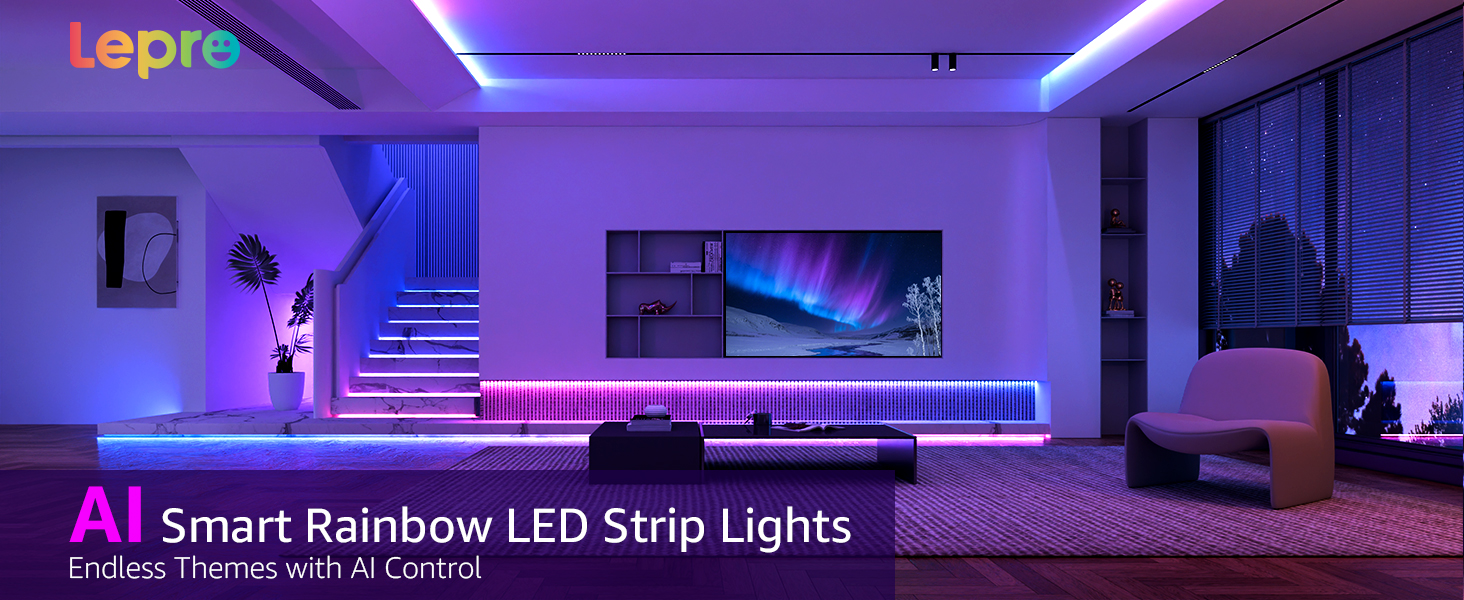
Image: An illustration showing a user interacting with the Lepro app's voice prompt feature, demonstrating how AI generates lighting based on spoken commands related to emotions, scenes, or instructions.

Image: A person using voice commands to control the lights in a room, highlighting compatibility with Amazon Alexa and Google Assistant through the Lepro app.
4.3 Sincronizzazione musicale LightBeats
Activate the Music Sync feature in the Lepro app to make your lights react to sound. The lights will change color and intensity in rhythm with music playing from your phone's microphone or a connected device.
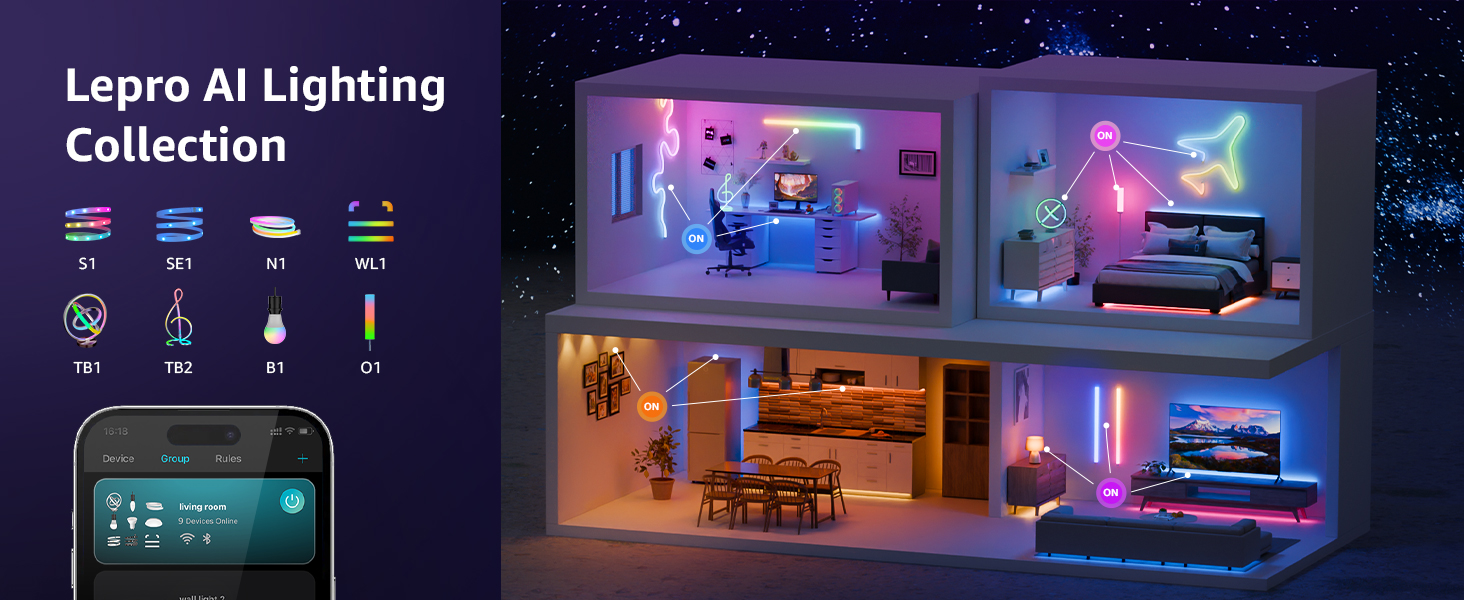
Image: A gaming setup illuminated by LED strip lights, demonstrating the LightBeats Music Sync feature where lights dynamically respond to audio input from a phone or device microphone.
5. Manutenzione
The Lepro S1 AI LED Strip Lights require minimal maintenance to ensure longevity and optimal performance.
- Pulizia: Gently wipe the LED strip with a soft, dry cloth to remove dust. Do not use liquid cleaners or abrasive materials, as this may damage the lights or adhesive.
- Controllo adesivo: Periodically check the adhesive along the strip to ensure it remains firmly attached. If sections begin to peel, use the provided mounting clips or a suitable adhesive for re-securing.
- Collegamento elettrico: Ensure the power adapter and connections remain secure and free from damage.
- Aggiornamenti software: Keep the Lepro app updated to the latest version to access new features, improvements, and bug fixes.
6. Risoluzione Dei Problemi
If you encounter issues with your Lepro S1 AI LED Strip Lights, refer to the following common troubleshooting steps:
| Problema | Possibile causa | Soluzione |
|---|---|---|
| Le luci non si accendono. | Nessuna alimentazione, connessione allentata, adattatore difettoso. |
|
| Lights are not responding to app control. | No Wi-Fi/Bluetooth connection, incorrect app, app glitch. |
|
| Le luci sono fioche o tremolanti. | Insufficient power, damaged strip, loose connection. |
|
| Il controllo vocale non funziona. | Microphone issues, app permissions, incorrect commands. |
|
If the problem persists after trying these steps, please contact Lepro customer support for further assistance.
7. Specifiche
| Caratteristica | Dettaglio |
|---|---|
| Numero di modello | S1 |
| Lunghezza | 50 piedi (15 metri) |
| Tipo di sorgente luminosa | LED (with IC for individual segment control) |
| Colore chiaro | Multicolor (RGB, Rainbow Chasing Effects) |
| Fonte di alimentazione | Elettrico con cavo |
| Voltage | 24 Volt (CC) |
| Cosatage | 21 watt |
| Connettività | Wi-Fi a 2.4 GHz, Bluetooth |
| Metodo di controllo | Lepro App, Voice Control (Alexa, Google Assistant) |
| Uso interno/esterno | Solo al chiuso |
| Livello di resistenza all'acqua | Non resistente all'acqua |
| Vita media | 15,000 ore |
| Peso dell'articolo | 13.7 once |
| Dimensioni del pacco | 7.24 x 7.2 x 2.64 pollici |
8. Garanzia e supporto
Lepro products are designed for quality and reliability. For specific warranty information regarding your S1 AI LED Strip Lights, please refer to the warranty card included in your product packaging or visit the official Lepro websito.
Assistenza clienti:
- For technical assistance, troubleshooting not covered in this manual, or warranty claims, please contact Lepro customer support.
- Visitare il Official Lepro Store on Amazon per maggiori informazioni e contatti.
- Ensure you have your product model number (S1) and purchase date ready when contacting support.