1. Introduzione
The Moman CP-S Motorcycle Intercom System is designed to provide clear and reliable communication for motorcyclists. Featuring advanced Bluetooth 5.1 technology, noise reduction, and a robust waterproof design, it enhances your riding experience by allowing group communication, music sharing, and hands-free phone calls.

Figure 1: Moman CP-S Intercom Unit with key features.
2. Contenuto della confezione
The Moman CP-S package includes the following items:
- Moman CP-S Intercom Unit
- Headphone and Microphone Set
- Clip di montaggio (per il bordo del casco)
- Adhesive Mount (for helmet surface)
- Cavo di ricarica USB
- Interchangeable Decorative Shells (3 colors)
- Manuale d'uso
- Installation Tools (screwdriver)
3. Guida all'installazione
Proper installation ensures optimal performance and comfort. Follow these steps to install your Moman CP-S intercom system on your helmet.
3.1. Preparing the Helmet
- Remove the helmet's inner lining and cheek pads if they are removable. This provides easier access for speaker and microphone placement.
- Identify suitable locations for the speakers (near your ears) and the microphone (near your mouth).
3.2. Montaggio dell'unità interfonica
Choose between the clip mount or the adhesive mount based on your helmet type and preference.
Using the Clip Mount:
- Loosen the screws on the clip mount using the provided screwdriver.
- Slide the clip mount onto the bottom edge of your helmet, ensuring it is securely fastened.
- Tighten the screws to secure the clip mount in place.
Utilizzo del supporto adesivo:
- Pulisci accuratamente la zona di montaggio desiderata sul lato del casco.
- Peel off the protective film from the adhesive mount and firmly press it onto the helmet surface for at least 30 seconds. Allow sufficient time for the adhesive to bond before attaching the intercom unit.
Attaching the Intercom Unit:
- Slide the Moman CP-S intercom unit onto the installed clip or adhesive mount until it clicks securely into place.
3.3. Installazione di altoparlanti e microfono
- Applicare i cuscinetti adesivi sul retro degli altoparlanti.
- Carefully place the speakers inside the helmet, aligning them with your ears. Press firmly to secure.
- Attach the adhesive pad to the microphone.
- Position the microphone near your mouth, ensuring it is not obstructed by the helmet's padding.
- Connect the speaker and microphone cables to the appropriate ports on the intercom unit.
3.4. Gestione dei cavi
Tuck all excess cables neatly under the helmet's inner lining to prevent discomfort and ensure they do not interfere with helmet function. Reinstall any removed inner lining or cheek pads.
Video 1: Installation guide for Moman H2 Intercom (similar to CP-S).
4. Istruzioni per l'uso
4.1. Accensione/spegnimento
- Accensione: Tenere premuto il pulsante di accensione per 3 secondi finché la spia non si accende.
- Spegni: Tenere premuto il pulsante di accensione per 3 secondi finché la spia non si spegne.
4.2. Accoppiamento Bluetooth
- With the device off, press and hold the Function button for 3 seconds. The red and blue indicator lights will flash, indicating pairing mode.
- On your mobile phone, enable Bluetooth and search for "FODSPORTS FX-S" (or similar device name). Select it to pair. The pairing is complete when the indicator light changes.
4.3. Riproduzione di musica
- Riproduci/Pausa: Premere brevemente il pulsante Funzione.
- Prossima canzone: Rotate the control knob forward once.
- Canzone precedente: Rotate the control knob backward once.
- Regolazione del volume: Rotate the control knob forward or backward for 1 second to increase or decrease volume.

Figure 2: Music sharing feature between two riders.
4.4. Telefonate
- Rispondi/Termina chiamata: Premere brevemente il pulsante Funzione.
- Rifiuta chiamata: Premere a lungo il pulsante Funzione per 1 secondo.
- Assistente vocale: Single click to activate AI voice assistant (e.g., Siri, Google Assistant).
- Passare alle chiamate con risposta manuale/automatica: Long press the Function button and ON/OFF button for 3 seconds.

Figure 3: AI Voice Assistant and FM Radio features.
4.5. Comunicazione interfonica
- The Moman CP-S supports intercom communication for up to 8 riders within a 2000m range, and 2 riders within a 1000m range.
- It is compatible with other intercom brands.
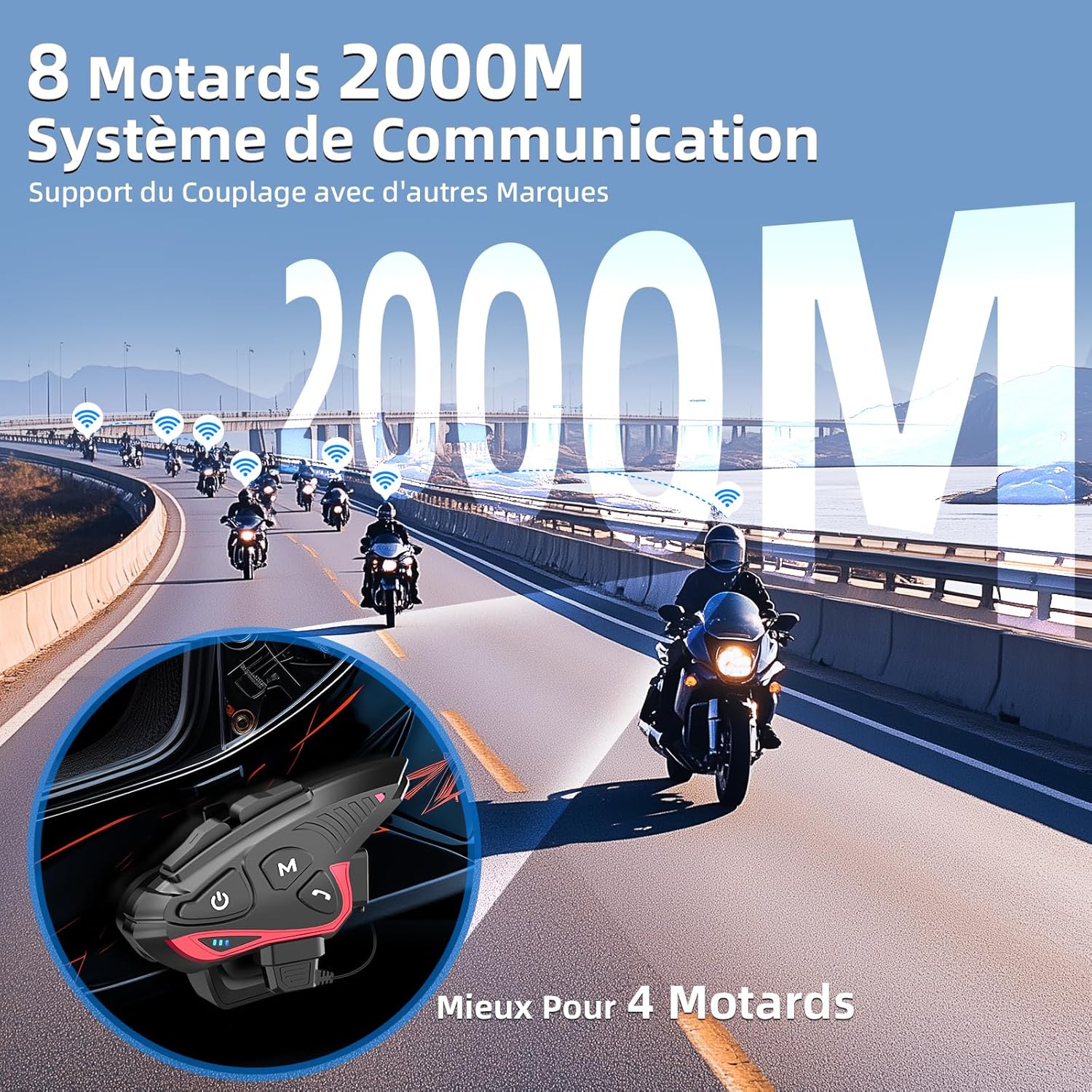
Figure 4: Group intercom communication range and capabilities.
4.6. Radio FM
- Activate the FM radio function to listen to broadcasts while riding.
Video 2: Oltreview of Moman H2S Intercom features (similar to CP-S).
5. Specifiche
| Caratteristica | Descrizione |
|---|---|
| Numero di modello | CP-S |
| Tecnologia senza fili | Bluetooth 5.1 |
| Interfono | Up to 2000m (8 riders), 1000m (2 riders) |
| Capacità della batteria | 900mAh |
| Tempo di ricarica | 2 ore |
| Orario dell'interfono | Fino a 28 ore |
| Tempo di riproduzione della musica | Fino a 33 ore |
| Tempo di standby | Fino a 300 ore |
| Resistenza all'acqua | IP65 (impermeabile) |
| Riduzione del rumore | DSP and 12th Gen CVC |
| Dimensioni dell'altoparlante | 40mm Hi-Fi |
| Metodo di controllo | Voce, Pulsanti |
| Istruzioni vocali | 8 languages (Chinese, English, Japanese, German, French, Italian, Spanish, Korean) |
| Materiale | Plastica |
| Caratteristiche speciali | Noise cancellation, Water resistant, Music sharing, FM Radio, AI Voice Assistant, Interchangeable shells |

Figura 5: Dettagli sulla durata della batteria e sulla ricarica.
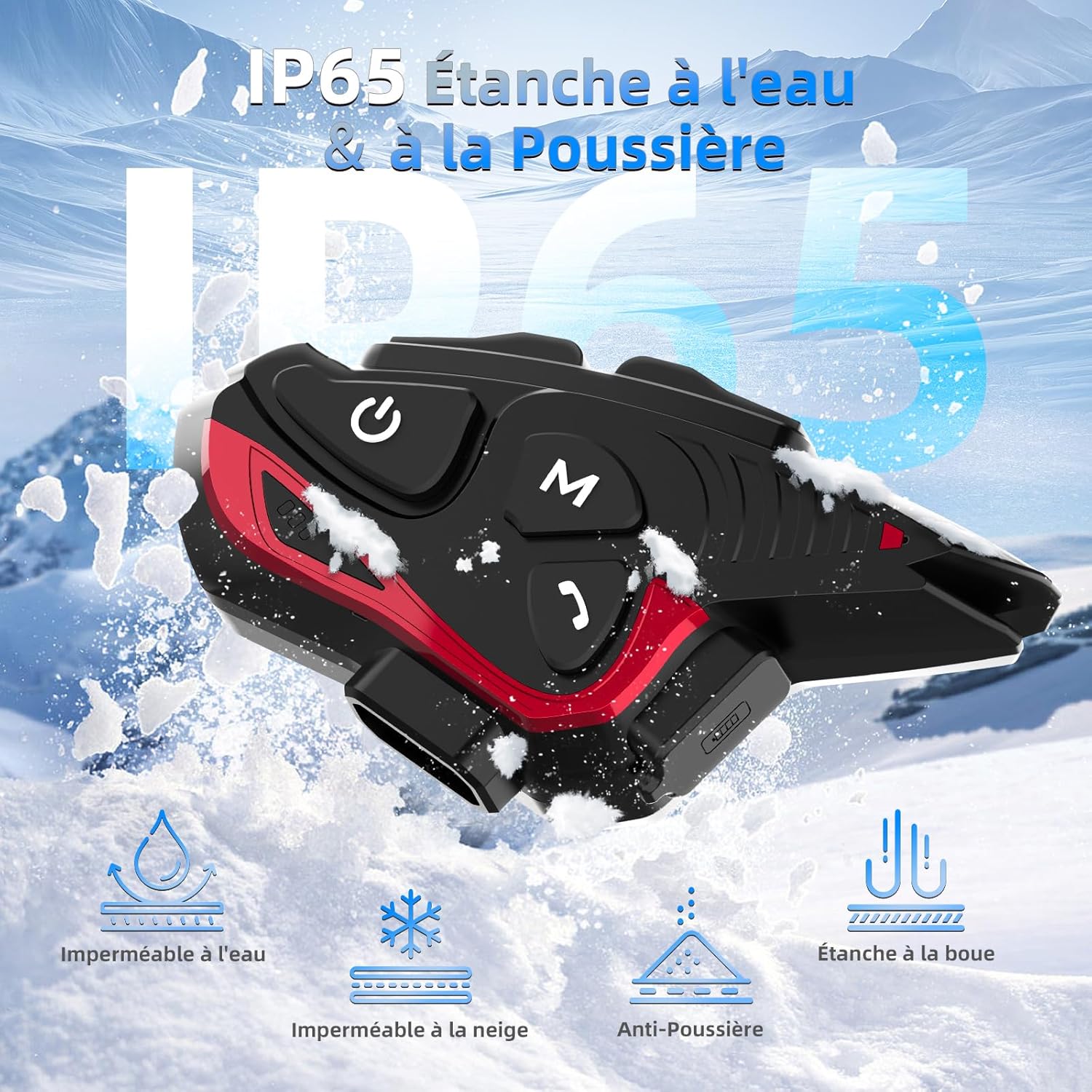
Figure 6: IP65 Water and Dust Resistance.
6. Manutenzione
- Mantenere il dispositivo pulito e asciutto. Pulire con un panno morbido e asciutto.amp stoffa.
- Evitare di esporre il dispositivo a temperature estreme o alla luce solare diretta per periodi prolungati.
- Assicurarsi che il coperchio della porta di ricarica sia ben chiuso quando non è in carica, per mantenere la resistenza all'acqua.
- Per preservare la salute della batteria, caricare regolarmente il dispositivo, anche quando non lo si utilizza.
7. Risoluzione Dei Problemi
7.1. Nessun potere
- Assicurarsi che la batteria sia carica. Collegare il dispositivo a una fonte di alimentazione utilizzando il cavo USB in dotazione.
- Check if the power button is being held for the correct duration (3 seconds).
7.2. Impossibile associarlo al telefono
- Ensure the device is in pairing mode (red and blue indicator lights flashing).
- Disattiva e riattiva il Bluetooth del tuo telefono.
- Assicurati che il dispositivo si trovi nel raggio di azione del tuo telefono.
- Forget previous Bluetooth connections on your phone and try pairing again.
7.3. Poor Audio Quality/Noise
- Ensure speakers are correctly positioned near your ears and the microphone is close to your mouth.
- Check for any obstructions around the microphone.
- Verify that the volume is adjusted appropriately.
- The device features DSP and CVC noise reduction, which should minimize ambient noise. If issues persist, ensure the microphone is not picking up excessive wind noise.
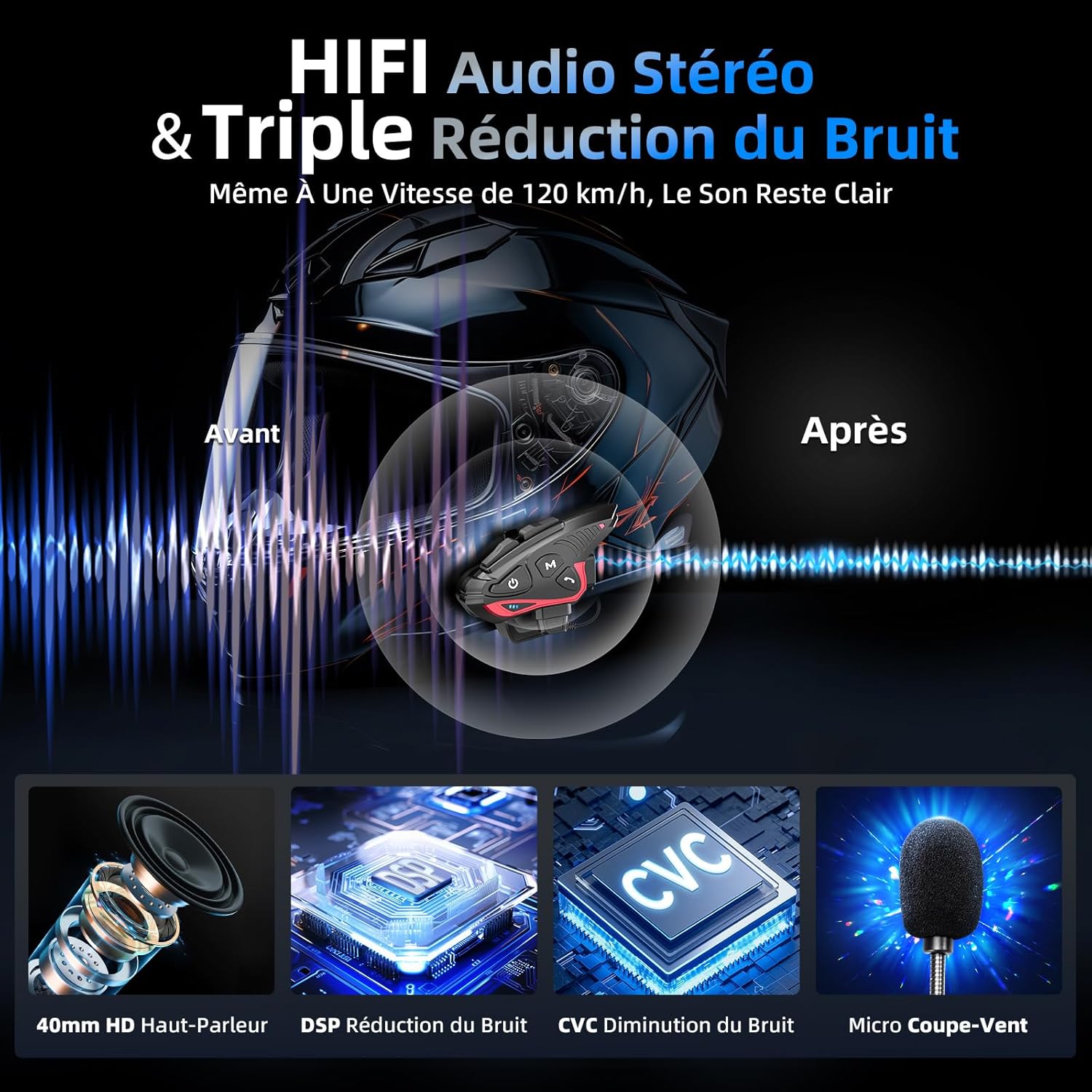
Figure 7: Audio quality and noise reduction technology.
8. Garanzia e supporto
The Moman CP-S Motorcycle Intercom System comes with a 2-year manufacturer's warranty. For technical support, warranty claims, or any other inquiries, please contact Moman customer service through their official channels.