The Walfront WSB7020R is an integrated Human Machine Interface (HMI) and Programmable Logic Controller (PLC) system designed for industrial control applications. It features a 7-inch TFT LCD display, a powerful 32-bit ARM9 processor, and is compatible with FX3U series PLCs. This all-in-one unit offers efficient control, monitoring, and programming capabilities for various automation scenarios.
Figure 1: Walfront HMI PLC All-in-One unit. This image highlights key features such as space-saving design, simplified wiring, timing lock, floating point support, sensitive touch, and accuracy.
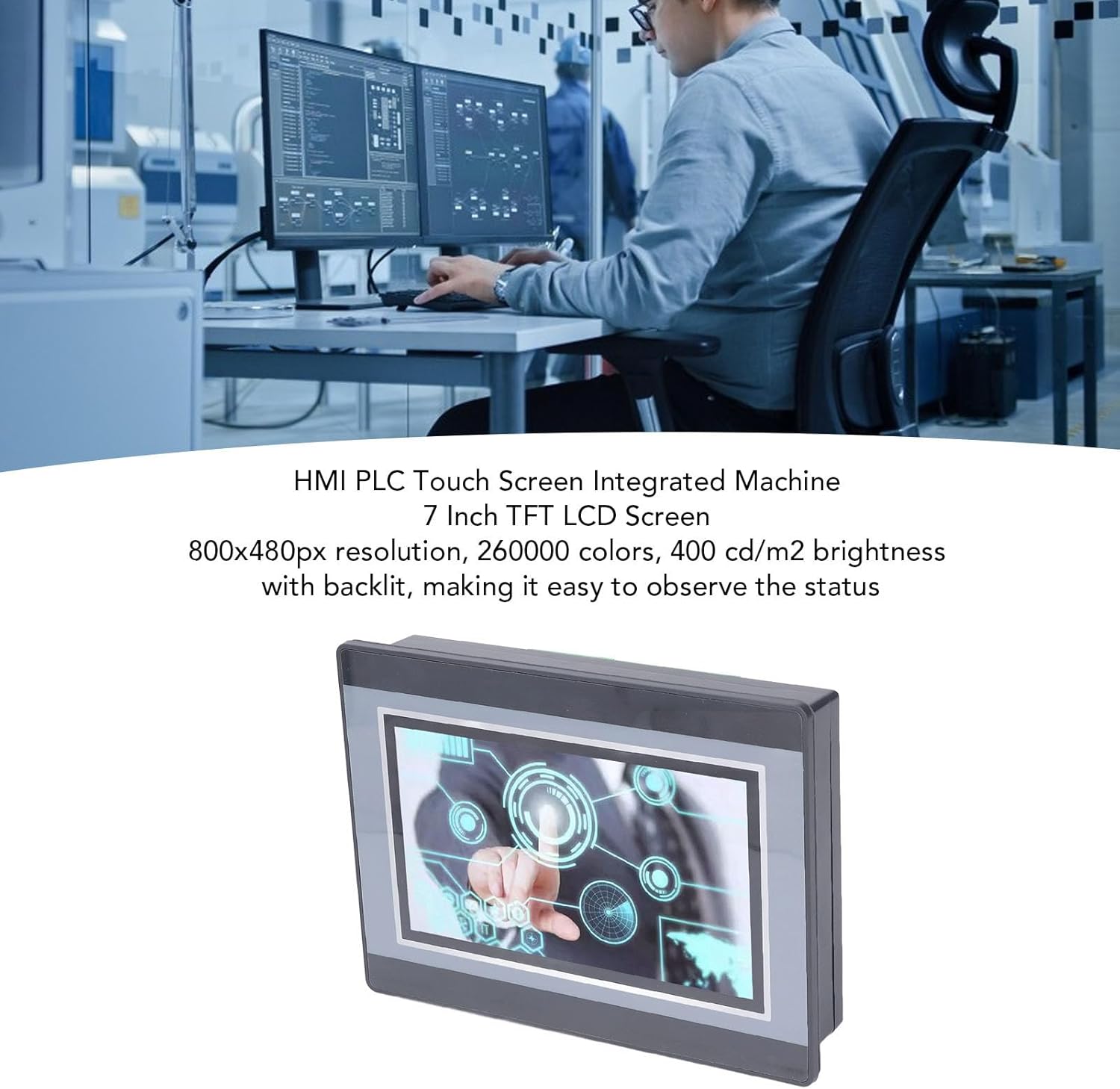
Figure 2: An engineer utilizing the HMI PLC Touch Screen Integrated Machine in a workspace. The display features an 800x480px resolution, 260,000 colors, and 400 cd/m2 brightness with backlighting for clear status observation.
2. Specifiche tecniche
Caratteristica
Specificazione
Modello
WSB7020R
Materiale
addominali
Dimensioni (L x P x A)
ca. 202 x 148 x 51 mm (7.95 x 5.83 x 2.01 pollici)
Opening Size for Installation
Circa 190 x 135 mm (7.48 x 5.31 pollici)
Schermo di visualizzazione
LCD TFT da 7 pollici
Risoluzione
800x480px
Profondità del colore
260,000 colori
Luminosità
400 cd/m2 (with backlit display)
Tipo di schermo tattile
Touch screen resistivo industriale a 4 fili
Touch Screen Hardness
4H
Processore
32-bit 240MHz ARM9
Memoria
128M NAND FLASH
PLC Compatibility
For FX3U 20, 40, 48MRT
Punti di ingresso
12
Punti di uscita
8
Tipo di uscita
Staffetta
Corrente di uscita
5A
Carico
24V
High Speed Count
6 / 3K
Uscita a impulsi
Nessuno
Ingresso analogico
Default 3AD 0-10V, 3AD 0-20MA (AD0, AD1)
Uscita analogica
20A 0-10V
Orologio
Supportato
HMI Programming Software
HMI Studio 5.1
PLC Programming Software
GX Developer or GX Works2
PLC Download Speed
38.4Kbps
Figure 3: Detailed dimensions of the Walfront HMI PLC unit, showing length, width, and height measurements in both millimeters and inches.
3. Installazione e configurazione
The Walfront WSB7020R HMI PLC is designed for straightforward installation into industrial control panels.
3.1. Disimballaggio
Carefully unpack the HMI PLC unit and verify that all components are present:
1 x HMI PLC Unit (Model WSB7020R)
4 x Installation Screws
4 x Fixing Brackets
3.2. Montaggio a pannello
Prepare an opening in your control panel with dimensions of approximately 190 x 135 mm (7.48 x 5.31 in).
Insert the HMI PLC unit into the prepared opening from the front of the panel.
From the rear of the panel, attach the four fixing brackets to the sides of the HMI PLC unit.
Secure the unit by tightening the four installation screws through the brackets. Ensure the unit is firmly seated and stable.
3.3. Cablaggio
Connect power and I/O wiring according to your system's requirements. Refer to the detailed wiring diagrams in the comprehensive electronic manual for specific connections. Ensure all connections are secure and comply with local electrical codes.
4. Funzionamento e programmazione
This section outlines the basic steps for operating and programming your Walfront HMI PLC unit.
4.1. Accensione
Once installed and wired, apply power to the unit. The 7-inch TFT LCD display will illuminate, and the system will boot up.
4.2. HMI Programming
To develop or modify the Human Machine Interface (HMI) program:
Installare HMI Studio 5.1 software sul tuo computer.
Connect your computer to the HMI PLC unit using a USB male-to-male cable.
Utilizzo HMI Studio 5.1 to create or edit your HMI project.
Download the HMI program to the unit via the USB connection.
4.3. Programmazione PLC
For programming the Programmable Logic Controller (PLC) functionality:
Install either GX Developer or GX Works2 software sul tuo computer.
Connect your computer to the HMI PLC unit.
Use the chosen software to develop, download, and debug your PLC program.
The download speed for PLC programs is 38.4Kbps.
Nota: Monitoring writing is not supported by the PLC programming software for this unit.
Figure 4: The HMI PLC unit's display, emphasizing its 4-wire industrial resistive touch screen with 4H hardness. The text also highlights its low power consumption, fast running speed, stable performance, and direct programmability, downloadability, debuggability, and monitorability using software (monitoring writing not supported).
Figure 5: Wide application range of the HMI PLC unit, including Printing, Chemical Industry, Plastic, Building Materials, Home Furnishings, Packing, Textile, Food, and Metallurgy, demonstrating its flexibility in industrial automation control scenarios.
5. Manutenzione
Una manutenzione regolare garantisce la longevità e le prestazioni ottimali della vostra unità HMI PLC.
Pulizia: Utilizzare un panno morbido e asciutto per pulire il display e l'esterno. Evitare detergenti abrasivi o solventi che potrebbero danneggiare lo schermo oasing.
Condizioni ambientali: Ensure the unit operates within its specified temperature and humidity ranges to prevent damage.
Aggiornamenti del firmware: Periodically check the Walfront official websito per eventuali aggiornamenti firmware disponibili per migliorare le prestazioni o aggiungere funzionalità.
Verifiche della connessione: Controllare regolarmente tutti i collegamenti elettrici per verificarne la tenuta e l'assenza di segni di usura o corrosione.
6. Risoluzione Dei Problemi
Questa sezione fornisce soluzioni ai problemi più comuni che potresti riscontrare.
L'unità non si accende:
Controllare il collegamento dell'alimentatore e assicurarsi che fornisca la tensione correttatage (24 V).
Verificare che la fonte di alimentazione sia attiva.
Display non funzionante:
Assicurarsi che l'unità sia accesa.
If the backlight is on but no image, try restarting the unit.
Touchscreen che non risponde:
Calibrate the touch screen if available in the system settings.
Assicurarsi che lo schermo sia pulito e libero da ostruzioni.
Cannot Download HMI/PLC Program:
Verify the USB cable connection is secure and functional.
Ensure the correct programming software (HMI Studio 5.1 for HMI, GX Developer/GX Works2 for PLC) is installed and configured properly.
Controlla se ci sono problemi con i driver sul tuo computer.
PLC Program Not Executing Correctly:
Review your PLC program logic for errors.
Ensure the program has been successfully downloaded to the unit.
Check I/O connections for proper wiring.
For further assistance, please refer to the detailed electronic manual or contact Walfront customer support.
7. Garanzia e supporto
7.1. Informazioni sulla garanzia
This Walfront HMI PLC unit comes with a manufacturer's warranty for 90 giorni dalla data di acquisto. Questa garanzia copre difetti di materiali e di fabbricazione in normali condizioni d'uso. Non copre danni causati da uso improprio, incidenti, modifiche non autorizzate o installazione non corretta.
7.2. Assistenza clienti
If you encounter any issues not covered in this manual or require further technical assistance, please contact Walfront customer support. Refer to the product packaging or the official Walfront websito per le informazioni di contatto più aggiornate.
Please have your product model (WSB7020R) and purchase details ready when contacting support.
Ask a question about this manual
Ask about setup, troubleshooting, compatibility, parts, safety, or missing instructions. Manuals+ will review the question and use this page’s manual context to help answer it.