
1. Introduzione
This manual provides essential information for the proper use and maintenance of your Lexar D40E 64GB Dual USB 3.2 Gen 1 Type-C Jump Drive. Please read this manual thoroughly before using the device to ensure optimal performance and longevity.
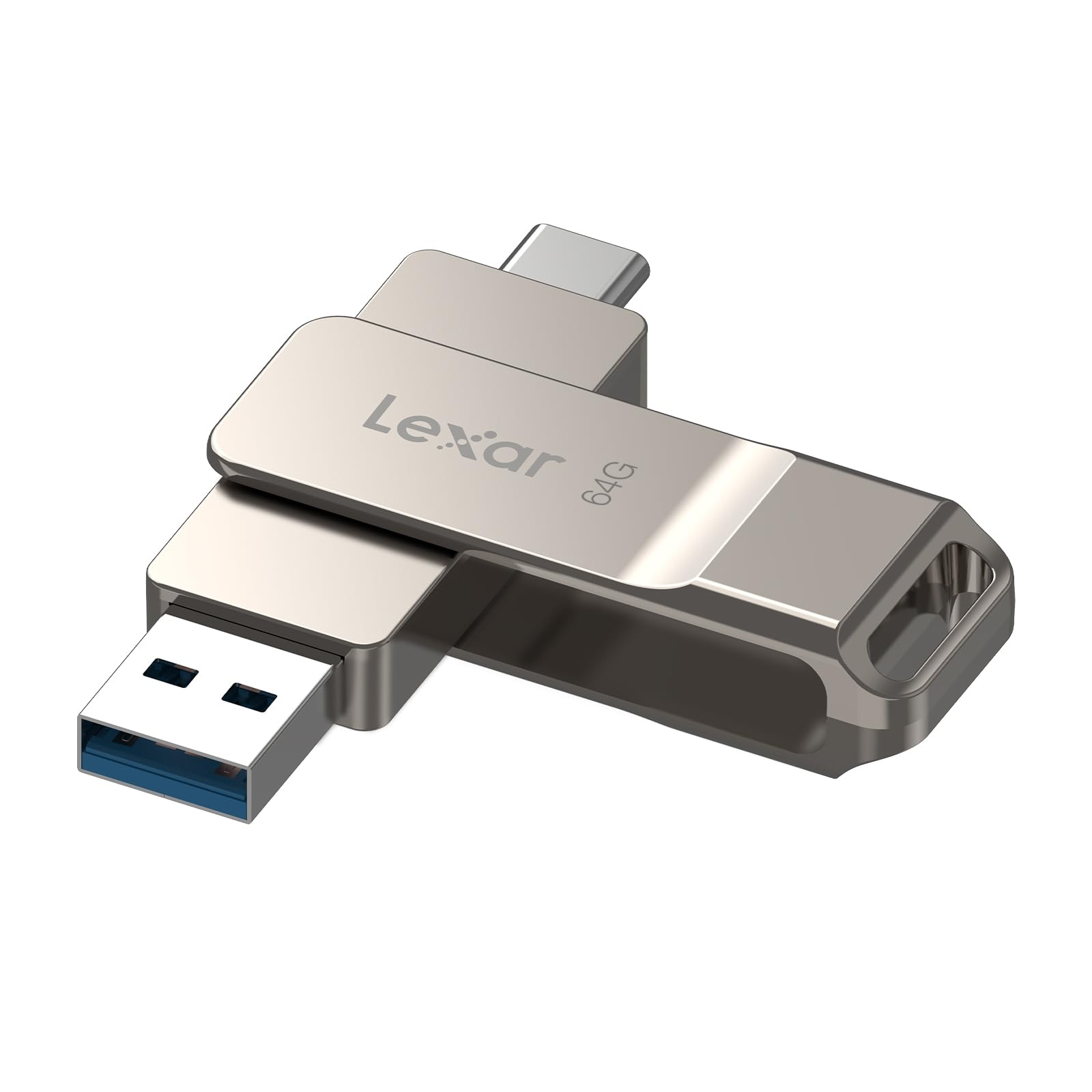
Figure 1: Lexar D40E Dual USB 3.2 Gen 1 Type-C Jump Drive.
2. Prodotto finitoview
The Lexar D40E is a versatile storage solution designed for seamless data transfer between various devices. Its dual-connector design and durable metal housing make it a reliable choice for expanding storage and moving fileÈ efficiente.
Caratteristiche principali:
- Doppi connettori USB: Features both USB Type-A and USB Type-C connectors for broad compatibility.
- Prestazioni ad alta velocità: USB 3.2 Gen 1 interface provides transfer speeds up to 100MB/s read.
- Collega e usa: No software installation required for most compatible devices.
- Design durevole: Metal housing with a 360° swivel design protects connectors and ensures durability.
- Sicurezza avanzata: Supports 256-bit AES encryption for secure file protezione.
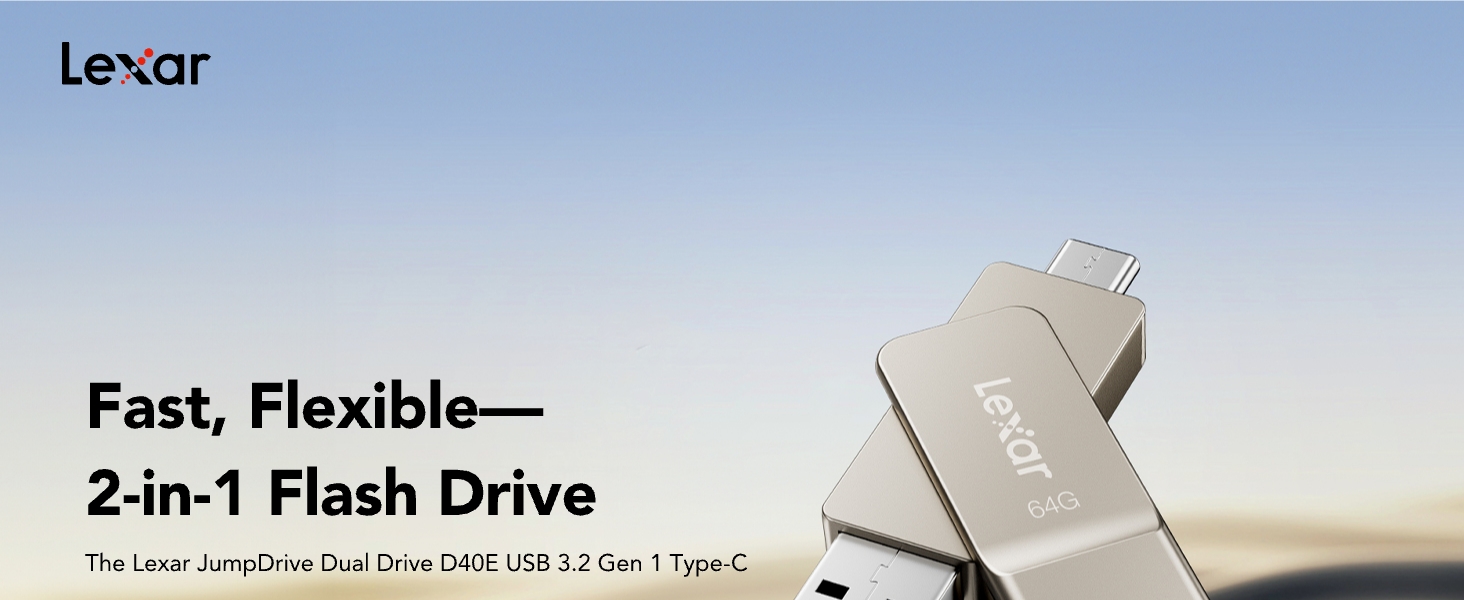
Figure 2: The Lexar D40E features both USB Type-A and Type-C connectors.
3. Impostazione
The Lexar D40E is designed for simple plug-and-play operation. Follow these steps to connect your drive to a compatible device.
3.1 Connecting to a USB Type-A Device (e.g., PC, Laptop)
- Identify the USB Type-A connector on the Lexar D40E (the larger, rectangular connector).
- Insert the USB Type-A connector into an available USB Type-A port on your computer or laptop.
- Il dispositivo dovrebbe essere riconosciuto automaticamente dal sistema operativo.
3.2 Connecting to a USB Type-C Device (e.g., Smartphone, Tablet, Mac)
- Identify the USB Type-C connector on the Lexar D40E (the smaller, oval-shaped connector).
- Insert the USB Type-C connector into an available USB Type-C port on your smartphone, tablet, or Mac.
- The device should be automatically recognized. On mobile devices, you may need to access a file manager application to view the drive's contents.

Figure 3: The Lexar D40E offers wide compatibility with various devices.
4. Istruzioni per l'uso
4.1 Trasferimento Files
Once connected, the Lexar D40E functions like any standard USB drive. You can drag and drop files to and from the drive using your device's file sistema di gestione.
- Per copiare files to the drive: Individuare il files on your device, select them, and drag them to the Lexar D40E drive icon or folder.
- Per copiare files from the drive: Open the Lexar D40E drive, select the desired files, and drag them to a location on your device.
4.2 Funzionalità di sicurezza
The Lexar D40E supports advanced security software with 256-bit AES encryption to protect your files. This software is typically downloaded separately from the Lexar website. Refer to the software's instructions for setup and use.
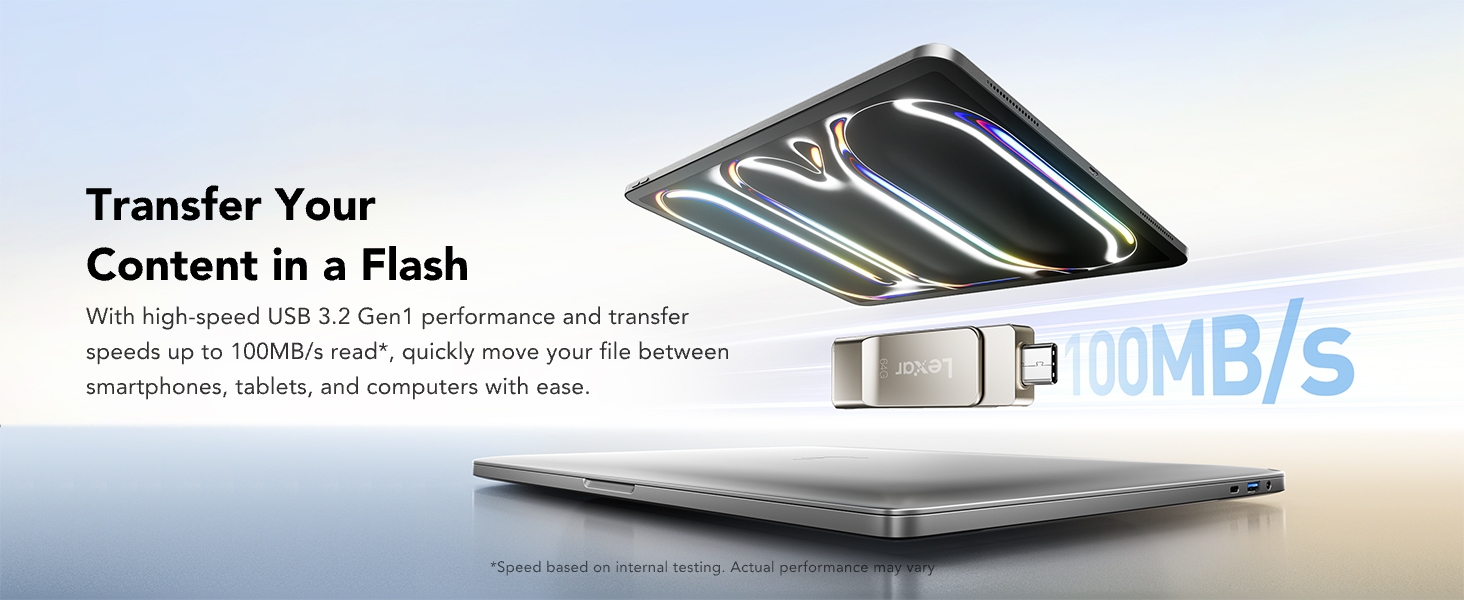
Figure 4: Secure your files using Lexar DataShield software with 256-bit AES encryption.
5. Manutenzione
5.1 Cura e manipolazione
- Evitare di esporre l'unità a temperature estreme, umidità o luce solare diretta.
- Do not drop or subject the drive to strong impacts.
- Keep the connectors clean and free from dust or debris. The swivel design helps protect the connectors when not in use.
- Always safely eject the drive from your device before removing it to prevent data corruption.
5.2 Formattazione dell'unità
The drive comes pre-formatted, but you may need to reformat it for specific uses or to resolve certain issues. If you intend to transfer large files (over 4GB each), you may need to reformat the drive to a file system like exFAT or NTFS, as the default FAT32 file system has a 4GB file limite di dimensione.
- Connect the Lexar D40E to your computer.
- Open 'This PC' or 'My Computer' (Windows) or 'Finder' (Mac).
- Right-click (Windows) or Control-click (Mac) on the Lexar D40E drive icon.
- Select 'Format...' from the context menu.
- Scegli quello che desideri file system (e.g., exFAT for cross-platform compatibility with large files) and click 'Start' or 'Erase'.
- Conferma l'azione. Warning: Formatting will erase all data on the drive. Back up important files prima di procedere.
6. Risoluzione Dei Problemi
6.1 Unità non riconosciuta
- Assicurarsi che l'unità sia completamente inserita nella porta USB.
- Prova una porta USB diversa sul tuo dispositivo.
- Prova a connetterti a un computer o dispositivo diverso per escludere un problema di porta.
- Riavvia il computer o il dispositivo.
- Controlla il tuo dispositivo file manager or disk management utility to see if the drive is detected but not assigned a drive letter (Windows).
6.2 Velocità di trasferimento lente
- Ensure you are using a USB 3.0/3.1/3.2 compatible port on your device for optimal speeds. Connecting to a USB 2.0 port will result in slower speeds.
- Performance may vary depending on the host device, interface, and usage conditions.
- Evitare di trasferire molti piccoli filecontemporaneamente; comprimerli in un unico archivio può talvolta migliorare la velocità.
6.3 Error When Transferring Large Files (e.g., >4GB)
- This is typically due to the drive being formatted with the FAT32 file system, which has a 4GB file limite di dimensione.
- Reformat the drive to exFAT or NTFS (see Section 5.2) to support larger file dimensioni.
7. Specifiche
| Caratteristica | Dettaglio |
|---|---|
| Marca | Lexar |
| Nome del modello | D40E |
| Capacità di archiviazione della memoria | 64 GB |
| Interfaccia Hardware | USB 3.2 di prima generazione |
| Caratteristica speciale | Dual USB Connectors |
| Velocità di lettura | Fino a 100 Megabyte al secondo |
| Velocità di scrittura | Fino a 80 Megabyte al secondo |
| Dispositivi compatibili | Laptop, Mac, PC, Smartphone, Tablet (USB Type-C smartphones) |
| Tecnologia di connettività | USB |
| Tipo di memoria flash | USB |
| Colore | ChampAgnese Argento |
| Dimensioni dell'articolo (P x L x A) | 0.46"P x 2.77"L x 0.46"A (70.4 x 16.9 x 11.7 mm) |
| Peso dell'articolo | 26 grammi |
| Numero di modello | LJDD40E064G-BNSNG |
| Codice UPC | 843367138333 |
8. Garanzia e supporto
8.1 Informazioni sulla garanzia
The Lexar D40E Dual USB 3.2 Gen 1 Type-C Jump Drive is backed by a Lexar 3-year limited warranty. For detailed terms and conditions, please refer to the official Lexar website or contact Lexar customer support.
8.2 Assistenza clienti
For technical assistance, product inquiries, or warranty claims, please visit the official Lexar support website or contact their customer service department. Contact information can typically be found on the Lexar websito o confezione del prodotto.