
Introduzione
This manual provides essential information for the safe and efficient use of your Panasonic W80 Series 4K LED Smart TV with integrated Fire TV. Please read these instructions thoroughly before operating your television and retain them for future reference. This 4K LED TV offers high-quality picture and sound, enhanced by the integrated Fire TV experience.

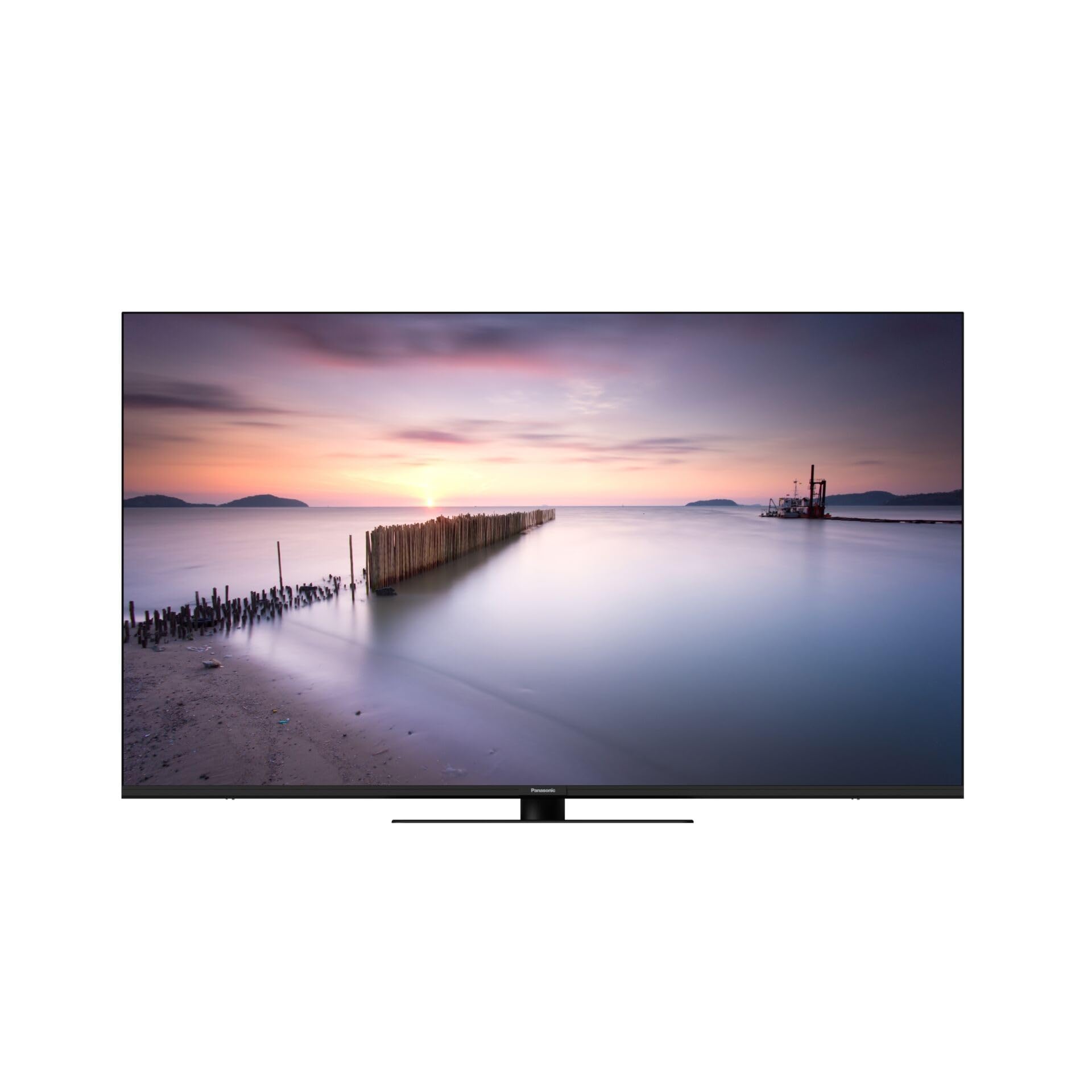
Davanti view of the Panasonic W80 Series 4K LED Smart TV, showcasing its slim bezel and modern design.
Informazioni sulla sicurezza
Always follow basic safety precautions when using this television to reduce the risk of fire, electric shock, and injury. Keep the television away from water and moisture. Do not block ventilation openings. Use only attachments/accessories specified by the manufacturer. Refer all servicing to qualified service personnel.
Contenuto della confezione
Before setting up your new television, please ensure all items are present in the box:
- Panasonic W80 Series 4K LED Smart TV
- Telecomando
- Cavo di alimentazione
- Supporto (se applicabile)
- Batteries (2 AAA for remote control)
- Guida rapida (documento separato)
Impostare
Configurazione fisica
Your television can be placed on a stand or mounted on a wall. Ensure the TV is placed on a stable, level surface or securely mounted using a VESA-compatible wall mount (400 x 200 mm).
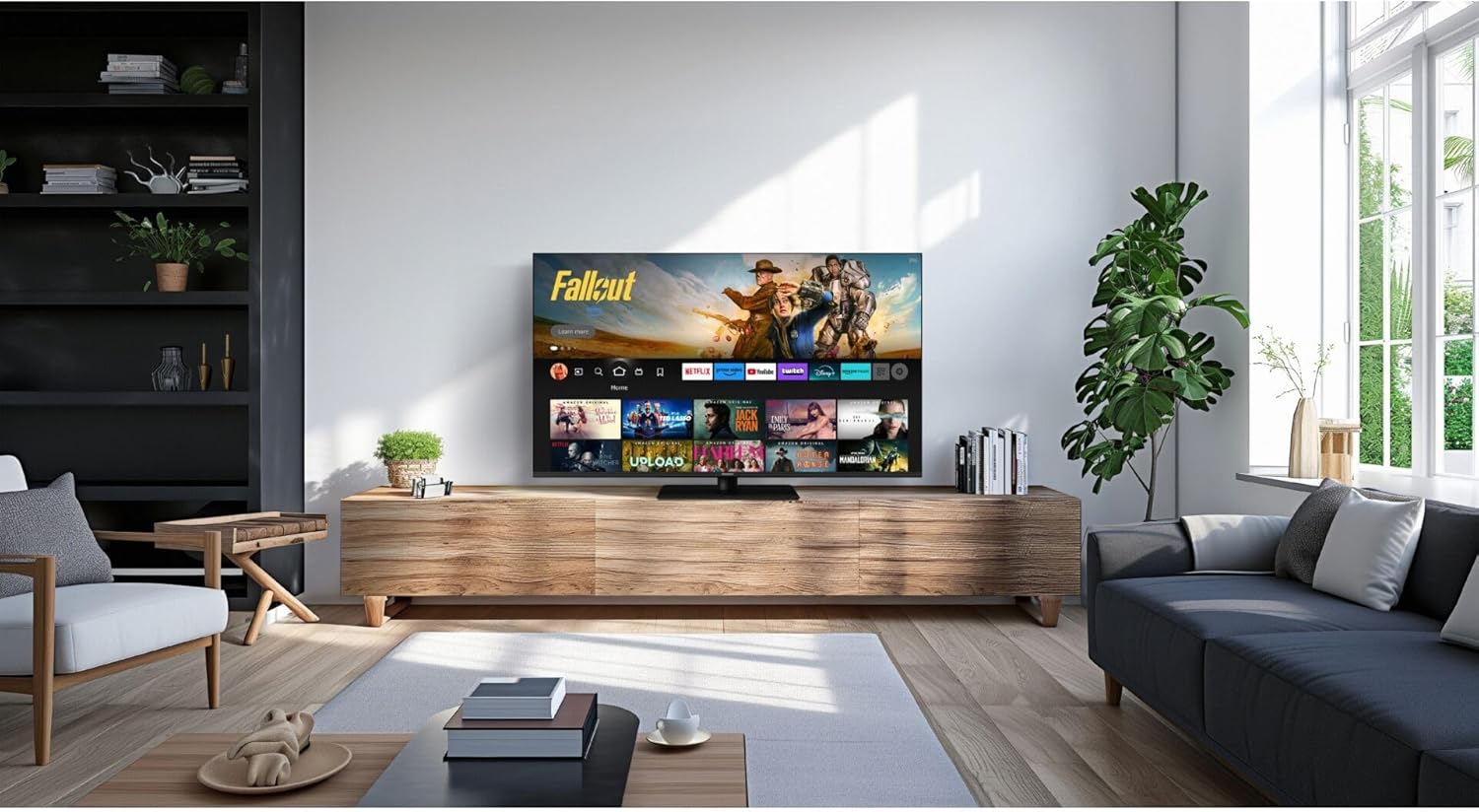
Panasonic W80 Series 4K LED Smart TV displayed in a modern living room setting, mounted on a wooden media console.
Connessioni
- Energia: Collegare il cavo di alimentazione al televisore e poi a una presa a muro.
- Dispositivi HDMI: Connect external devices (e.g., Blu-ray player, game console) to the HDMI ports. This TV features 3 HDMI ports.
- Dispositivi USB: Connect USB storage devices to the 2 USB ports for media playback.
- Internet: Connect to your home network via Wi-Fi or an Ethernet cable for access to Fire TV features and streaming services.
Initial Setup (Fire TV)
Upon first power-on, follow the on-screen instructions to set up your Fire TV. This includes selecting your language, connecting to Wi-Fi, and logging in with your Amazon account. The integrated Fire TV provides intuitive ease of use with personalized content recommendations.
Operativo
Telecomando
The included remote control allows you to navigate the Fire TV interface, adjust volume, change channels, and access smart features. Insert the two AAA batteries as indicated in the battery compartment.
Interfaccia Fire TV
The Fire TV interface provides access to a wide range of streaming applications like Netflix, Amazon Prime Video, and Hulu. Navigate using the directional pad on your remote. Content recommendations are personalized based on your viewabitudini.
The Panasonic W80 Series TV screen displaying the Fire TV interface with various streaming app icons and content recommendations, including 'Fallout' and other Amazon Originals.
Funzionalità intelligenti
Utilize voice control through the remote to search for content, launch apps, and control smart home devices. The TV is compatible with smart home systems.
Impostazioni immagine e audio
Your TV features an HCX Processor and Hollywood-optimized image processing for realistic contrast and colors. It supports multiple HDR formats including Dolby Vision, HLG, HDR10, and HDR10+. The brilliant LED backlight ensures sharp, defined HDR images. For audio, experience immersive sound with Surround Sound Pro and Dolby Atmos.
Caratteristiche di gioco
Elevate your gaming experience with Game Mode Plus and the Game Control Panel, designed for low latency and super-fast reaction times.
Manutenzione
Pulizia
To clean the screen, gently wipe with a soft, dry, lint-free cloth. For the TV body, use a soft, damp stoffa. Evitare l'uso di prodotti chimici aggressivi o detergenti abrasivi.
Aggiornamenti software
Ensure your TV is connected to the internet to receive automatic software updates. These updates provide new features and improve performance and security.
Risoluzione dei problemi
- Nessun potere: Controllare che il cavo di alimentazione sia collegato saldamente sia al televisore sia alla presa a muro.
- Nessuna immagine/suono: Verify that the correct input source is selected and all HDMI cables are properly connected.
- Il telecomando non funziona: Assicurarsi che le batterie siano inserite correttamente e non siano scariche. Puntare il telecomando direttamente verso la TV.
- Problemi di connessione Wi-Fi: Restart your router and the TV. Check your network settings on the TV.
- Fire TV App Problems: Try restarting the app or clearing its cache in the Fire TV settings.
Specifiche
| Caratteristica | Specificazione |
|---|---|
| Numero di modello | TV-65W80AEZ |
| Dimensioni dello schermo | 65 pollici |
| Tecnologia di visualizzazione | Schermo LED 4K |
| Risoluzione | Risoluzione 4K (3840 x 2160) |
| Frequenza di aggiornamento | Frequenza 240 Hz |
| Supporto HDR | Dolby Vision, HLG, HDR10, HDR10+ |
| Processore di immagini | HCX Processor |
| Uscita audio | 24 Watt |
| Tecnologia del suono | Surround Sound Pro, Dolby Atmos |
| Sistema operativo | Fire TV integrata |
| Connettività | Bluetooth, HDMI (3 ports), Wi-Fi, USB (2 ports) |
| Metodo di controllo | Voce, Controllo remoto |
| Standard di montaggio VESA | 400 x 200 millimetri |
| Dimensioni (A x L x P) | Dimensioni: 876 mm x 1446 mm x 275 mm |
| Peso | 20.5 chilogrammi |
Garanzia e supporto
Per informazioni sulla garanzia, fare riferimento alla scheda di garanzia inclusa con il prodotto o visitare il sito ufficiale Panasonic website. For technical support, troubleshooting assistance, or service inquiries, please contact Panasonic customer support through their official channels.