
AWANFI GL-528
Manuale utente dei walkie talkie ricaricabili AWANFI GL-528
Modello: GL-528
Introduzione
Thank you for choosing the AWANFI GL-528 Rechargeable Walkie Talkies. This manual provides detailed instructions for the safe and efficient operation of your new two-way radios. Designed for ease of use and durability, these walkie talkies are ideal for various activities such as family camping, cycling, hiking, and general communication. Please read this manual thoroughly before using the product to ensure optimal performance and longevity.
Cosa c'è nella scatola
Si prega di controllare il contenuto della confezione dopo averla disimballata:
- 4 x AWANFI GL-528 Walkie Talkies
- Clip 4 x cinghie
- 4 x cordini
- 2 x 2-in-1 Type-C Cable
- 1 x Manuale utente (questo documento)
Prodotto finitoview
Familiarize yourself with the components of your AWANFI GL-528 walkie talkie:
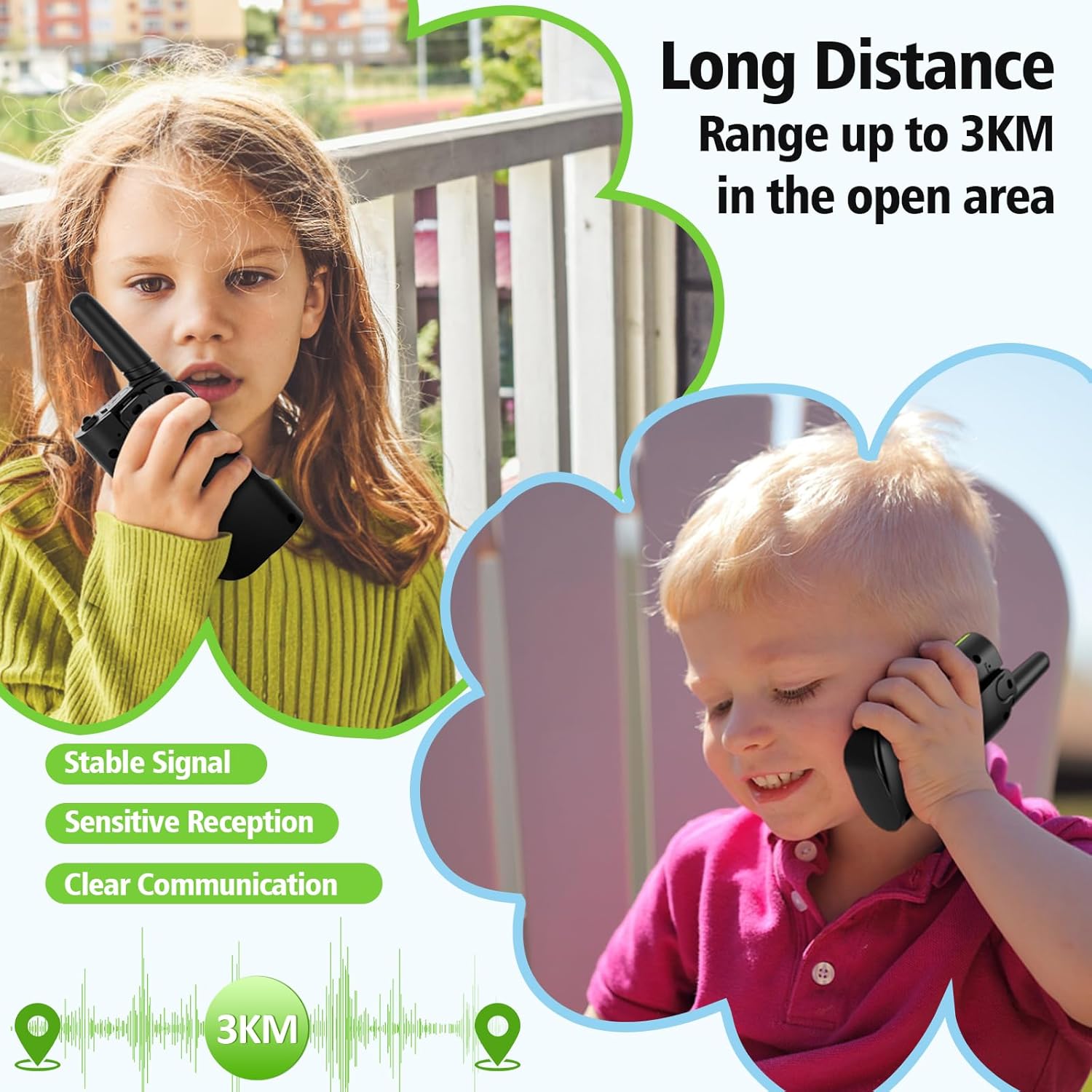
Figura 1: AWANFI GL-528 Walkie Talkie Components. This image displays the front view of the walkie talkie with various parts clearly labeled, including the antenna, LCD display, Push-to-Talk (PTT) button, volume/menu controls, call tone/lock button, microphone, speaker, SOS button, flashlight/scan button, power/menu button, Type-C charging port, and integrated flashlight.
- Antenna: Per trasmettere e ricevere segnali.
- Schermo LCD: Mostra il numero del canale, il livello della batteria, lo stato VOX e altri indicatori.
- Pulsante Premi per parlare (PTT): Tieni premuto per trasmettere la tua voce.
- Volume/Menu Up (▲) Button: Adjusts volume up or navigates menu options.
- Call Tone/Lock (♪/🔒) Button: Sends a call tone or locks/unlocks the keypad.
- Microfono: Cattura la tua voce per trasmetterla.
- Oratore: Le uscite hanno ricevuto l'audio.
- Pulsante SOS: Activates the SOS alarm and flashlight.
- Volume/Menu Down (▼) Button: Adjusts volume down or navigates menu options.
- Flashlight/Scan (💡/SCAN) Button: Turns the flashlight on/off or initiates channel scanning.
- Power/Menu (⏻/MENU) Button: Turns the device on/off or enters the menu settings.
- Porta di ricarica di tipo C: Per collegare il cavo di ricarica USB Type-C.
- Torcia elettrica: Luce LED integrata per l'illuminazione.
Impostare
1. Carica della batteria
The AWANFI GL-528 walkie talkies come with a built-in 1000mAh Li-ion rechargeable battery. Before first use, fully charge the device.
- Locate the Type-C charging port on the top of the walkie talkie.
- Connect the provided 2-in-1 Type-C cable to the charging port.
- Collegare l'altra estremità del cavo USB a un adattatore di alimentazione USB standard (non incluso) o a una porta USB del computer.
- L'indicatore della batteria sul display LCD mostrerà lo stato di carica. Una ricarica completa richiede in genere diverse ore.
- Una volta caricata completamente, scollegare il cavo di ricarica.

Figura 2: Charging the AWANFI GL-528 Walkie Talkie. This image illustrates the walkie talkie connected to a USB-C charging cable, highlighting its rechargeable nature and the 1000mAh built-in Li-ion battery.
2. Fissaggio della clip da cintura e del cordino
For convenient carrying, attach the included belt clip and lanyard.
- Clip da cintura: Far scorrere la clip da cintura nell'apposita fessura sul retro del walkie-talkie finché non scatta in posizione.
- Cordino: Thread the lanyard through the small loop located at the top of the walkie talkie, near the antenna.
Istruzioni per l'uso
1. Accensione/spegnimento
- Per accendere: tenere premuto il tasto Power/Menu (⏻/MENU) finché lo schermo LCD non si illumina.
- Per spegnere: tenere premuto il tasto Power/Menu (⏻/MENU) finché lo schermo LCD non si spegne.
2. Regolazione del volume
Mentre il walkie-talkie è acceso, premere il tasto Volume/Menu Up (▲) or Volume/Menu Down (▼) pulsanti per regolare il volume di ascolto.
3. Selezione del canale
The AWANFI GL-528 features 22 channels. To communicate with another walkie talkie, both devices must be on the same channel.
- Premere il tasto Power/Menu (⏻/MENU) premere una volta il pulsante per accedere al menu. Il numero del canale lampeggerà.
- Utilizzare il Volume/Menu Up (▲) or Volume/Menu Down (▼) pulsanti per selezionare il canale desiderato (1-22).
- Premere il tasto Power/Menu (⏻/MENU) button again to confirm the channel and exit the menu, or wait a few seconds for it to auto-confirm.
4. Trasmissione e ricezione (PTT)
To speak, ensure you are on the same channel as the recipient.
- Per trasmettere: tenere premuto il tasto Premi per parlare (PTT) button. Speak clearly into the microphone, holding the walkie talkie approximately 2-3 inches from your mouth.
- Per ricevere: Rilasciare il PTT button. The walkie talkie will automatically switch to receive mode.
5. VOX Function (Hands-Free Communication)
VOX (Voice Operated Exchange) allows you to transmit without pressing the PTT button when it detects your voice.
- Premere il tasto Power/Menu (⏻/MENU) button multiple times until "VOX" appears on the LCD display.
- Utilizzare il Volume/Menu Up (▲) or Volume/Menu Down (▼) buttons to select the VOX sensitivity level (1-3, or OFF).
- 1: Low Sensitivity (for noisy environments)
- 2: Medium Sensitivity (for most occasions)
- 3: High Sensitivity (for quiet environments)
- Premere il tasto Power/Menu (⏻/MENU) pulsante per confermare ed uscire.

Figura 3: VOX Function for Hands-Free Communication. This image demonstrates the VOX feature in use by children on bicycles, illustrating how the walkie talkie can automatically transmit when voice is detected, with adjustable sensitivity levels for different environments.
6. Funzione torcia
The built-in LED flashlight provides convenient illumination.
- To turn on/off: Briefly press the Flashlight/Scan (💡/SCAN) pulsante.

Figura 4: SOS Function and Flashlight. This image shows the walkie talkie's integrated flashlight illuminating a dark environment, emphasizing its utility, and highlights the SOS button for emergency signaling.
7. Funzione SOS
In an emergency, the SOS function can alert others on the same channel.
- Per attivare: tenere premuto il tasto sos button. The walkie talkie will emit a loud siren and flash the flashlight, transmitting the distress signal to other walkie talkies on the same channel.
- Per disattivare: rilasciare il sos pulsante.
8. Blocco tastiera
Locking the keypad prevents accidental button presses.
- To lock/unlock: Press and hold the Call Tone/Lock (♪/🔒) button. A lock icon will appear/disappear on the LCD display.
9. Avvisi di tono di chiamata
Send a distinct tone to alert other users on your channel.
- To send a call tone: Briefly press the Call Tone/Lock (♪/🔒) pulsante.
10. Scansione automatica
The auto scan feature helps you find active channels.
- To activate scan: Press and hold the Flashlight/Scan (💡/SCAN) button until "SCAN" appears on the display. The walkie talkie will scan through channels and stop on an active one.
- To stop scan: Briefly press the Flashlight/Scan (💡/SCAN) di nuovo il pulsante.
Manutenzione
- Pulizia: Utilizzare un morbido, damp panno per pulire l'esterno del walkie-talkie. Non utilizzare prodotti chimici aggressivi o detergenti abrasivi.
- Magazzinaggio: When not in use for extended periods, store the walkie talkies in a cool, dry place. It is recommended to fully charge the batteries before long-term storage and recharge them every 3-6 months to maintain battery health.
- Cura della batteria: Avoid fully discharging the battery frequently. Recharge when the battery indicator is low.
- Resistenza all'acqua: Questi walkie talkie sono NON water resistant. Avoid exposure to rain, splashes, or immersion in water.
Risoluzione dei problemi
| Problema | Possibile causa | Soluzione |
|---|---|---|
| Nessun potere | La batteria è scarica. | Caricare completamente il walkie-talkie. |
| Non è possibile comunicare con altri walkie-talkie | Different channels selected. Fuori dal limite. | Assicurarsi che entrambi i walkie-talkie siano sullo stesso canale. Move closer to the other walkie talkie. |
| Scarsa qualità del suono / Statico | Segnale debole. Obstructions (buildings, hills). | Spostarsi in un'area aperta. Regolare la posizione dell'antenna. |
| La tastiera non risponde | La tastiera è bloccata. | Premere e tenere premuto il tasto Call Tone/Lock (♪/🔒) pulsante per sbloccare. |
| VOX non funziona | VOX sensitivity too low or OFF. | Adjust VOX sensitivity to a higher level (2 or 3) in the menu. |
Specifiche
| Caratteristica | Dettaglio |
|---|---|
| Numero di modello | GL-528 |
| Marca | AWANFI |
| Numero di canali | 22 |
| Gamma di frequenza | Frequenza 400-470 MHz |
| Raggio di conversazione (massimo) | 3 Kilometers (in open area) |
| Tipo di batteria | Batteria agli ioni di litio da 1000 mAh integrata |
| Voltage | 3.7 Volt |
| Caratteristiche speciali | Call Alert, Emergency Alarm (SOS), Integrated Flashlight, Keypad Lock, VOX (Voice Operated Exchange), Auto Scan |
| Livello di resistenza all'acqua | Non resistente all'acqua |
| Produttore | Shenzhen Geling Technology Co., Ltd. |
Informazioni sulla garanzia
The AWANFI GL-528 Walkie Talkies come with a Garanzia di 1 anno dalla data di acquisto. La presente garanzia copre difetti di fabbricazione e di lavorazione. Non copre danni causati da uso improprio, incidenti, modifiche non autorizzate o normale usura. Si prega di conservare la prova d'acquisto per eventuali reclami in garanzia.
Supporto
For further assistance, technical support, or warranty inquiries, please contact AWANFI customer service through the retailer's platform where you purchased the product or visit the official AWANFI store page on Amazon:
Ask a question about this manual
Ask about setup, troubleshooting, compatibility, parts, safety, or missing instructions. Manuals+ will review the question and use this page’s manual context to help answer it.