
VTech 80-547480
Manuale utente del sistema portatile Bluetooth VTech Super Sound Karaoke
Modello: 80-547480
Introduzione
This manual provides essential instructions for the setup, operation, and maintenance of your VTech Super Sound Karaoke Portable Bluetooth System. Please read this manual thoroughly before using the product to ensure proper function and longevity.
The VTech Super Sound Karaoke system is a versatile, portable entertainment device designed for both adults and children. It features Bluetooth connectivity, two wired microphones, dynamic sound output, and built-in party lights to enhance your karaoke experience. It can also function as a portable speaker for various audio sources.
Contenuto della confezione
Prima di procedere con la configurazione, verificare che tutti i componenti siano presenti nella confezione:
- VTech Super Sound Karaoke Portable Bluetooth System Unit
- Two Wired Microphones
- Adattatore di alimentazione
- Manuale dell'utente (questo documento)
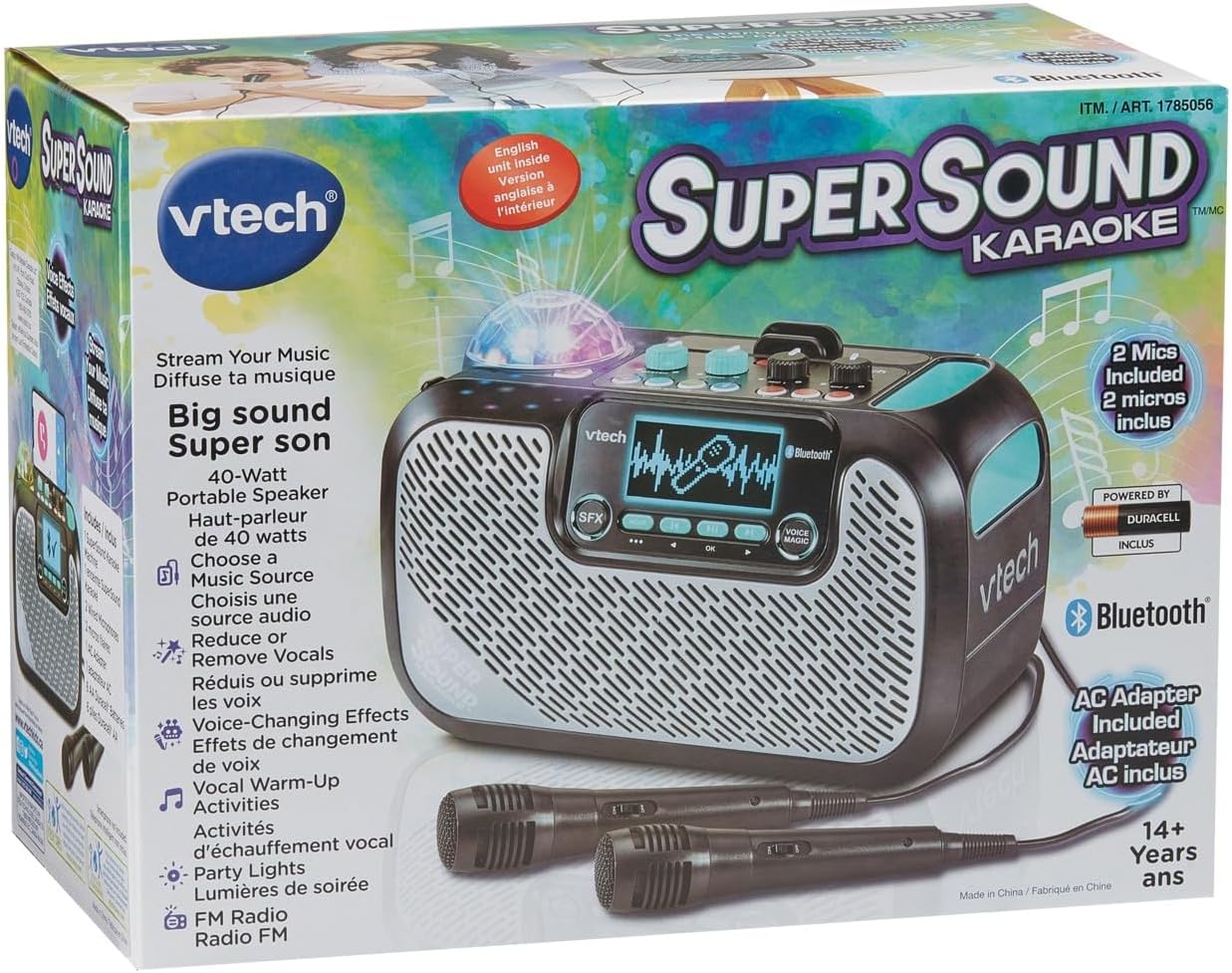
Image: The VTech Super Sound Karaoke machine shown in its retail packaging, highlighting its features and included accessories.
Impostare
Collegamento di potenza
- Connect the provided power adapter to the DC input port on the back of the karaoke machine.
- Plug the power adapter into a standard electrical outlet (AC 1.1E+2 Volts).
- Press the Power button located on the top panel to turn on the unit.
Connessione microfono
The system includes two wired microphones. Locate the microphone input jacks on the front or side of the unit and firmly insert the microphone cables.
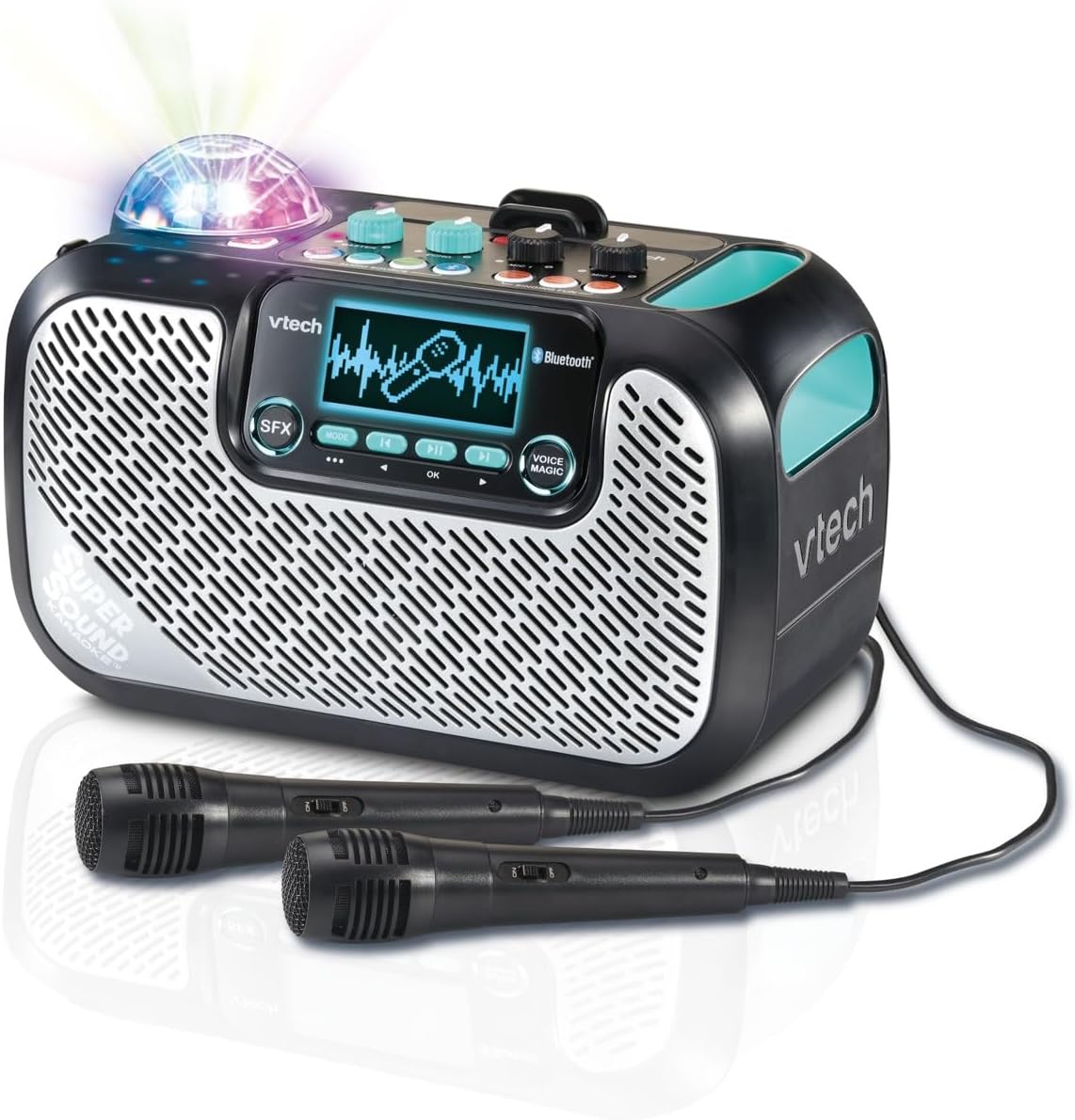
Image: The VTech Super Sound Karaoke machine with its two wired microphones connected and ready for use. The main unit features a display screen and various control buttons.
Istruzioni per l'uso
Controlli finitiview

Immagine: dall'alto verso il basso view of the VTech Super Sound Karaoke machine, detailing the layout of its control panel including master volume, echo, microphone volume controls, and audio source selection buttons.
- Pulsante di accensione: Accende o spegne l'unità.
- Manopola del volume principale: Regola il livello di uscita audio complessivo.
- Manopola Echo: Controls the echo effect applied to the vocals.
- Mic 1 / Mic 2 Volume Knobs: Adjusts the individual volume levels for each connected microphone.
- Audio Source Buttons (Line In, Micro SD, Radio, Bluetooth): Selects the desired audio input mode.
- Singing Fun Buttons (Singing Effect, Voice Changer, Activities): Activates various vocal effects and interactive singing activities.
- Pulsante effetti sonori: Triggers sound effects.
- Navigation Buttons (Play/Pause, Skip, OK): Controls media playback and menu navigation on the display.
- Voice Magic Button: Activates features like vocal removal or reduction from tracks.
Collegamento di sorgenti audio
The VTech Super Sound Karaoke system supports multiple audio input methods:
- Bluetooth: Press the Bluetooth button. The unit will enter pairing mode. On your smartphone, tablet, or other compatible device, search for and select "VTech Karaoke" to connect.
- FM Radio: Press the Radio button. Use the navigation buttons to tune to desired FM stations.
- Scheda MicroSD: Inserire una scheda microSD contenente audio MP3 files into the designated slot. Press the Micro SD button to access content.
- Ingresso ausiliario (Line In): Connect an external audio device (e.g., smartphone, tablet) using a 3.5 mm audio cable (not included) to the Line In port. Press the Line In button.
Using Microphones and Voice Effects
Once microphones are connected and an audio source is playing:
- Adjust individual microphone volumes using the Mic 1 and Mic 2 knobs.
- Use the Echo knob to add a reverberation effect to your voice.
- Explore the Singing Effect and Voice Changer buttons for various vocal modifications (e.g., harmony, robot voice).
- The Voice Magic feature can reduce or remove lead vocals from songs, allowing you to sing along more prominently.
Luci di festa
The integrated multicolored party lights automatically activate when the unit is in use, creating a dynamic visual experience. There is no separate control for the party lights; they operate in conjunction with the audio playback.
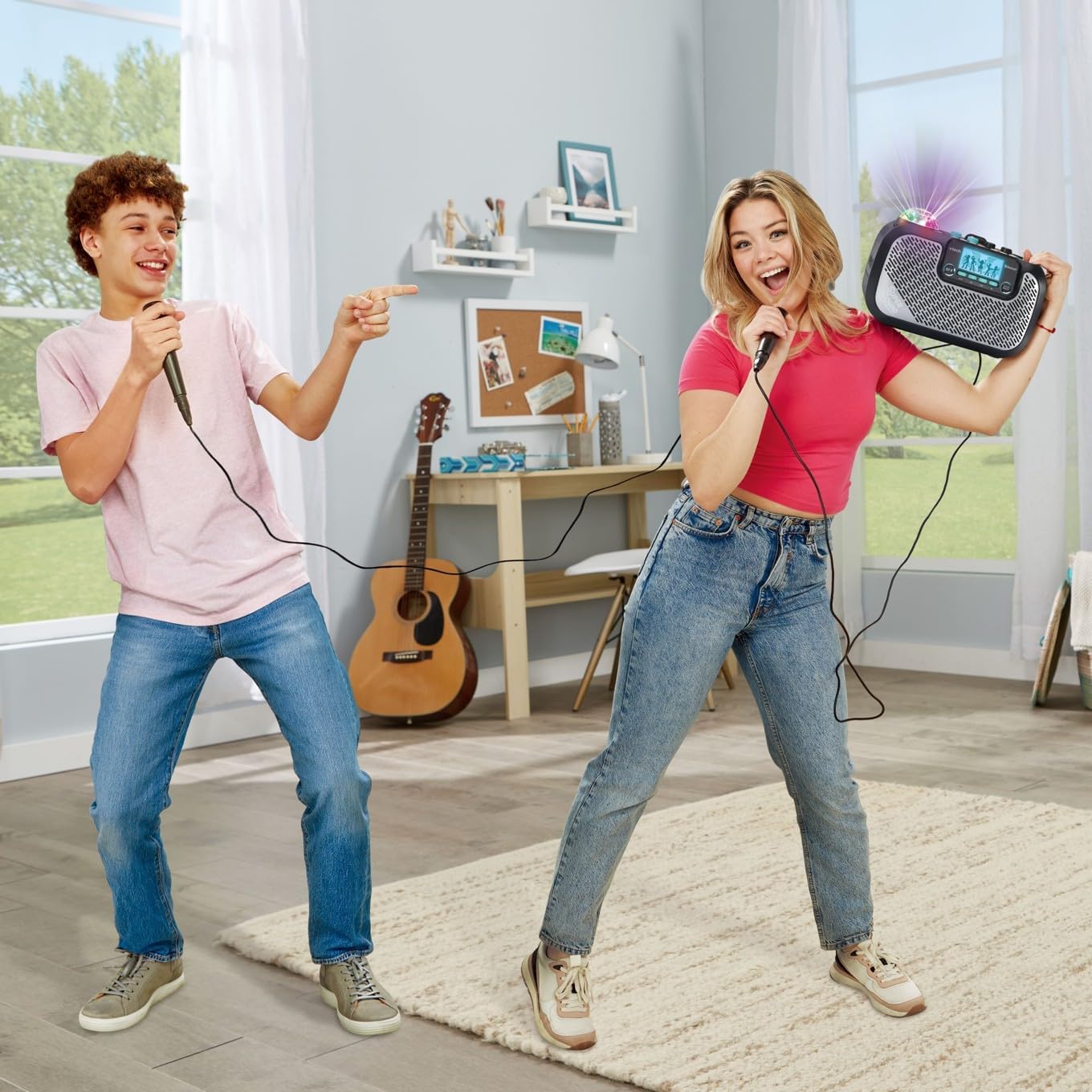
Image: Two individuals enjoying the VTech Super Sound Karaoke machine, demonstrating the use of microphones and the visual effect of the integrated party lights during a performance.
Manutenzione
Pulizia
To maintain the appearance and functionality of your karaoke system:
- Prima di procedere alla pulizia, assicurarsi che l'unità sia spenta e scollegata.
- Pulire le superfici esterne con un panno morbido e asciutto.
- Non utilizzare detergenti abrasivi, solventi o prodotti chimici aggressivi, poiché potrebbero danneggiare la finitura.
- Evitare che l'umidità penetri nelle aperture o nelle porte.
Magazzinaggio
When not in use, store the karaoke system in a cool, dry place, away from direct sunlight and extreme temperatures. Disconnect all cables and microphones before storing.
Risoluzione dei problemi
If you encounter issues with your VTech Super Sound Karaoke system, refer to the following common problems and solutions:
| Problema | Possibile causa | Soluzione |
|---|---|---|
| Nessun potere | Adattatore di alimentazione non collegato o presa difettosa. | Assicurarsi che l'adattatore di alimentazione sia collegato saldamente all'unità e a una presa elettrica funzionante. |
| Nessun suono dagli altoparlanti | Master volume too low; incorrect audio source selected; external device volume too low. | Increase Master Volume. Verify the correct audio source (Bluetooth, Line In, Micro SD, Radio) is selected. Check volume on connected external device. |
| Nessun suono dai microfoni | Microphones not connected properly; Mic volume knobs too low. | Ensure microphones are fully plugged into their respective jacks. Increase Mic 1 and Mic 2 volume knobs. |
| Problemi di associazione Bluetooth | Unità non in modalità di associazione; dispositivo troppo lontano; interferenza. | Press the Bluetooth button to enter pairing mode. Ensure your device's Bluetooth is on and within range. Try restarting both devices. |
| Static on FM Radio | Segnale debole; interferenza. | Reposition the unit to improve reception. Try a different station. |
Specifiche
| Caratteristica | Dettaglio |
|---|---|
| Numero di modello | 80-547480 |
| Peso dell'articolo | 5.1 libbre (circa 2.3 kg) |
| Dimensioni del prodotto | 10.47 x 6.5 x 8.5 pollici (26.6 x 16.5 x 21.6 cm) |
| Fonte di alimentazione | Spina elettrica |
| Voltage | 1.1E+2 Volt (CA) |
| Tipi di connettori | 3.5 mm Jack (Aux In), microSD card slot, Bluetooth |
| Dispositivi compatibili | Smartphone, Tablet, Speaker, Headphone |
| Caratteristiche speciali | AM/FM Radio, Adjustable Microphone Sensitivity, Portable, Party Lights, Voice Effects |
| Componenti inclusi | Microphone (x2), Power Adapter, User Manual |
Garanzia e supporto
For warranty information and customer support, please refer to the documentation included with your product at the time of purchase or visit the official VTech websito. Conservare la ricevuta d'acquisto come prova d'acquisto per eventuali reclami in garanzia.
Ask a question about this manual
Ask about setup, troubleshooting, compatibility, parts, safety, or missing instructions. Manuals+ will review the question and use this page’s manual context to help answer it.