
1. Introduzione
The Nobsound DV-01 is a compact USB volume control knob designed to provide precise and convenient audio adjustment for various devices. It features a high-precision rotary knob, a one-touch mute function, and a stylish breathing light, enhancing both functionality and desktop aesthetics.
2. Contenuto della confezione
Si prega di verificare che tutti gli articoli siano presenti nel pacco:
- 1 × Volume Controller
- 1 × Cavo USB
- 1 × Non-slip Mat
- 2 × 3M Double-sided Adhesive

Image: The Nobsound DV-01 volume controller, USB Type-C cable, non-slip mat, and 3M double-sided adhesive included in the package.
3. Impostazione
3.1. Connessione del dispositivo
- Connect the provided USB Type-C cable to the Type-C input port on the Nobsound DV-01 volume controller.
- Plug the other end of the USB cable into an available USB port on your computer, laptop, smartphone, or tablet.
- The device is plug-and-play and typically requires no additional driver installation for basic functionality.

Image: The Nobsound DV-01 volume controller highlighting its Type-C input and illustrating compatibility with various devices such as MP3 players, phones, tablets, PCs, and TVs.
3.2. Posizionamento e stabilità
To ensure stability and prevent the device from sliding, apply the included non-slip mat or 3M double-sided adhesive to the bottom of the volume controller before placing it on your desktop.

Image: Demonstrates the application of the non-slip mat and 3M double-sided adhesive to the Nobsound DV-01 for secure placement on a desk.
4. Istruzioni per l'uso
4.1. Regolazione del volume
- Ruotare in senso orario: Ruotare la manopola in senso orario per aumentare il volume.
- Ruota in senso antiorario: Ruotare la manopola in senso antiorario per diminuire il volume.
The DV-01 supports both fast and slow adjustment modes. Slow mode adjusts by 2 levels each time, while fast mode adjusts by 6 levels, allowing for smooth volume transitions tailored to individual preferences.
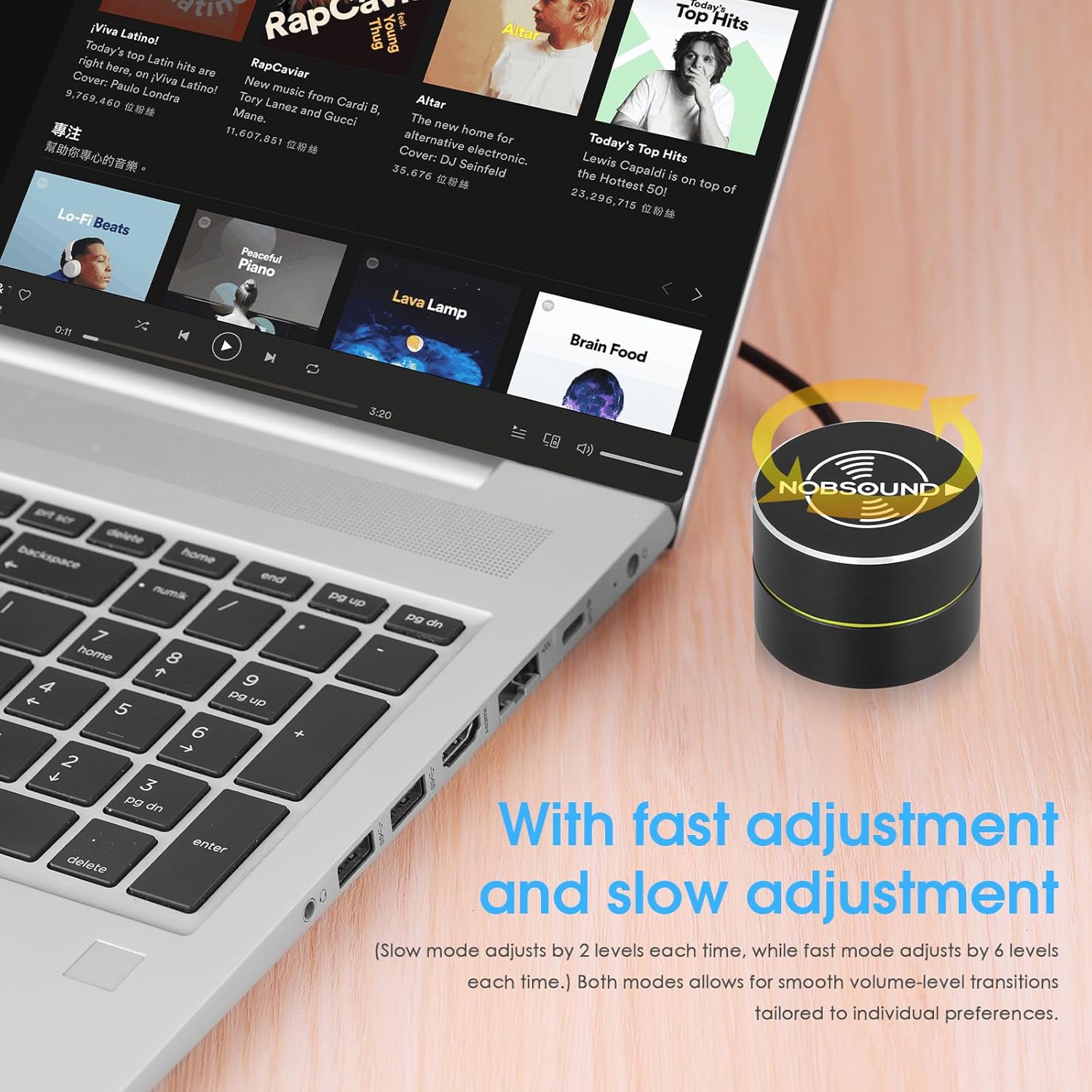
Image: A hand rotating the Nobsound DV-01 knob to adjust volume, illustrating the precise control.
4.2. Funzione Mute
- Stampa singola: Press the knob once to instantly mute the audio.
- Premere di nuovo: Press the knob again to unmute the audio.
4.3. Media Control (Previous/Next Song)
The device supports switching between previous and next songs, making it convenient for media playback.
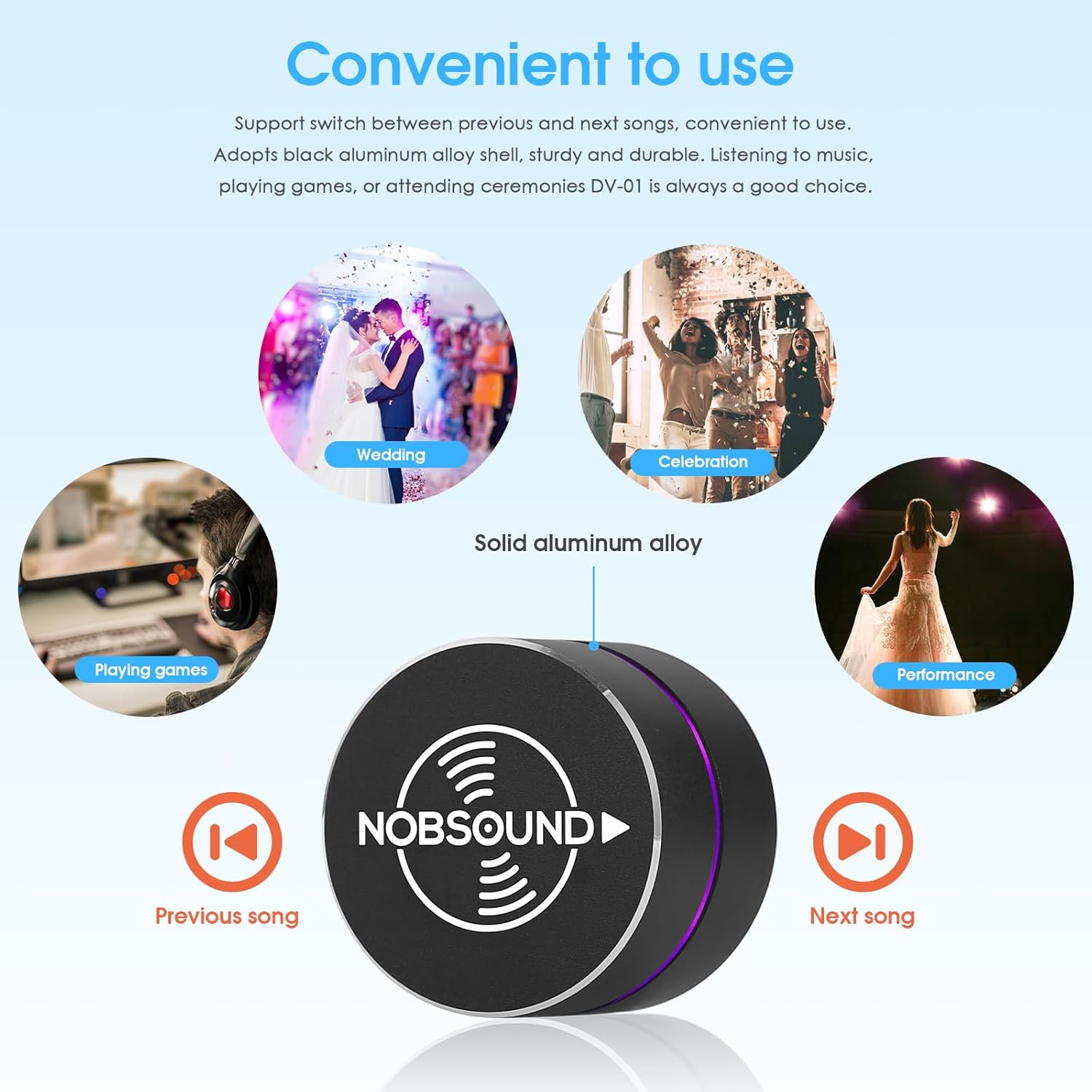
Image: The Nobsound DV-01 controller with icons indicating previous and next song functions, alongside various usage scenarios.
4.4. Breathing Light Control
The DV-01 is equipped with a soft, elegant breathing light that offers 6 color options and dynamic light modes. This enhances desktop aesthetics and provides a clear working status indicator.

Image: Displays the Nobsound DV-01 with its LED breathing light cycling through different color options.
4.5. Dimostrazioni video
Video: Demonstrates basic volume control and mute functionality of a USB volume knob. Note: Product shown may vary slightly in appearance from the Nobsound DV-01.
Video: Shows the RGB lighting effects and basic volume control of a USB audio remote knob. Note: Product shown may vary slightly in appearance from the Nobsound DV-01.
Video: Illustrates the simple plug-and-play setup and volume adjustment capabilities of a USB volume controller. Note: Product shown may vary slightly in appearance from the Nobsound DV-01.
5. Manutenzione
- Mantenere pulito il dispositivo strofinandolo con un panno morbido e asciutto.
- Evitare di esporre il dispositivo a umidità eccessiva o temperature estreme.
- Do not attempt to disassemble the device, as this may void the warranty.
6. Risoluzione Dei Problemi
- Dispositivo non riconosciuto: Ensure the USB cable is securely connected to both the controller and your device. Try a different USB port or cable.
- Volume not adjusting: Verify that the device is properly connected and recognized by your operating system. Check your system's audio settings to ensure the Nobsound DV-01 is selected as the output device.
- Breathing light not working: Ensure the device is powered on via the USB connection. If the light is off, press and hold the knob for a few seconds to cycle through light modes or turn it on.
7. Specifiche
| Marca | Nessun suono |
| Nome del modello | Modello DV-01 |
| Tecnologia di connettività | USB |
| Interfaccia Hardware | USB tipo C |
| Dispositivi compatibili | Computer portatile, PC, smartphone, tablet |
| Piattaforma | Android, Windows, iOS |
| Tipo di controllo | Big Knob Passive |
| Caratteristica speciale | Compact, Volume Control, Mute Function, Breathing Light |
| Peso dell'articolo | 0.12 chilogrammi |
8. Garanzia
The Nobsound DV-01 USB Volume Control Knob comes with an 18-month limited warranty. Please retain your proof of purchase for warranty claims.
9. Supporto
For further assistance, technical support, or inquiries regarding your Nobsound DV-01, please refer to the manufacturer's official website or contact their customer service department. Contact information can typically be found on the product packaging or the Nobsound brand store.