
Introduzione
This manual provides detailed instructions for the proper setup, operation, and maintenance of your BAOFENG UV-5RM PRO GPS Ham Radio. Please read this manual thoroughly before using the device to ensure safe and efficient operation.
The BAOFENG UV-5RM PRO is a 10W multi-band handheld ham radio featuring GPS functionality, a 2500mAh rechargeable battery, and Type-C charging. It supports a wide frequency range and offers up to 640 storage channels.
Contenuto della confezione
Verifica che tutti gli articoli siano presenti nel tuo pacco:
- 2 x BAOFENG UV-5RM PRO Ham Radios
- 2 x Antennas (771 antennas)
- 2 batterie da 2500 mAh
- 1 cavo di programmazione
- 2 x US Base Chargers
- 2 auricolari
- Clip 2 x cinghie
- 2 x cinghie da polso
- 1 x Manuale utente
Impostare
1. Installazione della batteria
To install the 2500mAh battery:
- Allineare la batteria con le scanalature sul retro della radio.
- Far scorrere la batteria verso l'alto finché non scatta in posizione.
- Assicurarsi che la batteria sia fissata saldamente.
To remove the battery, press the release latch (if present) and slide the battery downwards.
2. Attacco dell'antenna
Attach the 771 antenna to the top of the radio by screwing it clockwise onto the antenna connector until it is finger-tight. Do not overtighten.
3. Carica della batteria
The radio can be charged using the included US base charger or via the Type-C port.
- Utilizzo del caricabatterie di base: Posizionare la radio nella base di ricarica. Assicurarsi che la spia di ricarica si accenda.
- Utilizzo della porta Type-C: Connect a Type-C cable to the radio's Type-C port and to a compatible USB power source.
A full charge typically takes several hours. The 2500mAh battery provides extended usage time.

Figure 1: Multiple charging methods for the BAOFENG UV-5RM PRO, including base charger and Type-C port.
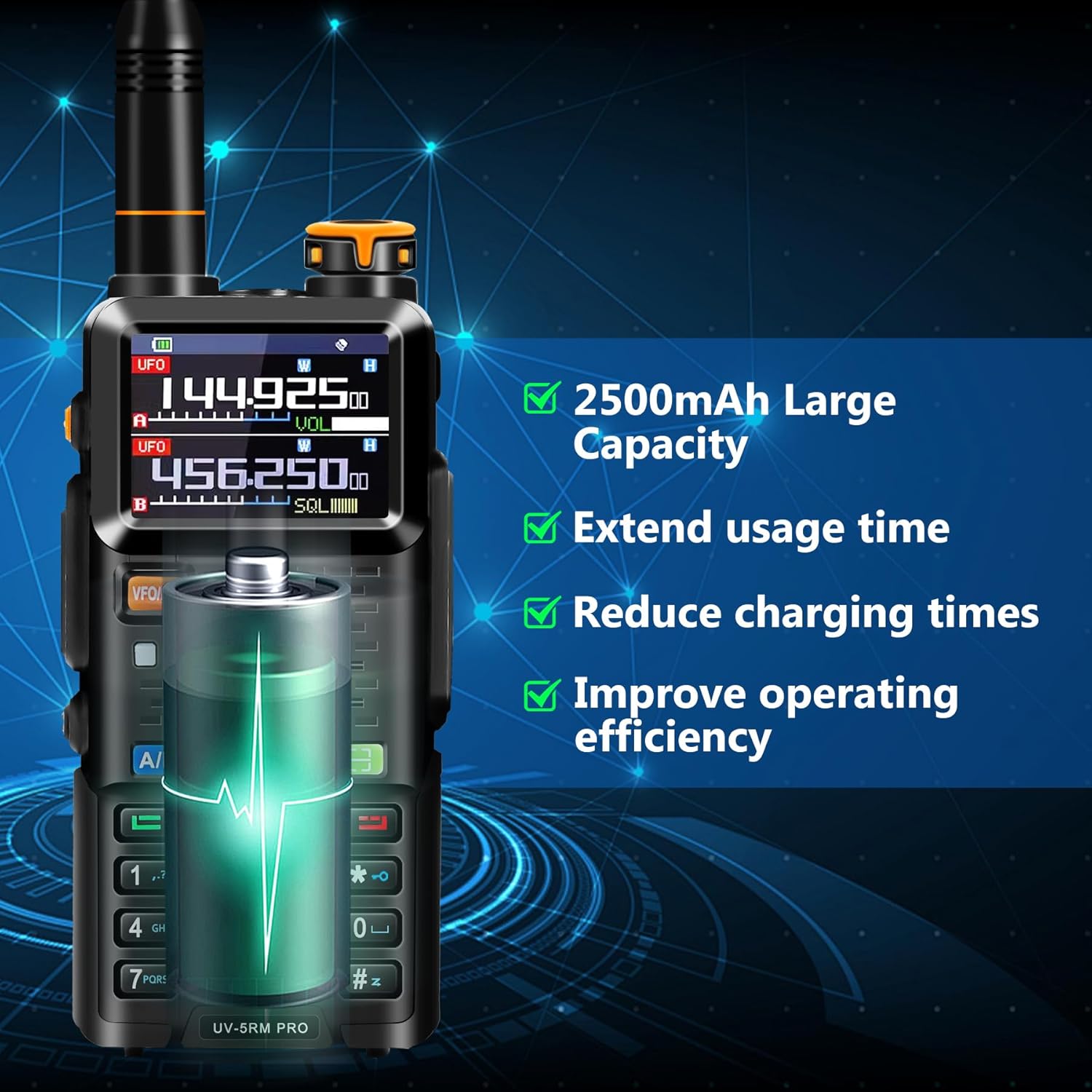
Figure 2: The 2500mAh battery provides extended usage and reduces charging frequency.
4. Programmazione iniziale
While the radio can be operated manually, it is recommended to program channels and settings using the included programming cable and software. Contact BAOFENG support to obtain the official programming software.

Figure 3: Connecting the radio to a computer for programming using the dedicated cable.
Istruzioni per l'uso
1. Accensione/spegnimento
Ruotare la manopola del volume in senso orario per accendere la radio. Ruotarla in senso antiorario fino allo scatto per spegnerla.
2. Selezione della frequenza e del canale
The UV-5RM PRO supports a wide range of frequencies and up to 640 channels. Use the VFO/MR button to switch between Frequency Mode (VFO) and Channel Mode (MR).
- Modalità frequenza (VFO): Allows direct frequency input.
- Modalità canale (MR): Allows selection of pre-programmed channels. Use the up/down arrow keys or the keypad to navigate channels.
Supported frequency ranges include: FM65-108MHz (RX), AM108-136MHz (RX), 136-174MHz (RX/TX), 220-260MHz (RX/TX), 350-390MHz (RX), 400-480MHz (RX/TX), and 480-520MHz (RX).

Figura 4: Oltreview of the BAOFENG UV-5RM PRO's key features and display.
3. Funzionalità GPS
The integrated GPS allows for location viewing, sharing, and requesting. Access GPS functions through the radio's menu.
- La mia posizione: View le tue attuali coordinate GPS.
- Condividi Posizione: Transmit your location to another radio.
- Richiedi posizione: Request the location from another radio.

Figure 5: GPS Info menu on the radio display.

Figura 6: Funzionalità GPS per un posizionamento e una condivisione accurati.
4. Frequency Copy Feature
This feature allows you to quickly copy frequencies from other ham radios, simplifying setup without complex manual programming.
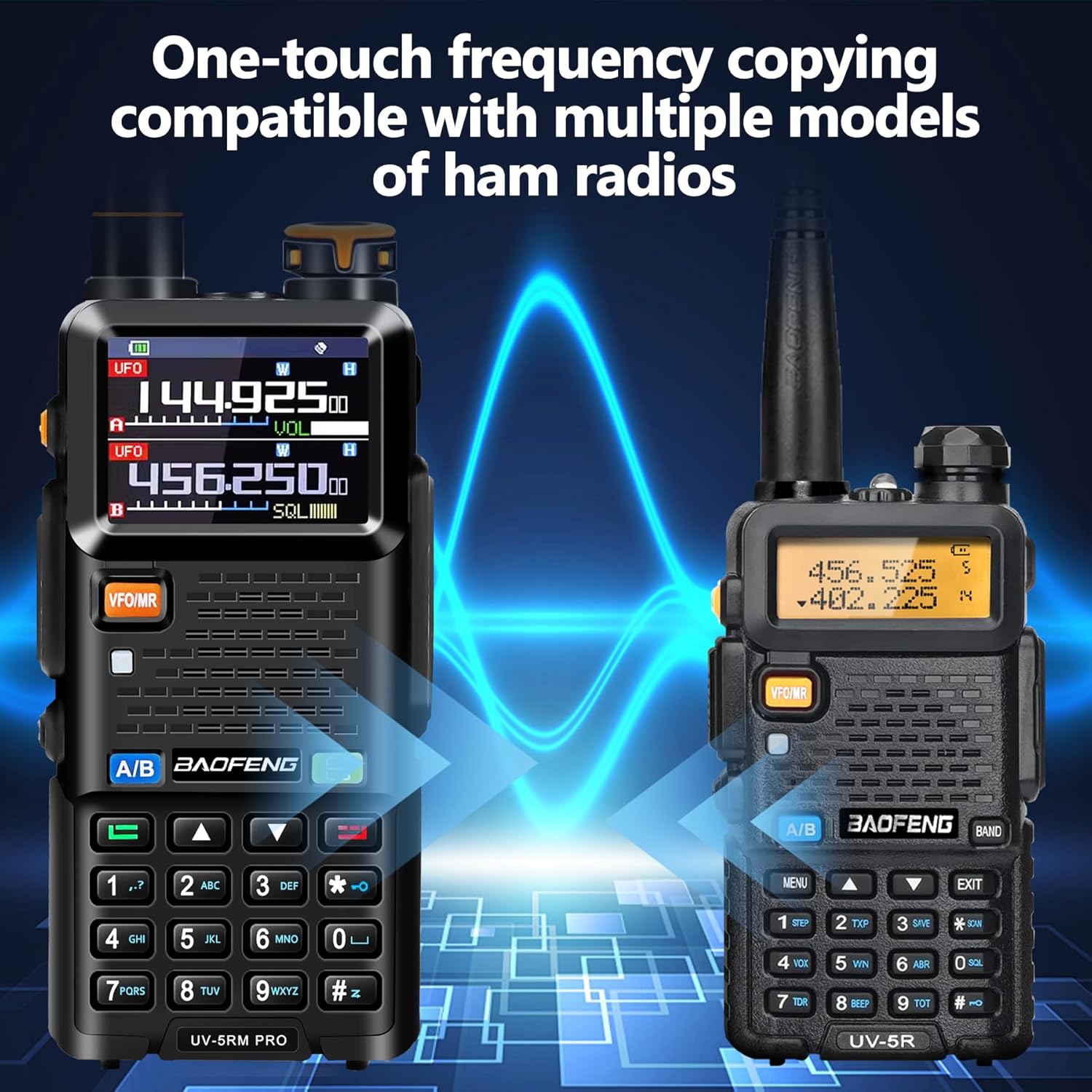
Figure 7: One-touch frequency copying feature.
5. NOAA Weather Receiver and Airband
The radio includes a NOAA Weather Receiver for weather alerts and supports AM aviation functions for airband communication (receive only).
6. VOX Capability
Voice Operated Exchange (VOX) allows for hands-free transmission. When enabled, the radio will transmit automatically when it detects your voice. Refer to the radio's menu for VOX activation and sensitivity settings.
Manutenzione
1. Pulizia
Pulisci la superficie della radio con un panno morbido eamp cloth. Do not use harsh chemicals or abrasive cleaners. Ensure the radio is powered off and dry before cleaning.
2. Cura della batteria
- Evitare di scaricare completamente la batteria frequentemente.
- Conservare la batteria in un luogo fresco e asciutto quando non viene utilizzata per lunghi periodi.
- Non esporre la batteria a temperature estreme.
3. Resistenza all'acqua
The BAOFENG UV-5RM PRO is non resistente all'acqua. Avoid exposing the radio to rain, splashes, or immersion in water to prevent damage.
Risoluzione dei problemi
| Problema | Possibile causa | Soluzione |
|---|---|---|
| La radio non si accende. | La batteria non è carica o non è installata correttamente. | Charge the battery. Ensure the battery is properly installed and secured. |
| Impossibile trasmettere o ricevere. | Frequenza/canale errati, antenna non collegata o batteria scarica. | Verificare le impostazioni di frequenza/canale. Assicurarsi che l'antenna sia fissata saldamente. Caricare la batteria. |
| Qualità audio scadente. | Weak signal, incorrect squelch setting, or damaged earpiece. | Move to an area with better signal. Adjust squelch level. Test with a different earpiece or without one. |
| Il GPS non acquisisce il segnale. | Operare in ambienti chiusi o in aree con cielo ostruito view. | Spostarsi in un'area esterna aperta con una chiara view del cielo. |
Specifiche
| Caratteristica | Dettaglio |
|---|---|
| Marca | Baofeng |
| Numero di modello | UV-5RM PRO |
| Colore | Nero |
| Numero di canali | 640 |
| Gamma di frequenza | 136-174 MHz, 400-470 MHz (TX/RX); FM65-108MHz (RX), AM108-136MHz (RX), 220-260MHz (RX/TX), 350-390MHz (RX), 480-520MHz (RX) |
| Portata massima di conversazione | Up to 10 Miles (depending on terrain and conditions) |
| Voltage | 8.4 Volt |
| Capacità della batteria | 2500mAh agli ioni di litio |
| Livello di resistenza all'acqua | Non resistente all'acqua |
| Caratteristiche speciali | GPS, Frequency Copy, VOX, NOAA Weather Receiver, Airband (RX), Type-C Charging |
| Produttore | Fujian Baofeng Electronics Co.,Ltd. |
Informazioni sulla garanzia
Questo prodotto viene fornito con un Garanzia di 1 anno from the date of purchase. The warranty covers manufacturing defects and malfunctions under normal use. It does not cover damage caused by misuse, accidents, unauthorized modifications, or exposure to water.
For warranty claims or service, please contact BAOFENG customer support with your proof of purchase.
Assistenza clienti
For technical assistance, programming software, or any questions regarding your BAOFENG UV-5RM PRO GPS Ham Radio, please contact BAOFENG customer support. Refer to the contact information provided with your product packaging or visit the official BAOFENG websito.