
Importanti istruzioni di sicurezza
Before using this elliptical trainer, please read all instructions carefully. Keep this manual for future reference.
- Consultare un medico prima di iniziare qualsiasi programma di esercizi.
- Tenere i bambini e gli animali domestici lontani dall'apparecchiatura durante l'uso.
- Posizionare l'ellittica su una superficie piana, con spazio sufficiente attorno.
- Indossare abbigliamento sportivo e scarpe da ginnastica adeguati.
- Non superare il peso massimo dell'utente di 113 kg (250 libbre).
- Prima di ogni utilizzo, ispezionare l'attrezzatura per verificare la presenza di parti usurate o allentate. Non utilizzarla se danneggiata.
- Assicurarsi che tutti i bulloni e i dadi siano serrati saldamente.
- Interrompere immediatamente l'esercizio se ci si sente deboli, storditi o si avverte dolore.
- Use the elliptical only for its intended purpose as described in this manual.
Contenuto della confezione
Verificare che tutti i componenti siano presenti prima di iniziare il montaggio:
- Consolle
- Manuale dell'utente (questo documento)
- Kit di strumenti
- Montaggio del volano
- Componenti del telaio principale
- Pedals and Arms
- Stabilizzatori
Se qualche parte risulta mancante o danneggiata, contattare immediatamente l'assistenza clienti.
Installazione e assemblaggio
Assembly typically requires two people. Follow the detailed instructions provided in the included assembly guide. The tool kit contains necessary wrenches and an Allen key. A Phillips head screwdriver (not included) may also be required.
- Disimballaggio: Carefully remove all components from the packaging. Place them on a clear, level surface. Retain packaging materials until assembly is complete.
- Installazione dello stabilizzatore: Fissare gli stabilizzatori anteriori e posteriori al telaio principale utilizzando i bulloni e le rondelle forniti.
- Upright Assembly: Secure the upright post to the main frame. Ensure all wiring connections are properly routed and connected as per the assembly guide.
- Bracci dei pedali e pedali: Attach the pedal arms to the flywheel mechanism and then secure the foot pedals to the pedal arms. Pay attention to left and right markings.
- Accessorio per console: Connect the console wiring to the upright post's wiring. Mount the console securely to the upright post.
- Controllo finale: Before first use, ensure all bolts, nuts, and connections are tight and secure. Test the movement of the pedals and handlebars for smooth operation.

Image: The ProForm Sport Elliptical fully assembled, illustrating its compact design and key structural components. Dimensions are approximately 150 cm (length) x 65 cm (width) x 156 cm (height).

Image: A user tilting the elliptical to engage the front transport wheels, demonstrating how to easily move the machine for storage or repositioning.
Istruzioni per l'uso
Console finitaview
The console features a 5-inch LCD display, resistance control buttons, and a device holder. It provides real-time workout data and allows for iFIT integration.

Immagine: dettagliata view of the console, highlighting the 5-inch (12.7 cm) LCD display, resistance buttons (1-20), tablet holder, and integrated 2-inch (5 cm) Bluetooth enabled speakers.
Regolazione della resistenza
The ProForm Sport Elliptical features 20 levels of digital magnetic resistance. This Silent Magnetic Resistance (SMR) system provides a smooth and quiet workout.
- Regolazione manuale: Use the '+' and '-' buttons on the console to increase or decrease the resistance level during your workout.
- Pulsanti di resistenza rapida: The console also features quick-select buttons (1-20) to jump directly to a desired resistance level.
Using iFIT
The elliptical is designed for seamless integration with the iFIT platform, offering a personalized training experience.
- Collega il tuo dispositivo: Place your smartphone or tablet on the integrated device holder. Connect your device to the elliptical via Bluetooth.
- iFIT App: Download and open the iFIT app on your device. An iFIT membership is required to access the full library of workouts.
- Allenamenti personalizzati: iFIT offers over 10,000 on-demand workouts led by expert trainers. The SmartAdjust™ technology automatically adjusts the elliptical's resistance to match the workout intensity and your fitness level.
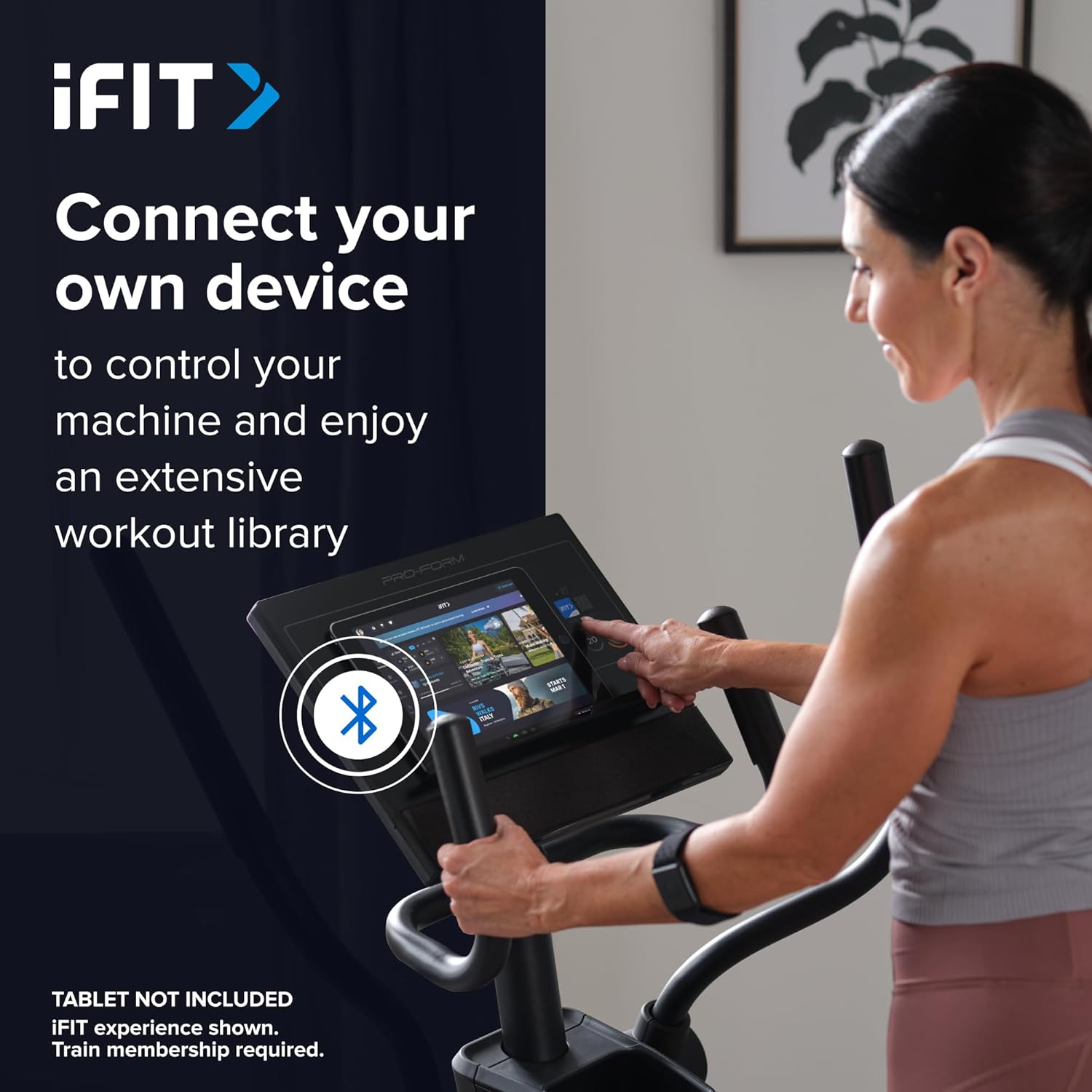
Image: A user connecting a tablet to the elliptical's console, demonstrating how to use a personal device to control the machine and access the iFIT workout library.
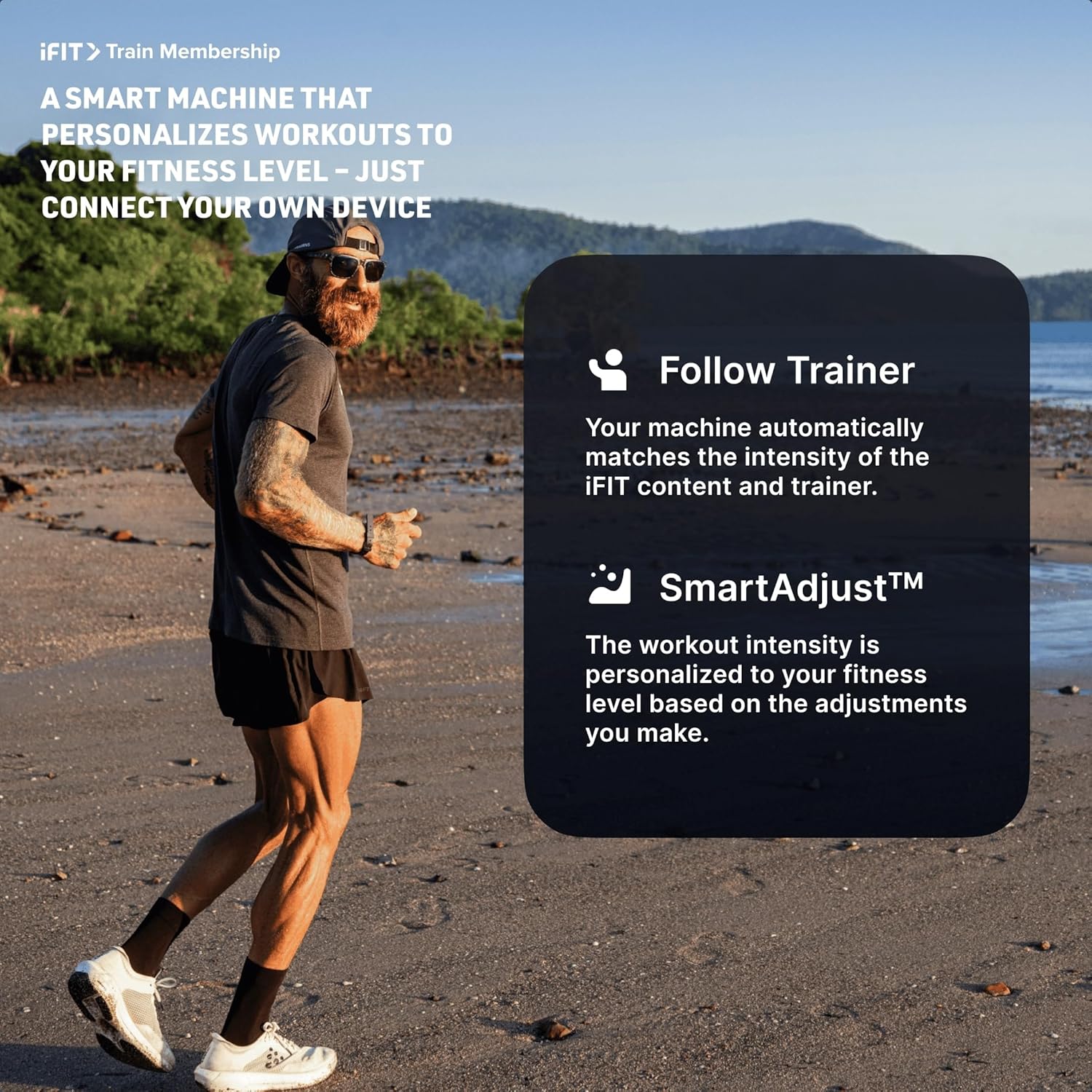
Image: An illustration detailing iFIT Train Membership benefits, including the 'Follow Trainer' feature where the machine adjusts to match trainer intensity, and 'SmartAdjust™' for personalized workout intensity based on fitness level.
Connettività Bluetooth
The elliptical's console includes Bluetooth-enabled speakers. You can connect your personal device to play audio directly through the elliptical's speakers.
- Abbinamento: Abilita il Bluetooth sul tuo dispositivo. Cercare the elliptical's Bluetooth name (usually "ProForm Elliptical" or similar) and pair.
- Riproduzione audio: Once paired, audio from your device will play through the elliptical's 2-inch (5 cm) speakers.
Manutenzione
Regular maintenance ensures the longevity and optimal performance of your ProForm Sport Elliptical.
- Pulizia: Wipe down the elliptical after each use with a damp panno per rimuovere sudore e polvere. Evitare detergenti abrasivi o solventi.
- Ispezione: Periodically check all bolts, nuts, and moving parts for tightness and wear. Tighten any loose fasteners. Replace worn parts immediately.
- Lubrificazione: Refer to the detailed assembly guide for specific lubrication points and recommended lubricants, if any.
- Magazzinaggio: Conservare l'ellittica in un ambiente asciutto e pulito, lontano da temperature estreme e dalla luce solare diretta.
Risoluzione dei problemi
| Problema | Possibile causa | Soluzione |
|---|---|---|
| La console non si accende. | Power adapter not connected; power outlet issue; console wiring loose. | Ensure power adapter is fully plugged into the elliptical and a working outlet. Check console wiring connections. |
| Elliptical makes noise during use. | Loose bolts or components; parts requiring lubrication; worn bearings. | Inspect and tighten all visible bolts and nuts. Refer to the assembly guide for lubrication points. If noise persists, contact customer support. |
| La resistenza non cambia. | Console malfunction; internal resistance mechanism issue. | Ensure console is properly connected. If using iFIT, check app connection. If problem persists, contact customer support. |
| Bluetooth audio not connecting. | Device Bluetooth off; elliptical not in pairing mode; interference. | Ensure Bluetooth is enabled on your device. Restart both device and elliptical. Try pairing again. Move closer to the elliptical. |
Specifiche
| Nome modello: | ProForm Sport Elliptical |
| Numero modello: | PFEL54925-INT |
| Marca: | ProForm |
| Dimensioni (L x P x A): | 150 cm x 65 cm x 156 cm (59.1 pollici x 25.6 pollici x 61.4 pollici) |
| Peso dell'articolo: | 52.7 kg (116.2 libbre) |
| Peso massimo utente: | 113 kg (250 libbre) |
| Meccanismo di resistenza: | Magnetic (Silent Magnetic Resistance - SMR) |
| Livelli di resistenza: | 20 livelli digitali |
| Lunghezza del passo: | 40.6 cm (16 pollici) |
| Display: | LCD da 5 pollici |
| Connettività: | Bluetooth (for iFIT and audio) |
| Componenti inclusi: | Console, User Manual, Tool Kit, Flywheel |
Informazioni sulla garanzia
Your ProForm Sport Elliptical is covered by the following warranty:
- Telaio: 8 years contractual warranty (total 10 years).
- Parti e manodopera: 2 years legal warranty.
*The extended frame warranty is valid only if the product registration is completed on https://ifitsupport.eu/it/product-registration entro 28 giorni dalla consegna del prodotto.
Conservare la prova d'acquisto per eventuali richieste di garanzia.
Assistenza clienti
For technical assistance, warranty claims, or to order replacement parts, please contact ProForm customer support.
Refer to the contact information provided with your purchase or visit the official ProForm websito per i dettagli sull'assistenza nella tua regione.
When contacting support, please have your model number (PFEL54925-INT) and serial number ready.