
1. Introduzione
This manual provides detailed instructions for the installation, operation, and maintenance of your LaView Smart Lock LV-DHU06-B-NL4. Please read this manual thoroughly before installation and use to ensure proper functionality and to maximize the benefits of your smart lock. Keep this manual for future reference.
2. Prodotto finitoview
Il LaView Smart Lock LV-DHU06-B-NL4 is a Wi-Fi and Bluetooth-enabled keyless entry deadbolt designed to enhance your home security. It integrates with your existing single-cylinder deadbolt, offering convenient access control via a mobile application, touch, or voice commands. The lock supports automatic locking and unlocking features, as well as remote access management.

Image: The LaView Smart Lock exterior unit shown alongside its smartphone application interface, displaying lock status and control options.
3. Contenuto della confezione
Verificare che tutti i componenti siano presenti prima di iniziare l'installazione:
- LaView Smart Lock Exterior Unit
- LaView Smart Lock Interior Unit
- Piastra di montaggio
- Hardware di montaggio (viti, bulloni)
- AA Batteries (typically 4, may be sold separately)
- Manuale d'uso

Image: A diagram illustrating the components of the LaView Smart Lock, including the exterior and interior units, battery compartment, and how it integrates with an existing deadbolt. It also shows a physical key for backup access.
4. Impostazione
4.1 Verifica pre-installazione
Ensure your door is compatible with the LaView Smart Lock. This lock is designed for use with standard single-cylinder deadbolts.

Image: A visual guide indicating door types compatible with the LaView Smart Lock, specifically highlighting compatibility with single-cylinder deadbolts.
4.2 Installazione
Installation typically takes approximately 10 minutes. Follow these steps:
- Rimuovere il catenaccio esistente: Unscrew and remove your current deadbolt from the door.
- Install New Deadbolt Mechanism: If your existing deadbolt mechanism is not compatible or if a new one is provided, install it into the door edge.
- Unità esterna di montaggio: Place the exterior unit on the outside of the door, aligning it with the deadbolt mechanism.
- Unità interna di montaggio: Attach the interior mounting plate to the door, then connect the cable from the exterior unit to the interior unit. Secure the interior unit to the mounting plate.
- Installa le batterie: Open the battery cover on the interior unit and insert 4 AA batteries, ensuring correct polarity.

Image: The interior unit of the LaView Smart Lock with its battery compartment open, showing the placement for AA batteries.
4.3 Configurazione dell'app
To utilize the smart features, download and configure the LaView applicazione:
- Scarica l'app: Cercare 'LaView' in your smartphone's app store and download the official application.
- Creare un account: Segui le istruzioni nell'app per creare un nuovo account utente o effettua l'accesso se ne hai già uno.
- Aggiungi dispositivo: In the app, select the option to add a new device and follow the pairing process for your smart lock.
- Connettiti al Wi-Fi: Configure the lock to connect to your home Wi-Fi network through the app for remote access and advanced features.
5. Istruzioni per l'uso
5.1 Funzionamento manuale
Il LaView Smart Lock retains the ability to be operated manually:
- Chiave fisica: Use the provided physical key as a backup to lock or unlock the deadbolt.
- Pomello interno: Rotate the knob on the interior unit to manually lock or unlock the door from the inside.
5.2 Controllo dell'app
Il LaView app provides comprehensive control and monitoring features:
- Blocco/Sblocco: Tap the lock/unlock icon in the app to control your door remotely.
- Monitoraggio: View unlock records and real-time status of your door (locked/unlocked, battery level).
- Avvisi: Receive notifications for door activity, such as unauthorized access attempts or low battery.
- Condivisione dell'accesso: Grant or revoke access permissions for up to 20 individuals (family, friends, service providers) directly through the app.

Image: A visual representation of the multi-user sharing feature, showing how access can be granted to various individuals like family, friends, and service providers via the app.
5.3 Automatic Locking/Unlocking
Configure automatic functions for enhanced convenience:
- Chiusura automatica: Set the lock to automatically secure the door after a specified duration (e.g., 30 seconds) once it has been closed. The auto-lock timer can typically be adjusted between 10 to 180 seconds via the app.

Image: A graphic demonstrating the auto-lock feature, where the LaView Smart Lock automatically locks the door after 30 seconds of being closed.
- Sblocco automatico: The lock can be configured to automatically unlock as you approach the door within a specified range (e.g., 200 meters).
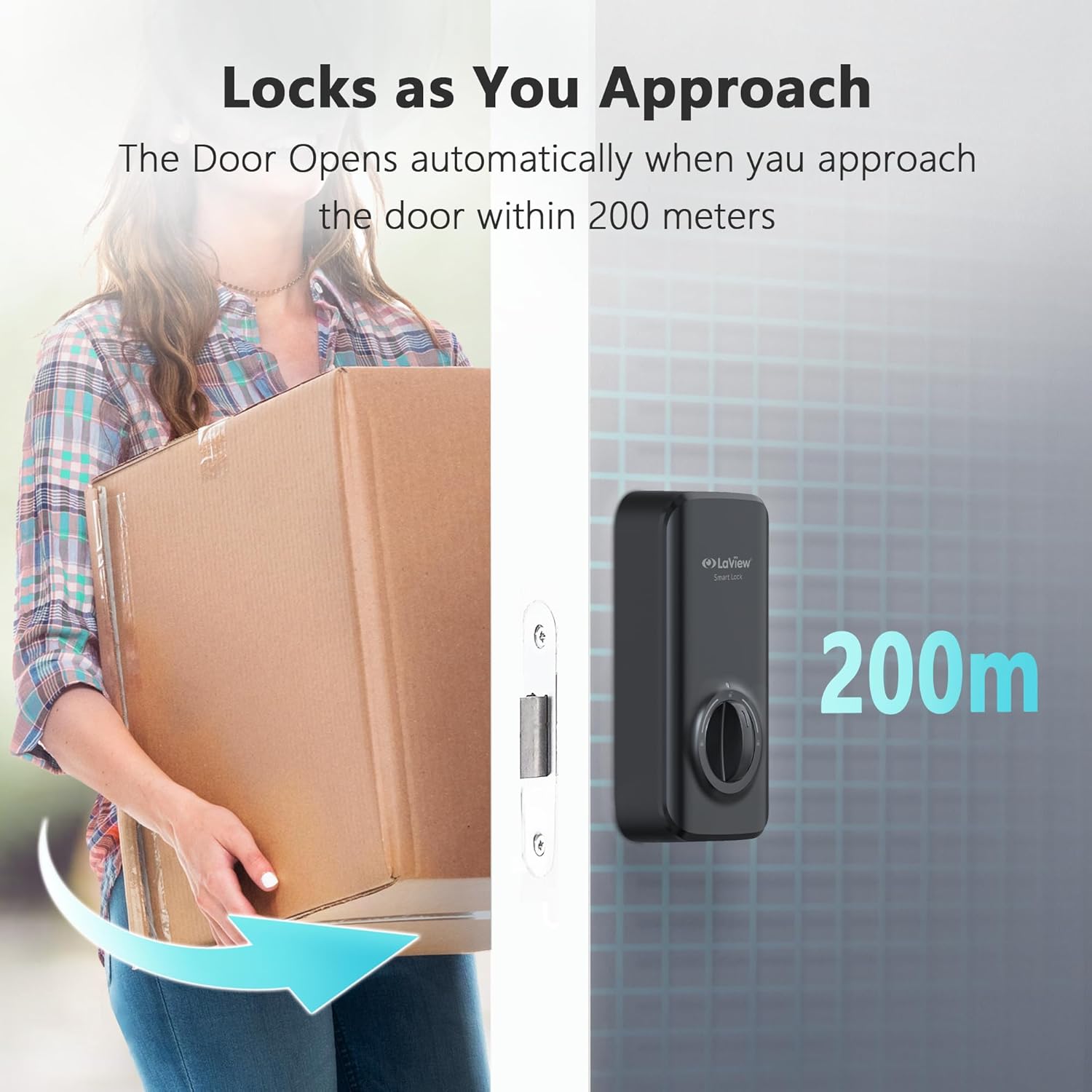
Image: A visual representation of the auto-unlock function, showing the LaView Smart Lock unlocking as a user approaches within 200 meters.
5.4 Controllo vocale
Integrate your LaView Smart Lock with voice assistants for hands-free control:
- Compatibilità: The lock is compatible with Amazon Alexa and Google Assistant.
- Impostare: Follow the instructions in the LaView app to link your smart lock with your preferred voice assistant.
- Comandi: Use voice commands such as "Alexa, lock the front door" or "Hey Google, unlock the front door" (PIN may be required for unlocking via voice for security).

Image: A depiction of the LaView Smart Lock working with voice assistants, showing a user issuing a command to Alexa and receiving confirmation.
6. Manutenzione
Regular maintenance ensures optimal performance of your smart lock:
- Sostituzione della batteria: Replace all 4 AA batteries when the low battery alert is received via the app or indicated on the lock. Use high-quality alkaline batteries.
- Pulizia: Wipe the lock's exterior surfaces with a soft, dry cloth. Avoid abrasive cleaners or solvents.
- Aggiornamenti del firmware: Periodically check the LaView app for available firmware updates. Install updates to ensure your lock has the latest features and security enhancements.
7. Risoluzione Dei Problemi
If you encounter issues with your LaView Smart Lock, refer to the following common problems and solutions:
- Il blocco non risponde:
- Controllare il livello della batteria e sostituirla se necessario.
- Ensure the lock is properly installed and all cables are connected.
- Restart the lock by removing and reinserting batteries.
- App cannot connect to the lock:
- Verify your smartphone's Bluetooth is enabled and you are within range.
- Ensure the lock is connected to your Wi-Fi network (if using remote features).
- Restart your Wi-Fi router and the smart lock.
- Lock calibration issues:
- Ensure the deadbolt mechanism moves freely without obstruction.
- Perform a factory reset and re-calibrate the lock through the LaView applicazione.
- Verify the lock is installed correctly and not binding against the door frame.
- Il controllo vocale non funziona:
- Confirm the lock is linked correctly to Amazon Alexa or Google Assistant in the LaView applicazione.
- Controlla la tua connessione Internet e lo stato del tuo dispositivo assistente vocale.
- Ensure you are using the correct voice commands.
8. Specifiche
| Caratteristica | Specificazione |
|---|---|
| Marca | LaView |
| Nome del modello | LV-DHU06-B-NL4 |
| Tipo di blocco | catenaccio |
| Metodo di controllo | App, Tocco, Voce |
| Connettività | Wi-Fi, Bluetooth |
| Caratteristica speciale | Anticorrosione |
| Dimensioni del prodotto (L x P x A) | 5.91 x 6.3 x 1.97 pollici |
| Peso dell'articolo | 1.32 libbre |
| Codice UPC | 192728016729 |
9. Informazioni sulla garanzia
LaView products are covered by a limited warranty. For specific details regarding the warranty period and terms for your LV-DHU06-B-NL4 Smart Lock, please refer to the warranty card included with your product packaging or visit the official LaView websito. Conservare la prova d'acquisto per eventuali reclami in garanzia.
10. Supporto
For technical assistance or customer service inquiries, please contact LaView supporto:
- Supporto telefonico: Available 9 am to 5 pm (local time, check LaView website for specific hours).
- Servizio di posta elettronica: Disponibile 24 ore su 24, 7 giorni su 7.
- Risorse online: Visitare il LaView Negozio su Amazon or the official LaView websito per FAQ, articoli di supporto e informazioni di contatto.