
Introduzione
Thank you for choosing the Phomemo M836 A4 Portable Thermal Printer. This device offers convenient, inkless printing for various document types, making it ideal for business, travel, and personal use. This manual will guide you through the setup, operation, and maintenance of your printer to ensure optimal performance.
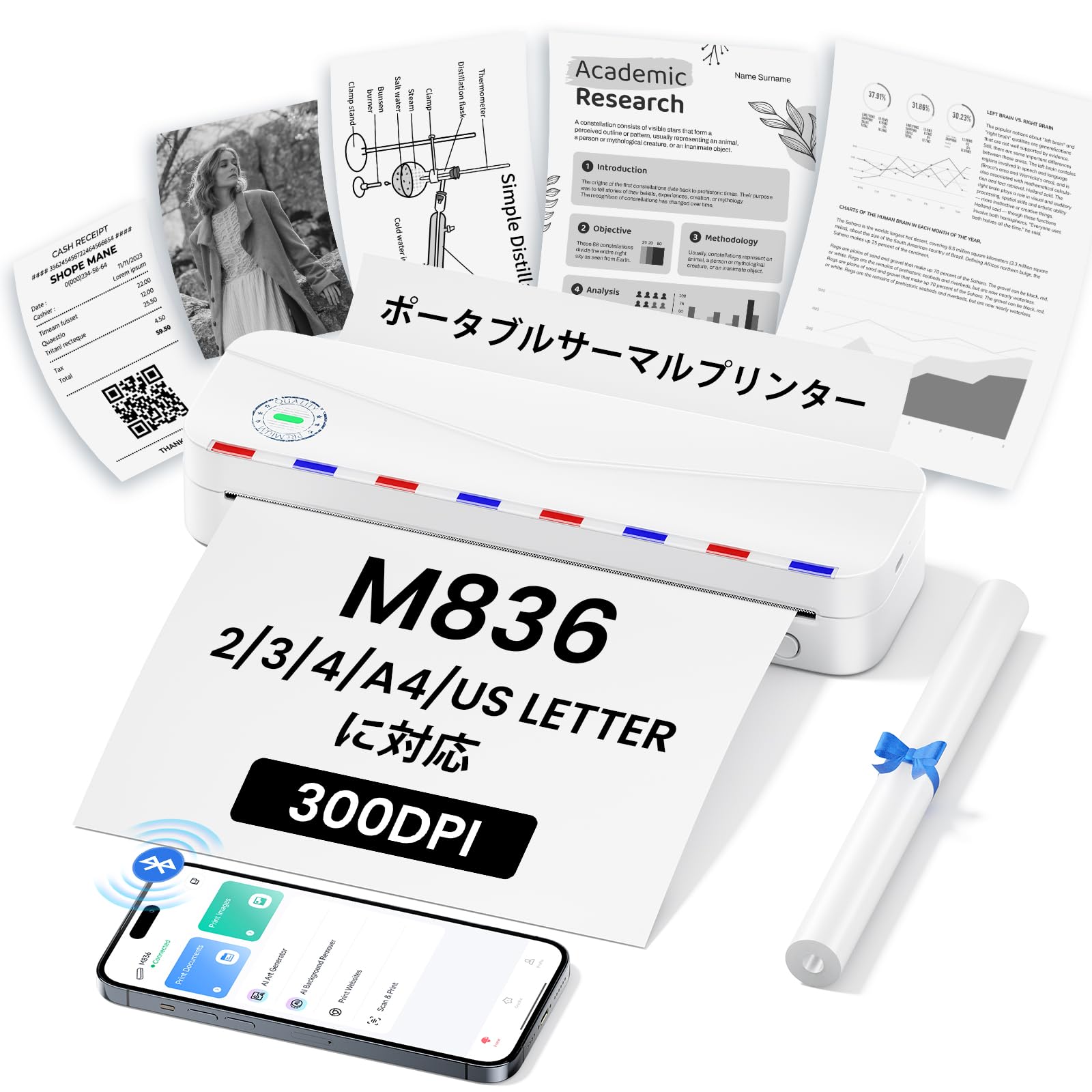
Image: The Phomemo M836 A4 Portable Thermal Printer, showcasingrazie al suo design compatto e alla sua portabilità.
Prodotto finitoview
Caratteristiche principali
- Stampa termica senza inchiostro: Utilizes advanced thermal printing technology, eliminating the need for ink cartridges or toner.
- Compatto e portatile: Weighing approximately 750g, it is designed for easy transport in a bag, perfect for on-the-go printing.
- Supporto carta multiformato: Compatible with A4 (8.27 x 11.69 inches) and other thermal paper sizes including 53mm, 80mm, and 110mm. Supports standard thermal sheets, roll paper, and fanfold thermal paper.
- Alta risoluzione: Delivers clear and vivid prints at 304dpi resolution.
- Ampia compatibilità: Connects via Bluetooth to iPhones, Android phones, and iPads, and via USB cable to laptops and computers (Windows, macOS).
- Batteria a lunga durata: Equipped with an upgraded 2600mAh battery, ensuring extended use throughout the day.
- Stampa versatile: Capable of printing PDF, Word, image (JPG), web pages, TXT, office documents, receipts, contracts, resumes, invoices, drawings, and school notes.

Image: The Phomemo M836 printer highlighting its compact dimensions (264mm length, 78mm width, 45mm height) and light weight (715g).

Image: The printer demonstrating compatibility with single sheets, fanfold paper, and roll paper. Note: Only thermal paper is supported, not ordinary copy paper.
Istruzioni di installazione
1. Caricamento della carta termica
- Aprire il coperchio della carta della stampante.
- Insert the thermal paper with the printable side facing up. Ensure the paper is aligned correctly.
- Close the paper cover. The printer will automatically adjust the paper.

Image: Illustration of how to load thermal paper into the printer, showing the adjustable snaps for different paper widths.
2. Connessione del dispositivo mobile (Bluetooth)
- Download the "Phomemo" app from the Apple App Store or Google Play Store.
- Turn on your mobile phone's Bluetooth.
- Press and hold the power button on the M836 printer to turn it on.
- Open the "Phomemo" app and connect to the printer via Bluetooth within the app.

Image: Step-by-step guide for connecting the Phomemo M836 to a smartphone via the Phomemo app and Bluetooth.
3. Connessione al PC (USB)
- Turn on the printer by pressing and holding the power button. Ensure thermal paper is loaded.
- Collegare la stampante al computer utilizzando il cavo USB di tipo C in dotazione.
- Download and install the printer driver from M836.phomemo.com.
- After driver installation, select "[M836] Printer" from your computer's print options to begin printing.

Image: Instructions for connecting the Phomemo M836 to a PC via USB, including driver download and print selection.
Istruzioni per l'uso
General Printing Steps
- Ensure the printer is powered on and connected to your device (mobile or PC) as described in the Setup section.
- Apri il documento o l'immagine che desideri stampare sul tuo dispositivo.
- Initiate the print function from your application (e.g., "Print" in the Phomemo app, or "File" > "Print" on PC).
- Select the "M836 Printer" from the list of available printers.
- Regolare le impostazioni di stampa, come formato della carta, orientamento e numero di copie, secondo necessità.
- Confermare e inviare il processo di stampa alla stampante.

Image: The Phomemo app interface, showing options to print various file types like Word, TXT, PDF, Excel, Web pages, and images, along with scanning functionality.
Manutenzione
Pulizia della testina di stampa
- Spegnere la stampante e scollegarla da qualsiasi fonte di alimentazione.
- Aprire il coperchio di carta.
- Pulire delicatamente la testina di stampa termica con un batuffolo di cotone leggermenteamparricchito con alcol isopropilico.
- Lasciare asciugare completamente la testina di stampa prima di chiudere il coperchio e riprendere l'uso.
- Do not touch the print head with bare hands to avoid damage or residue transfer.
Cura della batteria
- Charge the printer regularly, especially if it will not be used for an extended period, to maintain battery health.
- Use the provided Type-C USB cable for charging.
- Avoid exposing the printer to extreme temperatures, which can affect battery life.
Risoluzione dei problemi
| Problema | Possibile causa | Soluzione |
|---|---|---|
| La stampante non si accende. | Batteria scarica o problema di alimentazione. | Charge the printer using the Type-C USB cable. Ensure the power adapter is working. |
| Impossibile connettersi tramite Bluetooth. | Bluetooth is off, incorrect pairing, or app issue. | Ensure Bluetooth is enabled on your device. Restart the printer and your device. Try pairing again through the Phomemo app. |
| Poor print quality (faint or blank). | Incorrect paper loading, non-thermal paper, or dirty print head. | Ensure thermal paper is loaded correctly with the printable side up. Verify you are using thermal paper. Clean the print head as described in the Maintenance section. |
| Stampante non riconosciuta dal PC. | Driver non installato o problema con il cavo USB. | Installare il driver corretto da M836.phomemo.comProva una porta USB o un cavo diverso. |
| Inceppamento della carta. | Caricamento della carta non corretto o presenza di un oggetto estraneo. | Turn off the printer. Carefully open the paper cover and remove any jammed paper or obstructions. Reload paper correctly. |
Specifiche
| Caratteristica | Dettaglio |
|---|---|
| Marca | Fomeo |
| Nome del modello | Numero di modello: M836 |
| Tecnologia di connettività | Bluetooth, USB |
| Tecnologia di stampa | Termico |
| Caratteristica speciale | Portatile |
| Colore | Bianco |
| Uscita della stampante | Monocromo |
| Velocità di stampa massima (monocromatica) | 20 pagine/minuto |
| Dimensioni del prodotto (P x L x A) | Dimensioni: 210 mm x 47 mm x 65 mm |
| Dimensione massima del supporto (carta) | 8.5 x 11 pollici (A4) |
| Tipo di supporto di stampa | Carta termica |
| Funzioni aggiuntive della stampante | Solo stampa |
| Risoluzione | 304 dpi |
| Capacità massima del foglio di input | 10 fogli |
| Interfaccia Hardware | USB-C |
| Stampa fronte-retro | No (Semplice) |
| Capacità della batteria | 2600mAh |
Garanzia e supporto
The Phomemo M836 A4 Portable Thermal Printer comes with a Garanzia del produttore di 1 anni dalla data di acquisto. Questa garanzia copre difetti di materiali e lavorazione in condizioni di normale utilizzo.
For technical support, warranty claims, or any questions regarding your product, please contact Phomemo customer service through their official website or the retailer where you purchased the product. Please have your model number (M836) and proof of purchase ready when contacting support.