
PRORECK FREEDOM 10
PRORECK FREEDOM 10 Portable PA Speaker User Manual
800W 10'' Portable Powered Bluetooth Wireless PA Speaker
1. Introduzione
Thank you for choosing the PRORECK FREEDOM 10 Portable PA Speaker. This active loudspeaker is designed for versatility and powerful sound, making it ideal for events, karaoke, DJ performances, and outdoor gatherings. It features an 800W peak power output, a 10-inch subwoofer, a 1-inch titanium treble speaker, and includes two wireless microphones and a remote control. Its portable design with a handle and wheels ensures easy transport.

Image: The PRORECK FREEDOM 10 Portable PA Speaker, showcasing its main unit, two wireless microphones, and remote control.
2. Contenuto della confezione
Si prega di selezionare la casella per i seguenti elementi:
- 1 x Active Speaker (PRORECK FREEDOM 10)
- 2 x microfoni wireless
- 1 x telecomando
- 1 x cavo di alimentazione
- 1 x Manuale utente (questo documento)
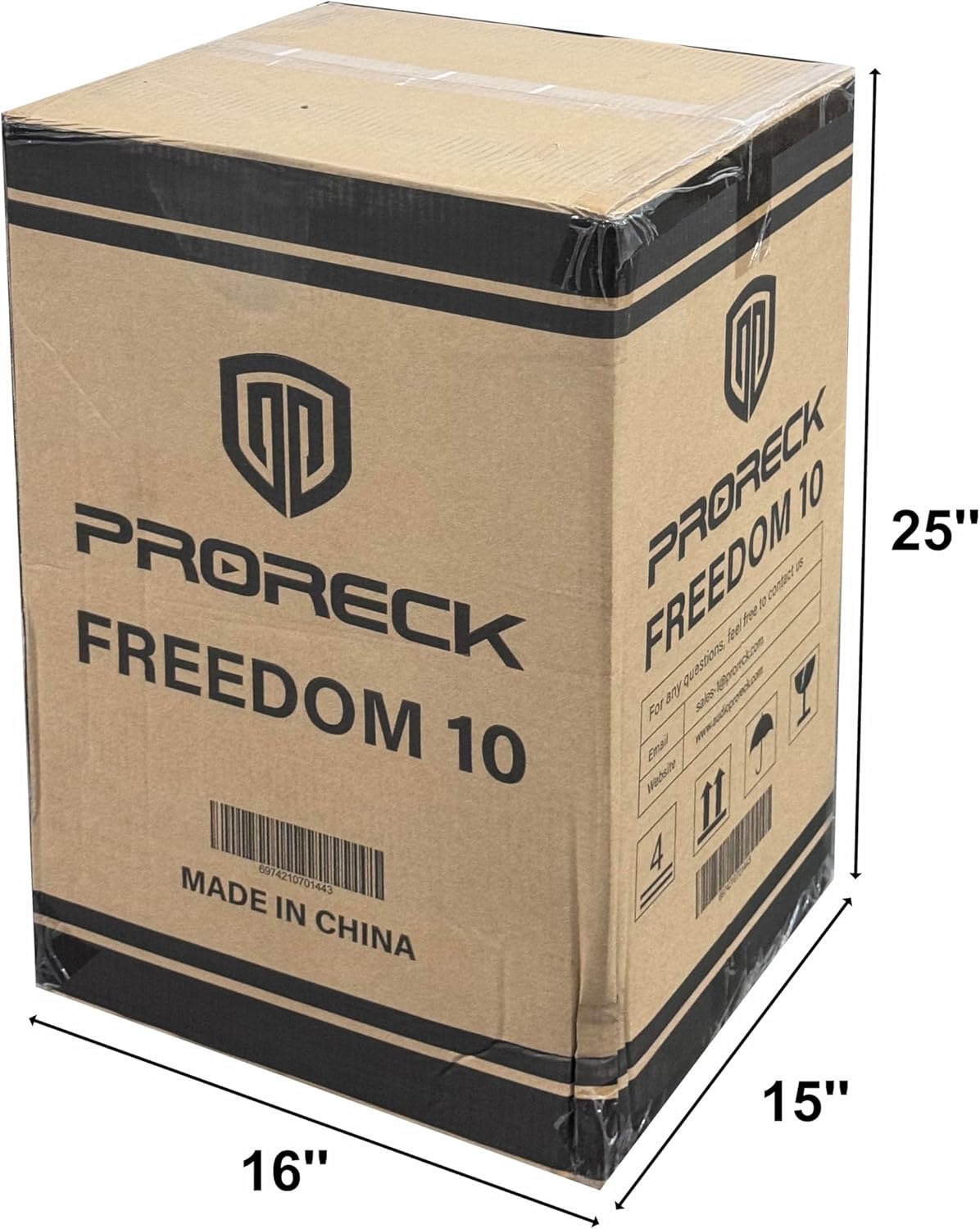
Image: The PRORECK FREEDOM 10 product packaging box, indicating dimensions and branding.
3. Caratteristiche del prodotto
- Suono potente: Equipped with a 10'' subwoofer and a 1'' titanium treble speaker, delivering 800W peak power.
- Pronto per il karaoke: Includes 2 wireless microphones with 5 sound controls (volume, treble, bass, reverb, echo) for a customizable karaoke experience.
- Batteria a lunga durata: High-performance batteries provide up to 6 hours of continuous playback at 75% volume on a single charge.
- Ingressi multipli: Features USB, SD, Bluetooth, RCA AUX IN, 2 MIC IN, and Guitar IN for wide applicability.
- Design portatile: Integrated pull rod and bottom rollers for easy transportation.
- Archiviazione del microfono: Hidden compartment for convenient storage of microphones when not in use.

Immagine: dettagliata view of the PRORECK FREEDOM 10 speaker, highlighting the 2-inch speaker mount hole and the integrated microphone storage case.
4. Controlli e collegamenti
Familiarize yourself with the control panel located on the rear of the speaker:

Image: Diagram of the PRORECK FREEDOM 10 control panel, with numbered labels indicating various inputs and controls.
- Selector Signal Input: For MP3/Bluetooth/FM modes.
- Antenna Receiver: For wireless microphone and FM radio reception.
- MUSIC Volume Settings: Adjusts the overall music playback volume.
- MUSIC TREBLE Volume Settings: Adjusts the high frequencies of the music.
- MUSIC BASS Volume Settings: Adjusts the low frequencies of the music.
- Mic Treble Settings: Regola le alte frequenze per l'ingresso del microfono.
- Mic Bass Settings: Regola le basse frequenze per l'ingresso del microfono.
- Mic Reverb Settings: Controlla l'effetto riverbero per i microfoni.
- Mic Echo Settings: Controlla l'effetto eco per i microfoni.
- Mic Volume Settings: Regola il volume degli ingressi del microfono.
- Guitar Volume Settings: Regola il volume dell'ingresso della chitarra.
- 1/4" MIC Input: Input jack for wired microphones.
- 1/4" GUITAR Input: Input jack for a guitar.
- RCA AUX Input: Stereo RCA input for external audio devices.
- RCA AUDIO Output: Stereo RCA output for connecting to another speaker or audio system.
- Interruttore di alimentazione: Accende o spegne l'altoparlante.
- DC Resources: 12V DC input for external power source (e.g., car battery).
- Fonte di alimentazione CA: Standard AC power input (110V AC).
5. Impostazione
5.1 Disimballaggio e posizionamento
- Rimuovere con attenzione tutti i componenti dalla confezione.
- Posizionare l'altoparlante su una superficie stabile e piana. Assicurarsi che vi sia un'adeguata ventilazione attorno all'unità.
- For optimal sound, position the speaker at ear level or slightly above. The speaker can be mounted on a standard 2-inch speaker pole (pole not included).
5.2 Ricarica dell'altoparlante
- Prima del primo utilizzo, caricare completamente l'altoparlante per circa 6-8 ore.
- Connect the supplied AC power cable to the AC Power Source (18) input on the rear panel and plug it into a standard wall outlet.
- The charging indicator light will show RED during charging and turn GREEN when fully charged.
5.3 microfoni wireless
- The included wireless microphones are pre-paired with the speaker.
- Inserire 2 batterie AA (non incluse) in ciascun microfono.
- Accendere i microfoni utilizzando i rispettivi interruttori di alimentazione.
6. Istruzioni per l'uso
6.1 Accensione/Spegnimento
- To power on the speaker, flip the Power Switch (16) to the "ON" position.
- To power off, flip the Power Switch (16) to the "OFF" position.
6.2 Connessione Bluetooth
- Accendi l'altoparlante.
- Press the Mode button on the Selector Signal Input (1) or the remote control until "Bluetooth" mode is selected.
- On your Bluetooth-enabled device (smartphone, tablet, etc.), search for "PRORECK FREEDOM 10" in the Bluetooth settings.
- Select the speaker to pair. A confirmation tone will sound when successfully connected.
- Adjust the MUSIC Volume Settings (3) on the speaker and your device.
6.3 Riproduzione da scheda USB/SD
- Inserire una chiavetta USB o una scheda SD (precaricata con audio MP3) files) into the respective slot on the Selector Signal Input (1).
- The speaker will automatically switch to USB/SD mode and begin playback.
- Use the controls on the Selector Signal Input (1) or the remote control to play, pause, skip tracks, and adjust volume.
6.4 Utilizzo del microfono
- Turn on the wireless microphones.
- Adjust the Mic Volume Settings (10) to your desired level.
- Experiment with Mic Treble (6), Mic Bass (7), Mic Reverb (8), and Mic Echo (9) settings to customize your sound.
- For wired microphones, connect them to the 1/4" MIC Input (12).
6.5 Ingresso chitarra
- Connect your guitar to the 1/4" GUITAR Input (13).
- Adjust the Guitar Volume Settings (11) to balance with other audio sources.
6.6 RCA AUX IN/OUT
- INGRESSO AUX: Connect external audio devices (e.g., CD player, mixer) to the RCA AUX Input (14) using an RCA cable.
- USCITA AUDIO: Connect the RCA AUDIO Output (15) to another powered speaker or recording device to expand your sound system or record your performance.

Image: A person actively using the PRORECK FREEDOM 10 speaker with a wireless microphone, demonstrating its use for vocal performances.
7. Manutenzione
- Pulizia: Pulisci l'esterno dell'altoparlante con un panno morbido e asciutto. Non utilizzare detergenti abrasivi o solventi.
- Cura della batteria: For optimal battery life, avoid fully discharging the battery regularly. Recharge the speaker after each use, especially if it will be stored for an extended period.
- Magazzinaggio: Conservare l'altoparlante in un luogo fresco e asciutto, lontano dalla luce solare diretta e da temperature estreme.
- Trasporti: Utilize the pull rod and wheels for easy movement. Ensure the handle is fully extended and locked when pulling.

Image: The PRORECK FREEDOM 10 speaker shown with its dimensions, demonstrating the extendable handle and wheels for portability.
8. Risoluzione Dei Problemi
- Nessun potere:
- Assicurarsi che il cavo di alimentazione sia collegato saldamente sia all'altoparlante sia a una presa di corrente funzionante.
- Check if the Power Switch (16) is in the "ON" position.
- Se si utilizza la batteria, assicurarsi che questa sia carica.
- Nessun suono:
- Verify that the MUSIC Volume Settings (3) and source device volume are turned up.
- Check if the correct input mode (Bluetooth, USB, SD, AUX) is selected via the Selector Signal Input (1).
- Ensure all cables (RCA, 1/4" jack) are properly connected.
- Microfono non funzionante:
- Ensure the wireless microphones are turned on and have fresh batteries.
- Adjust the Mic Volume Settings (10) on the speaker.
- Confirm the microphones are within range of the speaker's antenna.
- Problemi di connessione Bluetooth:
- Assicurati che l'altoparlante sia in modalità Bluetooth.
- Delete "PRORECK FREEDOM 10" from your device's Bluetooth list and try pairing again.
- Move your device closer to the speaker to ensure a strong signal.
- Suono distorto:
- Reduce the volume of the speaker or the input source to prevent clipping.
- Verificare la presenza di connessioni dei cavi allentate.
- Adjust the MUSIC TREBLE (4) and MUSIC BASS (5) settings.
9. Specifiche
| Caratteristica | Specificazione |
|---|---|
| Numero di modello | FREEDOM 10 |
| Uscita Wattage | 800 Watt (picco) |
| Dimensioni dell'altoparlante | 10'' Subwoofer, 1'' Titanium Treble Speaker |
| Fonte di alimentazione | Alimentato a batteria / Alimentato a corrente alternata |
| Durata della batteria | Fino a 6 ore (al 75% del volume) |
| Tecnologia di connettività | Bluetooth |
| Ingressi audio | USB, SD, Bluetooth, RCA AUX IN, 2 MIC IN (1/4"), Guitar IN (1/4") |
| Uscita audio | RCA AUDIO Output |
| Colore | Nero |
| Tipo di montaggio | Da terra |
10. Garanzia e supporto
PRORECK products are designed for reliability and performance. For specific warranty information and customer support, please refer to the warranty card included with your purchase or visit the official PRORECK websito. Conservare la prova d'acquisto per eventuali reclami in garanzia.
For technical assistance or inquiries, please contact PRORECK customer service.
Ask a question about this manual
Ask about setup, troubleshooting, compatibility, parts, safety, or missing instructions. Manuals+ will review the question and use this page’s manual context to help answer it.