
1. Introduzione
This manual provides detailed instructions for the Varmilo Sword68 Sakura 65% Hotswap Wireless RGB Mechanical Keyboard. Please read this manual thoroughly before using the product to ensure proper operation and to maximize its lifespan. This keyboard features a full 6063 aluminum CNC case, multiple connectivity options, hot-swappable switches, and customizable RGB lighting.
2. Informazioni sulla sicurezza
- Tenere la tastiera lontana da liquidi e umidità eccessiva per evitare danni.
- Evitare di esporre la tastiera a temperature estreme.
- Non tentare di smontare o modificare la tastiera, poiché ciò potrebbe invalidare la garanzia e causare danni.
- Per la ricarica e la connessione cablata utilizzare solo il cavo USB-C in dotazione.
- Tenere fuori dalla portata dei bambini.
3. Contenuto della confezione
Verificare che tutti gli articoli siano presenti nel pacco:
- Varmilo Sword68 Mechanical Keyboard
- Cavo USB-C
- Estrattore per tasti (potrebbe essere incluso)
- Estrattore per interruttori (potrebbe essere incluso)
4. Impostazione
4.1 Carica iniziale
Before first use, connect the keyboard to a USB power source using the provided USB-C cable. The keyboard features a 4000mAh rechargeable battery. A full charge is recommended for optimal wireless performance.
4.2 Opzioni di connettività
The Varmilo Sword68 supports three connection modes:
- Cablato (USB-C): Connect the keyboard directly to your computer using the USB-C cable. The keyboard will automatically switch to wired mode.
- Bluetooth 5.0:
- Turn on the keyboard and switch to Bluetooth mode (refer to the keyboard's function keys for mode switching).
- Sul tuo dispositivo (PC, laptop, smartphone, tablet), attiva il Bluetooth e cerca nuovi dispositivi.
- Select 'Varmilo Sword68' from the list of available devices to pair.
- Wireless a 2.4 GHz:
- Insert the 2.4 GHz USB receiver into an available USB port on your computer.
- Switch the keyboard to 2.4 GHz wireless mode (refer to the keyboard's function keys for mode switching). The keyboard should automatically connect to the receiver.
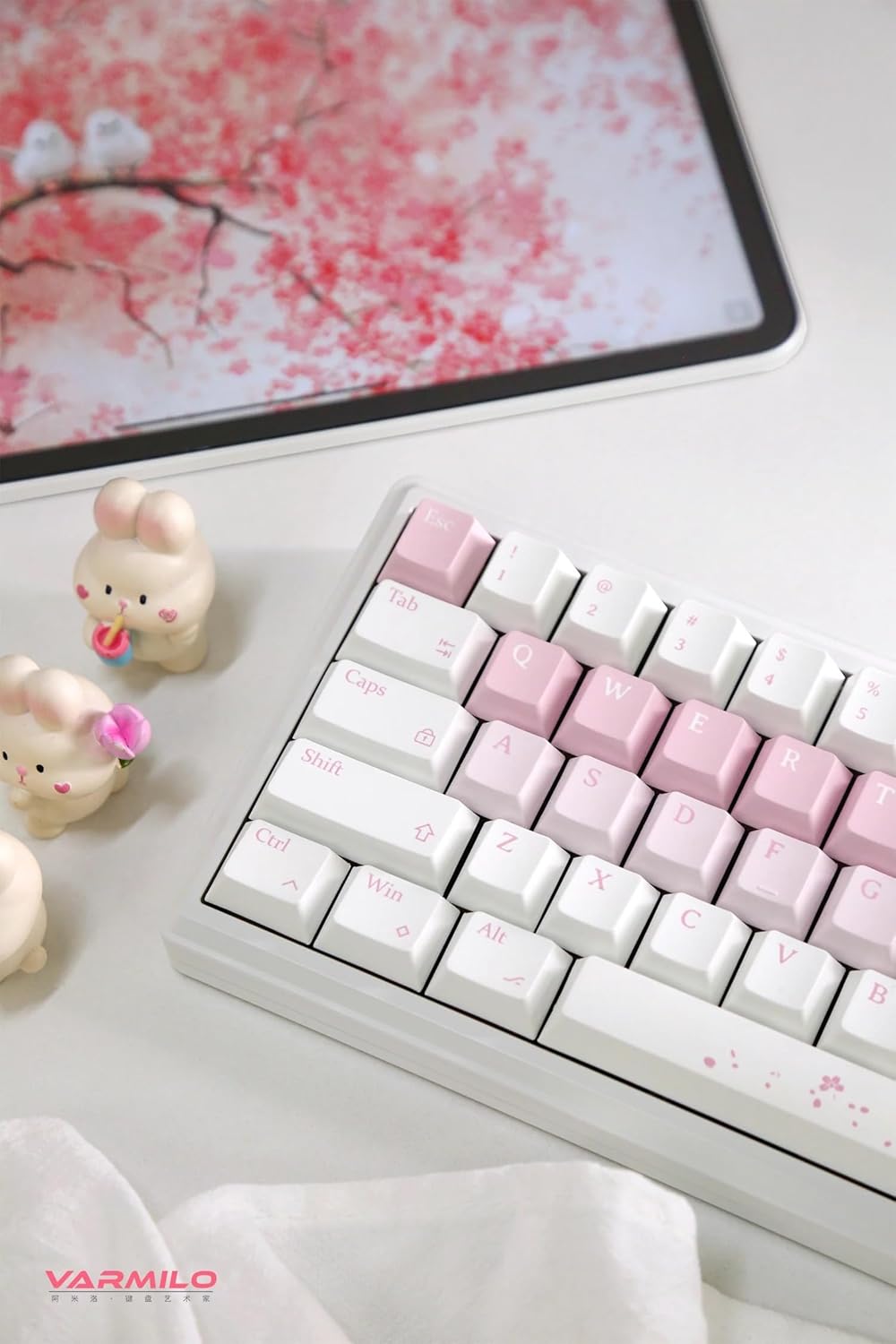
Image: The Varmilo Sword68 keyboard set up on a desk, demonstrating its compact size and aesthetic design alongside a tablet.
5. Operativo
5.1 Funzioni di base della tastiera
The Varmilo Sword68 functions as a standard 65% mechanical keyboard. All keys perform their labeled functions. For secondary functions (accessed via the Fn key), refer to the keycap legends or the custom software.

Immagine: Un dettaglio view of the Varmilo Sword68 keyboard's right side, highlighting the white and pink keycaps and the Sakura-themed spacebar and escape key.
5.2 Retroilluminazione RGB
The keyboard features RGB backlighting. Lighting effects and colors can be customized using the dedicated software. Refer to the software's instructions for detailed customization options.
5.3 Custom Layout Control
The Varmilo Sword68 supports custom layout control through its software. This allows users to remap keys, create macros, and personalize the keyboard's functionality to suit their workflow or gaming preferences.
5.4 Switch sostituibili a caldo
The PCB is hot-swappable, allowing users to change mechanical switches without soldering. This feature supports both plate mount and PCB mount stabilizers. To replace a switch:
- Rimuovere delicatamente il tasto utilizzando un apposito estrattore.
- Utilizzare un estrattore per interruttori per estrarre con cautela l'interruttore dal PCB.
- Allineare i pin del nuovo interruttore con i fori sul PCB e premere con decisione fino a sentire uno scatto. Assicurarsi che i pin non siano piegati.

Immagine: un primo piano view of the Varmilo Sword68 keyboard, showcasing the arrangement of its white and pink keycaps and the decorative spacebar.
6. Manutenzione
6.1 Pulizia della tastiera
Per mantenere l'aspetto e la funzionalità della tastiera:
- Prima di pulire la tastiera, scollegarla da tutte le fonti di alimentazione.
- Utilizzare un panno morbido e privo di lanugine leggermente dampPulire i tasti e la custodia con acqua o una soluzione detergente delicata.
- Per rimuovere polvere e detriti tra i tasti, utilizzare aria compressa o una piccola spazzola.
- Evitare l'uso di prodotti chimici aggressivi o materiali abrasivi.
6.2 Cura dei tasti e degli interruttori
The Double Shot ABS keycaps are durable. If removing keycaps or switches, do so gently to avoid damaging the components or the PCB.
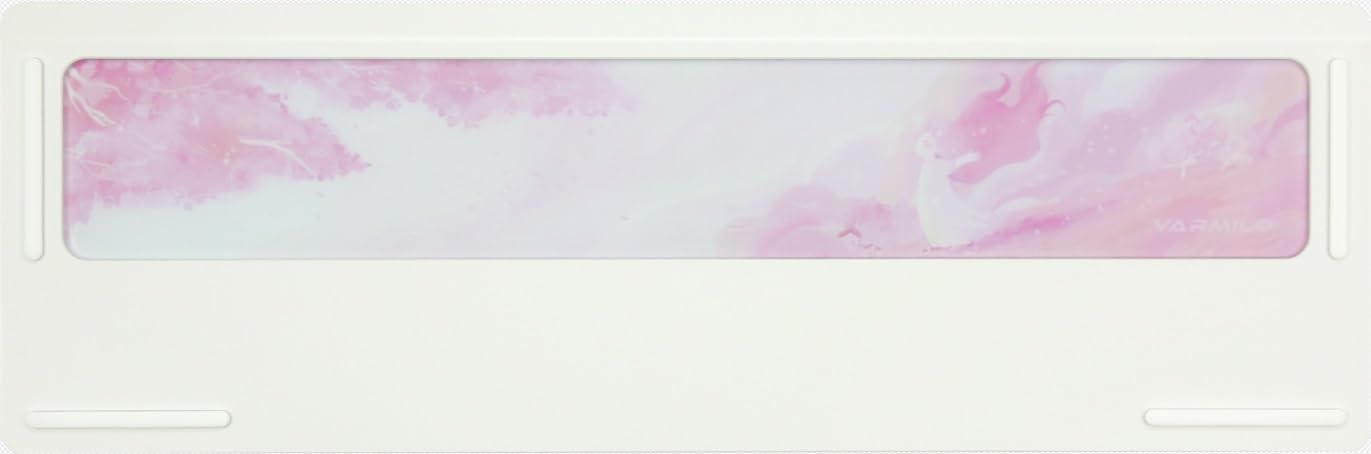
Image: The underside of the Varmilo Sword68 keyboard, revealing the frosted glass weight and rubber feet for stability.
7. Risoluzione Dei Problemi
- La tastiera non risponde: Ensure the USB-C cable is securely connected or that the wireless receiver is properly inserted and the keyboard is in the correct mode (wired, Bluetooth, 2.4 GHz). Check battery level if in wireless mode.
- Problemi di associazione Bluetooth: Ensure the keyboard is in pairing mode and your device's Bluetooth is enabled. Try removing previous pairings and re-pairing.
- L'illuminazione RGB non funziona: Check the software settings for RGB control. Ensure the keyboard is not in a low-power mode that disables lighting.
- Le chiavi non si registrano: For hot-swappable switches, ensure the switch is fully seated and its pins are not bent. Try replacing the switch if the issue persists.
- Connessione wireless intermittente: Ensure the keyboard is within range of the receiver/device and there are no significant obstructions or interference sources.
8. Specifiche
| Marca | Varmilo |
| Modello | Sword68 |
| ASIN | B0DMXL67WS |
| Tecnologia di connettività | Bluetooth, USB-C |
| Descrizione della tastiera | Meccanico |
| Caratteristiche speciali | Retroilluminato, sostituibile a caldo, ricaricabile |
| Supporto del colore della retroilluminazione della tastiera | Colore RGB |
| Materiale | Alluminio, Policarbonato |
| Capacità della batteria | 4000mAh |
| keycaps | ABS a doppio colpo |
| Assorbimento acustico | 3x Poron foam, 2x PET foam, 1x IXPE foam |
| Materiale della cassa | 6063 Aluminum CNC with electrophoresis finish |
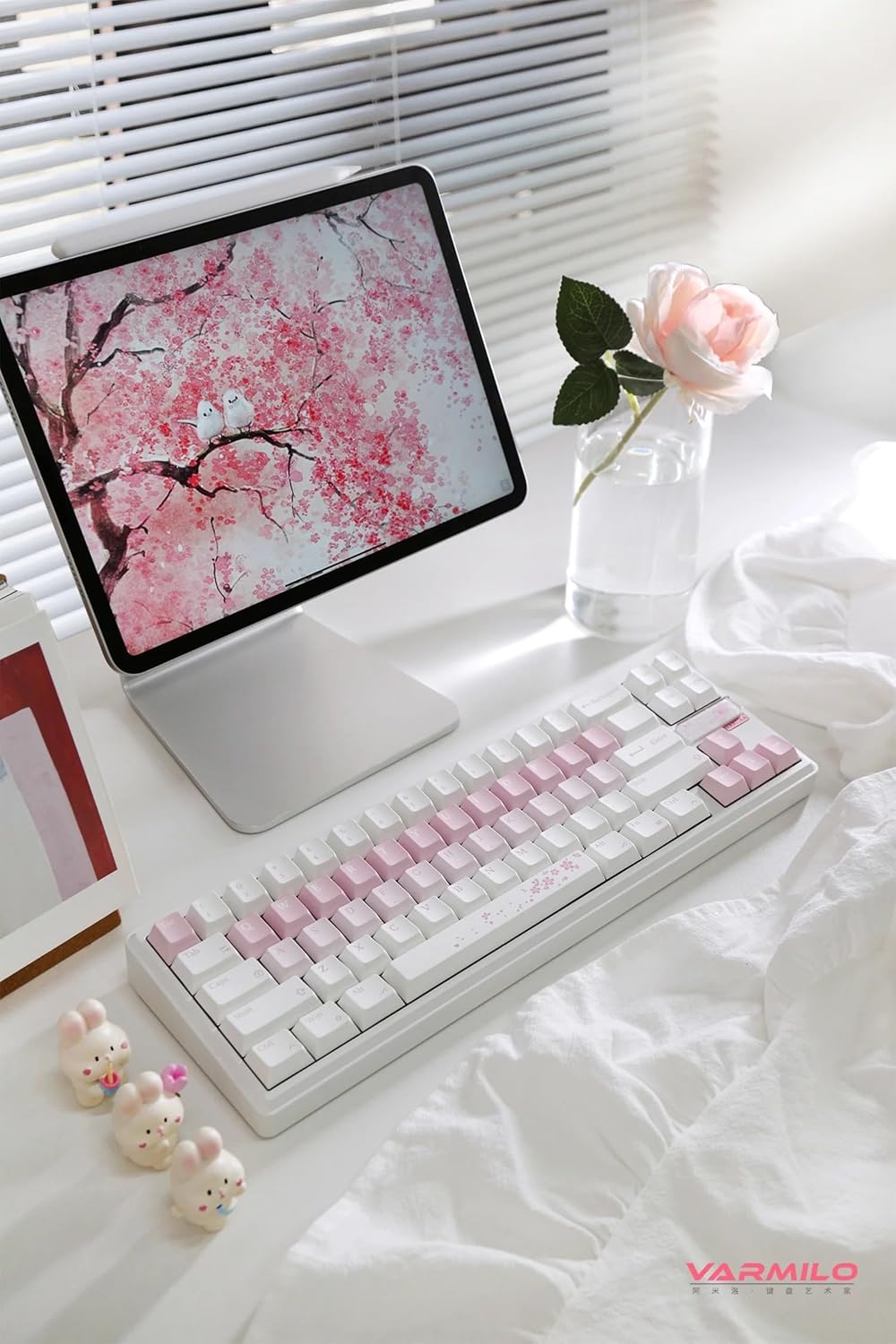
Immagine: Un completo view of the Varmilo Sword68 keyboard in a desk setup, showcasingrazie al suo design elegante e al suo formato compatto.
9. Garanzia e supporto
For warranty information, technical support, or service inquiries, please refer to the official Varmilo webo contattare direttamente l'assistenza clienti. Conservare la ricevuta d'acquisto per eventuali reclami in garanzia.