
Introduzione
This manual provides detailed instructions for the safe and effective use of your Bewinner 5K 72MP HD Digital Camera. Please read this manual thoroughly before operating the camera and retain it for future reference. This camera is designed for capturing high-resolution photos and videos with features like dual cameras, a 2.8-inch screen, timelapse photography, and 18X digital zoom.
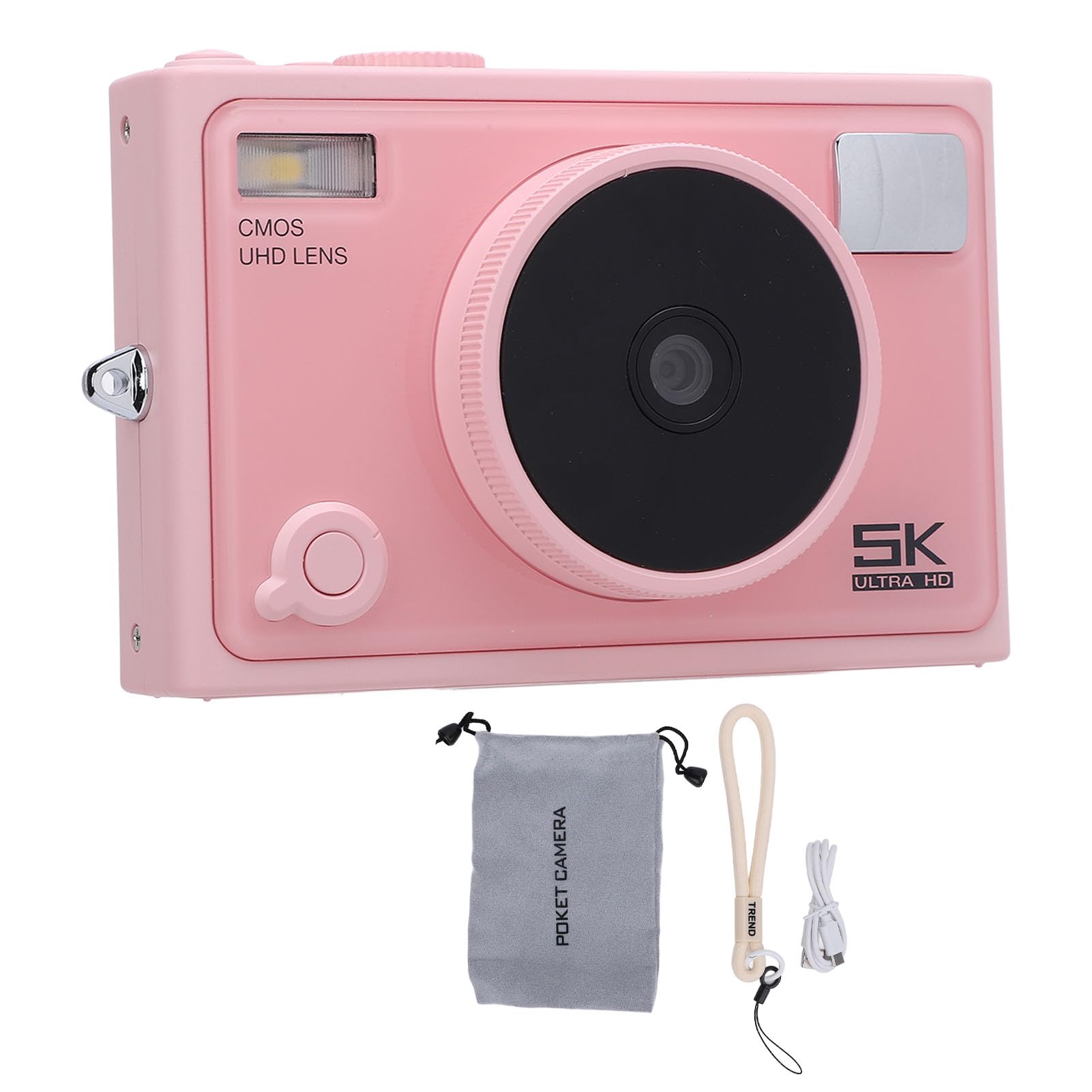
Immagine: Frontale view of the Bewinner 5K 72MP HD Digital Camera.
Informazioni sulla sicurezza
- Non esporre la fotocamera all'acqua o all'umidità.
- Evitare di far cadere la fotocamera o di sottoporla a forti urti.
- Tenere la fotocamera lontana dalla luce solare diretta e dalle alte temperature.
- Use only the specified battery type (NP-40) and charger.
- Non tentare di smontare o modificare la fotocamera.
- Tenere fuori dalla portata dei bambini piccoli.
Contenuto della confezione
Verificare che tutti gli articoli siano presenti nel pacco:
- 1 fotocamera digitale 5K
- 1 x tracolla per fotocamera
- 1 cavo USB
- 1 x Manuale utente
- 1 x custodia per fotocamera
Note: A standard memory card is not included and must be purchased separately. The camera supports up to 128GB.
Prodotto finitoview
The Bewinner 5K 72MP HD Digital Camera offers a range of features for capturing high-quality images and videos:
- Risoluzione 5K 72MP: Capture crisp details with 5K 72MP resolution for photos and professional 5K videos.
- Zoom digitale 18X: Magnify your subjects with 18 times digital zoom.
- Schermo HD da 2.8 pollici: View your shots clearly on the 2.8-inch HD screen with enhanced light transmission and color reproduction.
- Connettività wireless: Connect to smartphones or tablets for remote control and instant sharing of photos and videos.
- Special Effects Filters: Apply various photography filters for creative styles.
- Timelapse and Slow Motion: Explore creative possibilities with built-in timelapse and slow motion photography modes.
- 1300mAh High Capacity Battery: Enjoy extended usage with the included 1300mAh lithium-ion battery.
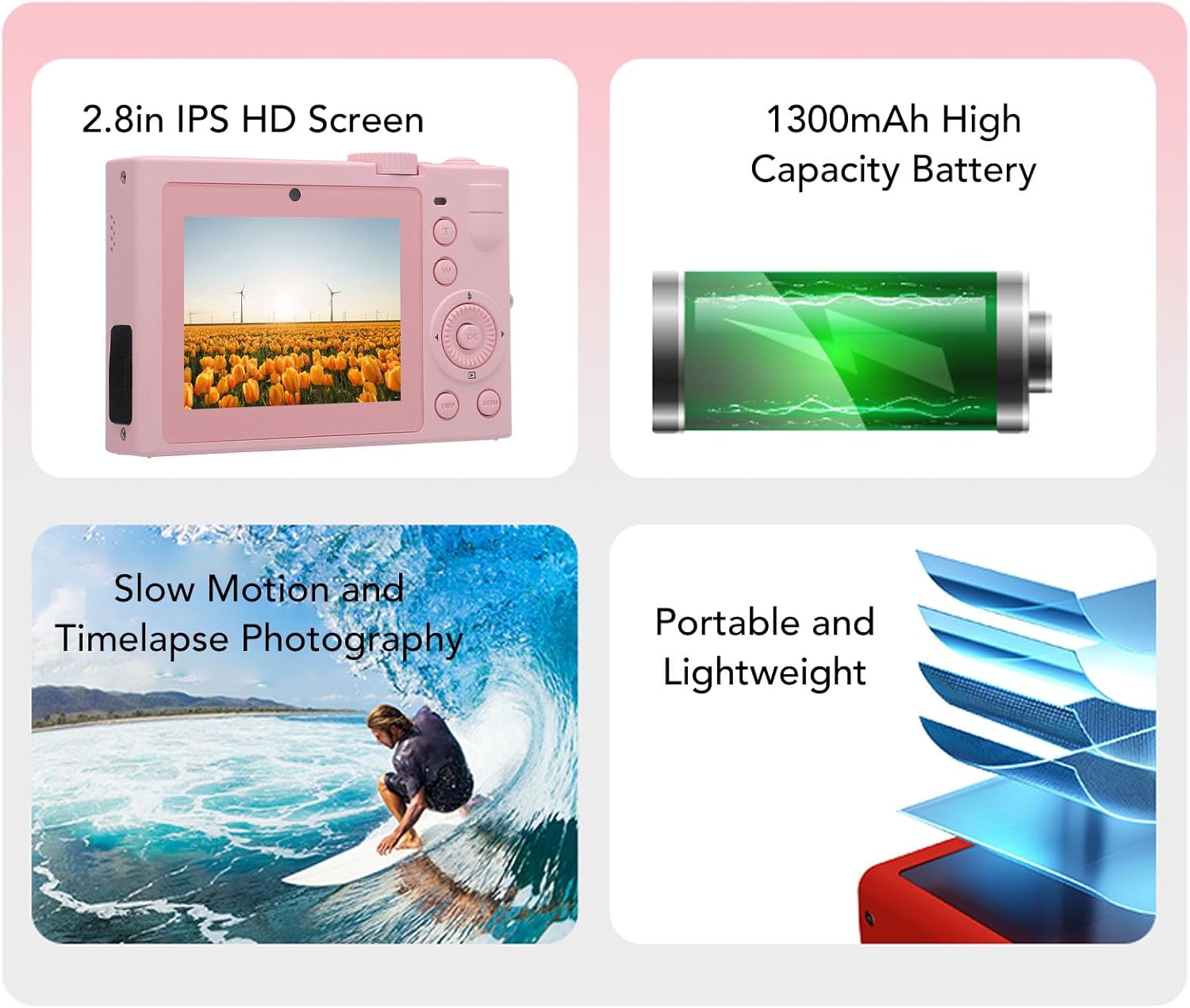
Immagine: Oltreview of key camera features including screen, battery, and photography modes.
Impostare
1. Installazione della batteria
- Individuare il coperchio del vano batteria nella parte inferiore della fotocamera.
- Far scorrere il fermo per aprire il coperchio.
- Insert the NP-40 lithium-ion battery (1300mAh) into the compartment, ensuring the correct polarity.
- Chiudere il coperchio del vano batteria finché non scatta in posizione.
2. Inserimento della scheda di memoria
- Individuare lo slot per la scheda di memoria, in genere vicino al vano batteria o sul lato.
- Insert a standard memory card (up to 128GB, not included) into the slot with the contacts facing the correct direction. Push until it clicks into place.
- Per rimuoverla, spingere delicatamente la scheda finché non fuoriesce.
3. Carica della batteria
- Collegare la fotocamera a una fonte di alimentazione utilizzando il cavo USB in dotazione.
- La spia di carica si illuminerà. Si spegnerà o cambierà colore quando la carica sarà completa.

Immagine: Lato view of the camera, highlighting the USB port for charging and data transfer.
Istruzioni per l'uso
1. Accensione/Spegnimento
Press and hold the power button (usually located on the top or side) to turn the camera on or off. The camera is ready to use upon power on.

Immagine: Posteriore view of the camera, showing the 2.8-inch HD screen and control buttons.
2. Fotografia di base
- Selezione della modalità: Use the mode dial or menu to select between photo and video modes.
- Ingrandisci: Use the zoom buttons (often marked 'W' for wide and 'T' for telephoto) to adjust the 18X digital zoom.
- Messa a fuoco: The camera typically features automatic focus.
- Pulsante dell'otturatore: Press the shutter button halfway to focus, then fully to capture a photo.
3. Registrazione video
- Passa alla modalità video.
- Press the record button (often marked with a red dot) to start and stop recording 5K video.
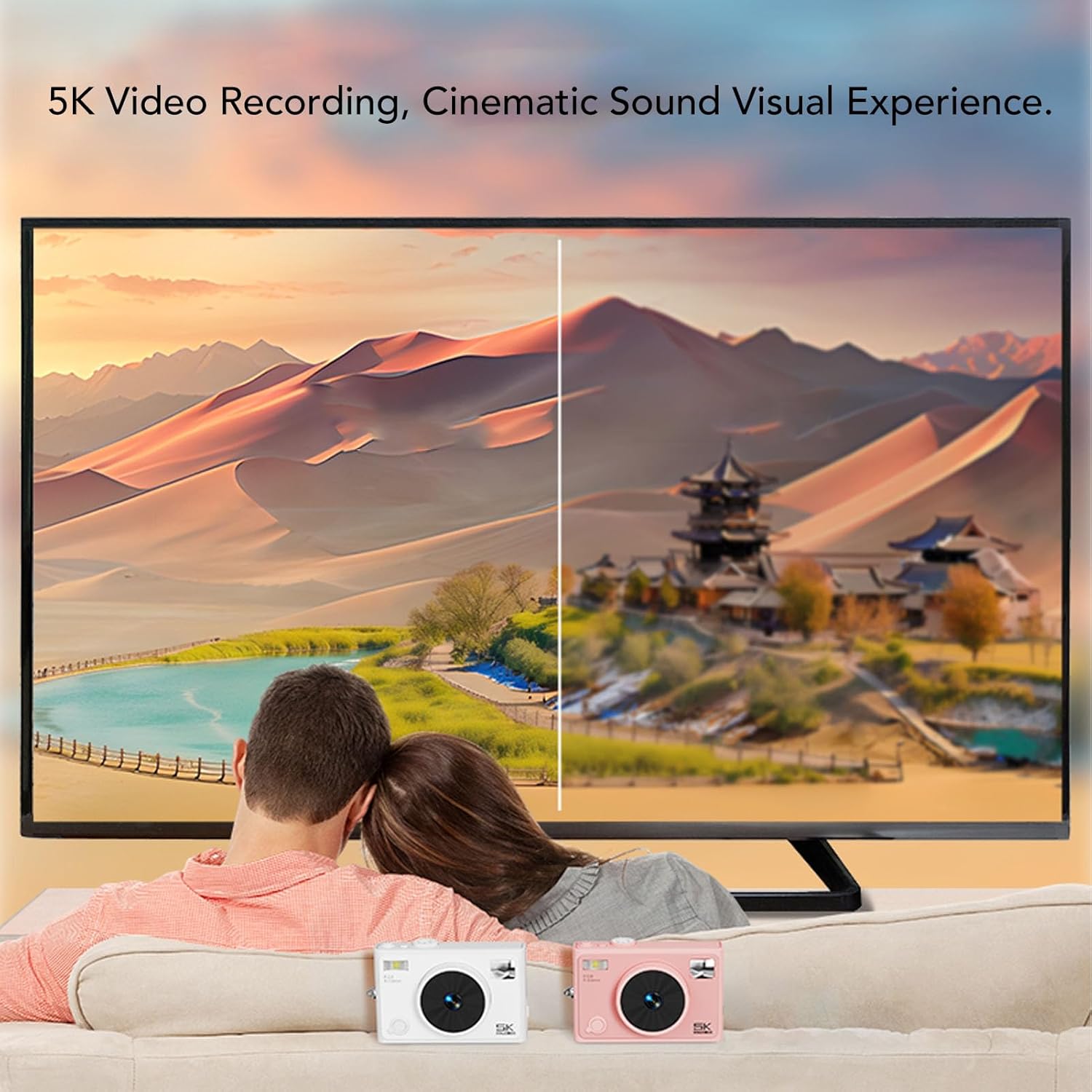
Image: Illustrates the 5K video recording capability, showing playback on a large screen.
4. Special Effects and Modes
- Filtri: Access the menu to apply various special effects filters to your photos.
- Timelapse Photography: Set the interval and duration for timelapse sequences through the camera settings.
- Rallentatore: Select slow motion mode for capturing dynamic scenes in slow motion.

Immagine: Examples of special effects filters that can be applied to photos.
5. Connettività wireless
- Activate the wireless fidelity function in the camera settings.
- On your smartphone or tablet, search for the camera's wireless network and connect.
- Use the dedicated camera application (if available) for remote control, photo transfer, and viewing.

Image: Illustration of the camera's wireless connectivity features, including remote photography and wireless transmission to a smartphone.
Manutenzione
- Pulizia: Per pulire il corpo macchina, utilizzare un panno morbido e asciutto. Per l'obiettivo, utilizzare un panno e una soluzione specifici per la pulizia delle lenti.
- Magazzinaggio: When not in use, store the camera in a cool, dry place, preferably in the provided camera pouch, away from dust and extreme temperatures.
- Cura della batteria: Remove the battery if the camera will not be used for an extended period. Charge the battery periodically to maintain its lifespan.
Risoluzione dei problemi
| Problema | Possibile causa | Soluzione |
|---|---|---|
| La fotocamera non si accende. | La batteria è scarica o inserita in modo errato. | Caricare la batteria. Assicurarsi che la batteria sia inserita con la polarità corretta. |
| Non è possibile scattare foto/registrare video. | La scheda di memoria è piena, bloccata o non inserita. | Insert a memory card. Check if the card is locked. Delete unnecessary fileoppure formattare la scheda. |
| Qualità dell'immagine scadente. | L'obiettivo è sporco, l'illuminazione è insufficiente o le impostazioni non sono corrette. | Clean the lens. Ensure adequate lighting. Adjust camera settings as needed. |
| La connessione wireless non riesce. | Wireless function is off, or incorrect pairing. | Ensure wireless function is enabled on the camera. Re-attempt pairing with your device. |
Specifiche
| Marca | Vincitore |
| Nome del modello | Bewinnerc1dy9uoiqb-12 |
| Massima risoluzione dell'immagine | 72 MP |
| Risoluzione video massima | 5K |
| Zoom ottico | 18 volte |
| Dimensioni dello schermo | 2.8 pollici |
| Tipo di batteria | Lithium Ion Battery (NP-40) |
| Capacità della batteria | 1300mAh |
| Supporto di archiviazione | Up to 128GB Standard Memory Card (Not Included) |
| Tecnologia di connettività | Wireless Fidelity (Wi-Fi) |
| Colore | Rosa |
Garanzia e supporto
Per informazioni sulla garanzia e supporto tecnico, fare riferimento alla documentazione inclusa con l'acquisto o visitare il sito ufficiale Bewinner websito. Conservare la prova d'acquisto per eventuali reclami in garanzia.