
1. Introduzione
This manual provides essential information for the proper installation, operation, and maintenance of your LaView 2K Solar Camera Outdoor Wireless Security System. Please read this manual thoroughly before using the product to ensure optimal performance and safety. This system includes four (4) 2K QHD wireless cameras with integrated solar panels for continuous power.
2. Prodotto finitoview
Il LaView 2K Solar Camera is a high-performance outdoor security solution designed for ease of use and comprehensive surveillance. Key features include:
- Visione notturna a colori e QHD 2K: Captures ultra-clear color images day and night.
- 100% Wireless & Solar-Powered: Eliminates wiring and manual recharging.
- Panoramica a 360° e inclinazione a 120°: Provides full coverage with no blind spots.
- Rilevamento PIR intelligente: Reduces false alarms by accurately detecting people, vehicles, and pets.
- Audio bidirezionale: Enables communication with visitors or deterring intruders.
- IP65 resistente alle intemperie: Designed to withstand harsh outdoor conditions.
- Condivisione multiutente: Supports up to 20 simultaneous viewERS.
- Compatibilità con la casa intelligente: Funziona con Amazon Alexa e Google Assistant.

Figure 1: LaView 2K Solar Camera Outdoor Wireless Security System (4 Pack)
3. Cosa c'è nella scatola
La tua LaView 2K Solar Camera system includes the following components:
- 4 x LaView 2K Solar Camera Bodies
- 4 pannelli solari (integrati o separati, a seconda della variante del modello)
- Hardware di montaggio (viti, tasselli, staffe di montaggio)
- Cavo di ricarica USB-C
- Guida rapida / Manuale utente

Figure 2: Typical box contents for LaView 2K Solar Camera.
4. Impostazione
4.1 Configurazione iniziale della telecamera
- Carica la fotocamera: Fully charge the camera battery using the provided USB-C cable before installation.
- Scarica l'App: Download and install the "WansView Cloud" app from your smartphone's app store (available for Android and iOS).
- Accensione: Open the waterproof cover on the bottom of the camera. Press and hold the power button for approximately 5 seconds until you hear a chime and the camera begins its self-test rotation.
- Abbinamento: Apri i WansView Cloud app, create an account, and log in. Tap the "+" or "Add Device" button. The app should automatically detect nearby devices via Bluetooth. Follow the in-app instructions to complete the pairing process. Ensure your smartphone is connected to a 2.4GHz Wi-Fi network.
4.2 Installazione fisica
- Scegli una posizione: Select an outdoor location with good Wi-Fi signal strength and sufficient sunlight exposure for the solar panel. The camera is IP65 weatherproof.
- Montare la fotocamera: Use the provided mounting template to mark drill holes on your wall. Drill holes, insert anchors, and secure the camera's mounting bracket with screws. Attach the camera body to the bracket.
- Montare il pannello solare: If the solar panel is separate, mount it in a location that receives maximum direct sunlight throughout the day. Connect the solar panel cable to the camera's 5V charging port.
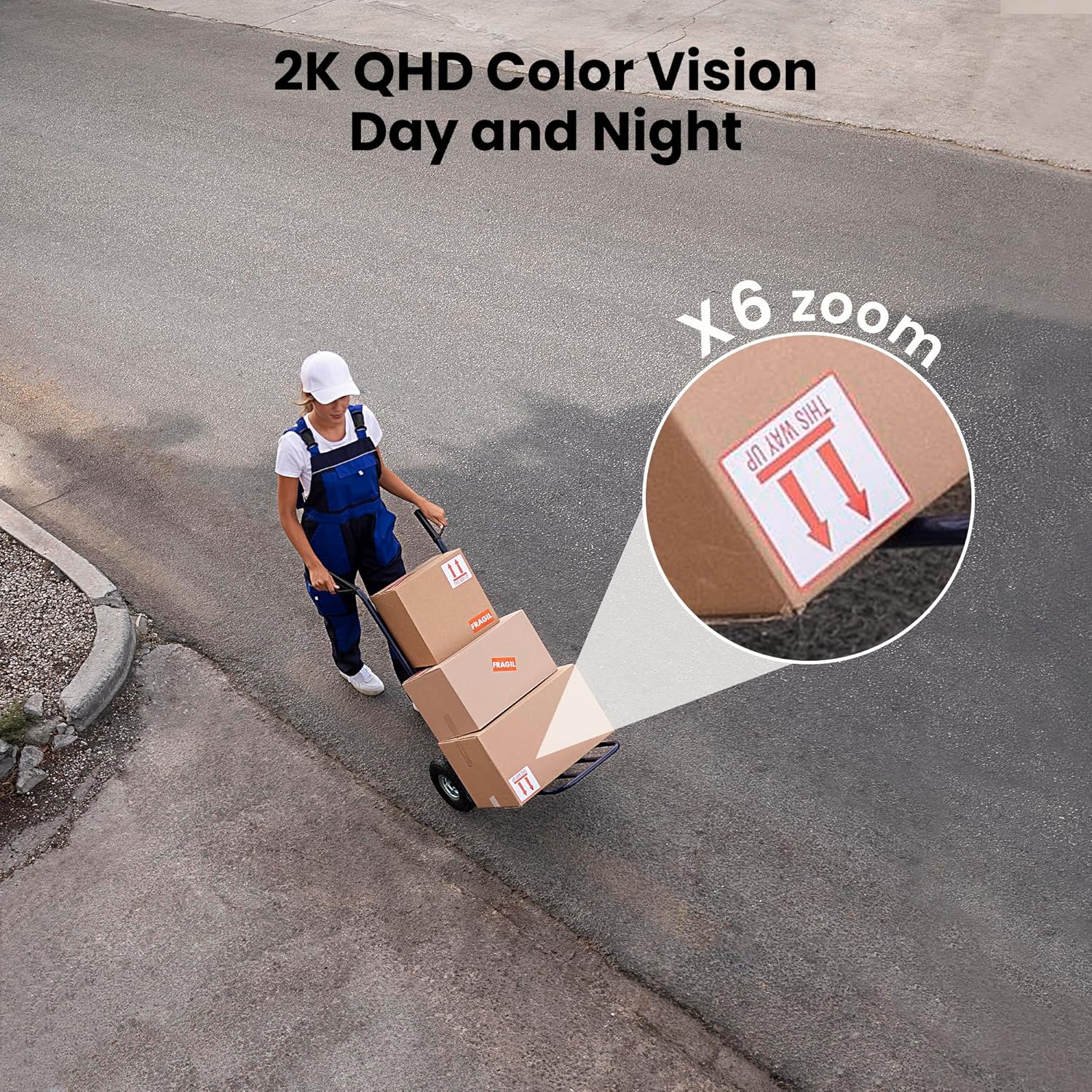
Figure 3: Flexible installation options for the LaView 2K Solar Camera.
5. Istruzioni per l'uso
5.1 Vivere View e controllo della telecamera
- Apri i WansView Cloud app to access the live feed from your camera.
- Use the on-screen controls to pan the camera 360° horizontally and tilt it 120° vertically for full coverage.
- Utilize the 6X digital zoom feature to view details in the 2K QHD resolution.

Figure 4: Control 360° pan and 120° tilt directly from your phone.
5.2 Qualità video e visione notturna
- The camera provides 2K QHD video resolution for clear images.
- Visione notturna a colori: With an F/1.6 aperture, the camera captures clear color images even in low-light conditions.
- Visione notturna a infrarossi: For complete darkness, the camera automatically switches to infrared mode for black and white video.
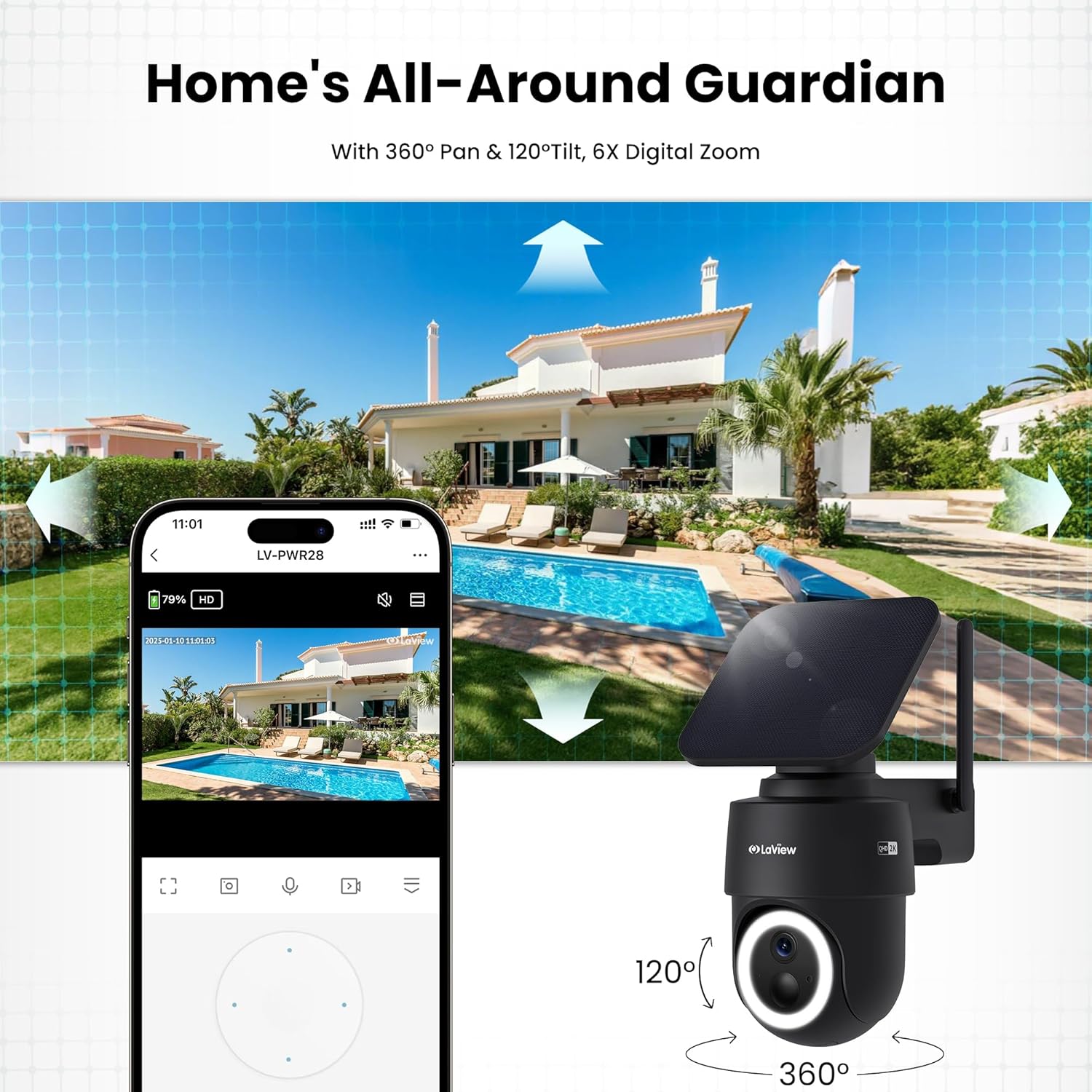
Figure 5: Experience 2K QHD color vision day and night with 6X zoom.
5.3 Rilevamento del movimento e avvisi
- Rilevamento PIR: The advanced PIR sensor and intelligent algorithms accurately detect human, vehicle, and pet motion, reducing false alarms.
- Zone personalizzabili: Set specific detection sensitivity and zones within the app.
- Avvisi immediati: Ricevi notifiche push sul tuo smartphone quando viene rilevato un movimento.
- Sirena e riflettori: Configure the camera to trigger a siren and spotlight upon motion detection for deterrence.

Figure 6: Auto-record on motion detection, capturing movement paths for clear activity tracking.
5.4 Audio bidirezionale
- Use the microphone and speaker in the app to communicate with anyone near the camera.

Figure 7: Stay connected with two-way talk functionality.
5.5 Opzioni di archiviazione
- Micro SD Card: Inserire una scheda Micro SD (fino a 256 GB, non inclusa) nello slot designato per l'archiviazione locale delle registrazioni.
- Archiviazione cloud: Optional cloud storage is available with a 30-day free trial. A subscription is required for continued cloud service.

Figure 8: Dual storage options: Micro SD card and Cloud Storage.
5.6 Integrazione della casa intelligente
- The camera is compatible with Amazon Alexa and Google Assistant. Follow the instructions in your smart home app to connect the camera.

Figure 9: Works with smart home devices like Amazon Alexa and Google Assistant.
6. Manutenzione
6.1 Ricarica della batteria
- The integrated solar panel continuously charges the camera's rechargeable battery. Ensure the solar panel is clean and free from obstructions for optimal charging.
- If necessary, the camera can also be charged directly via the USB-C port using the provided cable.
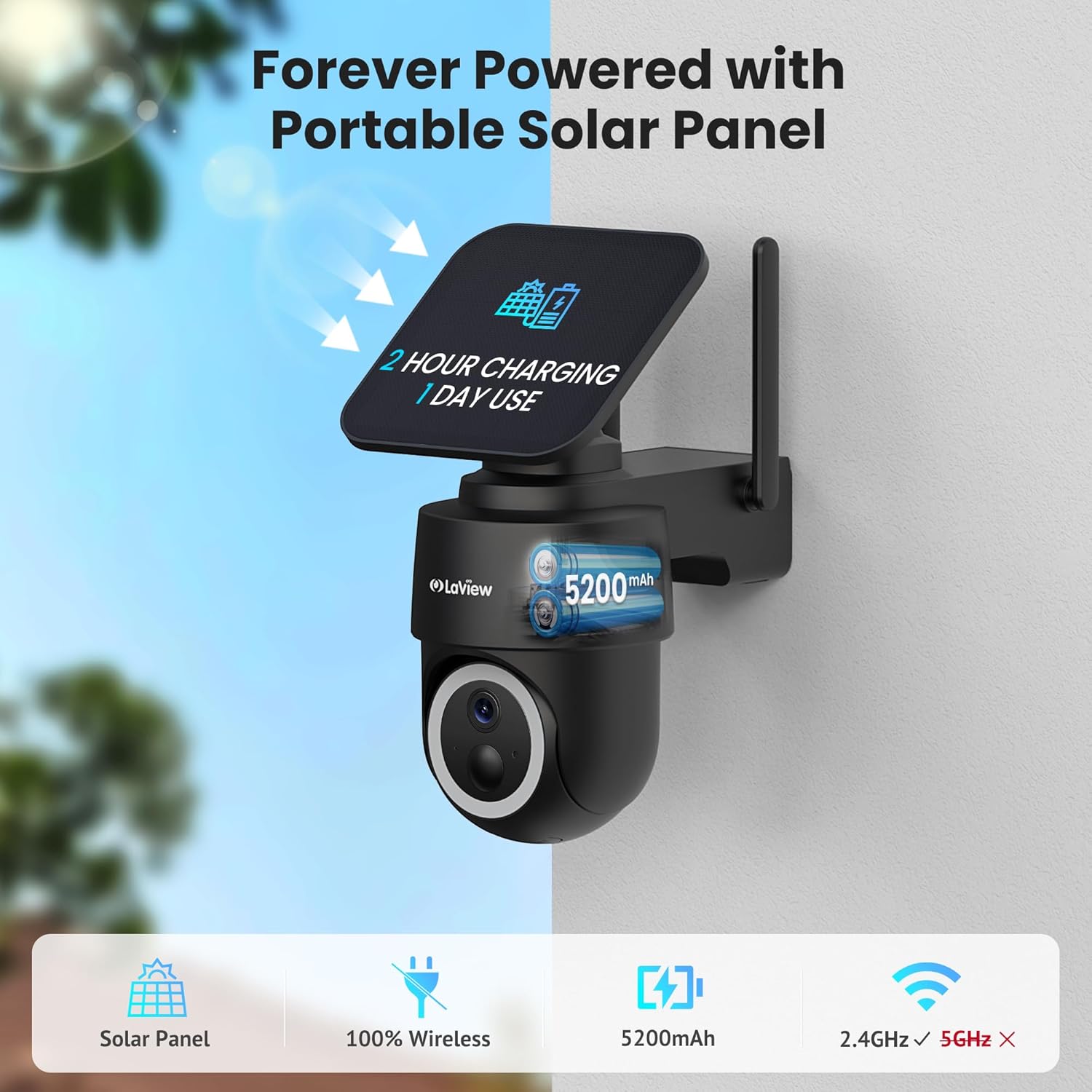
Figure 10: Forever powered with portable solar panel.
6.2 Resistenza alle intemperie
- The camera has an IP65 weatherproof rating, protecting it from dust and water jets. It operates in temperatures from 14°F to 122°F (-10°C to 50°C).

Figura 11: Design resistente alle intemperie IP65 per tutte le condizioni.
6.3 Pulizia
- Pulire regolarmente l'obiettivo della fotocamera e il pannello solare con un panno morbido eamp cloth to ensure clear image quality and efficient charging.
7. Risoluzione Dei Problemi
- La fotocamera non si connette al Wi-Fi: Ensure your Wi-Fi network is 2.4GHz. Reboot your router and smartphone. Reset the camera by holding the reset button for 5 seconds until you hear a chime, then attempt pairing again.
- Falsi allarmi frequenti: Adjust the PIR detection sensitivity and customize detection zones within the app to minimize unwanted alerts from non-relevant motion sources.
- Scarsa qualità dell'immagine: Ensure the camera lens is clean and free from obstructions. Check Wi-Fi signal strength.
- Batteria non in carica: Verify the solar panel is receiving direct sunlight and is free from dirt or obstructions. Ensure the solar panel cable is securely connected to the camera.
8. Specifiche
| Nome del modello | LV-PWR28Q-B-4PK |
| Uso interno/esterno | All'aperto |
| Fonte di alimentazione | Alimentato ad energia solare |
| Protocollo di connettività | Wi-Fi (solo 2.4 GHz) |
| Risoluzione di acquisizione video | 2K QHD (3K mentioned in specs, but 2K QHD in features) |
| Tipo di controllore | Amazon Alexa |
| Tipo di montaggio | Montaggio a parete |
| Valutazione resistente alle intemperie | Grado di protezione IP65 |
| Temperatura di esercizio | Da 14°F a 122°F (da -10°C a 50°C) |
| Dimensioni articolo (L x P x A) | 10 x 13 x 9 pollici |
| Peso dell'articolo | 7.88 libbre |
| Codice UPC | 192728016859 |
9. Garanzia e supporto
- Garanzia di sostituzione di 1 anni: La tua LaView 2K Solar Camera system is covered by a 1-year replacement warranty.
- Supporto tecnico a vita: LaView offers lifetime technical support via phone for prompt and reliable solutions.
- 1-on-1 Customer Service: Dedicated customer service is available for personalized assistance.

Figure 12: LaView provides comprehensive after-sales support.


