
1. Introduzione
Thank you for choosing the YI Smart Security Camera 360° PTZ Dome Camera. This camera provides comprehensive surveillance with its 360° pan and tilt capabilities, delivering crystal-clear 1080p Full HD video. Designed for indoor use, it features advanced motion detection, smart auto-tracking, enhanced night vision, and two-way audio communication. This manual will guide you through the setup, operation, and maintenance of your new security camera.
Caratteristiche principali:
- Copertura a 360°: 355° horizontal and 90° vertical rotation for zero blind spots.
- Full-HD 1080p: High-definition video for clear monitoring.
- Rilevamento del movimento e tracciamento automatico: Alerts and tracks moving objects automatically.
- Visione notturna migliorata: Multiple modes including full-color night vision.
- Audio bidirezionale: Microfono e altoparlante integrati per comunicazioni in tempo reale.
- Archiviazione flessibile: Supports Cloud storage and local storage via microSD card (up to 128GB).
2. Contenuto della confezione
Si prega di controllare la confezione per verificare la presenza dei seguenti elementi:
- YI Smart Security Camera x1
- x1 cavo USB
- Manuale utente x1 (Questo documento)
3. Prodotto finitoview
Familiarize yourself with the components of your YI Smart Security Camera.

Figura 3.1: Fronte view of the YI Smart Security Camera, showing the lens, LED lights, and two antennas.

Figure 3.2: Dimensions of the YI Smart Security Camera, indicating a height of 180mm (7.08in), width of 102mm (4.0in), and depth of 85mm (3.34in).
4. Configurazione e installazione
4.1 Accensione iniziale
- Connect the provided USB cable to the camera's power port and plug the other end into a compatible USB power adapter (not included).
- La telecamera si accenderà e avvierà la sequenza di autotest. Attendere che la spia lampeggi, a indicare che è pronta per la configurazione.
4.2 Download dell'app e creazione dell'account
- Scarica il YI IOT App dall'App Store (iOS) o dal Google Play Store (Android).
- Apri l'app e segui le istruzioni sullo schermo per creare un nuovo account o per effettuare l'accesso se ne hai già uno.
4.3 Aggiungere la fotocamera all'app
- In the YI IOT App, tap the "+" icon to add a new device.
- Seleziona il modello della tua fotocamera dall'elenco.
- Follow the app's instructions to connect the camera to your 2.4GHz Wi-Fi network. This typically involves scanning a QR code generated by the app with the camera's lens.
- Una volta connesso, puoi dare un nome alla tua telecamera e iniziare a trasmettere in diretta viewing.
4.4 Montaggio della telecamera
The camera is designed for indoor use and can be placed on a flat surface or wall-mounted. For wall mounting, use the included mounting accessories (if applicable) and ensure the camera is securely fastened.
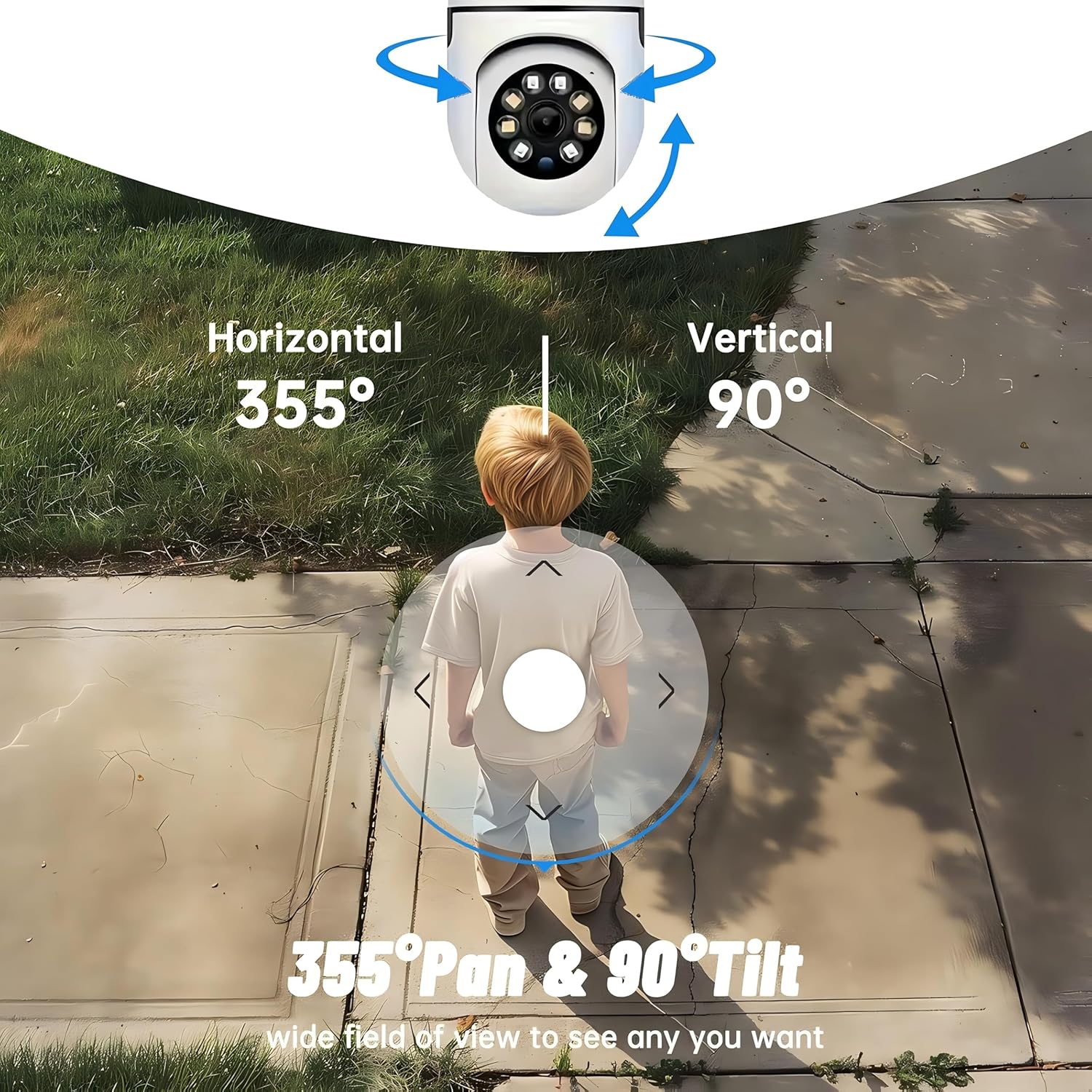
Figura 4.1: Esamples of multi-scene applications, including wall and ceiling mounting, and placement in living rooms, bedrooms, and studies.
5. Utilizzo della fotocamera
5.1 Controllo Pan-Tilt
The YI Smart Security Camera offers extensive pan and tilt capabilities, allowing you to monitor a wide area.
- Rotazione orizzontale: 355°
- Rotazione verticale: 90°
In the YI IOT App, use the directional controls on the live view screen to remotely adjust the camera's viewangolo di ing.

Figure 5.1: Illustration of the camera's 355° horizontal pan and 90° vertical tilt capabilities, providing a wide field of view.
5.2 Motion Detection & Smart Auto Tracking
The camera can detect movement and automatically track objects, sending alerts to your smartphone.
- Rilevamento del movimento: When motion is detected, the camera will send an instant push notification with a 6-second video clip to your phone via the YI IOT App.
- Smart Auto Tracking: If enabled, the camera will automatically follow moving objects for up to 10 seconds after detection, ensuring continuous monitoring of the activity.
Adjust sensitivity settings and notification preferences within the app.

Figure 5.2: Real-time alarm notification on the YI IOT app, showing an intruder detected by the camera.
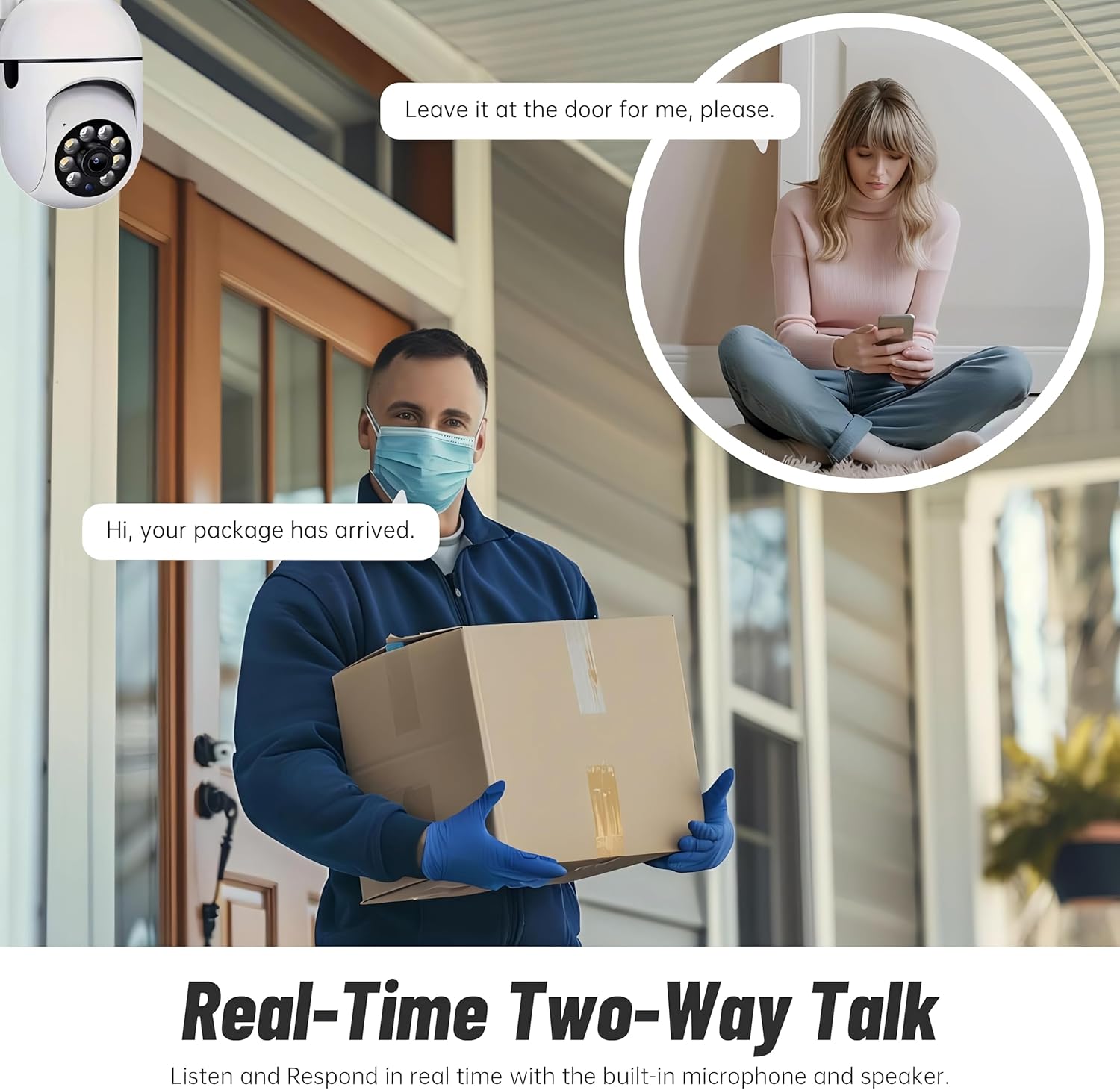
Figure 5.3: The camera's motion tracking feature focusing on a moving pet.

Figure 5.4: Visual representation of a motion detection alert, showing the camera capturing movement and sending notifications.
5.3 Visione notturna migliorata
The camera is equipped with ultra-long-distance infrared LEDs and floodlight LEDs, offering multiple night vision modes for clear visibility in low-light conditions.
- Visione notturna normale: Standard black and white infrared view.
- Visione notturna intelligente: Automatically switches between infrared and full-color based on detected activity.
- Visione notturna a colori: Provides a color image even in low light, utilizing the built-in floodlight.
You can switch between these modes directly from the YI IOT App.

Figure 5.5: Comparison illustrating the difference between standard infrared night vision (monochrome) and 1080p full-color night vision.
5.4 Audio bidirezionale
Communicate through the camera using its built-in microphone and high-power speaker.
- Modalità interfono: Press and hold the microphone icon in the app to speak, and release to listen. Ideal for giving commands to pets or deterring unwanted visitors.
- Modalità vivavoce: Allows for a continuous two-way conversation, similar to a phone call.
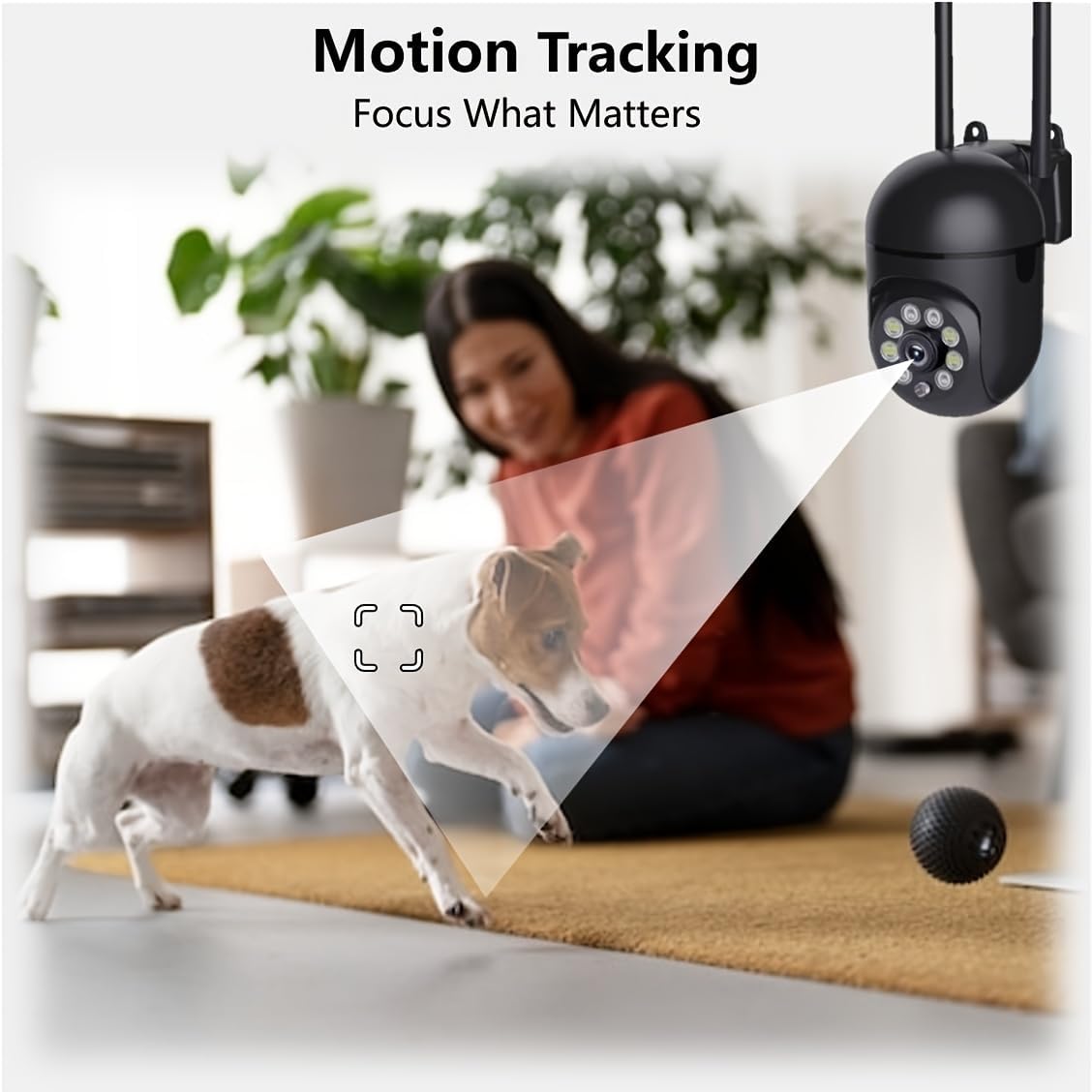
Figure 5.6: Demonstration of real-time two-way talk, allowing communication between the camera's location and the app user.
5.5 Cloud & Local Storage
Your camera offers flexible storage options for your video footage.
- Archiviazione cloud YI: Securely store 6-second video clips triggered by motion or sound detection. This ensures your footage is safe from loss, theft, or damage to local storage. Available for both iOS and Android.
- Archiviazione locale: The camera supports microSD cards up to 128GB (not included) for continuous recording or event-triggered recordings.
6. Manutenzione
Per garantire prestazioni ottimali e longevità della fotocamera, seguire queste linee guida per la manutenzione:
- Pulizia: Pulisci delicatamente l'obiettivo e il corpo della fotocamera con un panno morbido e asciutto. Evita di utilizzare prodotti chimici aggressivi o materiali abrasivi.
- Aggiornamenti del firmware: Regularly check for and install firmware updates via the YI IOT App. Updates often include performance improvements, new features, and security enhancements.
- Ciclo di alimentazione: If the camera becomes unresponsive, unplug it from the power source for 10 seconds, then plug it back in to restart it.
7. Risoluzione Dei Problemi
Se riscontri problemi con la tua fotocamera, fai riferimento ai seguenti problemi comuni e alle relative soluzioni:
| Problema | Possibile causa | Soluzione |
|---|---|---|
| Fotocamera offline | Nessuna alimentazione; Wi-Fi disconnesso; problema con il router | Controllare la connessione di alimentazione; riavviare la telecamera e il router; ricollegare la telecamera al Wi-Fi tramite l'app. |
| Scarsa qualità dell'immagine | Dirty lens; Insufficient lighting; Network bandwidth | Clean the lens; Ensure adequate lighting or enable night vision; Check Wi-Fi signal strength. |
| Il rilevamento del movimento non funziona | Feature disabled; Incorrect sensitivity; Obstruction | Enable motion detection in app; Adjust sensitivity; Ensure clear view. |
| Problemi audio bidirezionali | Microphone/speaker muted; App permissions; Network delay | Check app settings; Grant microphone permissions; Ensure stable network connection. |
| Scheda MicroSD non riconosciuta | Card not inserted correctly; Incompatible card; Corrupted card | Reinsert card; Use a compatible card (Class 10 or higher); Format card in app or replace. |
If the problem persists, please contact YI customer support.
8. Specifiche
Detailed technical specifications for the YI Smart Security Camera.
| Caratteristica | Specificazione |
|---|---|
| Nome del modello | CB201-1X-W |
| Uso interno/esterno | Al chiuso |
| Risoluzione di acquisizione video | 1080p Full HD |
| Tecnologia di connettività | Senza fili (Wi-Fi 2.4 GHz) |
| Gamma di panoramica/inclinazione | Orizzontale 355°, Verticale 90° |
| Gamma di visione notturna | 10 metri |
| Audio bidirezionale | SÌ |
| Opzioni di archiviazione | Cloud Storage, MicroSD Card (up to 128GB) |
| Fonte di alimentazione | Elettrico con cavo |
| Dispositivi compatibili | Smartphone (iOS/Android) |
| Dimensioni del prodotto (L x P x A) | 4 x 3.35 x 7.09 pollici |
| Componenti inclusi | Security Camera x1, USB Cable x1 |
9. Garanzia e supporto
Per informazioni sulla garanzia e supporto tecnico, fare riferimento al sito ufficiale YI website or contact their customer service directly. Details can typically be found on the product packaging or within the YI IOT App's 'About' or 'Support' section.
Supporto online: Visit the official YI websito per FAQ, guide alla risoluzione dei problemi e opzioni di contatto.
Supporto per l'app: Access support resources directly within the YI IOT App.