
Introduzione
Welcome to the user manual for your new Oilsky M1 128GB Bluetooth 5.4 MP3 Player. This guide provides essential information on how to set up, operate, and maintain your device, ensuring you get the best experience from its advanced features. Please read this manual thoroughly before using the product.
Caratteristiche del prodotto
- Connettività Bluetooth 5.4: Enjoy a more stable connection and extended range with Bluetooth 5.4. The device features a Bluetooth memory function for automatic reconnection upon startup, optimizing power consumption and battery life.
- Audio ad alta fedeltà: Equipped with a professional digital noise reduction chip, this MP3 player delivers high-quality audio. It supports various common audio formats including MP3, WMA, APE, FLAC, WAV, and AAC. Organize your music by title, folder, artist, or album.
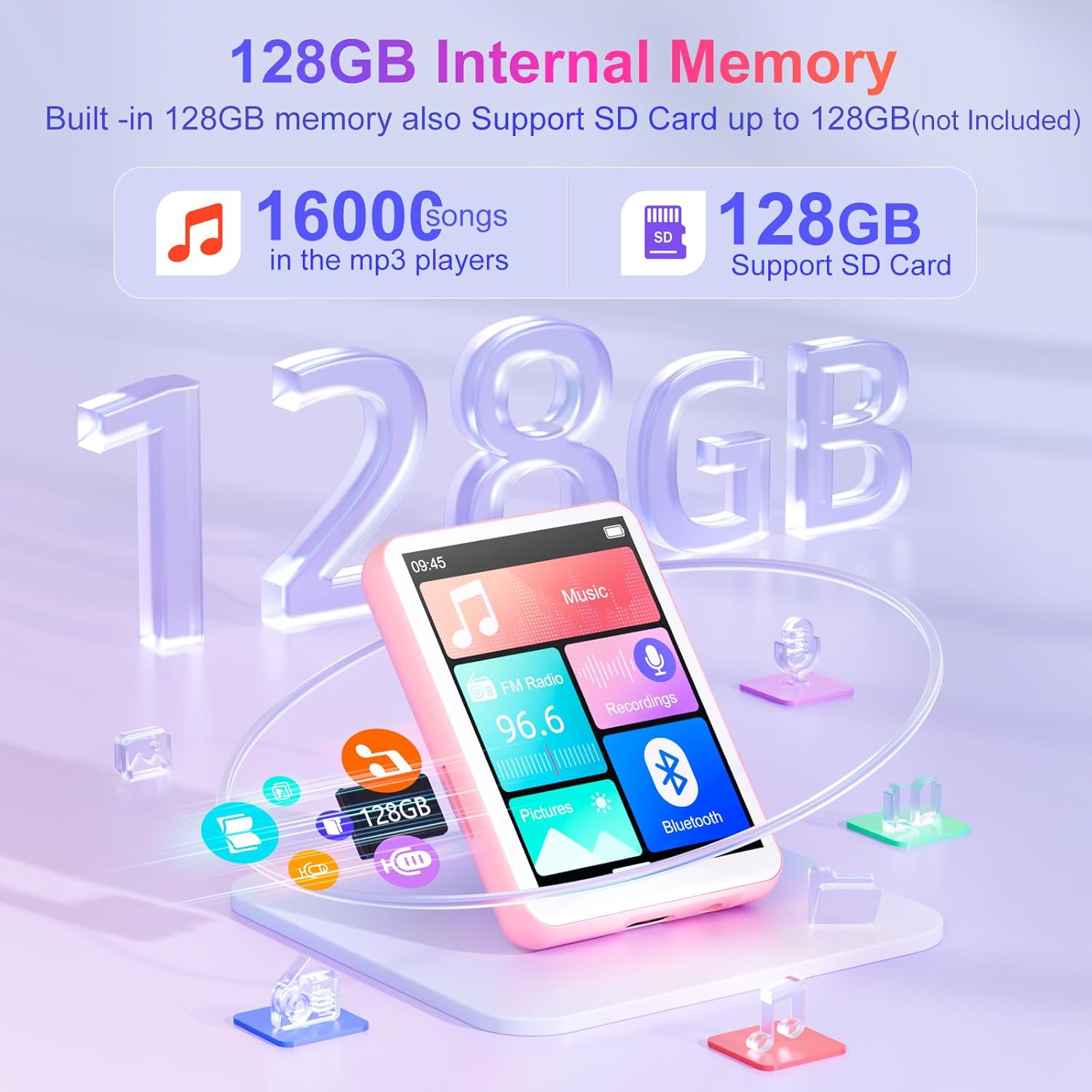
- Generous 128GB Internal Memory: The Oilsky M1 comes with 128GB of built-in memory, capable of storing approximately 16,000 lossless quality songs. It also includes a Micro-SD card slot, supporting expansion up to an additional 128GB (Micro-SD card not included).
- Dispositivo multifunzionale: Featuring a 2.4-inch touch screen for quick function selection, this MP3 player offers a range of features including music playback, FM radio, voice recorder, e-book reader, photo viewer, alarm clock, folder management, and calendar. It supports 29 languages, including English, German, French, Italian, and Spanish.
- Long-lasting 300mAh Battery: Enjoy up to 50 hours of lossless music playback on a single charge. The device fully recharges in approximately 2 hours, making it an ideal companion for travel or sports enthusiasts.
- Nota importante: This device cannot connect to mobile phones or car audio systems via Bluetooth.
Cosa c'è nella scatola
Verificare che tutti gli articoli siano presenti nel pacco:
- 1x Oilsky M1 MP3 Player
- Cavo di ricarica USB 1x
- 1x auricolari
- 1x Manuale utente
- 1x Custodia protettiva
- 1x cordino

Impostare
1. Carica del dispositivo
Before first use, fully charge your MP3 player. Connect the provided USB cable to the device's charging port and the other end to a USB power adapter (not included) or a computer's USB port. The battery indicator on the screen will show charging status.
2. Accensione/spegnimento
- Per accendere: Tieni premuto il pulsante di accensione finché lo schermo non si accende.
- Per spegnere: Tenere premuto il pulsante di accensione finché non vengono visualizzate le opzioni di spegnimento, quindi selezionare "Spegni".
3. Selezione iniziale della lingua
Upon first startup, you may be prompted to select your preferred language. Follow the on-screen instructions to choose from the available languages.
Istruzioni per l'uso
Navigazione di base
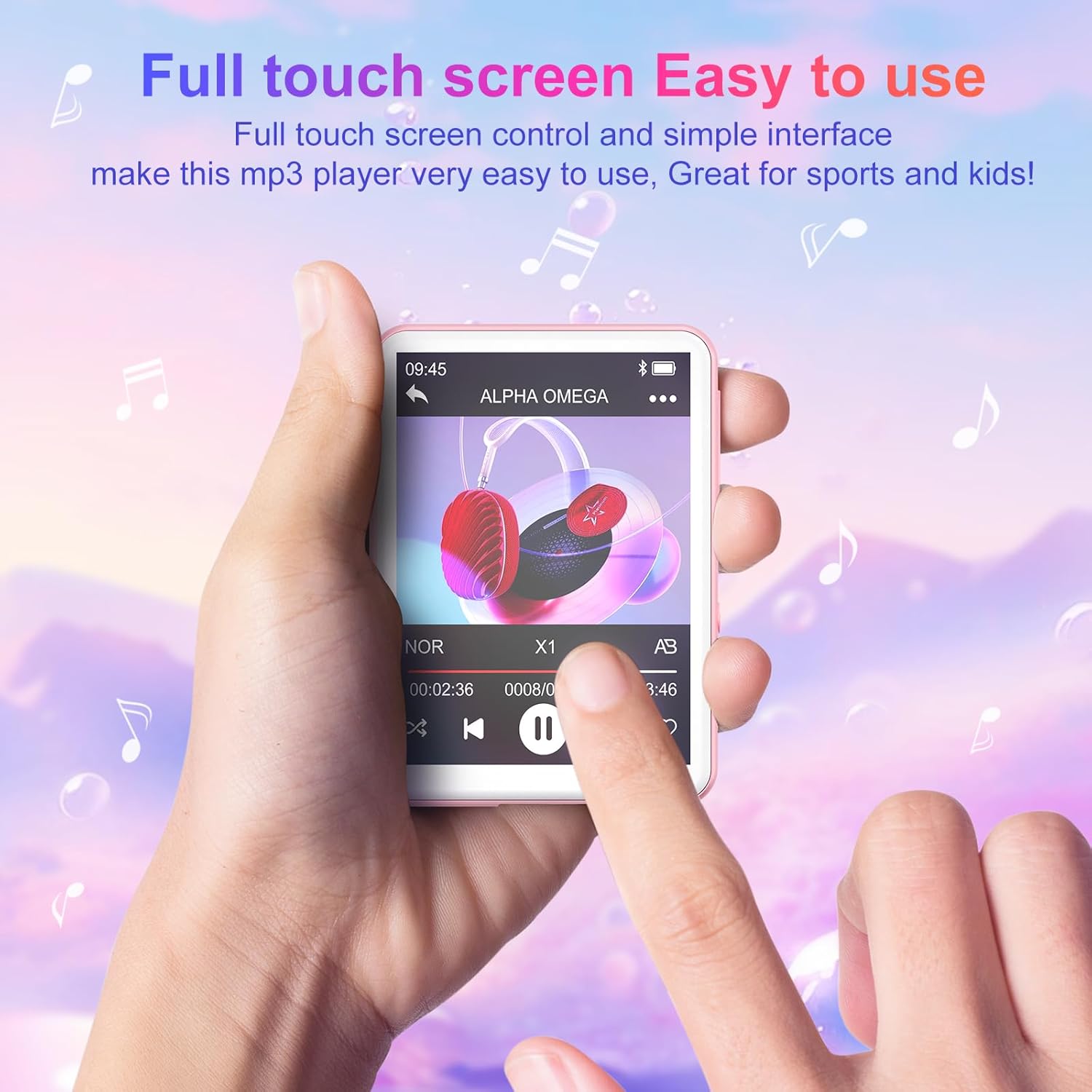
The Oilsky M1 features a 2.4-inch full touch screen for intuitive navigation. Swipe left/right or up/down to browse menus and tap icons to select functions. Use the back arrow icon to return to the previous screen.
Riproduzione musicale
- Trasferimento di musica: Connect the MP3 player to your computer using the USB cable. The device will appear as a removable disk. Drag and drop your music files (MP3, WMA, APE, FLAC, WAV, AAC) into the 'Music' folder on the device.
- Riproduzione di musica: From the main menu, tap the 'Music' icon. You can browse your songs by title, artist, album, or folder. Tap a song to begin playback.
- Controlli: Use the on-screen controls for play/pause, next/previous track, volume adjustment, and repeat modes.

Connessione Bluetooth
Per connettersi a cuffie o altoparlanti Bluetooth:
- Assicurati che le tue cuffie/altoparlanti Bluetooth siano in modalità di associazione.
- On the MP3 player, go to the main menu and tap the 'Bluetooth' icon.
- Turn Bluetooth 'On'. The device will scan for available devices.
- Select your desired device from the list to pair. Once paired, the device will automatically reconnect when turned on, if the paired device is within range.

Radio FM
To use the FM Radio function, connect the wired earphones (included) as they act as the antenna. From the main menu, tap the 'FM Radio' icon. You can auto-scan for stations or manually tune.
Registratore vocale
Tap the 'Recordings' icon from the main menu. Use the on-screen controls to start, pause, and save recordings. The built-in microphone captures clear audio.
E-book Reader
Transfer TXT format e-books to the device. Tap the 'E-book' icon to access your library and read on the 2.4-inch screen.
Foto Viewer
Transfer JPEG or BMP image files to the device. Tap the 'Pictures' icon to view le tue foto.
Sveglia
Set alarms by tapping the 'Alarm' icon. You can customize alarm times and sounds.

Gestione dell'archiviazione
The Oilsky M1 comes with 128GB of internal storage. If you require more space, you can insert a Micro-SD card (up to 128GB, not included) into the designated slot. The device will automatically detect the external storage, allowing you to manage files across both internal and external memory.
Specifiche
| Numero di modello | M1 |
| Marca | Oilsky |
| Dimensioni dello schermo | 2.4 pollici |
| Tecnologia di visualizzazione | Schermo tattile |
| Tecnologia di connettività | Ausiliario, Bluetooth 5.4, USB |
| Capacità di archiviazione interna | 128 GB |
| Memoria espandibile | Micro SD (fino a 128 GB) |
| Standard audio supportati | MP3, WMA, APE, FLAC, WAV, AAC |
| Tipo di batteria | 1 ai polimeri di litio (incluso) |
| Durata media della batteria | Fino a 50 ore (riproduzione musicale) |
| Tempo di ricarica | Circa 2 ore |
| Peso dell'articolo | 63.5 grammi |
| Dimensioni articolo (L x P x A) | 7 x 5 x 1 centimeters (approx. 2.75 x 1.98 x 0.4 inches) |
| Caratteristica speciale | Altoparlante incorporato |
| Dispositivi compatibili | Personal Computer, Headphones, Smartphone (for file trasferimento) |
Risoluzione dei problemi
- Il dispositivo non si accende: Assicurarsi che il dispositivo sia completamente carico. Se la batteria è scarica, collegarlo a una fonte di alimentazione e lasciarlo caricare per almeno 10 minuti prima di riprovare ad accenderlo.
- Cannot connect to Bluetooth devices: Ensure both the MP3 player's Bluetooth and the target device's Bluetooth are enabled and in pairing mode. Remember, this MP3 player cannot connect to mobile phones or car audio systems via Bluetooth.
- Nessun suono: Check the volume level. Ensure earphones are properly connected if not using Bluetooth. If using Bluetooth, ensure the device is correctly paired and connected to your audio output.
- Filenon appare: Assicurare la musica files are in supported formats (MP3, WMA, APE, FLAC, WAV, AAC) and transferred to the correct folders. For e-books, ensure they are in TXT format.
- Dispositivo bloccato o non risponde: Per forzare il riavvio, tenere premuto il pulsante di accensione per circa 10-15 secondi.
Informazioni sulla sicurezza
- Non esporre il dispositivo a temperature estreme, alla luce solare diretta o a elevata umidità.
- Evitare di far cadere o sottoporre il dispositivo a forti impatti.
- Tenere il dispositivo lontano dall'acqua e da altri liquidi.
- Utilizzare solo il cavo USB in dotazione per la ricarica.
- Non tentare di smontare o riparare da soli il dispositivo. Contatta l'assistenza clienti per assistenza.
- Listening to audio at high volumes for extended periods can cause hearing damage.
Garanzia e supporto
For any questions or concerns regarding your Oilsky M1 MP3 Player, please do not hesitate to contact our customer support. We are committed to providing excellent service and will be happy to assist you.
Manufacturer's warranty information is available upon request or from the point of purchase.
Prodotto finitoview Video
Video: Un oltreview mostrareasing the Oilsky M1 MP3 Player's features, including Bluetooth connectivity, 128GB storage, touch screen interface, and multi-functional capabilities.