
1. Introduzione
This manual provides instructions for the BoxWave DirectSync PD 100W USB-C to USB-C Cable (10ft). This cable is designed for efficient power delivery and high-speed data transfer between compatible USB-C devices. It features a durable braided nylon construction and reinforced strain reliefs for enhanced longevity.
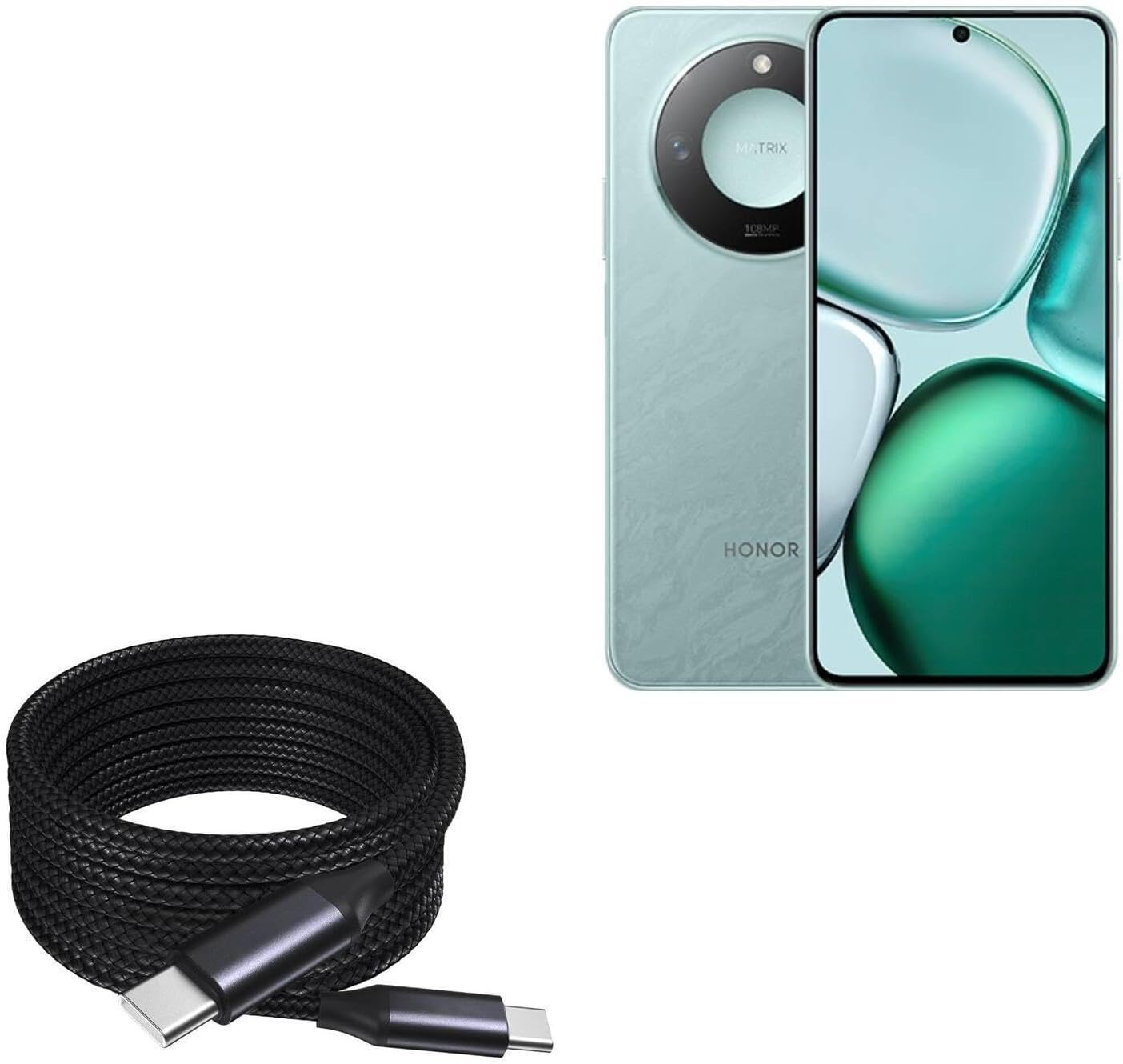
Image 1: The BoxWave DirectSync PD 100W USB-C to USB-C Cable (10ft) shown coiled next to a compatible smartphone, illustrating its design and intended use.
2. Configurazione e connessione
The DirectSync PD Cable is designed for simple plug-and-play functionality. No software installation is required.
- Identificare le porte: Ensure both your charging adapter/power source and your device have USB-C ports.
- Connetti per la ricarica: Insert one end of the USB-C cable into a compatible USB-C power adapter or power bank. Insert the other end into the USB-C charging port of your device (e.g., smartphone, tablet, laptop).
- Connetti per il trasferimento dati: Insert one end of the USB-C cable into the USB-C port of your computer. Insert the other end into the USB-C port of your device. Your device should appear as a connected storage device on your computer.

Immagine 2: Un primo piano view of the coiled braided nylon cable, highlighting the robust USB-C connectors at each end.
3. Istruzioni per l'uso
3.1 Ricarica Power Delivery (PD)
The DirectSync PD Cable supports up to 100W Power Delivery, allowing for rapid charging of compatible devices, including laptops, tablets, and smartphones. For optimal charging speeds, ensure your power adapter also supports 100W PD or a wattage suitable for your device.
- Connect the cable as described in Section 2.
- The charging indicator on your device should activate, confirming power delivery.

Image 3: The DirectSync PD cable connected to a laptop, demonstrating its capability for high-wattage erogazione di potenza.
3.2 Trasferimento dati
This cable facilitates high-speed data transfers up to 480Mbps, allowing you to sync files, photos, and videos between your devices and computer efficiently.
- Connect the cable between your device and computer as described in Section 2.
- Once connected, your device should be recognized by your computer, allowing you to access and transfer files.

Image 4: The cable simultaneously charging a smartphone and connected to a laptop, demonstrating its dual function for charging and data synchronization.
4. Manutenzione
Proper care will extend the life of your BoxWave DirectSync PD Cable.
- Magazzinaggio: Store the cable in a clean, dry place. Avoid tightly coiling or bending the cable at sharp angles, especially near the connectors.
- Pulizia: Utilizzare un panno morbido e asciutto per pulire il cavo e i connettori. Non utilizzare prodotti chimici aggressivi o materiali abrasivi.
- Gestione: Always grasp the connector head when plugging or unplugging the cable, rather than pulling on the cable itself. This prevents stress on the internal wires and reinforced strain reliefs.

Immagine 5: Un dettaglio view of the braided nylon exterior, highlighting the cable's durable construction designed to resist tangles and fraying.

Image 6: A close-up of the rubberized grommet strain relief at the connector, designed to prevent cable fraying and enhance durability.
5. Risoluzione Dei Problemi
- Dispositivo non in carica:
- Assicurarsi che entrambe le estremità del cavo siano collegate saldamente.
- Verifica che l'adattatore di alimentazione funzioni correttamente e sia compatibile con i requisiti di ricarica del tuo dispositivo.
- Controlla che la porta di ricarica del tuo dispositivo sia pulita e priva di detriti.
- Confirm your power adapter supports Power Delivery (PD) for fast charging.
- Ricarica lenta:
- Assicurati che l'adattatore di alimentazione fornisca una potenza sufficientetage for your device. For 100W charging, a 100W PD adapter is required.
- Alcuni dispositivi potrebbero limitare la velocità di ricarica in base al livello della batteria o alla temperatura.
- Problemi di trasferimento dati:
- Ensure the cable is securely connected to both the device and the computer.
- Verify that your device is set to 'File Transfer' or 'MTP' mode when connected to a computer, if applicable.
- Prova a connetterti a una porta USB-C diversa sul tuo computer.
6. Specifiche
| Caratteristica | Specificazione |
|---|---|
| Nome del prodotto | BoxWave DirectSync PD Cable |
| Modello | DirectSync PD Cable |
| Tipo di connettore | Da USB-C a USB-C |
| Erogazione di potenza | Fino a 100W |
| Velocità di trasferimento dati | Fino a 480 Mbps |
| Lunghezza del cavo | 10 piedi (circa 3 metri) |
| Materiale | Braided Nylon, Rubberized Grommet Strain Relief |
| Colore | Nero pece |
| Peso dell'articolo | 6 once |
7. Garanzia e supporto
For warranty information or technical support regarding your BoxWave DirectSync PD Cable, please refer to the official BoxWave websito o contattare direttamente il servizio clienti. I dettagli di contatto sono in genere disponibili sulla confezione del prodotto o sul sito del produttore. websito.
Websito: www.boxwave.com