
Introduzione
This manual provides instructions for the YOUTHINK Electronic Digital Magnetic Timer, Model youtWqwRHQbpa7-12. This device is designed for precise time management in various settings, including cooking, baking, studying, and office tasks. Please read this manual thoroughly before using the timer to ensure proper operation and longevity.
Impostare
Installazione della batteria
- Individuare il vano batterie sul retro del timer.
- Gently slide the battery compartment cover downwards to open it.
- Insert three (3) AAA batteries (not included) into the compartment, ensuring the correct polarity (+/-) as indicated inside the compartment.
- Riposizionare il coperchio del vano batteria finché non scatta in posizione.

Immagine: Posteriore view of the YOUTHINK Electronic Timer with the battery compartment open, showing slots for three AAA batteries.
Istruzioni per l'uso
Impostazione del timer
- The timer features a rotating outer ring. Turn the ring clockwise to increase the time and counter-clockwise to decrease the time.
- The display shows minutes (M) and seconds (S). The maximum setting is 99 minutes and 55 seconds.
- To set a specific time, rotate the outer ring until the desired minutes and seconds are displayed. For example, to set 5 minutes, rotate until '05:00' is shown.

Immagine: Frontale view of the YOUTHINK Electronic Timer displaying '99:55', indicating the maximum time setting.
Starting and Pausing the Countdown
- After setting the desired time, press the button located at the bottom center of the display to start the countdown.
- To pause the countdown, press the button again.
- To resume the countdown, press the button once more.
Cancellazione del timer
- To clear the current time setting or stop a running timer and reset it to '00:00', press and hold the button for approximately 3 seconds.
Funzione di allarme
- When the countdown reaches '00:00', the timer will emit an audible alarm.
- To stop the alarm, press any button or rotate the outer ring.

Immagine: Frontale view of the YOUTHINK Electronic Timer displaying '00:00' with 'M' for minutes and 'S' for seconds.
Caratteristiche principali
- Display digitale: Large, clear black screen with white numbers for easy readability.
- Design magnetico: The timer features a magnetic back, allowing it to be securely attached to metal surfaces such as refrigerators, freezers, or whiteboards.
- Supporto integrato: A foldable stand is included for convenient placement on flat surfaces like countertops or desks.
- Funzionamento semplice: Intuitive 1-touch operation and rotary setting for ease of use.

Immagine: Lato view of the YOUTHINK Electronic Timer, highlighting its integrated stand and magnetic back for versatile placement.
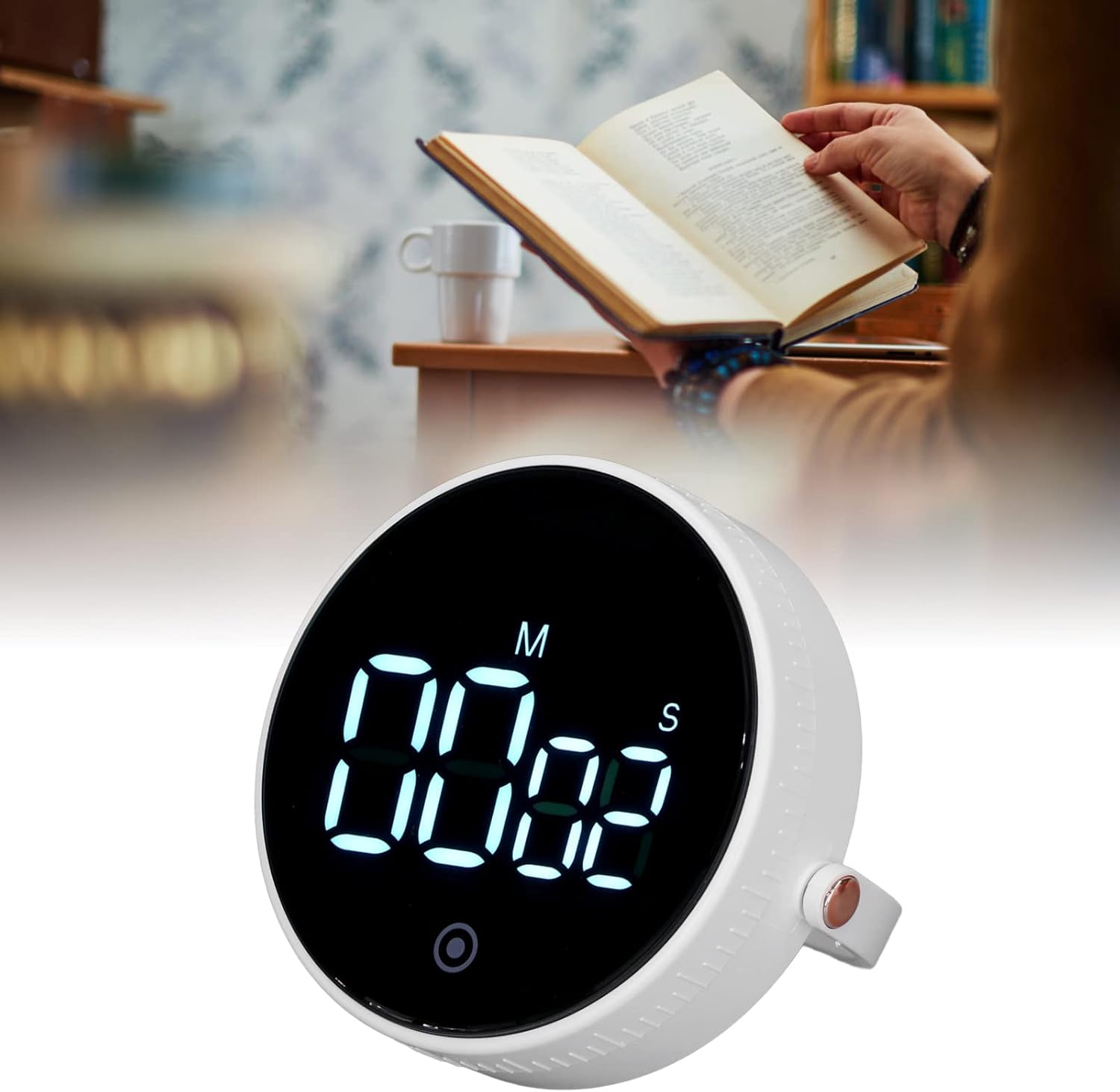
Image: The YOUTHINK Electronic Timer placed on a desk next to a person reading a book, demonstrating its use in a study environment.
Manutenzione
Pulizia
- Wipe the timer with a soft, dry cloth.
- Non utilizzare detergenti abrasivi né immergere il timer in acqua.
Sostituzione della batteria
- When the display dims or the timer functions erratically, it is time to replace the batteries.
- Seguire i passaggi per l'installazione della batteria descritti nella sezione "Configurazione".
- Smaltire le batterie usate in modo responsabile secondo le normative locali.
Risoluzione dei problemi
- Il timer non si accende: Ensure batteries are inserted correctly with the right polarity and are not depleted. Replace batteries if necessary.
- Il display è scuro o tremolante: This indicates low battery power. Replace the AAA batteries.
- Il timer non risponde alla pressione dei pulsanti: Try removing and reinserting the batteries to reset the device. If the issue persists, replace the batteries.
- L'allarme è troppo basso o non suona: Ensure the timer is not obstructed. Check battery level.
Specifiche del prodotto
| Caratteristica | Specificazione |
|---|---|
| Tipo di articolo | Timer elettronico |
| Numero di modello | youtWqwRHQbpa7-12 |
| Materiale | addominali |
| Fonte di alimentazione | 3 batteria AAA (non inclusa) |
| Intervallo di tempo | Minutes 00-99, Seconds 00-55 |
| Peso del prodotto | Circa 92 g / 3.2 once |
| Dimensioni del pacco | 4.33 x 3.54 x 2.36 pollici |
| Produttore | SI PENSA |
Informazioni sulla garanzia
For information regarding the product warranty, please refer to the documentation provided at the time of purchase or contact YOUTHINK customer support directly.
Assistenza clienti
If you encounter any issues or have questions not covered in this manual, please contact YOUTHINK customer support through the retailer's platform or the official YOUTHINK websito per assistenza.