
Hyzom WiFi Extender Signal Booster
Hyzom WiFi Extender Signal Booster User Manual
Model: WiFi Extender Signal Booster
Brand: Hyzom
1. Introduzione
The Hyzom WiFi Extender Signal Booster is designed to expand your existing wireless network coverage, eliminating Wi-Fi dead zones and providing a stronger, more reliable signal throughout your home. It features an advanced 2.4GHz Bionic Chip and four external high-gain antennas for enhanced penetration and ultra-speed connectivity. This device supports a wide range of network devices including smartphones, laptops, gaming consoles, smart speakers, and streaming devices.
Cosa c'è nella scatola
- Amplificatore WiFi
- Manuale dell'utente (questo documento)
2. Guida all'installazione
Follow these steps to set up your Hyzom WiFi Extender Signal Booster. For a visual guide, please refer to the installation video below.
2.1. Guida all'installazione video
Official installation guide for the Hyzom WiFi Extender, demonstrating setup method 1 via mobile phone.
2.2. Step-by-Step Setup (Mobile Phone Method)
Accendere l'Extender:
Plug the Extender into a power socket near your wireless router. Wait for the Power light to come on, indicating it's ready for setup.

Image: The Hyzom WiFi Extender plugged into a wall outlet, showing its four antennas and indicator lights.
Connect to Extender's Wi-Fi Network:
Use your smartphone to search for Wi-Fi networks. Connect to the Extender's Wi-Fi network, which should appear as "Hyzom-2.4G". This is an open network and does not require a password for initial connection.
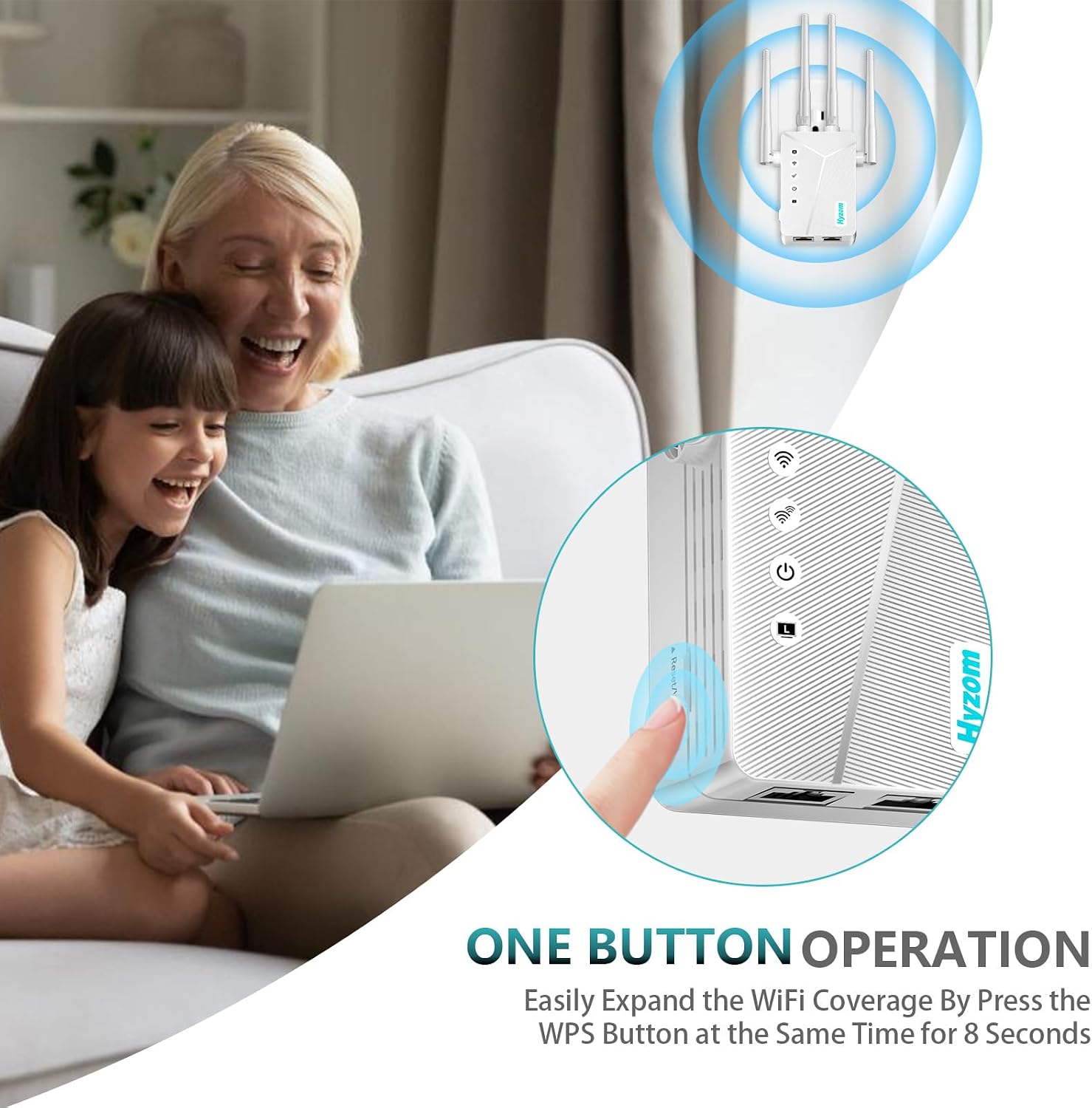
Image: A hand pressing the WPS button on the Hyzom WiFi Extender, illustrating the one-button operation for easy setup.
Accedi alla pagina di configurazione:
Avvia il tuo web browser (e.g., Chrome, Safari) and enter "192.168.188.1" in the address field. This will take you to the Extender's login page.
Login to Extender:
Enter the default password "admin" and click "Login". If access fails, please ensure you are connected to the correct SSID "Hyzom-2.4G".
Seleziona la modalità ripetitore:
On the operating modes page, select "Repeater Mode" and click "Next".
Select Main Router Network:
The Extender will scan for available Wi-Fi networks. Select your main home Wi-Fi network (the one you want to extend) from the list.
Enter Main Router Password:
Type the password of your main router's Wi-Fi network and click "Next".
Set Extender SSID and Password (Optional):
You can set a new SSID (network name) and password for your extended network. If you prefer not to modify it, the Extender's SSID will default to your router name plus "-2.4G" (e.g., "My_Home_Network-2.4G") and use the same password as your main router. Proceed to the next step if you don't want to change it.
Conferma e connetti:
Review the wireless information. Click "Start Connect" and wait approximately 20 seconds for the Extender to apply settings and connect. Once the signal indicator lights up, the relay is successful.
Connettiti alla rete estesa:
Connect your devices to the new Extender's SSID (e.g., "My_Home_Network-2.4G") using the password you set (or your main router's password if not changed). Enjoy an enhanced Wi-Fi experience!

Image: Various people using their devices, illustrating boosted WiFi coverage throughout the home.
3. Modalità operative
The Hyzom WiFi Extender supports multiple operating modes to suit various networking needs:
- Modalità ripetitore: Extends existing Wi-Fi coverage by relaying the signal from your main router. This is the most common mode for extending range.
- Modalità Ponte: Connects wired devices to your wireless network.
- Modalità cliente: Allows a wired device to connect to a wireless network.
- Modalità punto di accesso: Creates a new Wi-Fi hotspot from a wired internet connection.
- Modalità router wireless: Functions as a primary router, providing Wi-Fi and managing network traffic.
È possibile passare da una modalità all'altra tramite web management interface (192.168.188.1) after initial setup.

Image: A detailed diagram highlighting the key features of the Hyzom WiFi Extender, including its four high-gain antennas, advanced central processor, WPS button, WAN/LAN port, wide coverage, 300Mbps speed, and five working modes.
4. Manutenzione
- Conservare il dispositivo in un'area ben ventilata per evitare il surriscaldamento.
- Evitare di posizionare l'extender vicino a grandi oggetti metallici, pareti di cemento o altri dispositivi elettronici che potrebbero causare interferenze.
- Controllare regolarmente gli aggiornamenti del firmware sul sito del produttore websito per garantire prestazioni e sicurezza ottimali.
- Pulire periodicamente il dispositivo con un panno morbido e asciutto. Non utilizzare detergenti liquidi.
5. Risoluzione Dei Problemi
5.1. No Connection from the New Network?
If you are unable to access the network after connecting to the new extended network, ensure that you entered the correct password for your main router during the setup process. The extended network's password is typically the same as your main router's password unless you explicitly changed it during setup.
5.2. Signal Strength Issues?
If you are experiencing problems with signal strength or dead zones, consider the following:
- Posizionamento ottimale: Move the extender to the best position, which is halfway between your router and the area that has poor Wi-Fi signal.

Image: A house floor plan illustrating the coverage areas of both the main router and the extended Wi-Fi signal from the Hyzom Extender, emphasizing optimal placement for full coverage.
- Interferenza: Signal can drop due to external influences such as microwave ovens, cell towers nearby, a neighbor's Wi-Fi on the same channel, walls, and partitions in a building made of certain materials. Try to minimize these interferences.
6. Specifiche
| Caratteristica | Dettaglio |
|---|---|
| Marca | Hyzom |
| Modello | Amplificatore di segnale WiFi Extender |
| Standard di comunicazione wireless | 802.11n |
| Tipo di connettore | RJ45 |
| Dispositivi compatibili | Smartphones, Laptops, Gaming Consoles, Smart Speakers, Streaming Devices, WiFi-enabled Devices |
| Dimensioni del pacco | 7.4 x 3.86 x 2.4 pollici |
| Peso dell'articolo | 6.4 once |
| Produttore | Hyzom |
| ASIN | B0DXT5Y29K |
| Data prima disponibilità | 30 dicembre 2024 |
7. Garanzia e supporto
For warranty information and technical support, please refer to the contact details provided with your product packaging or visit the official Hyzom webluogo. Conserva la ricevuta di acquisto per eventuali richieste di garanzia.
Ask a question about this manual
Ask about setup, troubleshooting, compatibility, parts, safety, or missing instructions. Manuals+ will review the question and use this page’s manual context to help answer it.