
Introduction to Your iPhone 17
This guide is designed to help you unlock the full potential of your iPhone 17. Whether you are a new iPhone user or upgrading from a previous model, these instructions will assist you in setting up, operating, and maintaining your device. Learn to navigate the new features of iOS 19, enhance security, manage battery life, and utilize advanced camera functions.
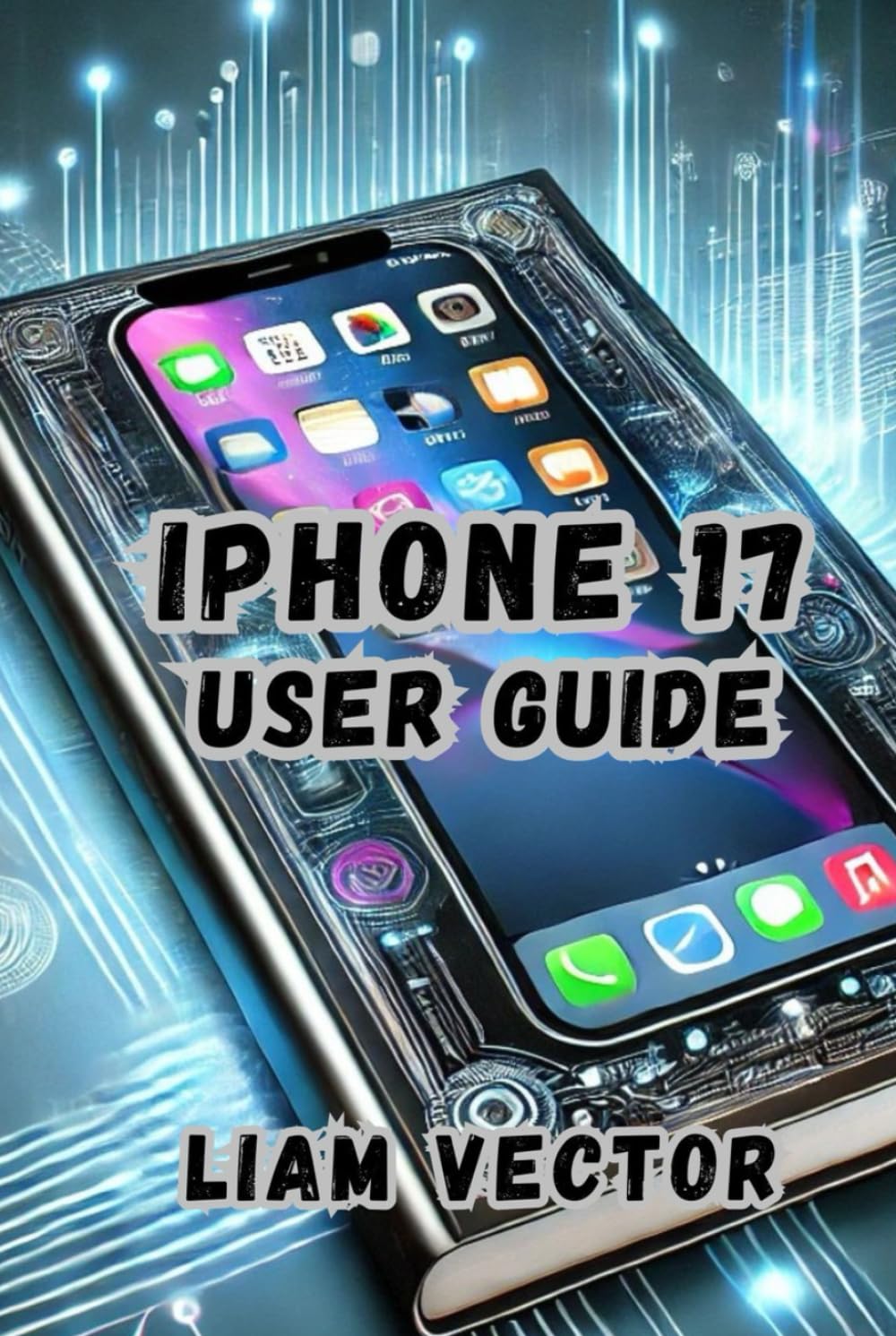
Image: Front cover of the iPhone 17 User Guide, illustrating the device and its primary function as a comprehensive instruction manual.
Impostare
Setting up your new iPhone 17 is a straightforward process. Follow these steps to get your device ready for use, transfer data, and personalize your settings.
- Accensione: Tieni premuto il tasto laterale finché non appare il logo Apple.
- Configurazione iniziale: Segui le istruzioni sullo schermo per selezionare la lingua, la regione e connetterti a una rete Wi-Fi.
- Trasferimento dati: Choose to restore from an iCloud or computer backup, or transfer directly from another iPhone. If you are switching from an Android device, use the 'Move to iOS' app.
- ID Apple: Sign in with your Apple ID or create a new one. Your Apple ID is essential for accessing Apple services like the App Store, iCloud, and iMessage.
- Face ID/Passcode: Set up Face ID for secure unlocking and authentication, and create a strong passcode.
- Siri & Apple Pay: Configure Siri voice assistant and set up Apple Pay for contactless payments.
- Aggiornamenti software: Ensure your iPhone is running the latest version of iOS 19 by checking for updates in Settings > General > Software Update.
Utilizzo dell'iPhone 17
The iPhone 17, running iOS 19, offers a range of features to enhance your daily experience. This section covers key operational aspects.
Navigating iOS 19
- Home Screen & Widgets: Customize your Home Screen with widgets for quick access to information. Swipe right from the Home Screen to access the Today View.
- Centro di controllo: Swipe down from the top-right corner of the screen to access Control Center for quick toggles like Wi-Fi, Bluetooth, brightness, and volume.
- Libreria delle app: Swipe left past all Home Screen pages to find the App Library, which automatically organizes your apps into categories.
- StandBy Mode: When charging your iPhone horizontally, StandBy Mode displays useful information like clocks, photos, or widgets.
Sicurezza e privacy
- Identificazione facciale: Use Face ID for secure authentication for unlocking your device, making purchases, and signing into apps.
- Codice di accesso: Always maintain a strong passcode as a backup to Face ID.
- Impostazioni sulla privacy: Review and adjust app permissions for location services, camera, microphone, and contacts in Settings > Privacy & Security.
Gestione della batteria
- Ricarica della batteria ottimizzata: Enable this feature in Settings > Battery > Battery Health & Charging to reduce battery aging.
- Modalità a basso consumo: Activate Low Power Mode from Control Center or Settings > Battery to temporarily reduce background activity and extend battery life.
- Ricarica rapida: Utilize a compatible USB-C power adapter (20W or higher) for faster charging speeds.
Caratteristiche della fotocamera
- Modalità foto: Explore various modes including Photo, Portrait, Pano, and Night mode.
- Registrazione video: Record high-quality videos with cinematic mode, action mode, and slow-motion options.
- ProRes Video: For professional-grade video capture, enable ProRes in Camera Settings.
Divertimento
- Apple Music: Stream millions of songs and access your music library.
- Apple TV+: Watch original shows and movies.
- Gioco: Download games from the App Store and enjoy high-performance gaming.
Manutenzione
Proper maintenance ensures the longevity and optimal performance of your iPhone 17.
- Aggiornamenti software: Regularly update your iOS to benefit from the latest features, security patches, and performance improvements. Go to Settings > General > Software Update.
- Pulizia: Use a soft, lint-free cloth to clean your iPhone. Avoid abrasive materials, aerosols, solvents, or ammonia. For stubborn smudges, a slightly damp cloth with water is sufficient.
- Gestione della memoria: Periodically check your storage usage in Settings > General > iPhone Storage and delete unnecessary apps, photos, or videos to free up space.
- Stato della batteria: Monitor your battery health in Settings > Battery > Battery Health & Charging. Avoid extreme temperatures, as they can degrade battery performance.
- Backup: Regularly back up your iPhone to iCloud or your computer to prevent data loss.
Risoluzione dei problemi
This section provides solutions for common issues you might encounter with your iPhone 17.
- Il dispositivo non risponde: If your iPhone is frozen or unresponsive, perform a force restart. Press and quickly release the Volume Up button, then the Volume Down button, then press and hold the Side button until the Apple logo appears.
- Arresto anomalo dell'app: Close the app by swiping up from the bottom of the screen and swiping the app card upwards. Reopen the app. If the issue persists, check for app updates in the App Store or reinstall the app.
- Wi-Fi/Cellular Connectivity Issues: Toggle Wi-Fi or Cellular Data off and on in Control Center or Settings. If the problem continues, restart your iPhone or reset network settings (Settings > General > Transfer or Reset iPhone > Reset > Reset Network Settings).
- La batteria si scarica rapidamente: Check battery usage in Settings > Battery to identify apps consuming the most power. Enable Low Power Mode or adjust background app refresh settings.
- Face ID non funziona: Ensure your face is clear and unobstructed. Check Face ID settings in Settings > Face ID & Passcode. If necessary, reset Face ID.
- Problemi tecnici del software: Ensure your iPhone is updated to the latest iOS version. If issues persist, consider backing up your device and performing a factory reset.
Specifiche
Key technical specifications for the iPhone 17.
| Caratteristica | Dettaglio |
|---|---|
| ASIN | B0DY863NG2 |
| Editore | Pubblicato in modo indipendente |
| Data di pubblicazione | 24 febbraio 2025 |
| Lingua | Inglese |
| Lunghezza di stampa | 147 pagine |
| Codice ISBN-13 | 979-8311883412 |
| Peso dell'articolo | 9.9 once |
| Dimensioni | 6 x 0.53 x 9 pollici |
Informazioni sulla garanzia
Your Apple iPhone 17 is covered by a limited warranty provided by Apple. This warranty typically covers manufacturing defects for a specified period from the date of purchase. For detailed terms and conditions, including coverage duration and service options, please refer to the official Apple warranty documentation included with your device or visit the official Apple support websito. Conservare la prova d'acquisto per eventuali reclami in garanzia.
Supporto
For further assistance, technical support, or service inquiries regarding your iPhone 17, please utilize the following resources:
- Supporto Apple Websito: Visita support.apple.com/iphone for comprehensive articles, troubleshooting guides, and contact options.
- Negozio Apple: Schedule an appointment at a Genius Bar for in-person support and service.
- Contact Apple Support: Access phone or chat support through the Apple Support app or websito.