
1. Introduzione
Thank you for choosing the Philips Pure Protect Mini 900 Air Purifier, model AC0921/14. This device is designed to provide you with cleaner, healthier air by effectively removing pollutants, allergens, viruses, and bacteria from your indoor environment. Its compact and elegant design makes it a perfect addition to any space, offering powerful purification with quiet operation and energy efficiency.
To ensure optimal performance and safe operation, please read this user manual thoroughly before using the appliance. Keep this manual for future reference.
2. Informazioni importanti sulla sicurezza
Always follow basic safety precautions when using electrical appliances to reduce the risk of fire, electric shock, and injury. This section outlines critical safety guidelines for the Philips Pure Protect Mini 900 Air Purifier.
Sicurezza generale
- Assicurare il volumetage indicato sull'apparecchio corrisponde alla potenza locale voltage prima di effettuare la connessione.
- Non utilizzare l'apparecchio se la spina, il cavo di alimentazione o l'apparecchio stesso sono danneggiati.
- Keep the appliance away from water, moisture, and flammable substances.
- Questo apparecchio non è destinato all'uso da parte di persone (bambini compresi) con ridotte capacità fisiche, sensoriali o mentali, o prive di esperienza e conoscenza, a meno che non siano supervisionate o abbiano ricevuto istruzioni riguardanti l'uso dell'apparecchio da una persona responsabile della loro sicurezza.
- I bambini devono essere sorvegliati per assicurarsi che non giochino con l'apparecchio.
- Scollegare l'apparecchio prima di pulirlo o di effettuare qualsiasi intervento di manutenzione.
Posizionamento e utilizzo
- Place the air purifier on a stable, flat, and horizontal surface.
- Maintain at least 20 cm (8 inches) clearance from walls or other objects to ensure proper airflow.
- Non ostruire l'ingresso o l'uscita dell'aria.
- Do not use the appliance in rooms with large temperature changes, as this may cause condensation.
- Non inserire dita o altri oggetti nella presa d'aria.
3. Prodotto finitoview
The Philips Pure Protect Mini 900 Air Purifier is designed for efficient air purification in rooms up to 65 square meters, delivering a Clean Air Delivery Rate (CADR) of 250 m³/h. It features a multi-layer filtration system and smart sensing technology.
Unità principale
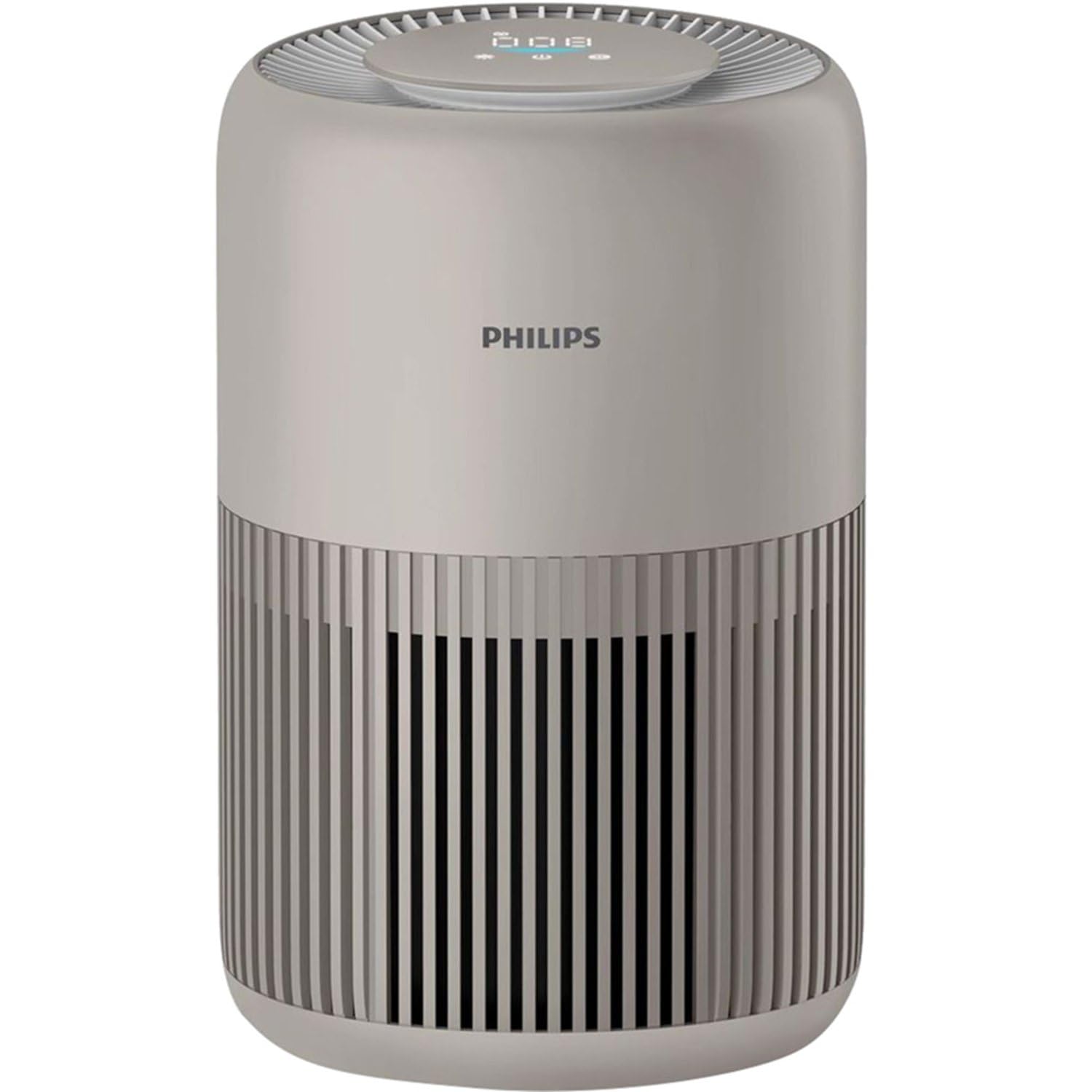
The Philips Pure Protect Mini 900 Air Purifier, showcasing its compact design and air intake grille.

This image illustrates the side of the air purifier, highlighting the removable panel for filter access and replacement.
Pannello di controllo
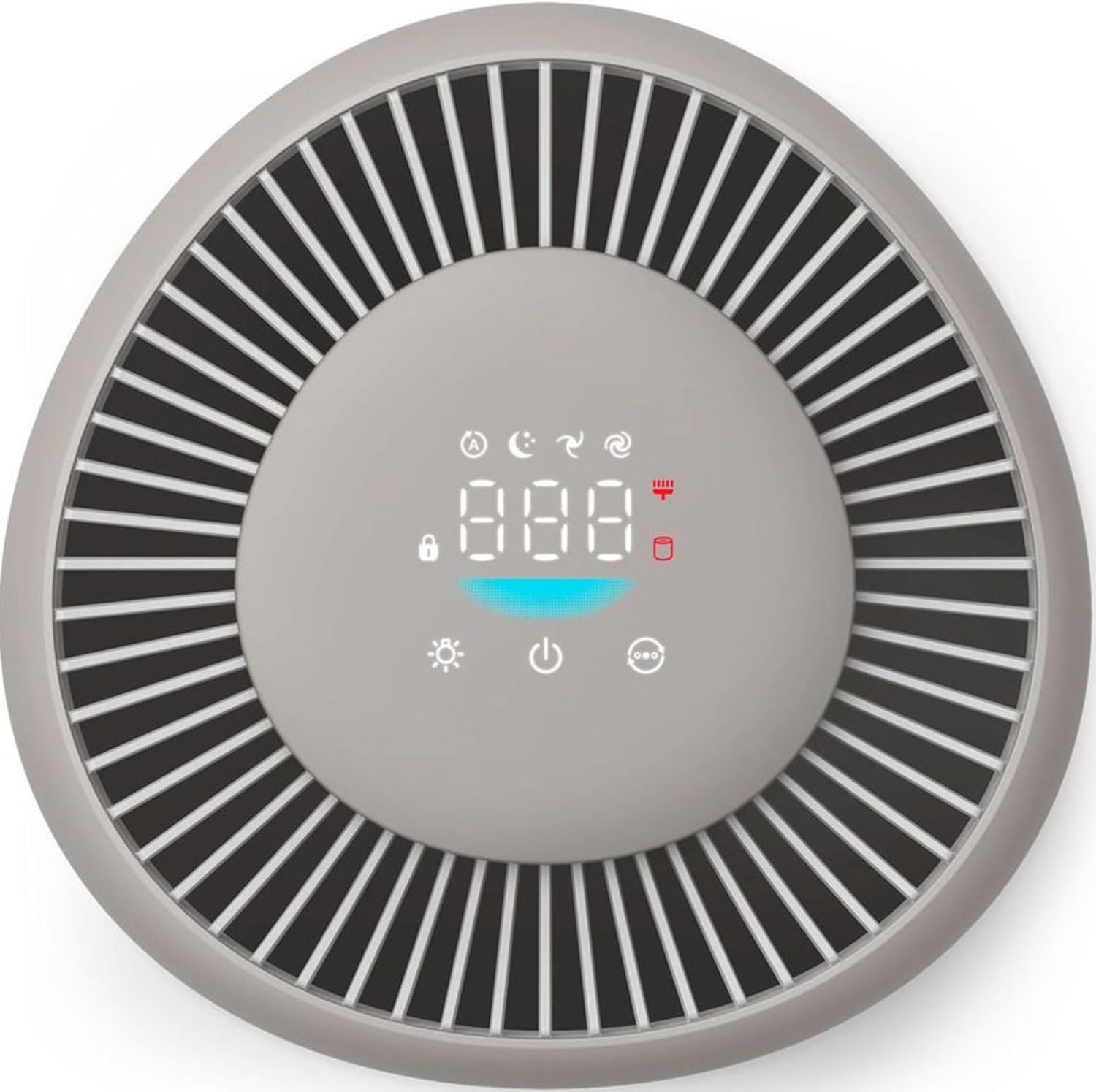
The top control panel features a digital display for air quality and various touch controls for operating modes and settings.
Sistema di filtraggio

An illustration detailing the two-layer filtration system, including the pre-filter for larger particles and the HEPA NanoProtect filter for ultrafine particles.
The air purifier uses a two-layer HEPA filtration system that captures 99.97% of particles as small as 0.003 microns, including dust, pollen, pet dander, mold spores, viruses (like H1N1 and Hcov-E229), and bacteria.
4. Impostazione
Per configurare il purificatore d'aria per la prima volta, segui questi passaggi.
Disimballaggio
- Rimuovere il purificatore d'aria dalla confezione.
- Rimuovere tutti i materiali di imballaggio, comprese eventuali pellicole o nastri protettivi.
Installazione del filtro
- Open the filter access panel on the side of the appliance.
- Rimuovere il filtro dalla confezione protettiva in plastica.
- Insert the filter into the appliance, ensuring it is seated correctly.
- Chiudere saldamente il pannello di accesso al filtro.
Posizionamento
Per prestazioni ottimali, posizionare il purificatore d'aria in un luogo in cui l'aria possa circolare liberamente.
- Posizionare l'unità su una superficie solida e piana.
- Ensure there is at least 20 cm (8 inches) of clear space around the air inlet and outlet.
- Avoid placing it directly against a wall or under a shelf that might obstruct airflow.

The compact air purifier placed safely near a baby's crib, illustrating its use in sensitive environments.

The air purifier positioned in a bedroom, emphasizing its suitability for allergy sufferers and its certified performance.
Collegamento di potenza
Collegare il cavo di alimentazione a una presa elettrica adatta. L'apparecchio è ora pronto per l'uso.
5. Istruzioni per l'uso
Learn how to use the various functions of your Philips Pure Protect Mini 900 Air Purifier.
Accensione/spegnimento
- To turn on the appliance, touch the power button on the control panel.
- To turn off the appliance, touch and hold the power button for 3 seconds.
Selezione della modalità
Il purificatore d'aria offre diverse modalità di funzionamento:
- Modalità automatica: The appliance intelligently adjusts its fan speed based on real-time air quality detected by the Air Sense technology.
- Modalità risparmio: Operates at an ultra-low noise level (20.5 dB) with dimmed display lights for undisturbed sleep.
- Velocità manuale: Consente di selezionare manualmente la velocità desiderata della ventola.

This graphic demonstrates the ultra-quiet operation of the air purifier in sleep mode, operating at just 20.5 dB, quieter than a whisper.
Visualizzazione della qualità dell'aria
The digital display on the control panel shows real-time air quality information, including PM2.5 levels. The Air Sense technology scans the air 1000 times per second to detect pollutants and gases.
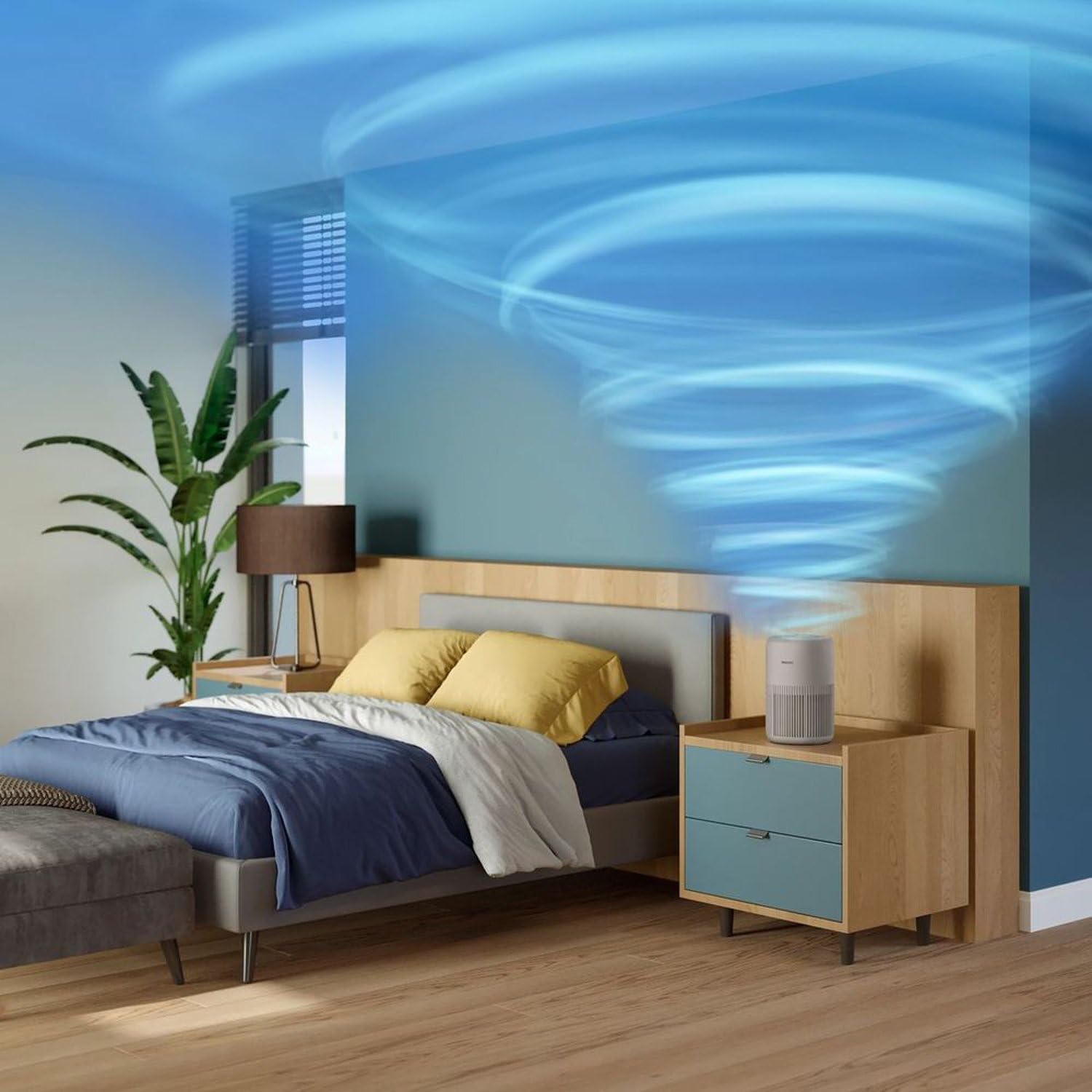
An animated representation showing how the air purifier effectively circulates and cleans air throughout a room.

This image visualizes the air intake process from the bottom and sides, and the release of purified air from the top of the device.
Controllo della luce
The digital display light can be dimmed or turned off, especially useful during nighttime operation in Sleep Mode, to minimize light disturbance.
6. Manutenzione
Regular maintenance ensures your air purifier continues to operate efficiently and effectively.
Sostituzione del filtro
The air purifier calculates filter life and will alert you when replacement is needed. Original Philips filters ensure optimal performance for up to one year.
- Spegnere l'apparecchio e staccare la spina.
- Open the filter access panel.
- Remove the used filter and dispose of it properly.
- Unpack the new filter and insert it into the appliance.
- Close the filter access panel.
- Plug in and turn on the appliance. Reset the filter lifetime indicator as per the instructions in the full manual (if applicable).
Pulizia dell'esterno
Wipe the exterior of the appliance with a soft, dry cloth regularly. Do not use abrasive cleaners or solvents.
Pulizia del sensore della qualità dell'aria
The air quality sensor should be cleaned every two months for accurate readings. Use a soft brush or cotton swab to gently clean the sensor lens and dust inlet/outlet.
7. Risoluzione Dei Problemi
This section addresses common issues you might encounter with your air purifier.
| Problema | Possibile causa | Soluzione |
|---|---|---|
| L'apparecchio non si accende. | Cavo di alimentazione non collegato correttamente. Nessuna corrente dalla presa. | Controllare il collegamento del cavo di alimentazione. Testare la presa con un altro dispositivo. |
| Air quality reading seems incorrect. | Air quality sensor is dirty. | Pulire il sensore della qualità dell'aria come descritto nella sezione Manutenzione. |
| Rumore insolito durante il funzionamento. | Filter not installed correctly. Obstruction in the fan. | Check filter installation. Turn off and unplug, then inspect for obstructions. |
| Il flusso d'aria è debole. | Filter is clogged or needs replacement. Air inlets/outlets are blocked. | Check filter status and replace if necessary. Ensure no obstructions around the appliance. |
Se il problema persiste dopo aver provato queste soluzioni, contattare l'assistenza clienti Philips.
8. Specifiche
Technical details for the Philips Pure Protect Mini 900 Air Purifier (AC0921/14).
| Caratteristica | Dettaglio |
|---|---|
| Marca | Philips |
| Numero di modello | AC0921 |
| Colore | Beige |
| Dimensioni del prodotto (P x L x A) | Dimensioni: 24 x 36.4 x 23.8 cm |
| Peso dell'articolo | 2.5 chilogrammi |
| Fonte di alimentazione | Elettrico con cavo |
| Metodo di controllo | Tocco |
| Tipo di filtro | Filtro HEPA |
| Tasso di consegna dell'aria pulita (CADR) | 250 m³/ora |
| Dimensioni effettive della stanza | Fino a 65 mq |
| Livello di rumore (modalità sospensione) | 20.5 dB |
| Consumo energetico (max) | 21 Watt |
9. Garanzia e supporto
Philips products are designed for durability and sustainability, undergoing rigorous testing to ensure continuous operation. This product comes with a standard manufacturer's warranty.
Informazioni sulla garanzia
Please refer to the warranty card included with your product for detailed terms and conditions. Keep your purchase receipt as proof of purchase for warranty claims.
Assistenza clienti
For technical assistance, product registration, or to find replacement parts and filters, please visit the official Philips support website or contact your local Philips customer service center. Contact details can typically be found in the warranty booklet or on the Philips websito.