
1. Introduzione
This manual provides essential information for the safe and efficient operation of your Next YE-65GFSG8-QLED 65-inch UHD 4K Google QLED TV. Please read this manual thoroughly before using the television and retain it for future reference. Your new television combines QLED display technology with the Google TV operating system, offering a high-quality viewing experience and smart features.
2. Informazioni importanti sulla sicurezza
Always follow these basic safety precautions when operating your television:
- Fonte di energia: Assicurarsi che la TV sia collegata a un alimentatore con una tensione entro il volume specificatotage gamma.
- Ventilazione: Non ostruire le aperture di ventilazione. Lasciare spazio sufficiente attorno al televisore per un corretto flusso d'aria.
- Acqua e umidità: Non esporre il televisore a pioggia o umidità. Non posizionare oggetti contenenti liquidi, come vasi, sul televisore.
- Pulizia: Scollegare il televisore dalla presa di corrente prima di pulirlo. Utilizzare un panno morbido e asciutto. Non utilizzare detergenti liquidi o spray.
- Posizionamento: Posizionare il televisore su una superficie stabile e piana. Evitare di esporlo alla luce diretta del sole o vicino a fonti di calore.
- Fulmine: Durante i temporali o quando non si utilizza il televisore per lunghi periodi, scollegarlo dalla presa di corrente e scollegare l'antenna.
- Manutenzione: Non tentare di riparare questo prodotto da soli. Affidare tutte le operazioni di manutenzione a personale di assistenza qualificato.
3. Contenuto della confezione
Verify that all items are present in your TV package:
- Next YE-65GFSG8-QLED 65-inch UHD 4K Google QLED TV
- Telecomando
- Cavo di alimentazione
- Supporto TV (2 pezzi) e viti
- Manuale dell'utente (questo documento)
- Guida rapida
4. Impostazione
4.1 Installazione fisica
You can install your TV on a stand or mount it on a wall. Ensure the TV is placed on a stable surface or securely mounted.

Immagine: TV Dimensions. This image illustrates the physical dimensions of the 65-inch television, including its width, height, and diagonal screen size of 164 cm (65 inches).
Installazione del supporto:
- Posizionare con cautela il televisore a faccia in giù su una superficie morbida e piana per evitare di danneggiare lo schermo.
- Attach the two stand pieces to the designated slots on the bottom of the TV.
- Fissare i supporti con le viti fornite.
- Sollevare con cautela il televisore in posizione verticale su una superficie stabile.
Montaggio a parete:
For wall mounting, use a VESA-compatible wall mount kit (sold separately) that matches the TV's VESA pattern. Follow the instructions provided with your wall mount kit. It is recommended to have professional assistance for wall mounting.
4.2 Collegamento delle periferiche
Connect your external devices to the appropriate ports on the back of your TV.
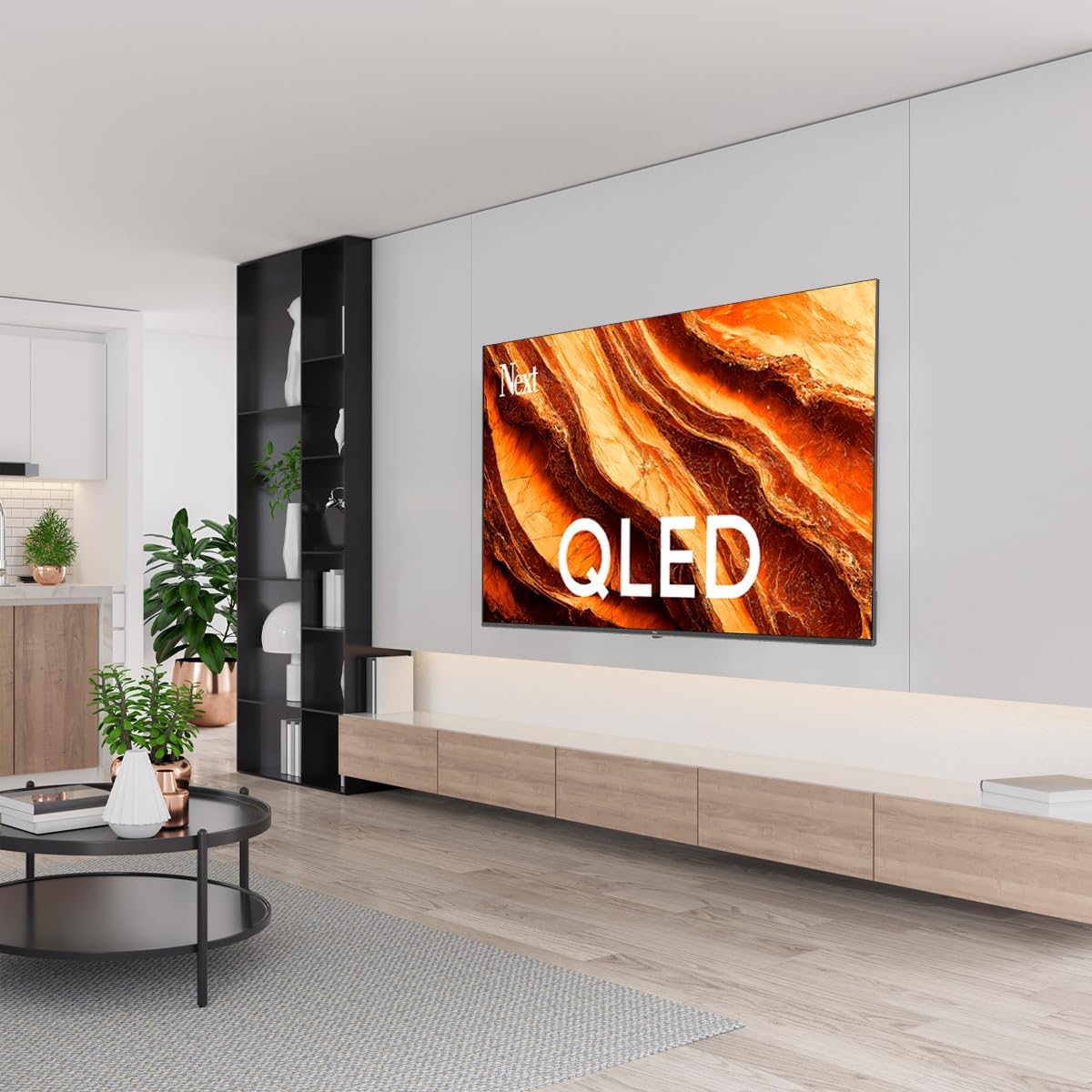
Immagine: Rear Panel Connections. This image displays the various input and output ports located on the back of the television, including HDMI, USB, DVB-S, DVB-T, CI Module, Mini AV-IN, Optical Out, and Ethernet.
- HDMI (ARCO): Connect Blu-ray players, game consoles, or other HDMI devices. HDMI 1 supports Audio Return Channel (ARC).
- USB (2x): Collegare dispositivi di archiviazione USB per la riproduzione di contenuti multimediali.
- DVB-S / DVB-T: Connect satellite (DVB-S) or terrestrial (DVB-T) antenna cables.
- CI Module: Insert a Common Interface (CI) module for encrypted digital channels.
- Mini AV-IN: Connect older devices using an AV adapter cable.
- Uscita ottica: Connect to an external audio system for digital audio output.
- Collegamento Ethernet: Collegare un cavo Ethernet per una connessione Internet cablata.
- Energia: Collegare il cavo di alimentazione al televisore e poi a una presa a muro.
4.3 Accensione iniziale e configurazione iniziale
- After connecting all cables, plug the power cord into an electrical outlet.
- Premere il pulsante di accensione sul telecomando o sul televisore.
- The TV will guide you through the initial setup process, which includes:
- Selezione della lingua
- Connessione a Wi-Fi o Ethernet
- Signing in with your Google Account (required for Google TV features)
- Accettazione dei termini e delle condizioni
- Channel scanning (for DVB-S/T)
- Seguire le istruzioni visualizzate sullo schermo per completare la configurazione.
5. Utilizzo della TV
5.1 Funzioni del telecomando
The remote control allows you to navigate the TV's features. Familiarize yourself with its buttons:
- Energia: Accende o spegne la TV.
- Assistente Google: Attiva i comandi vocali.
- Tastierino di navigazione (Su/Giù/Sinistra/Destra/OK): Consente di navigare nei menu e selezionare le opzioni.
- Indietro: Ritorna alla schermata precedente.
- Casa: Accede alla schermata iniziale di Google TV.
- Volume +/-: Regola il livello del volume.
- Canale +/-: Cambia canale TV.
- Ingresso: Seleziona le sorgenti di ingresso (HDMI, AV, ecc.).
- Pulsanti dell'app: Accesso diretto alle applicazioni di streaming più diffuse.
5.2 Navigazione nell'interfaccia di Google TV
Google TV organizes your entertainment with a personalized home screen. Content from your apps is brought together and organized for easy discovery.

Immagine: Google TV Interface. This image shows the main Google TV home screen with various streaming app icons and content recommendations, demonstrating the user interface.
- Schermata iniziale: Visualizza consigli personalizzati, app installate e accesso rapido ai contenuti.
- For You Tab: Provides tailored content suggestions based on your viewabitudini.
- Scheda Live: Accesses live TV channels from integrated services.
- Apps Tab: Shows all installed applications. You can download more from the Google Play Store.
- Library Tab: Accesses your purchased or rented content from Google Play.
5.3 Impostazioni immagine e audio
Per regolare le impostazioni dell'immagine e dell'audio:
- Premere il tasto Impostazioni button (usually a gear icon) on your remote.
- Vai a Schermo e suono.
- Impostazioni immagine: Adjust brightness, contrast, color, sharpness, and select picture modes (e.g., Standard, Vivid, Movie, Game). Your QLED TV offers enhanced color saturation.
- Impostazioni audio: Adjust bass, treble, balance, and select sound modes (e.g., Standard, Music, Movie, Speech).

Immagine: QLED Color Saturation. This image visually demonstrates the high color saturation achieved with QLED technology, showing a vibrant and rich color display.

Immagine: HDR (High Dynamic Range). This image illustrates the visual impact of HDR, showcasing improved contrast and color detail in a scene when HDR is enabled versus when it is off.
5.4 Impostazioni di rete
To connect your TV to the internet:
- Premere il tasto Impostazioni sul telecomando.
- Vai a Rete e Internet.
- Selezionare Wifi to connect to a wireless network or ensure Etereo is connected for a wired connection.
- For Wi-Fi, select your network from the list and enter the password.
6. Manutenzione
6.1 Pulizia del televisore
- Scollegare sempre la TV prima di pulirla.
- Utilizzare un panno morbido, asciutto e privo di lanugine per pulire delicatamente lo schermo e il corpo del televisore.
- Per segni ostinati, leggermente dampen the cloth with water or a specialized screen cleaner (ensure it's safe for TV screens). Never spray cleaner directly onto the screen.
- Evitare l'uso di detergenti abrasivi, cere o solventi.
6.2 Aggiornamenti software
Your TV may receive software updates to improve performance and add new features. It is recommended to keep your TV's software updated.
- Assicurati che la tua TV sia connessa a Internet.
- Premere il tasto Impostazioni sul telecomando.
- Vai a Sistema > Di > Aggiornamento del sistema.
- Selezionare Controlla gli aggiornamenti.
- Seguire le istruzioni visualizzate sullo schermo per scaricare e installare gli aggiornamenti disponibili.
7. Risoluzione Dei Problemi
Se riscontri problemi con il tuo televisore, fai riferimento ai seguenti problemi comuni e alle relative soluzioni:
| Problema | Possibile causa/soluzione |
|---|---|
| Nessun potere | Check if the power cord is securely plugged into the TV and the wall outlet. Ensure the outlet is working. |
| Nessuna immagine, ma l'audio è presente | Controllare la sorgente di ingresso. Assicurarsi che il dispositivo collegato sia acceso e funzioni correttamente. |
| Nessun suono, ma l'immagine è presente | Check the volume level and mute status. Verify audio cable connections for external devices. Check TV sound settings. |
| Il telecomando non funziona | Sostituisci le batterie. Assicurati che non ci siano ostacoli tra il telecomando e il sensore IR del televisore. |
| Impossibile connettersi al Wi-Fi | Assicurati che il router Wi-Fi sia acceso e nel raggio d'azione. Reinserisci la password Wi-Fi con attenzione. Prova a riavviare la TV e il router. |
| Le app sono lente o si bloccano | Close unused apps. Clear app cache (Settings > Apps > See all apps > [App Name] > Clear cache). Ensure a stable internet connection. |
Se il problema persiste dopo aver provato queste soluzioni, contattare l'assistenza clienti.
8. Specifiche
Technical specifications for the Next YE-65GFSG8-QLED 65-inch UHD 4K Google QLED TV:
- Marca: Prossimo
- Anno modello: 2025
- Risoluzione: 4K (3840x2160)
- Tecnologia di visualizzazione: QLED
- Dimensioni dello schermo: 65 pollici (165 cm)
- Proporzioni: 16:9
- Frequenza di aggiornamento: Frequenza 60 Hz
- Caratteristiche principali: Design senza cornice
- Connettività: Bluetooth, Ethernet, HDMI (ARC), USB (2x), Wi-Fi
- Dimensioni del prodotto: 27.8P x 144.6L x 88.9A cm
- Peso: 16.3 chilogrammi
- Sistema operativo: TV di Google
- Componenti inclusi: Telecomando
- Paese di origine: Tacchino
9. Garanzia e supporto
Your Next YE-65GFSG8-QLED TV comes with a manufacturer's warranty. Please refer to the warranty card included in your package for specific terms and conditions, including the warranty period and coverage details.
For technical support, service requests, or further assistance, please contact Next customer service. Contact information can typically be found on the manufacturer's websito o nella documentazione di garanzia.
- Supporto online: Visit the official Next website for FAQs, troubleshooting guides, and support contact details.
- Centri Servizi: For hardware issues, locate an authorized service center near you.