
Introduzione
This manual provides detailed instructions for the setup, operation, maintenance, and troubleshooting of your BoxWave SlimKeys Bluetooth Keyboard with Trackpad. Please read this manual thoroughly before using the product to ensure optimal performance and longevity.
Prodotto finitoview
The BoxWave SlimKeys Bluetooth Keyboard with Trackpad is a portable, slim keyboard designed for seamless connectivity with various devices. It features responsive chiclet-style keys and a full-functioning trackpad, enhancing productivity on the go.

Immagine: dall'alto verso il basso view of the BoxWave SlimKeys Bluetooth Keyboard with Trackpad, showing the full QWERTY layout and integrated trackpad.

Immagine: Angolata view of the BoxWave SlimKeys Bluetooth Keyboard with Trackpad, highlighting its slim profile.
Impostare
1. Ricarica della tastiera
Before initial use, fully charge the keyboard. Connect the included charging cable to the keyboard's charging port and to a USB power source. The charging indicator light will illuminate during charging and turn off when fully charged.

Image: The BoxWave SlimKeys keyboard connected to a charging cable, illustrating the charging process.
2. Accensione/Spegnimento
Locate the ON/OFF switch on the side of the keyboard. Slide the switch to the 'ON' position to power on the keyboard. Slide it to 'OFF' when not in use to conserve battery power.
3. Accoppiamento Bluetooth
- Assicurarsi che la tastiera sia carica e accesa.
- Premere il tasto Collegare button on the keyboard. The Bluetooth indicator light will begin to flash, indicating it is in pairing mode.
- On your device (e.g., HP Spectre X360, Android tablet, iOS device), go to the Bluetooth settings.
- Cercare available devices. You should see "BoxWave SlimKeys Keyboard" or a similar name appear in the list.
- Select the keyboard from the list to initiate pairing. Follow any on-screen prompts, such as entering a pairing code, if required.
- Once successfully paired, the Bluetooth indicator light on the keyboard will stop flashing and remain solid or turn off, depending on the model.

Image: A hand using the integrated trackpad on the SlimKeys keyboard, demonstrating navigation capabilities.
4. Compatibilità multipiattaforma
The SlimKeys keyboard is compatible with Android, Windows, and iOS devices. It automatically adapts to the operating system for optimal functionality.
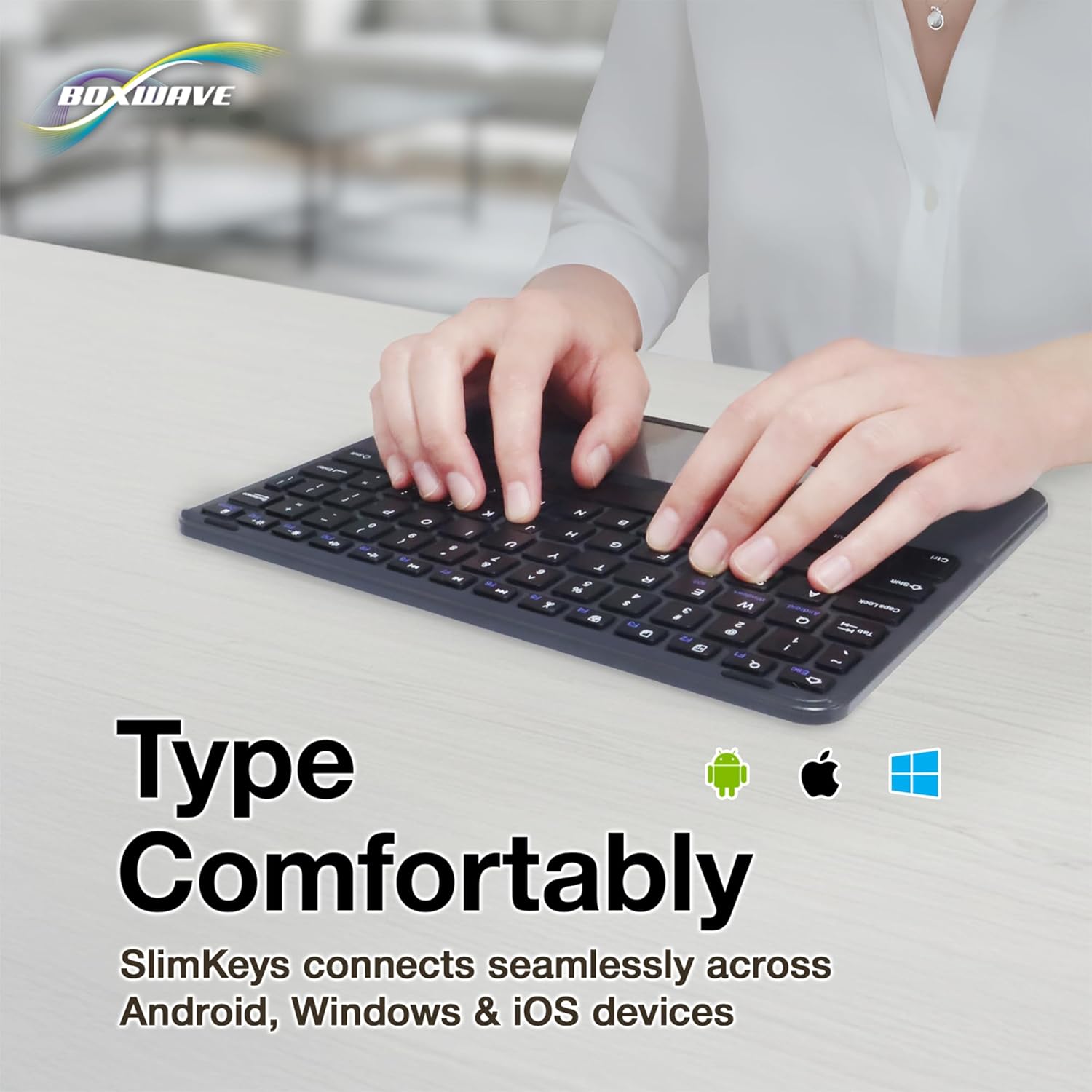
Image: Hands typing on the SlimKeys keyboard, with icons representing Android, Apple (iOS), and Windows operating systems, indicating multi-platform compatibility.
Istruzioni per l'uso
1. Basic Keyboard Usage
The keyboard functions like a standard QWERTY keyboard. Simply type as you would on any other keyboard. The chiclet-style keys provide a comfortable and responsive typing experience.
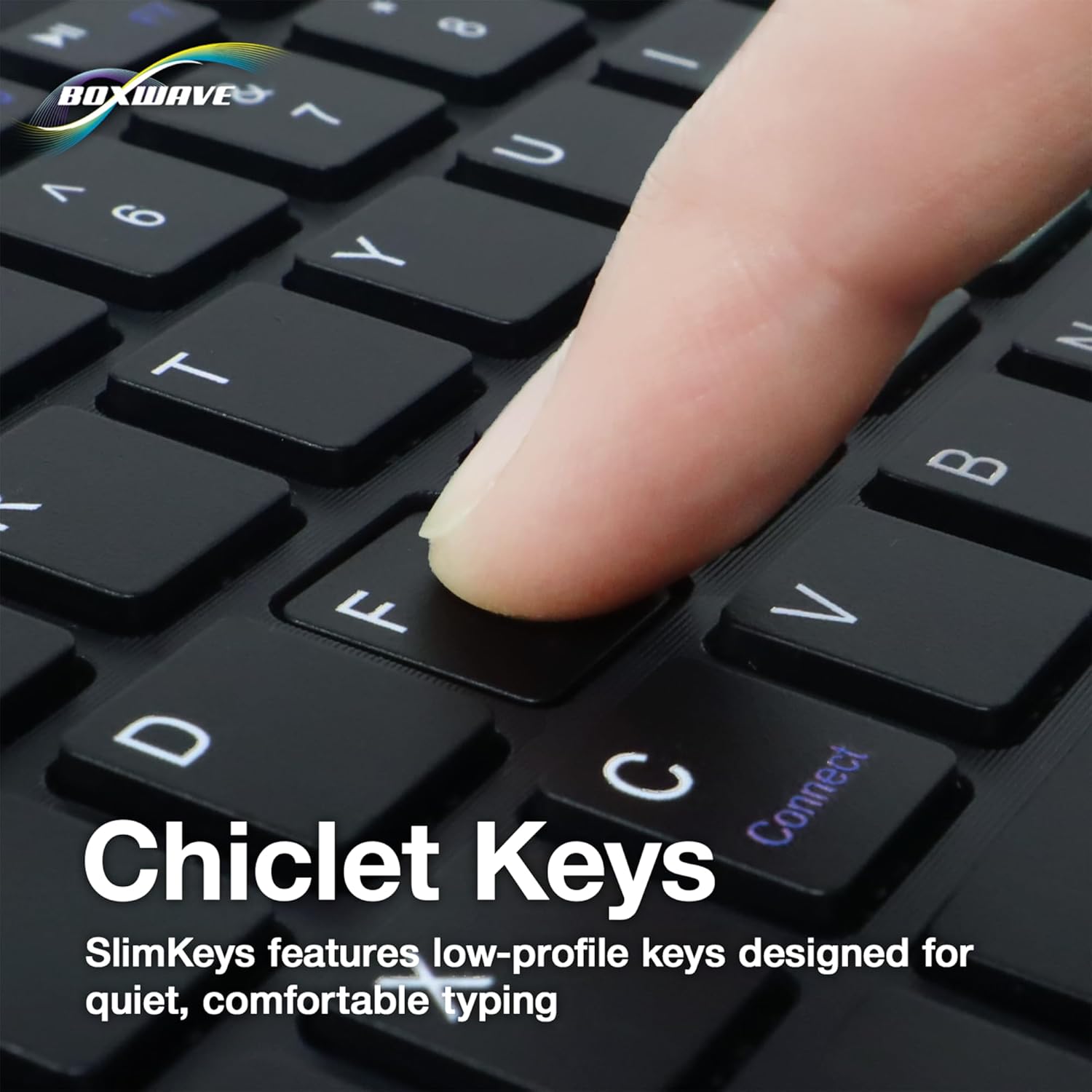
Immagine: un primo piano view of a finger pressing a key on the SlimKeys keyboard, highlighting the chiclet key design.
2. Funzionalità del trackpad
The integrated trackpad allows for precise cursor control, similar to a laptop trackpad. Use single-finger gestures for basic navigation and clicking. Multi-touch gestures may be supported depending on your device's operating system.
3. Specialized Function Keys
The keyboard includes a row of specialized function keys (F1-F12) that provide quick access to common commands. These functions may vary slightly depending on the connected device's operating system.
- Esc / Home: Returns to the home screen or acts as Escape.
- F1 / Search: Apre la funzione di ricerca.
- F2 / Select All: Selects all content.
- F3 / Copy: Copies selected content.
- F4 / Paste: Pastes copied content.
- F5 / Cut: Cuts selected content.
- F6 / Skip Back: Passa alla traccia/file multimediale precedente.
- F7 / Play/Pause: Riproduce o mette in pausa i contenuti multimediali.
- F8 / Skip Forward: Passa alla traccia/media successiva.
- F9 / Volume Down: Diminuisce il volume dell'audio.
- F10 / Volume Up: Aumenta il volume dell'audio.
- F11 / Brightness Down: Diminuisce la luminosità dello schermo.
- F12 / Brightness Up: Aumenta la luminosità dello schermo.
- Delete / Lock: Deletes characters or locks the device.

Image: A detailed diagram illustrating the specialized function keys and their corresponding actions on the SlimKeys keyboard.
Manutenzione
1. Pulizia
Per pulire la tastiera, strofinare delicatamente la superficie con un panno morbido eamp cloth. Avoid using harsh chemicals or abrasive materials, as these can damage the finish. Ensure no liquid enters the keyboard's internal components.
2. Cura della batteria
The keyboard features a long-lasting battery. To maximize battery life:
- Turn off the keyboard using the ON/OFF switch when not in use.
- Ricaricare la batteria quando appare l'indicatore di batteria scarica.
- Evitare di esporre la tastiera a temperature estreme.
The keyboard offers up to 30 days of active use and up to 6 months of standby time when powered off.
Risoluzione dei problemi
- La tastiera non si connette:
- Assicurarsi che la tastiera sia accesa e completamente carica.
- Assicurati che il Bluetooth sia abilitato sul tuo dispositivo.
- Try re-pairing the keyboard by following the Bluetooth Pairing steps in the Setup section.
- Ensure the keyboard is within the effective Bluetooth range (typically 10 meters or 33 feet).
- I tasti non rispondono:
- Verificare se la tastiera è connessa tramite Bluetooth.
- Riavvia sia la tastiera che il dispositivo.
- Assicurarsi che la batteria della tastiera non sia eccessivamente scarica.
- Il trackpad non funziona:
- Verify the keyboard is properly connected.
- Check your device's settings for any trackpad or mouse-related configurations.
- Pulisci la superficie del trackpad per rimuovere eventuali detriti.
- Connessione intermittente:
- Avvicinati al dispositivo per ridurre le interferenze.
- Ensure no other strong wireless signals are interfering with the Bluetooth connection.
- Disconnettere e riconnettere la connessione Bluetooth.
Specifiche
| Caratteristica | Dettaglio |
|---|---|
| Marca | ScatolaWave |
| Modello | SlimKeys Bluetooth Keyboard with Trackpad |
| Colore | Nero pece |
| Materiale | Policarbonato |
| Peso dell'articolo | 10.9 once |
| Versione Bluetooth | 3.0 |
| Dimensioni (L x P x A) | 9.5 pollici x 7.0 pollici x 0.2 pollici (23.2 cm x 17.8 cm x 0.5 cm) |
| Durata della batteria (uso attivo) | Fino a 30 giorni |
| Durata della batteria (Standby) | Fino a 6 mesi |
| ASIN | B0DZ7MNDRF |
| Data prima disponibilità | 3 dicembre 2021 |

Image: A diagram illustrating the width, depth, and height of the SlimKeys keyboard.
Garanzia e supporto
Specific warranty information and detailed support contacts are not provided within this manual. For warranty details, technical support, or further assistance, please refer to the official BoxWave websito o contattare direttamente il servizio clienti.