
Introduzione
Welcome to the VIBOX IV-335 PC Gamer instruction manual. This document provides essential information for setting up, operating, maintaining, and troubleshooting your new high-performance gaming computer. The VIBOX IV-335 is equipped with an AMD Ryzen 7 5700X processor, Nvidia RTX 5070 graphics card, 32GB DDR4 RAM, and a 1TB SSD, designed to deliver an exceptional gaming and computing experience.
1. Impostazione
1.1 Disimballaggio e ispezione iniziale
Carefully remove the PC from its packaging. Inspect the computer for any visible damage that may have occurred during transit. Ensure all accessories, such as the power cable, Wi-Fi adapter, and any included documentation, are present.

Image: The VIBOX IV-335 PC Gamer tower, showcasing its white chassis and internal components.
1.2 Collegamento delle periferiche
Collegare il monitor, la tastiera, il mouse e le altre periferiche alle porte appropriate sul retro del PC.
- Monitorare: Use an HDMI or DisplayPort cable to connect your monitor to the graphics card (Nvidia RTX 5070).
- Tastiera e mouse: Collegarsi a una qualsiasi porta USB disponibile.
- Energia: Collegare il cavo di alimentazione all'alimentatore del PC e poi a una presa a muro.
- Rete: For wired internet, connect an Ethernet cable to the LAN port. For wireless, ensure the included Wi-Fi 6 adapter is installed or connected.

Immagine: un primo piano view of the PC's versatile connectivity panel, highlighting USB 3.0, USB 2.0, headphone jack, and power input.
1.3 Primo avvio
Press the power button on the front of the PC. The system will boot into Windows 11 Home. Follow the on-screen instructions to complete the initial Windows setup, including language, region, network connection, and user account creation.
2. Istruzioni per l'uso
2.1 Windows 11 Home Oltreview
Your VIBOX IV-335 comes pre-installed with Windows 11 Home, optimized for gaming. Key features include:
- Faster loading times with DirectStorage.
- Improved graphics with AutoHDR.
- Seamless Xbox Game Pass integration.
- Optimized CPU performance for gaming.
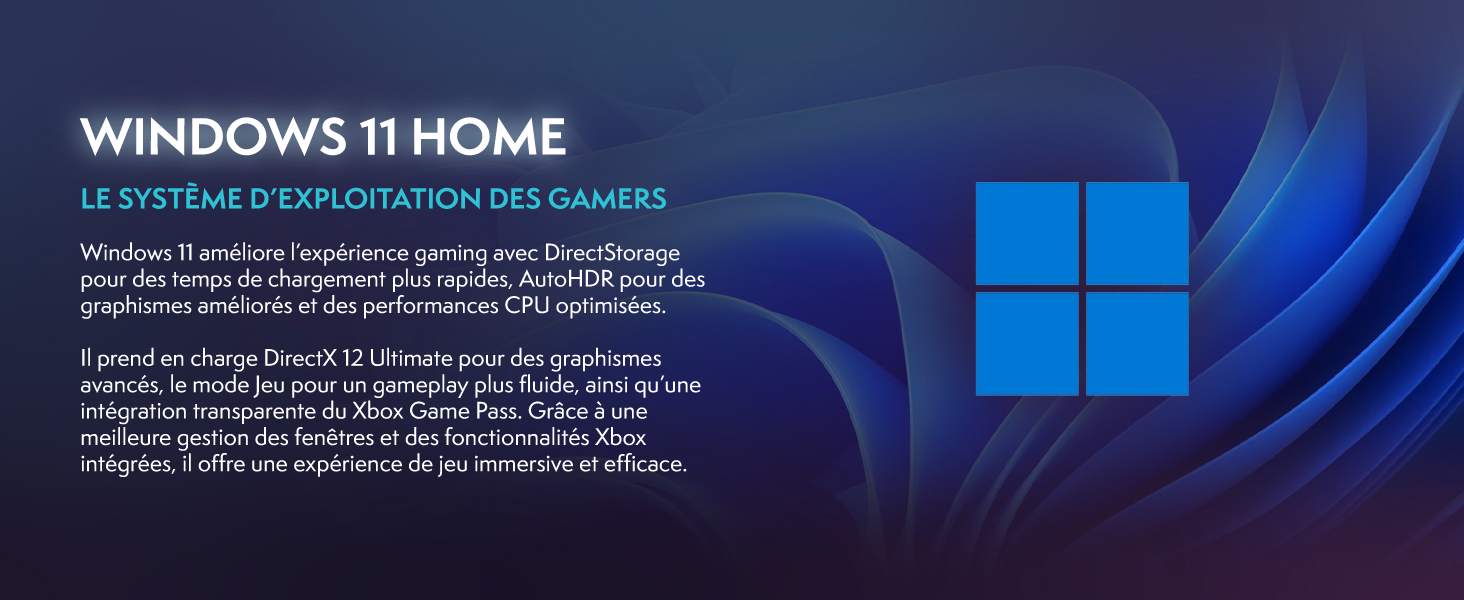
Image: A promotional image highlighting Windows 11 Home features, including DirectStorage and Auto HDR, designed for gamers.
2.2 High-Performance Components
The VIBOX IV-335 is built with powerful components to handle demanding tasks and games:
- Processore: AMD Ryzen 7 5700X (8 Cores, up to 4.6 GHz) for exceptional multi-tasking and gaming performance.
- Scheda grafica: Nvidia GeForce RTX 5070 (12GB GDDR7) for stunning visuals and high frame rates.
- Memoria: 32GB DDR4 RAM ensures smooth multitasking and system responsiveness.
- Magazzinaggio: 1TB SSD provides ultra-fast boot times and rapid game loading.

Image: A close-up of the AMD Ryzen 7 5700X processor, emphasizing its core count and boost frequency.
2.3 Sistema di raffreddamento
The system features an advanced cooling solution to maintain optimal temperatures during intense usage:
- Raffreddamento ad acqua: An AIO 120mm liquid cooler ensures efficient heat dissipation from the CPU.
- Ventole RGB: Multiple 120mm RGB fans provide excellent airflow and customizable lighting effects.

Image: A diagram illustrating the exceptional airflow design of the white PC case, with blue arrows indicating cool air intake and red arrows showing hot air exhaust.
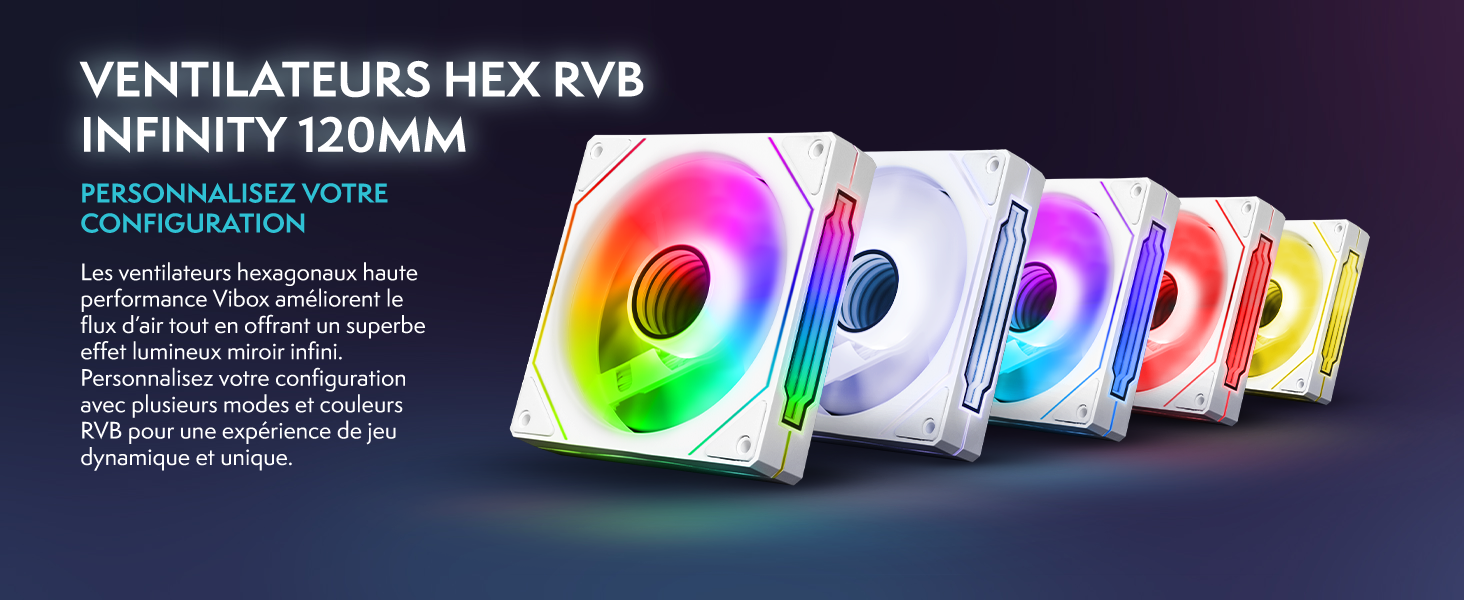
Image: Five 120mm RGB cooling fans displayed in a row, showcasing various customizable lighting options.

Image: The VIBOX AIO 120mm liquid cooler, a compact and efficient cooling solution for the CPU.
3. Manutenzione
3.1 Pulizia
Una pulizia regolare aiuta a mantenere prestazioni ottimali e prolunga la durata del PC.
- Esterno: Use a soft, dry cloth to wipe down the exterior surfaces. Avoid abrasive cleaners.
- Interno: The PC case features a tempered glass side panel for easy access. Periodically, use compressed air to remove dust from fans, heatsinks, and other internal components. Ensure the PC is powered off and unplugged before opening the side panel.
3.2 Aggiornamenti software
Keep your operating system, drivers (especially graphics drivers), and applications updated to ensure stability, security, and optimal performance. Windows Update can manage OS updates, while graphics drivers can be updated via Nvidia's official website or software.
4. Risoluzione Dei Problemi
If you encounter issues with your VIBOX IV-335, consider the following common troubleshooting steps:
- Nessun potere: Ensure the power cable is securely connected to both the PC and the wall outlet. Check the power switch on the back of the power supply unit.
- Nessuna visualizzazione: Verify that the monitor cable is connected to the graphics card (not the motherboard's video output) and that the monitor is powered on and set to the correct input source.
- Rallentamento del sistema: Check for background applications consuming resources. Ensure drivers are up to date and perform a system scan for malware.
- Rumore insolito della ventola: While some fan noise is normal, excessive or unusual noise might indicate dust buildup or a fan issue. Refer to the cleaning section.
Per ulteriore assistenza, consultare la sezione Garanzia e supporto.
5. Specifiche
Below are the detailed technical specifications for the VIBOX IV-335 PC Gamer:
| Caratteristica | Dettaglio |
|---|---|
| Marca | VIBOX |
| Numero di modello | IV-335 |
| Sistema operativo | Windows 11 Casa |
| Modello CPU | Processore AMD Ryzen 7 5700X |
| Velocità della CPU | 3.4 GHz (massimo 4.6 GHz) |
| Core della CPU | 8 |
| Coprocessore grafico | Nvidia RTX 5070 |
| RAM grafica | 12 GB GDDR7 |
| Capacità di archiviazione | SSD da 1 TB |
| RAM Installed | 32 GB DDR4 |
| RAM massima supportata | 128 GB |
| RAM Speed | 2666 MHz |
| Metodo di raffreddamento | Raffreddamento ad acqua |
| Connettività | Ethernet, HDMI, USB, Wi-Fi 6, Bluetooth 5.4 |
| Interfaccia di uscita video | HDMI, DisplayPort |
| Porte USB totali | 4 |
| Dimensioni (L x P x A) | Dimensioni: 40 x 21 x 45 cm |
| Colore | Bianco |
6. Garanzia e supporto
Your VIBOX IV-335 PC Gamer comes with comprehensive warranty coverage:
- Garanzia sulle parti: 2 anni
- Garanzia di manodopera: Tutta la vita
- Disponibilità ricambi: 2 anni
For technical support or warranty claims, please contact VIBOX customer service. You can find contact information on the official VIBOX websito o tramite la tua piattaforma di acquisto.