
1. Introduction to Chipolo POP
The Chipolo POP Tracker Tag is a versatile Bluetooth item finder designed to help you locate your personal belongings. It features a loud sound, broad compatibility with both Apple Find My and Google's Find My Device networks, and a durable, water-resistant design. This manual provides essential information for setting up, operating, and maintaining your Chipolo POP.
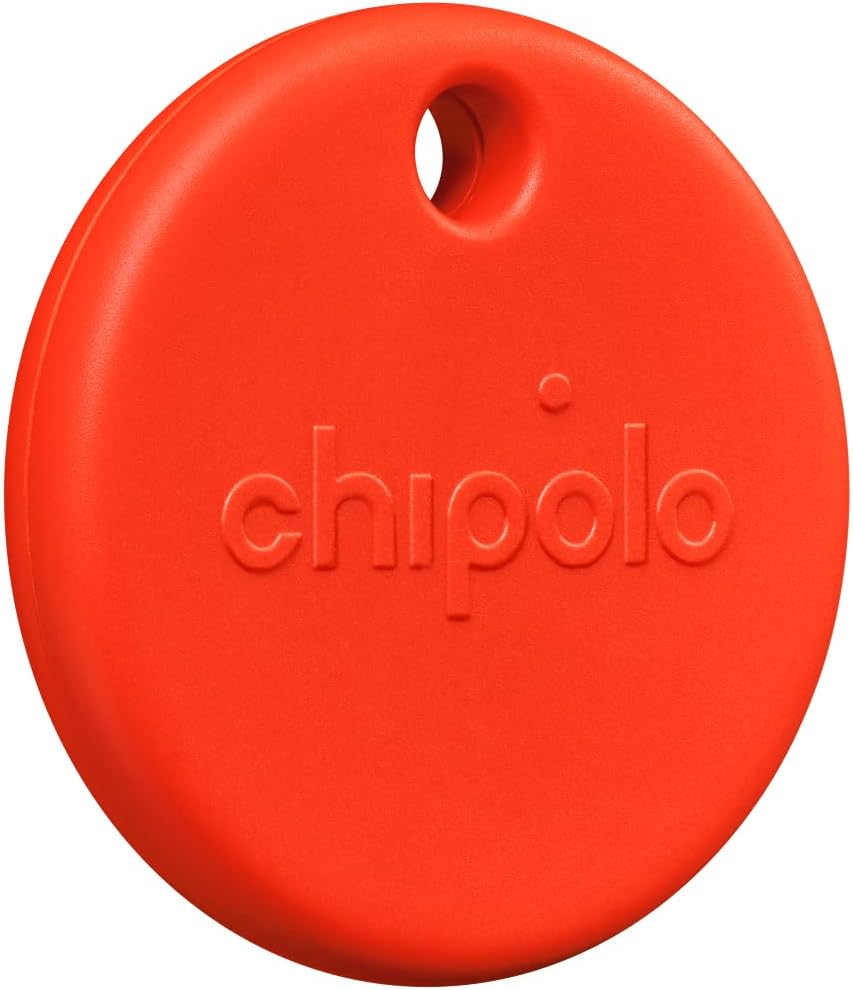
Image 1.1: The Chipolo POP Tracker Tag in Red.
2. Guida all'installazione
2.1 Initial Activation & App Download
- Activate Chipolo POP: Gently press and hold the center of your Chipolo POP until you hear a short beep, indicating it's powered on and ready for pairing.
- Scarica l'App: Depending on your device, download the appropriate app:
- For Apple devices (iOS): Use the pre-installed Trova il mio Apple applicazione.
- For Android devices: Download the Google Trova il mio dispositivo app dal Google Play Store.
2.2 Pairing Your Chipolo POP
- Abilita Bluetooth: Assicurati che il Bluetooth sia abilitato sul tuo smartphone o tablet.
- Apri l'app: Launch either the Apple Find My app or the Google Find My Device app.
- Aggiungi elemento: Follow the on-screen instructions within the app to add a new item. Your Chipolo POP should appear as a discoverable device.
- Conferma associazione: Select your Chipolo POP from the list and confirm the pairing process. You may be prompted to press the Chipolo POP button again to finalize the connection.

Image 2.1: Pairing the Chipolo POP with a smartphone using the Find My app.

Image 2.2: Chipolo POP features displayed on a smartphone screen.
3. Operating Your Chipolo POP
3.1 Trovare oggetti nelle vicinanze
If your Chipolo POP is within Bluetooth range (up to 300 ft / 90 m), you can make it ring loudly to locate your item. Open the Apple Find My app or Google Find My Device app, select your Chipolo POP, and choose the
Ask a question about this manual
Ask about setup, troubleshooting, compatibility, parts, safety, or missing instructions. Manuals+ will review the question and use this page’s manual context to help answer it.