
1. Introduzione
The BOOKOO SC-Mini Digital Coffee Scale is designed for precise coffee brewing, offering three distinct usage modes, accurate measurements, and seamless Bluetooth connectivity with a dedicated app. Its compact size makes it suitable for various espresso machines and brewing setups.
2. Informazioni sulla sicurezza
- Do not immerse the scale in water. The device has IPX4 water resistance, meaning it is resistant to splashes, but not full submersion.
- Avoid placing the scale on uneven or unstable surfaces to ensure accurate readings.
- Tenere fuori dalla portata dei bambini.
- Per la ricarica utilizzare solo il cavo USB Type-C in dotazione.
- Non tentare di smontare o riparare la bilancia da soli. Contattare l'assistenza clienti per assistenza.
3. Contenuto della confezione
- BOOKOO SC-Mini Digital Coffee Scale
- Cuscinetto in silicone
- Cavo di ricarica USB di tipo C.
- Manuale d'uso

Image: The BOOKOO SC-Mini Digital Coffee Scale shown with its silicone pad and USB Type-C charging cable.
4. Prodotto finitoview
The BOOKOO SC-Mini features a compact design with an LED touch screen and two control buttons. The display shows time, weight, and flow rate depending on the selected mode. Indicator lights provide visual feedback on the scale's status.
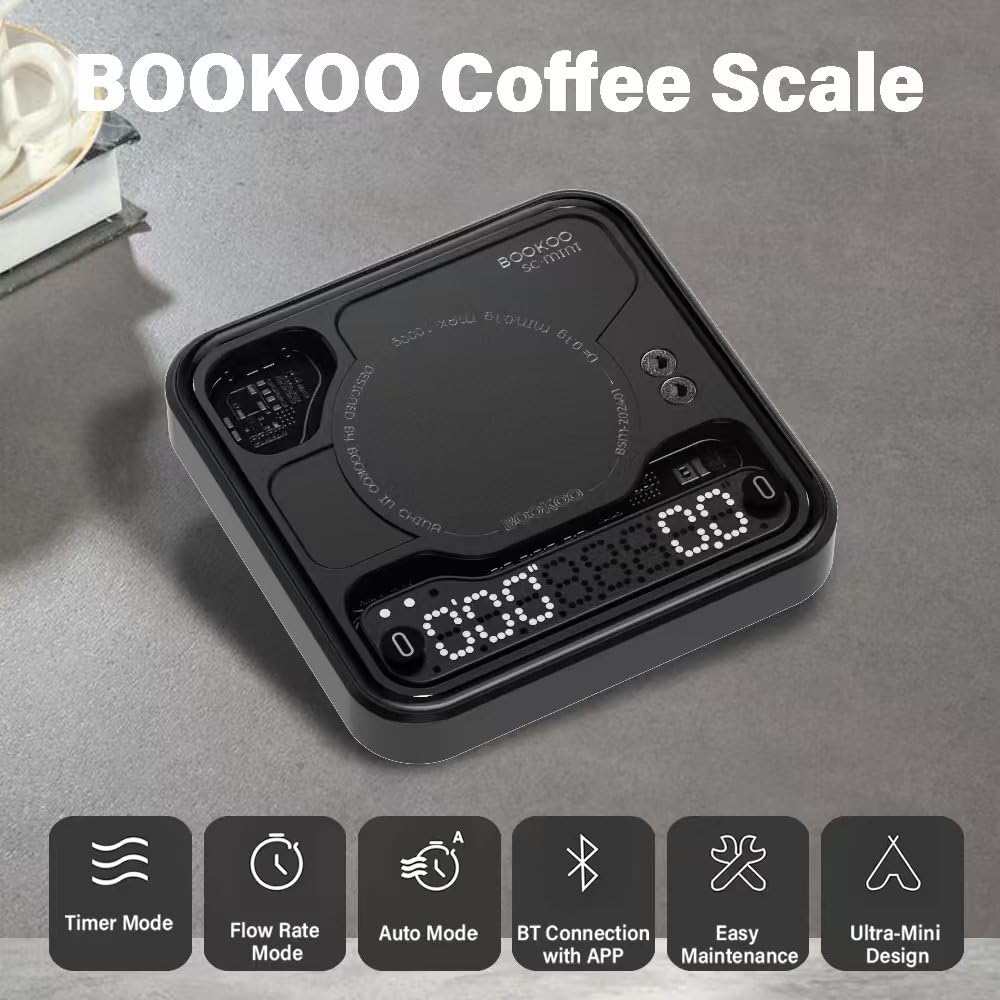
Immagine: Oltreview of the scale's key features and modes.
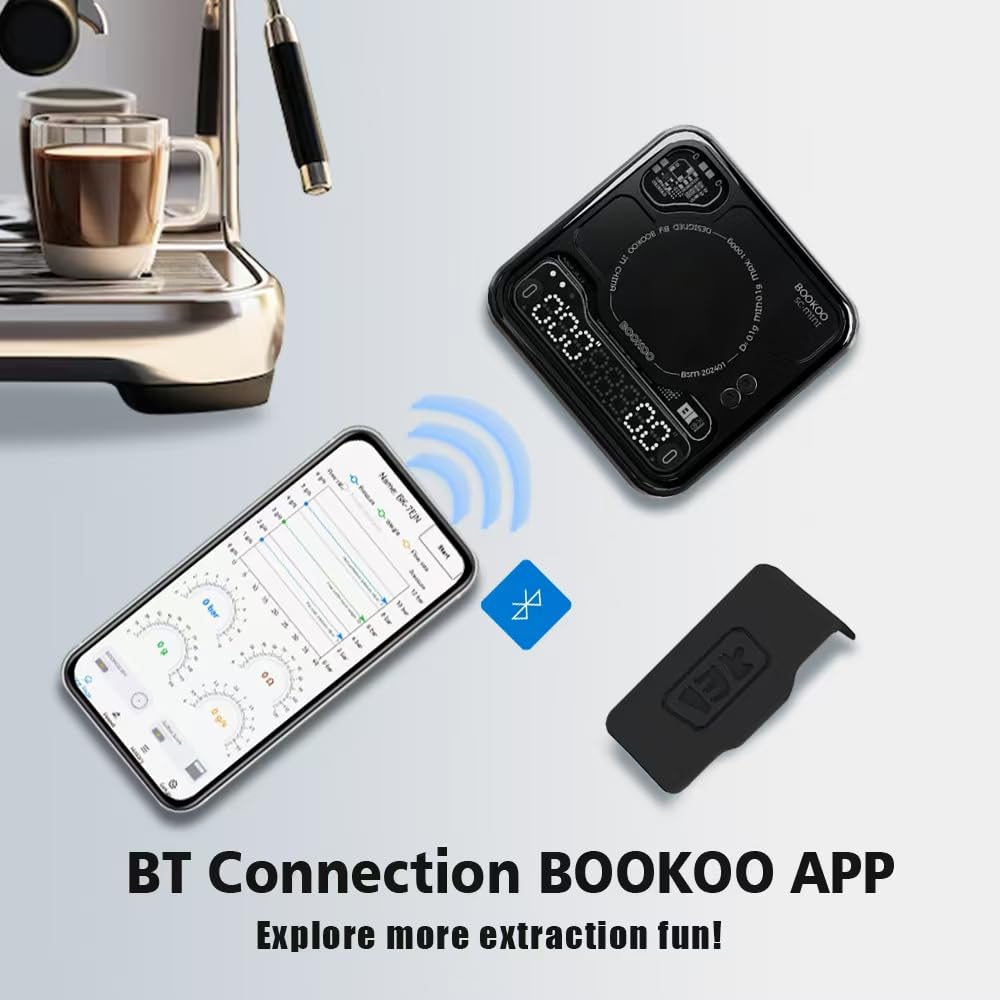
Image: Guide to the indicator lights on the scale, showing white lights for modes (Flow Rate, Timer, Automatic), alternating flashing for taring, red lights for charging/battery level, blue light for Bluetooth connection, and red light for low battery.
5. Impostazione
5.1 Carica iniziale
Before first use, ensure the scale is fully charged using the provided USB Type-C cable. The built-in 500mAh battery provides 1-2 months of regular use on a single charge, or up to 24 hours of continuous operation.
5.2 Accensione/spegnimento
To power on the scale, long-press the left button. To power off, long-press the left button again. The scale also features an auto-sleep function, customizable via the app (default 15 minutes).
5.3 Posizionamento
Place the scale on a flat, stable surface. For espresso machines, its ultra-mini size (3.15in x 3.15in x 0.59in) allows it to fit on most drip trays.
Video: This video demonstrates the initial setup process for the BOOKOO coffee scale, including unboxing and basic operation.
6. Modalità operative
The scale offers three distinct modes for various brewing preferences. Long-press the right button to cycle through the modes.
6.1 Flow Rate Mode
In Flow Rate Mode, the scale simultaneously displays the real-time flow rate (g/s) and the weight (g). This mode is ideal for monitoring the speed of coffee extraction.
- Long-press right button: Switch to Flow Rate Mode.
- Pulsante sinistro: Nessuna funzione.
- Pulsante destro: Tap to tare/reset.

Image: The scale displaying weight and flow rate during a coffee extraction in Flow Rate Mode.
Video: A short demonstration of the Flow Rate Mode, showing how to activate it and its display.
6.2 Modalità timer
In Timer Mode, the scale displays both the elapsed time and the weight. This mode allows for manual timing of your brew.
- Long-press right button: Switch to Timer Mode.
- Pulsante sinistro: Tap to start/stop/reset the timer.
- Pulsante destro: Tap to tare/reset.
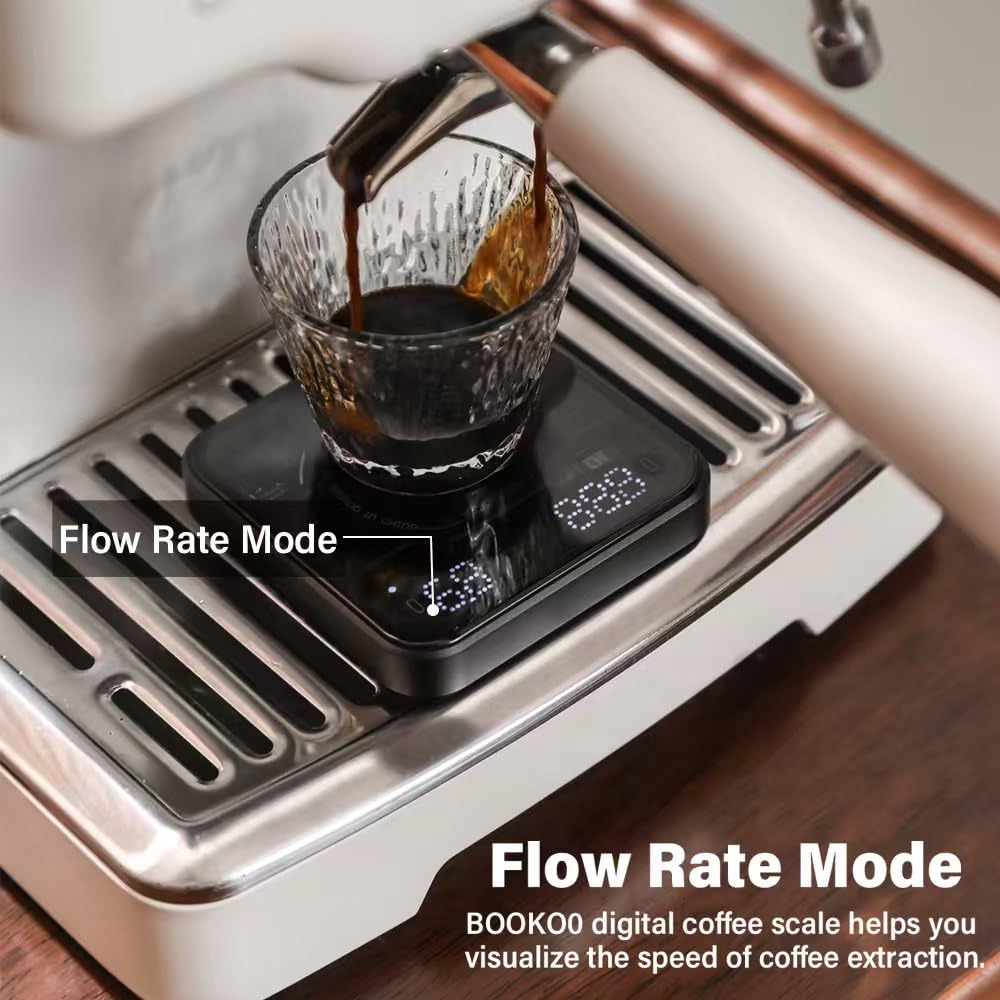
Image: The scale displaying time and weight during a coffee brewing process in Timer Mode.
Video: This video provides tips for using the Timer Mode on the BOOKOO coffee scale.
6.3 Modalità automatica
Automatic Mode simplifies the brewing process by alternately displaying extraction time and average flow rate, along with the extraction weight. It features auto-tare and automatic timing upon liquid detection.
- Place cup: The scale auto-tares.
- Liquid detection: Timing begins automatically.
- Default option: The scale detects when coffee stops dripping (flow rate = 0) and stops the timer automatically.
- Dopo l'estrazione: Displays extraction time & average flow rate (left), and final beverage weight (right).
Advanced Tip: When data is displayed alternately on the left screen, long-press the left button for 2 seconds to export history records and analyze the curve synchronously with the App.

Image: The scale operating in Automatic Mode, showing auto-timing and auto-peeling features during coffee extraction.
Video: This video demonstrates the Automatic Mode and provides tips for its use.
7. Bluetooth Connectivity & App
The BOOKOO SC-Mini scale supports Bluetooth 5.0 for seamless connection with various coffee apps, including BOOKOO, Beanconqueror, Odyssey Espresso, or Decent Espresso Machine. This allows for real-time brewing insights, data analysis, and over-the-air (OTA) updates.
7.1 Funzionalità dell'app
- Real-time data for Brew Ratio, Extraction Time, and Flow Rate.
- Customizable system language.
- Adjustable buzzer sound (enabled by default).
- Configurable auto-sleep time (default 15 minutes).
- Firmware updates (OTA).
7.2 How to Connect with the BOOKOO App
- Scarica l'App: Cercare "BOOKOO" in your app store or visit app.bookoocoffee.cn da scaricare.
- Abilita Bluetooth: Assicurati che il Bluetooth sia attivato sul tuo dispositivo mobile.
- Concedi permessi: Upon first use, grant the necessary Bluetooth permissions to the app.
- Metodi di connessione:
- Connessione pop-up: The app is set to open a pop-up for connection by default.
- Connessione automatica: In the app, navigate to "Menu > Setup > Basic > Device Settings > Automatic Connection." When enabled, the app will automatically connect to the Bluetooth device upon opening.
- Collegamento manuale: Click the corresponding icon, pull down to search for devices, and click on the mini scale's name to establish a connection.
- Stato della connessione: The left-side blue light on the scale will turn on, indicating a successful Bluetooth connection.

Image: The scale wirelessly connected to the BOOKOO app, illustrating real-time data transfer.
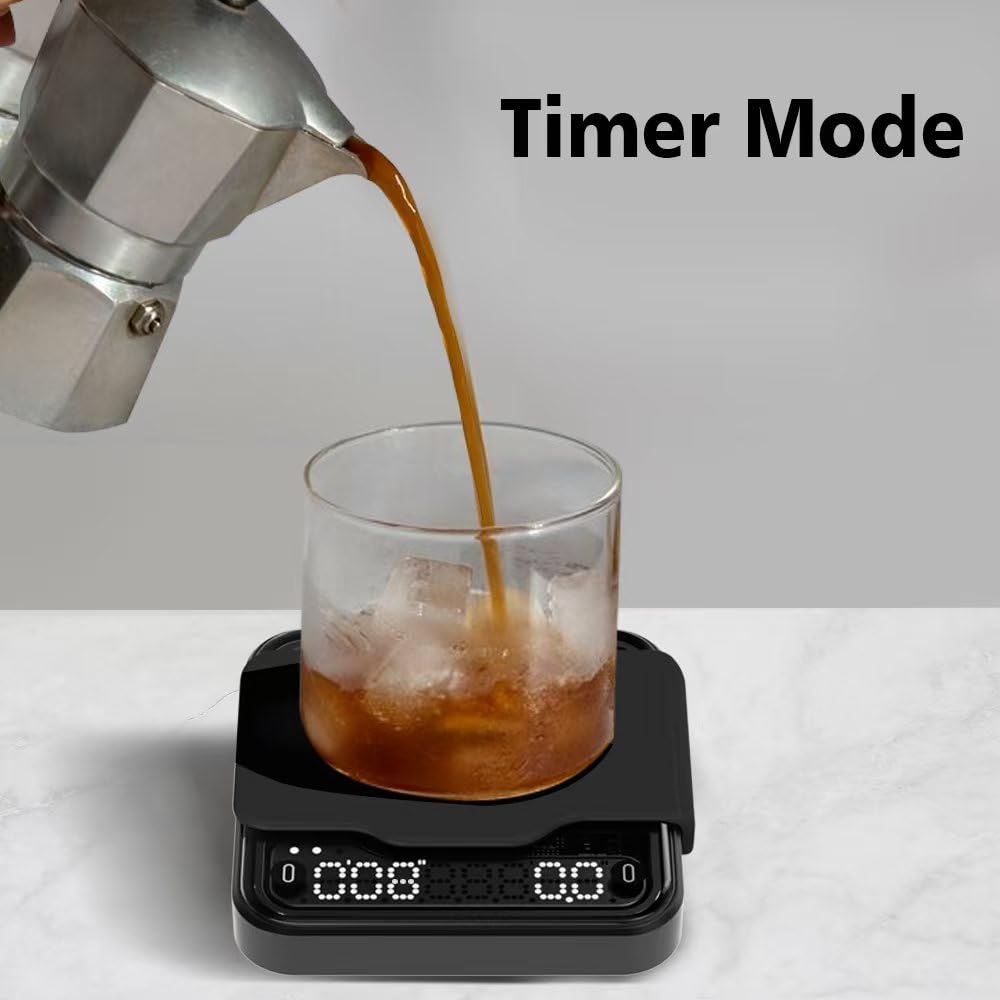
Image: Step-by-step guide for connecting the scale to the BOOKOO mobile application.
8. Manutenzione
8.1 Pulizia
The scale features an AF coating and LED touch screen, with IPX4 water resistance. This makes it durable and easy to clean. Wipe the surface with a damp panno. Non utilizzare detergenti abrasivi né immergere la bilancia in acqua.
8.2 Cura della batteria
The scale is equipped with a built-in 500mAh battery. Charge it using the provided USB Type-C cable when the low battery indicator appears. Avoid fully depleting the battery frequently to prolong its lifespan.
9. Risoluzione Dei Problemi
- Letture imprecise: Ensure the scale is on a flat, stable surface. Avoid placing it near strong electromagnetic fields.
- Scale Not Responding: Check battery level and recharge if necessary. Try powering off and on again.
- Problemi di connessione Bluetooth: Ensure Bluetooth is enabled on your device and the scale. Restart both the scale and the app. Check app permissions.
- Automatic Mode Not Functioning as Expected: Familiarize yourself with the specific triggers for auto-tare and auto-timing. Some advanced settings for extraction end options (manual stop, remove cup) may require firmware version 1.2.0 or above, which can be updated via the BOOKOO App or BOOKOO TOOLS App.
10. Specifiche
| Caratteristica | Specificazione |
|---|---|
| Marca | PRENOTA |
| Numero di modello | BOOKOO-SCALE |
| Dimensioni del pacco | 4.53 x 4.49 x 1.93 pollici |
| Peso dell'articolo | 9.59 once (140 g) |
| Limite di peso | 1000 grammi |
| Tipo di visualizzazione | GUIDATO |
| Caratteristica speciale | Leggero |
| Colore | Nero |
| Batterie | Sono necessarie 1 batterie AA (incluse) - Note: Product feature bullets state 500mAh built-in battery, this may be a discrepancy in source data. |
| Produttore | Dongguan Songshan Lake BOOKOO Technology Co. |
11. Garanzia e supporto
For warranty information and customer support, please refer to the documentation included with your purchase or visit the official BOOKOO webluogo. Conserva la ricevuta di acquisto per eventuali richieste di garanzia.