
1. Introduzione e oltreview
The Philips Smart Retrofit Recessed Downlight offers advanced Wi-Fi LED lighting, providing complete control over your home's illumination. This 4-inch, 50W equivalent LED downlight features color-changing capabilities and tunable white light, allowing you to customize your environment. Connect it to your existing Wi-Fi network and manage your lighting through the WiZ app or compatible voice control devices. This product is designed for easy installation into standard 4-inch E26 medium base recessed cans.
2. Informazioni sulla sicurezza
- Sicurezza elettrica: Always disconnect power at the circuit breaker before installation, removal, or servicing. Ensure all electrical connections are secure and comply with local electrical codes.
- Solo per uso interno: This product is designed for indoor use. It is Non resistente all'acqua and should not be exposed to moisture or used in wet locations.
- Compatibilità: Ensure your recessed can is compatible with a 4-inch retrofit downlight and E26 medium base.
- Ventilazione: Do not install in fully enclosed fixtures that restrict airflow, as this may shorten the product's lifespan.
- Non-Dimmable Switches: If using with a traditional wall switch, ensure it is a standard ON/OFF switch. This smart downlight is dimmable via the app or voice control, not through external dimmer switches.
3. Contenuto della confezione
Il tuo pacco dovrebbe contenere i seguenti articoli:
- 4 x Philips Smart Retrofit Recessed Downlights
4. Specifiche
| Marca | Philips |
| Numero di modello | 562769 |
| Colore | Multicolore |
| Materiale | Plastica |
| Modulo lampada | Da incasso |
| Fonte di alimentazione | Elettrico con cavo |
| Metodo di controllo | App, Tocco, Voce |
| Sorgente luminosa | GUIDATO |
| Voltage | 120 Volt (CA) |
| Cosatage | 50 watt (equivalenti) |
| Luminosità | 400 lumen |
| Protocollo di connettività | Wifi bluetooth |
| Base della lampadina | E26 (with adapter) |
| Dimensioni articolo (L x P x A) | 5.04 cm L x 5.04 cm P x 2.8 cm A |
5. Configurazione e installazione
The Philips Smart Retrofit Recessed Downlight is designed for straightforward installation into existing 4-inch recessed cans with an E26 medium base. No additional gateway is required; the lights connect directly to your existing Wi-Fi network.
Fasi di installazione:
- Spegni: Prima di iniziare l'installazione, assicurarsi che l'alimentazione dell'apparecchio sia interrotta tramite l'interruttore automatico per evitare scosse elettriche.
- Rimuovere la modanatura esistente: Carefully remove the existing bulb and trim from your recessed can.
- Collegare l'adattatore: Screw the E26 adapter of the Philips downlight into the existing E26 medium base socket within the recessed can.
- Secure Downlight: Connect the pigtail from the downlight to the adapter. Gently push the downlight up into the recessed can until the spring clips secure it firmly in place.
- Ripristina alimentazione: Una volta installato saldamente il faretto, ripristinare l'alimentazione tramite l'interruttore automatico.

Image: Philips Smart Retrofit Recessed Downlight with E26 adapter, ready for installation.
Initial Setup with WiZ App:
- Download WiZ App: Scarica l'app WiZ dall'app store del tuo smartphone (disponibile per iOS e Android).
- Creare un account: Open the app and follow the prompts to create a new WiZ account or log in if you already have one.
- Accoppia dispositivo: Follow the in-app instructions to pair your new Philips Smart Retrofit Recessed Downlight. This typically involves ensuring the light is powered on and then searching for new devices within the app.
- Connettiti al Wi-Fi: The app will guide you through connecting the downlight to your home's 2.4 GHz Wi-Fi network.

Immagine: Oltreview of Philips WiZ Connected features including Wi-Fi, voice control, millions of colors, timers, tunable white light, and app control.
6. Istruzioni per l'uso
Once your Philips Smart Retrofit Recessed Downlight is installed and paired with the WiZ app, you can begin to utilize its smart features.
6.1. Controllo dell'app WiZ
The WiZ app is your primary interface for controlling your downlights. It allows you to:
- Attiva/disattiva: Toggle lights on or off from anywhere.
- Regola luminosità: Abbassa o aumenta l'intensità delle luci fino al livello desiderato.
- Cambia colori: Select from millions of colors to create specific moods or ambiances.
- Bianco regolabile: Adjust the white light from warm white (cozy) to cool daylight (energizing).
- Modalità di luce dinamica: Explore pre-set dynamic light effects for various occasions.
- Crea scene: Save your favorite light settings (color, brightness, mode) as custom scenes for quick access.
- Imposta orari: Automate your lights to turn on/off or change settings at specific times, supporting your daily routines.
- Well-being Modes: Utilize pre-set modes designed to support your circadian rhythm throughout the day.
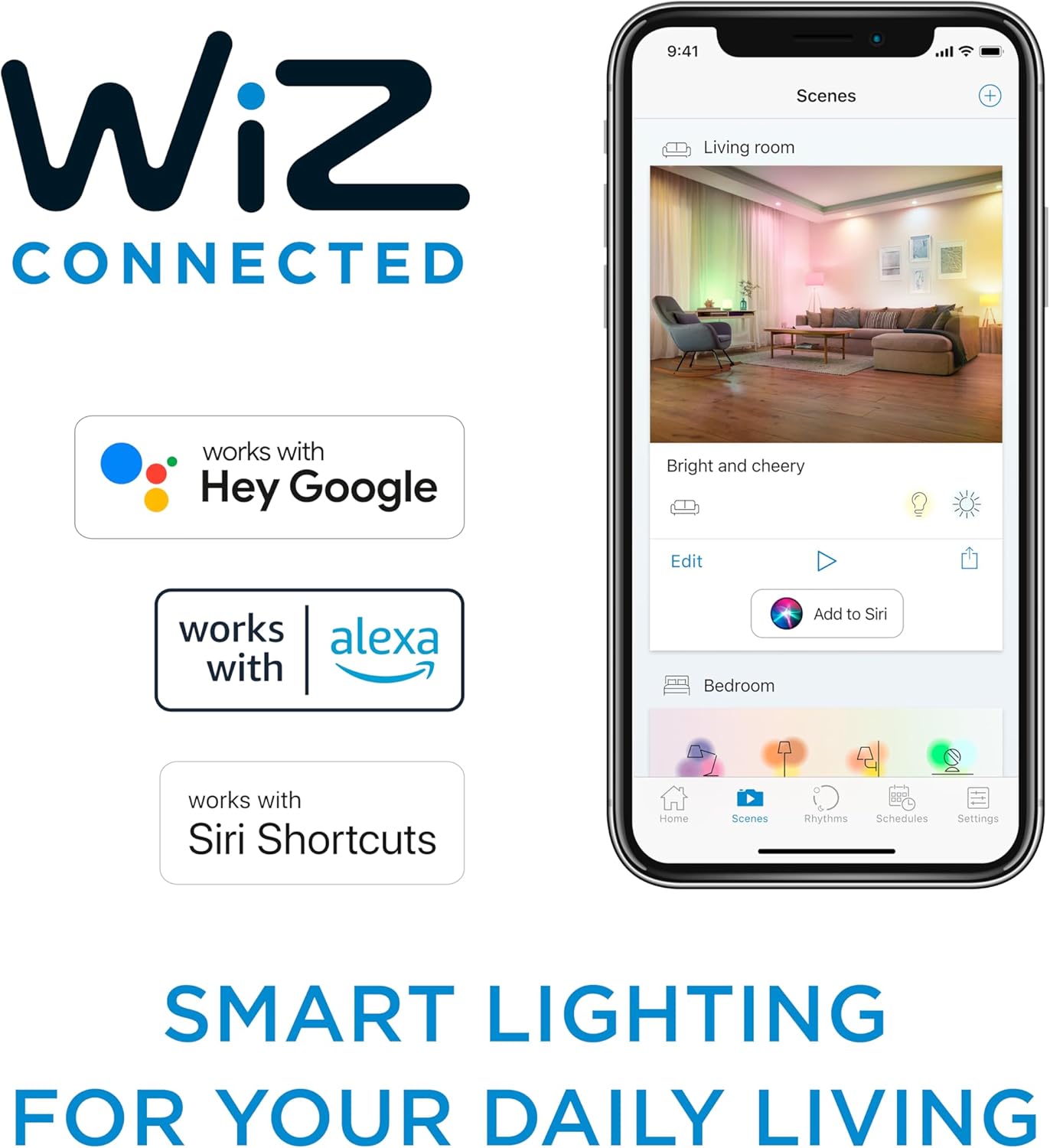
Image: The WiZ app interface on a smartphone, demonstrating smart lighting control and compatibility with voice assistants.
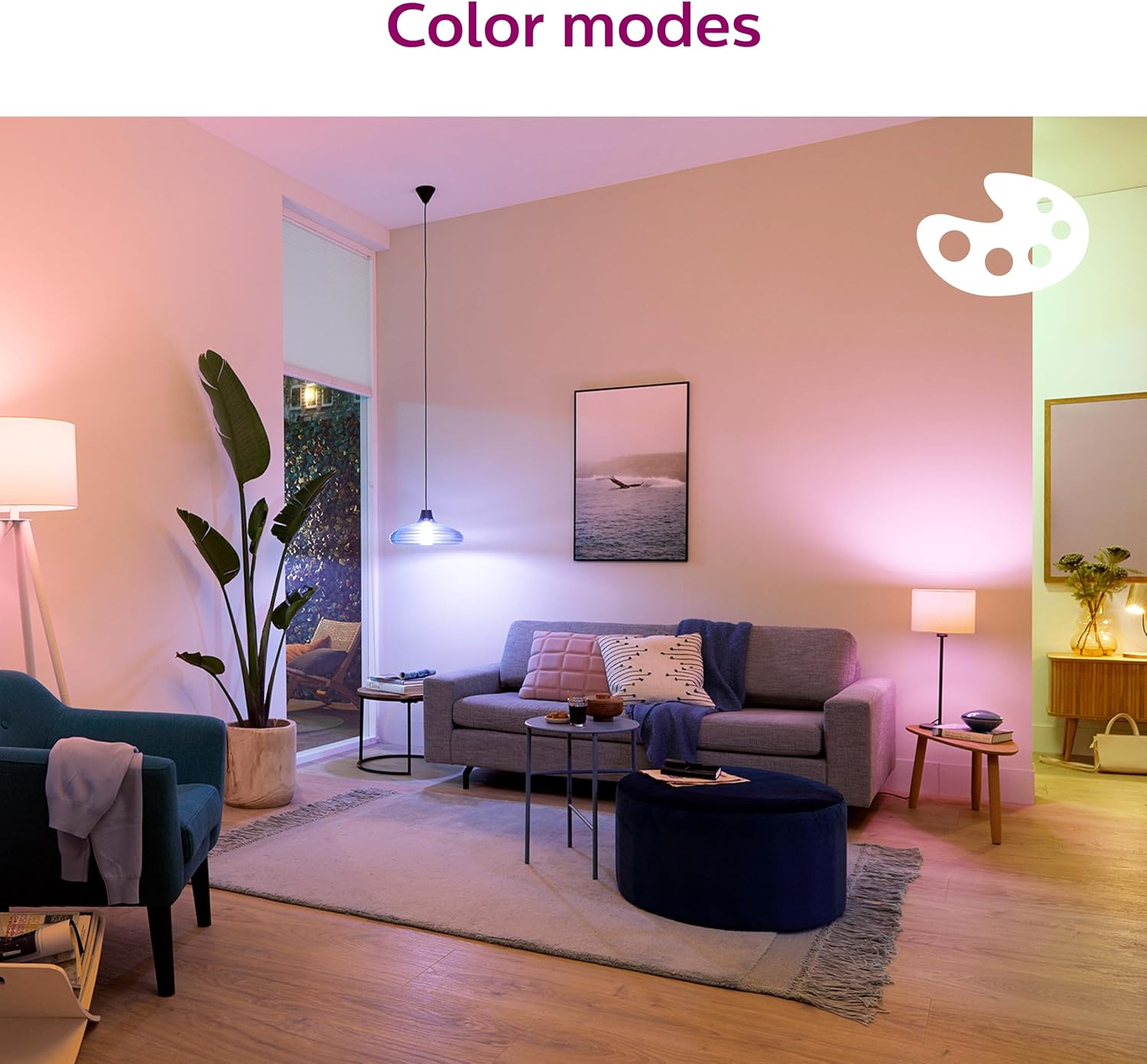
Image: A living room illuminated with various color modes from the Philips Smart Downlights.

Image: Comparison of warm white and cool white light settings from the Philips Smart Downlights.

Image: Demonstration of dimmable light functionality, showing bright and subdued lighting.

Immagine: Examples of customized lighting scenes created with the Philips Smart Downlights.
6.2. Controllo vocale
The Philips Smart Retrofit Recessed Downlight is compatible with popular voice assistants, including Google Assistant, Amazon Alexa, and Siri Shortcuts. Once integrated, you can control your lights using simple voice commands.
- Integrazione: Follow the instructions within the WiZ app to link your WiZ account with your preferred voice assistant service.
- Comandi: Use commands such as "Hey Google, turn on the living room lights," "Alexa, set the kitchen lights to blue," or "Siri, dim the bedroom lights to 50%."
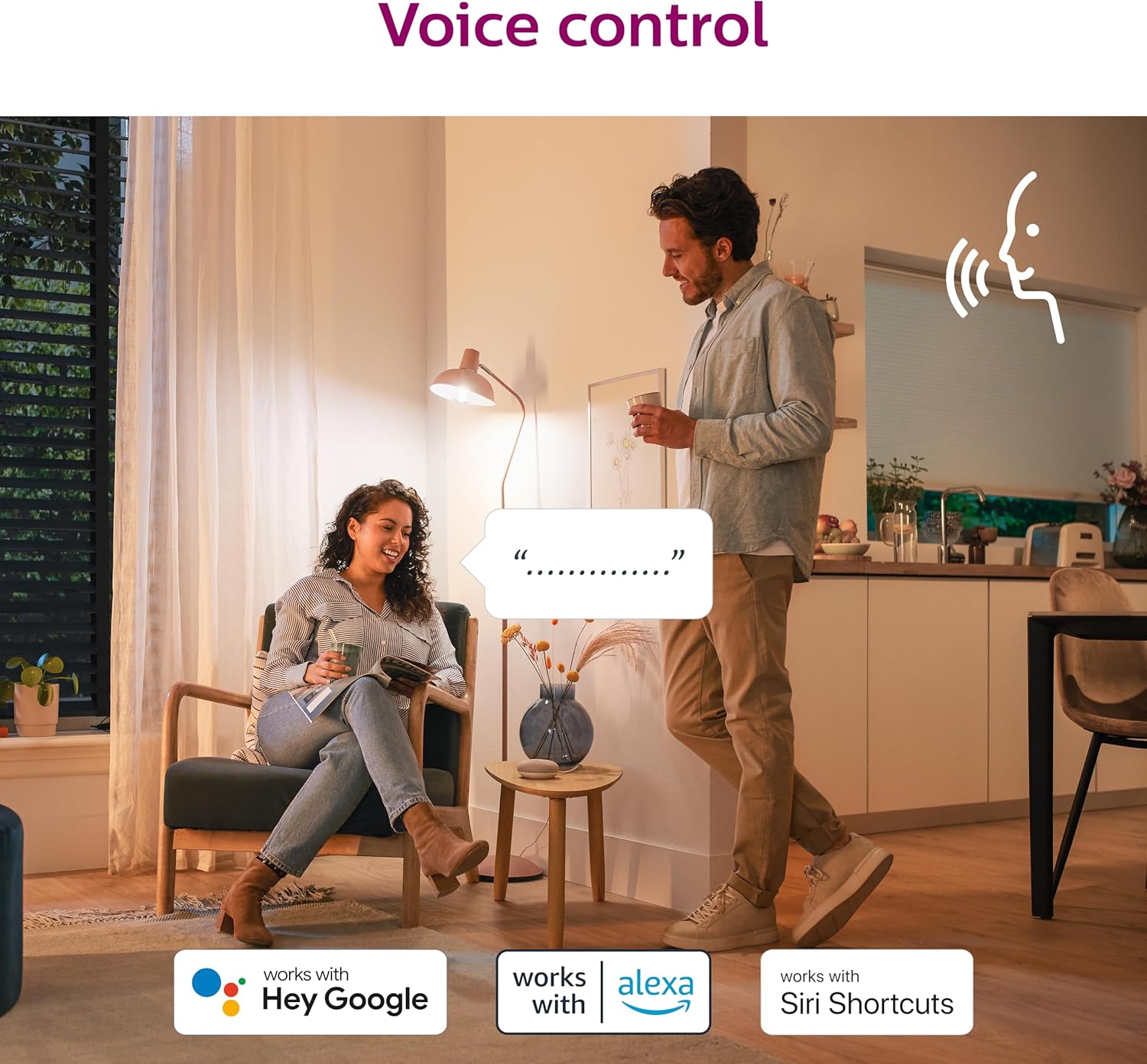
Image: Users controlling their Philips Smart Downlights using voice commands with compatible devices.
6.3. Important Note on Compatibility
Please note that Philips WiZ Connected products are not compatible with Philips Hue systems. They operate on separate platforms and cannot be integrated directly.
7. Manutenzione
The Philips Smart Retrofit Recessed Downlight requires minimal maintenance.
- Pulizia: Assicurarsi che l'alimentazione sia spenta prima di pulire. Utilizzare un panno morbido, asciutto o leggermente asciutto.amp cloth to wipe the surface of the downlight. Avoid abrasive cleaners, solvents, or harsh chemicals, as these can damage the finish or electrical components.
- Nessuna parte riparabile dall'utente: The LED components are integrated and not user-replaceable. Do not attempt to disassemble the downlight.
8. Risoluzione Dei Problemi
If you encounter issues with your Philips Smart Retrofit Recessed Downlight, refer to the following common troubleshooting steps:
La luce non si accende:
- Controlla la potenza: Ensure the light switch is in the ON position and the circuit breaker for the fixture is not tripped.
- Connessione sicura: Verify that the E26 adapter is screwed in properly and the downlight's pigtail is securely connected.
- Presa di prova: If possible, test the socket with a known working bulb to rule out an issue with the electrical supply.
Connectivity Issues (Wi-Fi/App):
- Rete Wi-Fi: Ensure your Wi-Fi network is active and broadcasting a 2.4 GHz signal. WiZ products typically do not support 5 GHz networks.
- Prossimità del router: Make sure the downlight is within range of your Wi-Fi router.
- Riavvia i dispositivi: Try restarting your Wi-Fi router, your smartphone, and the downlight (by turning its power off and on at the switch).
- Ripara dispositivo: If connectivity persists, try removing the device from the WiZ app and re-pairing it following the initial setup instructions.
- Aggiornamenti app: Assicurati che la tua app WiZ sia aggiornata all'ultima versione.
Il controllo vocale non risponde:
- Collegamento all'app: Verify that your WiZ account is correctly linked to your voice assistant service (Google Home, Amazon Alexa, etc.) within the WiZ app settings.
- Denominazione del dispositivo: Ensure the names of your lights in the WiZ app are recognized by your voice assistant. Simple, clear names work best.
- Connessione Internet: Voice control requires an active internet connection for both your voice assistant device and the downlight.
Light Flickering or Unresponsive:
- Ciclo di alimentazione: Turn the light off at the wall switch for 10 seconds, then turn it back on.
- Interferenza: Assicurarsi che non vi siano altri dispositivi che causino interferenze elettriche.
For more detailed troubleshooting or persistent issues, refer to the WiZ app's help section or contact Philips customer support.
9. Garanzia e supporto
Informazioni sulla garanzia:
This Philips Smart Retrofit Recessed Downlight comes with a Garanzia del produttore di 2 anniLa presente garanzia copre i difetti di materiali e fabbricazione in condizioni di normale utilizzo. Si prega di conservare la prova d'acquisto per eventuali reclami in garanzia.
Assistenza clienti:
For technical assistance, warranty claims, or further inquiries, please contact Philips customer support through their official website or the contact information provided in your product packaging. You can also find additional resources and FAQs on the WiZ Connected websito.
10. Informazioni aggiuntive
Philips LED EyeComfort: Comfortable Lighting
Philips LED lights are designed with EyeComfort technology, adhering to a specific set of criteria to ensure the light is easy on the eyes. This includes minimizing flicker and glare, providing high color rendering, and offering tunable light options. The following video provides more details on Philips EyeComfort features.
Video: Philips LED EyeComfort: Comfortable Lighting. This video explains how Philips LED lights are designed to be easy on the eyes by addressing factors like flicker, glare, and color rendering.