Introduzione
Thank you for choosing the GOBOULT Flex On-Ear Bluetooth Headphones. This manual provides essential information for setting up, operating, and maintaining your headphones to ensure optimal performance and longevity. Please read this manual thoroughly before using the product.
Cosa c'è nella scatola
- GOBOULT Flex On-Ear Bluetooth Headphones
- Cavo di ricarica rapida di tipo C
- Manuale d'uso
- Scheda di garanzia
Prodotto finitoview
The GOBOULT Flex headphones are designed for comfort and high-quality audio. They feature 40mm bass-boosted drivers, Bluetooth 5.4 connectivity, and an adjustable, foldable design.

Immagine: Oltreview of GOBOULT Flex features including 40mm drivers, Bluetooth 5.4, 4 EQ modes, 60ms low latency, 80-hour battery, and ENC calling.
Componenti chiave:
- Auricolari: Soft, cushioned earcups for comfort.
- Fascia regolabile: Consente una vestibilità personalizzata.
- Pulsanti di controllo: Located on the earcups for power, volume, playback, and call management.
- Porta di ricarica di tipo C: Per caricare le cuffie.
- Ingresso AUX: Per la connessione audio cablata.
- Microfono: Integrated Zen™ ENC mic for clear calls.

Image: The adjustable headband and earcups of the GOBOULT Flex headphones, designed for a comfortable fit.
Impostare
1. Carica delle cuffie
Before first use, fully charge your GOBOULT Flex headphones. Use the provided Type-C charging cable.
- Connect the Type-C cable to the charging port on the headphones.
- Collegare l'altra estremità del cavo a una fonte di alimentazione USB (ad esempio, un adattatore da parete, una porta USB del computer).
- The LED indicator will show charging status (refer to product for specific light patterns).
- Una carica completa richiede circa 60 minuti e garantisce fino a 80 ore di riproduzione.
- Fast charging provides 5 hours of playtime with just 10 minutes of charging.
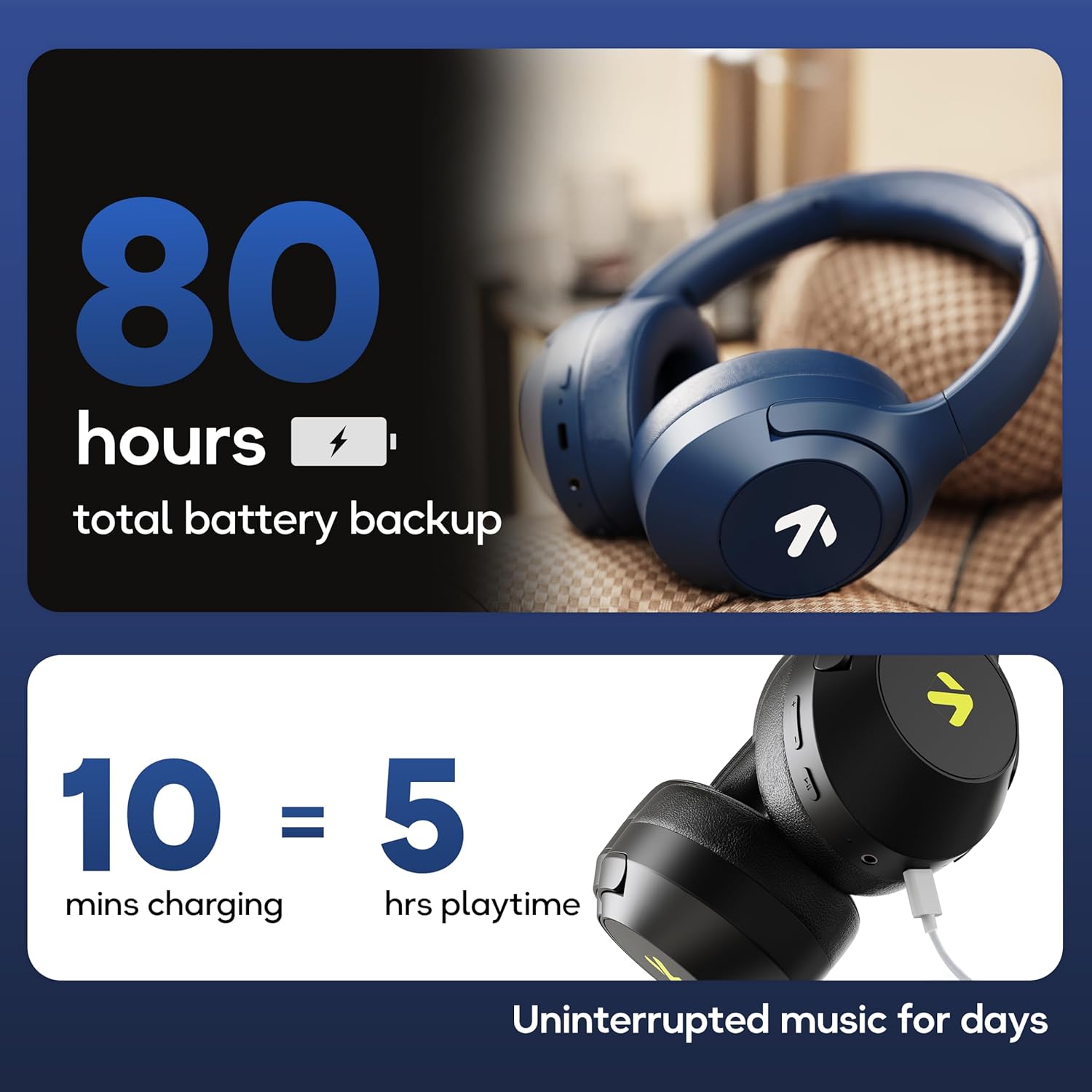
Image: Visual representation of the 80-hour battery life and fast charging capability (10 minutes charge for 5 hours playback).
2. Accoppiamento Bluetooth
Abbina le cuffie al tuo dispositivo per ottenere l'audio wireless.
- Assicurarsi che le cuffie siano cariche e spente.
- Press and hold the Power button until the LED indicator flashes (usually blue and red alternately), indicating pairing mode.
- Sul tuo dispositivo (smartphone, tablet, laptop), attiva il Bluetooth e cerca i dispositivi disponibili.
- Select "GOBOULT Flex" from the list of devices.
- Una volta connesso, l'indicatore LED in genere emetterà una luce blu fissa o lampeggerà lentamente.
- The headphones feature Bluetooth 5.4 and Blink & Pair™ technology for fast and stable connections.

Image: The headphones connected via Bluetooth 5.4, highlighting the Blink & Pair feature for quick device connection.
Istruzioni per l'uso
Accensione/spegnimento
- Accensione: Tenere premuto il pulsante di accensione per circa 3 secondi.
- Spegni: Tenere premuto il pulsante di accensione per circa 5 secondi.
Controllo della musica
- Riproduci/Pausa: Premi una volta il pulsante Multifunzione.
- Traccia successiva: Tieni premuto il pulsante Volume su.
- Traccia precedente: Premere e tenere premuto il pulsante Volume Giù.
- Aumenta volume: Premere brevemente il pulsante Volume su.
- Volume basso: Premere brevemente il pulsante Volume giù.
Controllo delle chiamate
The Zen™ ENC mic ensures clear communication by reducing environmental noise.

Immagine: dettagliata view of the Zen™ ENC microphone technology for effective environmental noise cancellation during calls.
- Rispondi/Termina chiamata: Premi una volta il pulsante Multifunzione.
- Rifiuta chiamata: Tenere premuto il pulsante multifunzione per 2 secondi.
- Ricomponi l'ultimo numero: Premi due volte il pulsante Multifunzione.
Assistente vocale
Activate your device's voice assistant (e.g., Google Assistant) directly from the headphones.
- Attiva l'assistente vocale: Premi tre volte il pulsante multifunzione.

Image: The headphones featuring voice assistant compatibility and IPX5 water resistance for protection against sweat and splashes.
Gaming Mode (60ms Low Latency)
Engage Combat™ Gaming Mode for ultra-low latency audio, ideal for gaming.
- Attiva la modalità di gioco: Refer to the specific button combination in your quick start guide (often a dedicated button or a long press of a volume button).
- This mode reduces audio latency to 60ms for a synchronized gaming experience.
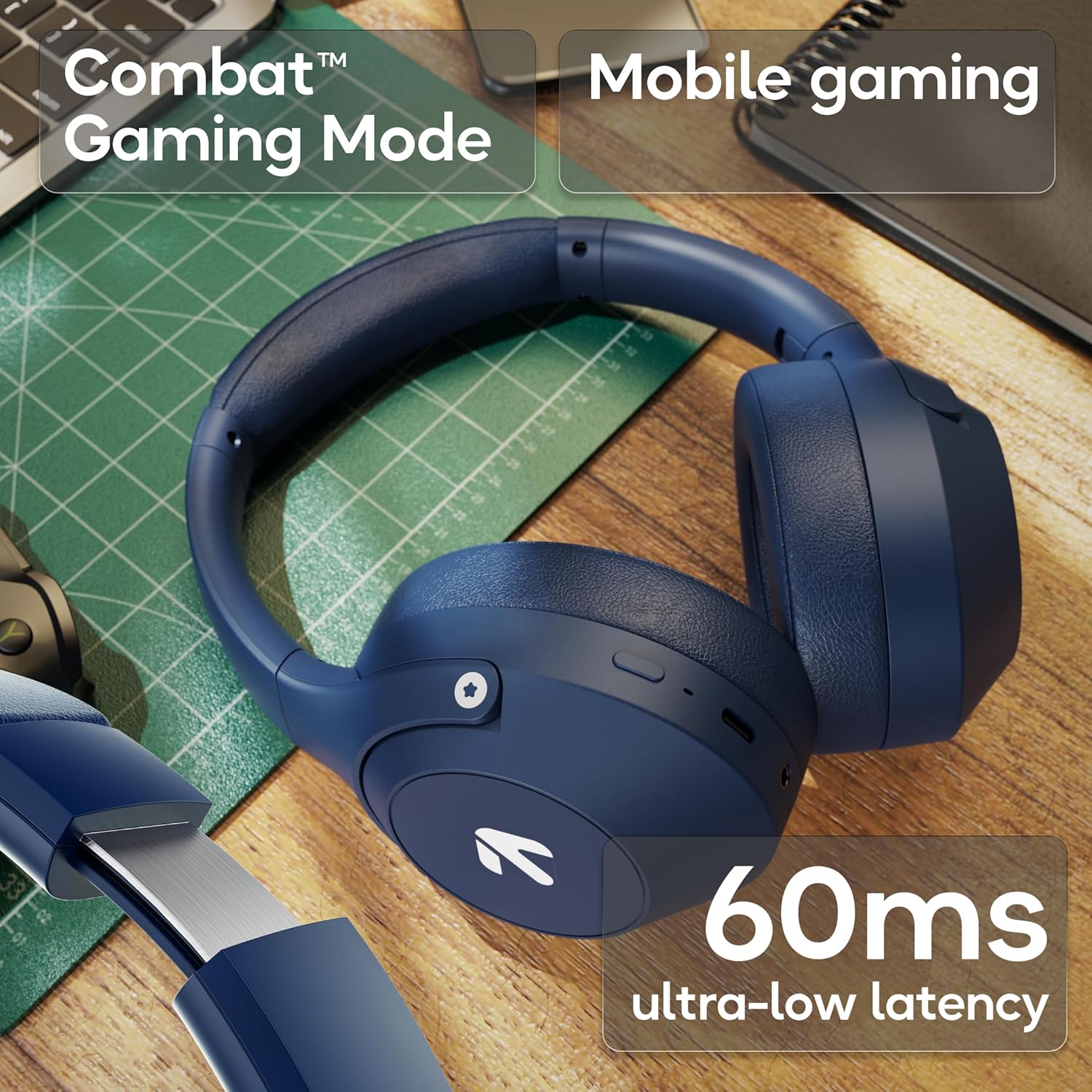
Image: The headphones highlighting the Combat™ Gaming Mode with 60ms ultra-low latency for an enhanced gaming experience.
Modalità cablata
Use the included AUX cable for a wired connection when wireless is not preferred or the battery is low. Note that the microphone is typically off in wired mode.
- Collegare un'estremità del cavo AUX da 3.5 mm alla porta AUX delle cuffie.
- Connect the other end to your audio source's 3.5mm jack.
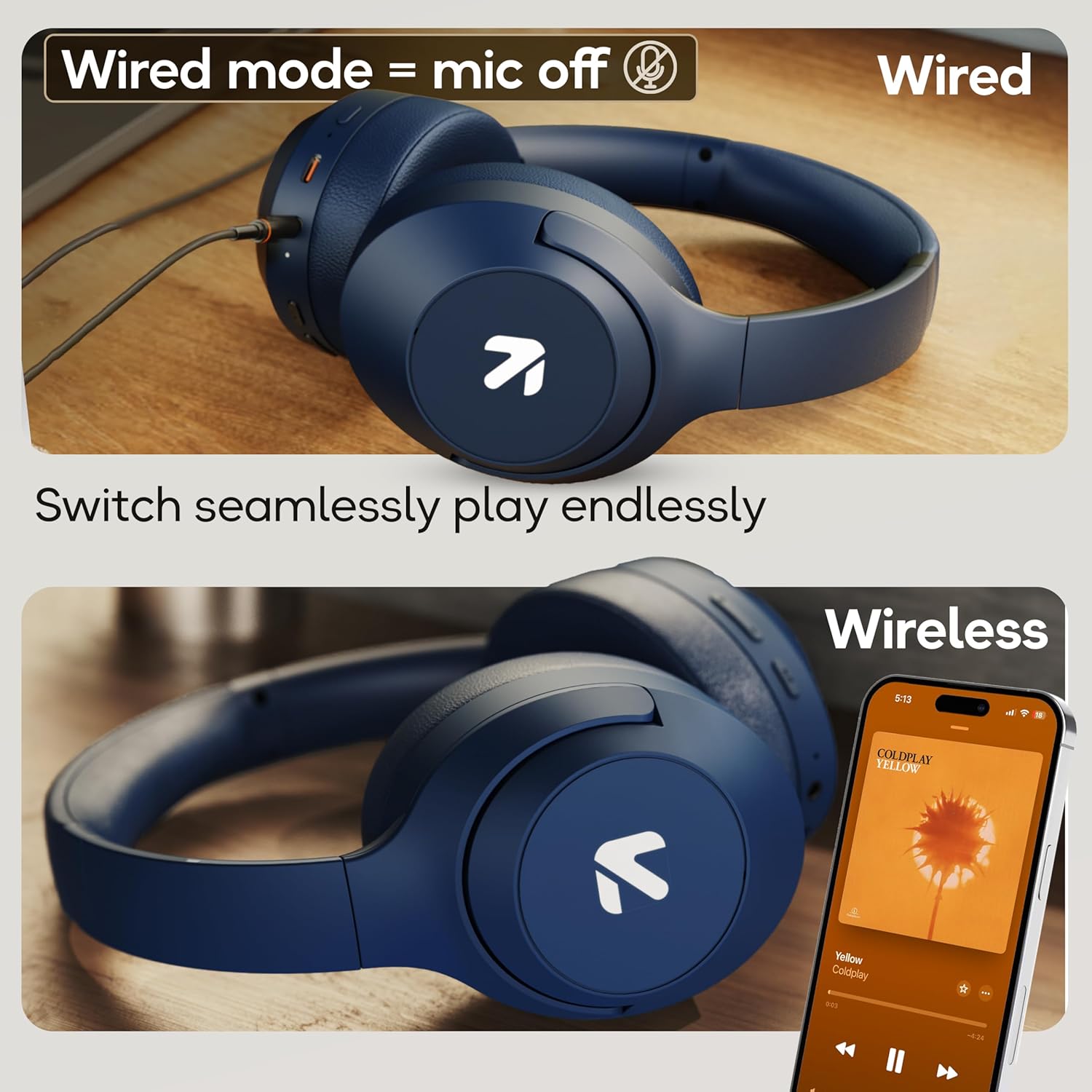
Image: Comparison of wired mode (with mic off) and wireless mode, demonstrating the flexibility of connection options.
Modalità EQ
The headphones offer 4 Equalizer (EQ) modes to customize your audio experience.
- Modalità disponibili: Bass, Rock, Pop, Vocal.
- Modalità di commutazione: Refer to the specific button combination in your quick start guide (often a dedicated EQ button or a combination press).

Image: The headphones emphasizing powerful bass delivered by 40mm boosted drivers with Boomx™ technology, and support for AAC/SBC codecs.

Immagine: Interna view of the headphones showing the DSP processor, indicating features like seamless VoIP calls, adaptive audio equalization, and 16-bit dual-audio processing.
Manutenzione
Una corretta manutenzione garantisce la longevità delle cuffie.
- Pulizia: Pulisci le cuffie con un panno morbido e asciutto. Non utilizzare prodotti chimici aggressivi o materiali abrasivi.
- Magazzinaggio: Conservare le cuffie in un luogo fresco e asciutto, lontano dalla luce solare diretta e da temperature estreme. Il design pieghevole consente di riporle in modo compatto.
- Resistenza all'acqua: Le cuffie hanno la certificazione IPX5, ovvero sono resistenti al sudore e agli schizzi leggeri. Non immergerle in acqua né esporle a forti piogge.
Risoluzione dei problemi
Nessun potere
- Assicurarsi che le cuffie siano completamente cariche.
- Controllare il cavo di ricarica e la fonte di alimentazione.
Impossibile associare tramite Bluetooth
- Assicurarsi che le cuffie siano in modalità di associazione (LED lampeggiante in blu/rosso).
- Assicurati che il Bluetooth sia abilitato sul tuo dispositivo e che si trovi entro 10 metri dalle cuffie.
- Forget "GOBOULT Flex" from your device's Bluetooth list and try pairing again.
- Riavviare sia le cuffie che il dispositivo.
Nessun suono
- Controlla i livelli del volume sia delle cuffie che del dispositivo collegato.
- Assicurarsi che le cuffie siano correttamente associate e collegate.
- Se si utilizza la modalità cablata, assicurarsi che il cavo AUX sia completamente inserito sia nelle cuffie sia nella sorgente audio.
Scarsa qualità delle chiamate
- Assicurarsi che il microfono non sia ostruito.
- Move to a quieter environment to allow the ENC mic to function optimally.
- Controlla le impostazioni di chiamata del tuo dispositivo.
Specifiche
| Caratteristica | Specificazione |
|---|---|
| Nome del modello | Flettere |
| Marca | GOBOULT |
| Tecnologia di connettività | Bluetooth, senza fili |
| Versione Bluetooth | 5.4 (Product Title says 5.4, Specs say 5.3, using 5.4 as per title) |
| Portata Bluetooth | 10 metri |
| Dimensioni del driver audio | 40 millimetri |
| Tipo di driver audio | Driver dinamico |
| Durata della batteria | 80 ore (tempo di gioco) |
| Tempo di ricarica | 60 minuti |
| Ricarica rapida | 10 minuti per 5 ore di riproduzione |
| Presa per cuffie | Type-C Fast Charging Jack, 3.5mm AUX |
| Microfono | Zen™ ENC Mic |
| Modalità bassa latenza | 60ms (Combat™ Gaming Mode) |
| Livello di resistenza all'acqua | IPX5 (Sweatproof, Water-resistant, Splashproof) |
| Controllo del rumore | Cancellazione passiva del rumore |
| Peso dell'articolo | 214 grammi |
| Dimensioni del prodotto | Dimensioni: 5 x 19 x 20 cm |
| Componenti inclusi | Cable, Headphone, Type-C Fast Charging Cable, User Manual, Warranty Card |
Garanzia e supporto
The GOBOULT Flex On-Ear Bluetooth Headphones come with a Garanzia di 1 anni.
For warranty registration, technical support, or customer service inquiries, please visit the official GOBOULT website or contact their customer support team using the information provided on the warranty card.


