
Introduzione
Thank you for choosing the TCL 65Q6C 65-inch 4K QD-Mini LED Google TV. This manual provides essential information for the safe and efficient use of your television. Please read it thoroughly before operating the device and retain it for future reference.
Caratteristiche principali
- Tecnologia LED QD-Mini: Enhances color accuracy and contrast, improving overall display quality. Precise dimming reaches 512 zones, with over a billion shades of perfect vivid colors.
- High Brightness HDR: Enjoy unparalleled brightness with high HDR technology, offering deep contrast and stunning highlights for an immersive viewing experience. See every detail come to life with amazing clarity and vibrant colors.
- Schermo QLED: Features 93% DCI-P3 color gamut coverage, providing unparalleled color for stunning and vibrant visuals and enhanced color accuracy.
- Frequenza di aggiornamento nativa di 144 Hz: Experience ultra-smooth motion with a native 144Hz refresh rate, ideal for gaming and fast-paced scenes.
- Onkyo 2.1 Hi-Fi Audio System: Delivers rich and immersive sound for a complete home entertainment experience.

Figura 1: Fronte view of the TCL 65Q6C 65-inch 4K QD-Mini LED Google TV.

Figure 2: Illustrates the advantages of QD-Mini LED technology over ordinary LED TVs, highlighting improvements in color, brightness, and contrast.

Figura 3: Un overview of the key technologies and design elements integrated into the TCL 65Q6C TV.
Impostare
1. Disimballaggio e ispezione
Carefully remove the TV from its packaging. Inspect for any damage. Ensure all accessories are present: remote control, power cable, stand components, and screws.
2. Installazione del supporto (facoltativa)
If using the TV stand, place the TV face down on a soft, flat surface. Attach the stand bases to the TV using the provided screws, ensuring they are securely fastened.
3. Montaggio a parete (opzionale)
For wall mounting, refer to the VESA mounting standard: 600 x 400 mm. Use a compatible wall mount bracket (sold separately) and follow its instructions carefully. Professional installation is recommended for safety.

Figura 4: Prospettiva lateralefile of the TV, illustrating its slim design and port locations.
4. Collegamento dei dispositivi
- Energia: Collegare il cavo di alimentazione al televisore e poi a una presa a muro.
- Dispositivi HDMI: Use HDMI cables to connect external devices like gaming consoles, Blu-ray players, or set-top boxes to the HDMI ports. This model supports HDMI connectivity.
- Dispositivi USB: Connect USB drives for media playback or other compatible devices to the USB ports. This model includes USB 3.0 ports.
- Sistemi audio: For external audio, connect via HDMI (ARC/eARC) or Bluetooth. The TV features an Onkyo 2.1 Hi-Fi audio system with Dolby Atmos support.

Figura 5: Posteriore view of the TV, highlighting the VESA mounting points and various input/output connections.
5. Accensione iniziale e configurazione di Google TV
After connecting power, press the power button on the remote control. Follow the on-screen instructions to complete the initial setup, including network connection, Google account login, and channel scanning.
Operativo
1. Funzioni di controllo remoto
The remote control allows you to navigate the Google TV interface, adjust volume, change channels, select inputs, and access smart features. Familiarize yourself with the button layout for optimal use.
2. Interfaccia di Google TV
Your TV runs on Google TV, providing a personalized home screen with content recommendations, access to streaming apps, and Google Assistant voice control. Use the directional pad on your remote to navigate menus and select items.
3. Selezione ingresso
To switch between connected devices (e.g., HDMI 1, USB), press the 'Input' button on your remote and select the desired source from the on-screen menu.
4. Controllo vocale
Premi il pulsante Google Assistant sul telecomando e parla nel microfono per cercare contenuti, controllare i dispositivi della smart home, ottenere risposte e altro ancora.
5. Caratteristiche di gioco
The TCL 65Q6C is optimized for gaming with its 144Hz native refresh rate and Game Master mode. Ensure your gaming console is connected to an HDMI port that supports high refresh rates for the best experience.
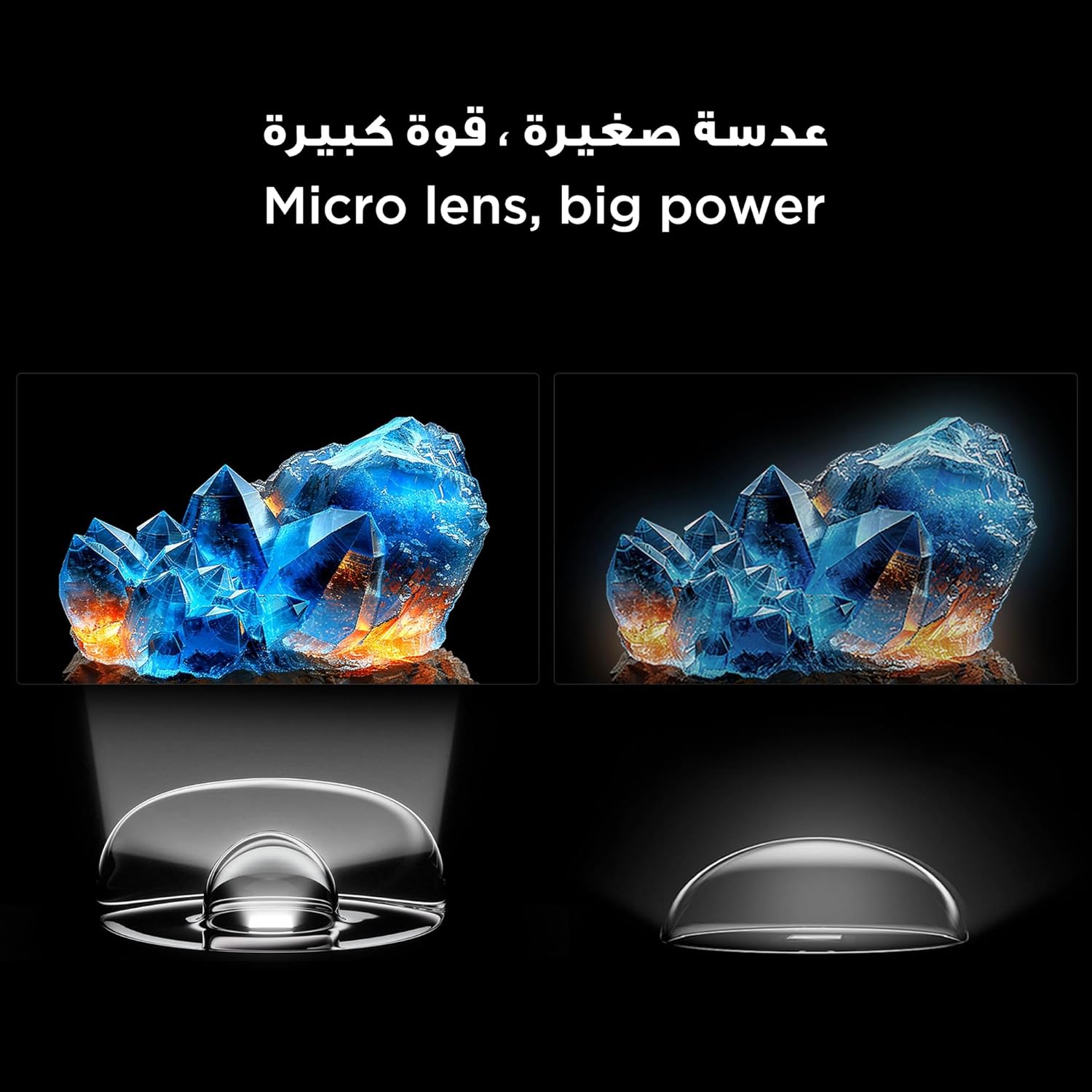
Figure 6: Demonstrates the smooth and clear motion provided by the 144Hz native refresh rate, ideal for fast-paced content and gaming.
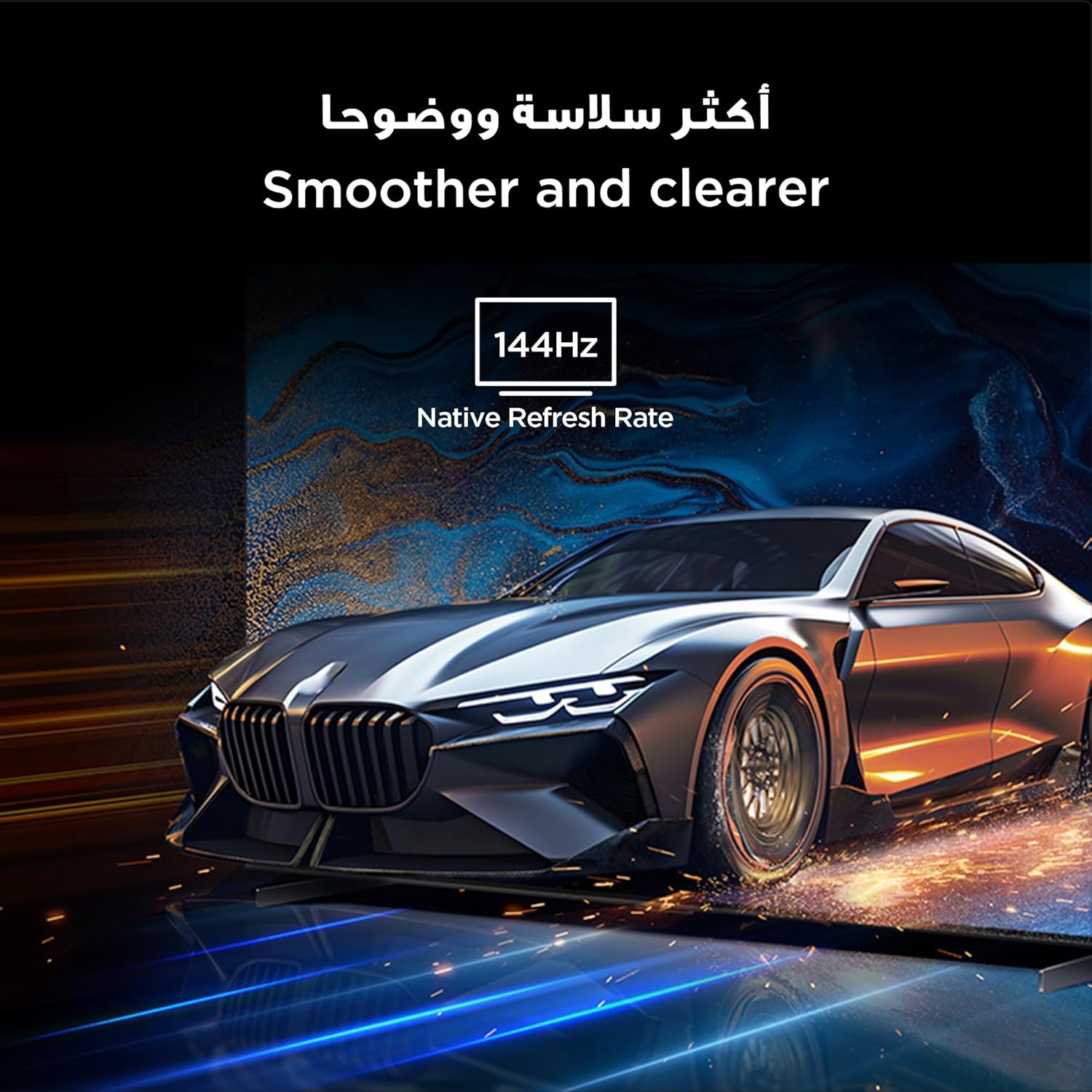
Figure 7: Highlights the immersive audio experience delivered by the integrated Onkyo 2.1 sound system, defining a new standard for home theater.
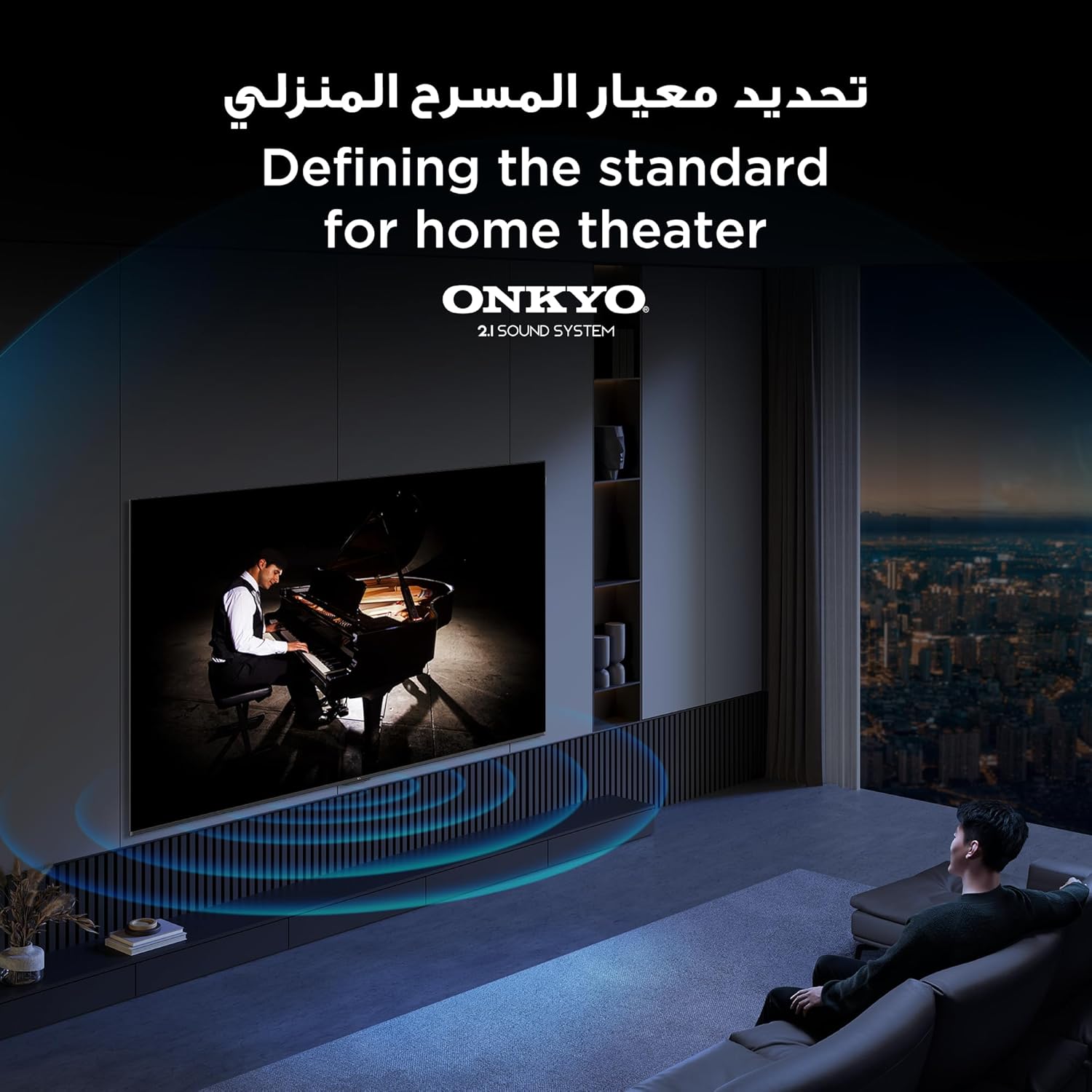
Figure 8: Visual representation of the AiPQ Pro Processor, which intelligently perceives, thinks, and produces optimized visuals and audio.

Figure 9: Illustrates the smart control capabilities of the TCL TV, allowing users to manage other TCL smart devices within their home.
Manutenzione
1. Pulizia dello schermo
Pulisci delicatamente lo schermo con un panno morbido e privo di lanugine. Per le macchie ostinate, utilizza una soluzione detergente specifica per TV, da applicare sul panno, non direttamente sullo schermo.
2. Pulizia del telaio
Pulire la cornice e il supporto del televisore con un panno morbido e asciutto. Evitare l'uso di detergenti abrasivi o solventi.
3. Aggiornamenti software
Ensure your TV is connected to the internet to receive automatic software updates. These updates improve performance and add new features. You can also manually check for updates in the TV's settings menu.
4. Safe Handling
Avoid placing heavy objects on the TV. Do not block ventilation openings. Disconnect the power cable during lightning storms or when the TV will be unused for extended periods.
Risoluzione dei problemi
This section addresses common issues you might encounter with your TCL 65Q6C TV.
Nessun potere
- Controllare che il cavo di alimentazione sia collegato saldamente sia al televisore sia alla presa a muro.
- Assicurarsi che la presa a muro funzioni collegandovi un altro dispositivo.
- Per escludere un problema con il telecomando, premere il pulsante di accensione sul televisore stesso, non solo sul telecomando.
Nessuna immagine / Immagine distorta
- Verificare che sia selezionata la sorgente di ingresso corretta (ad esempio, HDMI 1, HDMI 2).
- Controllare che tutti i collegamenti dei cavi (HDMI, antenna) non siano allentati o danneggiati.
- Try connecting a different device to the same HDMI port to see if the issue is with the source device.
- Regolare le impostazioni dell'immagine (luminosità, contrasto, colore) nel menu TV.
Nessun suono / Suono distorto
- Assicurarsi che il volume non sia disattivato o impostato su un livello troppo basso.
- Check audio output settings in the TV menu to ensure the correct output (e.g., TV speakers, external audio system) is selected.
- Se si utilizzano altoparlanti esterni, verificarne l'alimentazione e i collegamenti.
Il telecomando non funziona
- Sostituire le batterie del telecomando.
- Assicurarsi che non vi siano ostacoli tra il telecomando e il sensore IR del televisore.
- If it's a Bluetooth remote, try re-pairing it with the TV (refer to the TV's settings for pairing instructions).
Problemi di connessione di rete
- Riavvia il router e il modem Wi-Fi.
- Controllare la password Wi-Fi se ci si connette in modalità wireless.
- If possible, try connecting the TV to the internet via an Ethernet cable.
- Go to the TV's network settings to diagnose the connection.
Ripristino delle impostazioni di fabbrica
If problems persist, a factory reset may resolve them. Be aware that this will erase all your settings and installed apps. Navigate to Settings > System > About > Reset > Factory data reset.
Specifiche
| Caratteristica | Descrizione |
|---|---|
| Marca | TCL |
| Nome del modello | 65Q6C |
| Numero di modello | 65Q6C |
| Serie di modelli | Q6C |
| Anno di produzione | 2025 |
| Dimensioni dello schermo | 65 pollici |
| Tecnologia di visualizzazione | Mini LED, LED |
| Risoluzione | 4K |
| Frequenza di aggiornamento | Frequenza 144 Hz |
| Rapporto di contrasto dell'immagine | Alto |
| Supporto formato HDR | HDR10+ |
| Motion Enhancement Technology | Native 144Hz Refresh Rate |
| Image Quality Enhancement Technology | QD-Mini LED, QLED, HDR 10+ |
| Screen Backlight Technology | Mini LED |
| Sistema operativo | TV di Google |
| Servizi Internet supportati | Google TV for Gaming |
| Tecnologia di connettività | HDMI, USB, Bluetooth |
| Interfaccia Hardware | HDMI, USB, Bluetooth |
| Porte HDMI totali | 1 |
| Porte USB totali | 1 |
| Porte USB 3.0 totali | 1 |
| Tecnologia di comunicazione wireless | Bluetooth |
| Descrizione dell'altoparlante | Onkyo 2.1 Channel Hi-Fi Speakers |
| Configurazione del canale audio surround | 2.1 |
| Built-in Surround Sound Format | Dolby Atmos |
| Metodo di controllo | Remoto |
| Tipo di montaggio | Montaggio a parete |
| Standard di montaggio VESA | 600 x 400 millimetri |
| Peso dell'articolo | 24.2 chilogrammi |
Garanzia
This TCL television comes with a limited warranty. The specific terms and duration of the warranty may vary by region and retailer. Please refer to the warranty card included in your product packaging or visit the official TCL websito per informazioni dettagliate sulla garanzia. Conservare la ricevuta d'acquisto come prova d'acquisto per eventuali reclami in garanzia.
Supporto
Per ulteriore assistenza, supporto tecnico o richieste di assistenza, utilizzare le seguenti risorse:
- Ufficiale TCL Websito: Visita www.tcl.com for product information, FAQs, and support contact details specific to your region.
- Assistenza clienti: Refer to the contact information provided in your warranty documentation or on the TCL websito per l'assistenza diretta ai clienti.
- Risorse online: Many common issues can be resolved by consulting the online support sections or user forums available on the TCL websito.