
1. Introduzione
This manual provides detailed instructions for the AITRIP ESP32-C3 0.42-inch OLED Development Board. This compact board integrates the ESP32-C3FN4/FH4 core, offering Wi-Fi and Bluetooth Low Energy (BLE) connectivity, along with a built-in 0.42-inch OLED screen. It is designed for various Internet of Things (IoT) applications, wearable devices, and smart home projects, providing a versatile platform for development.
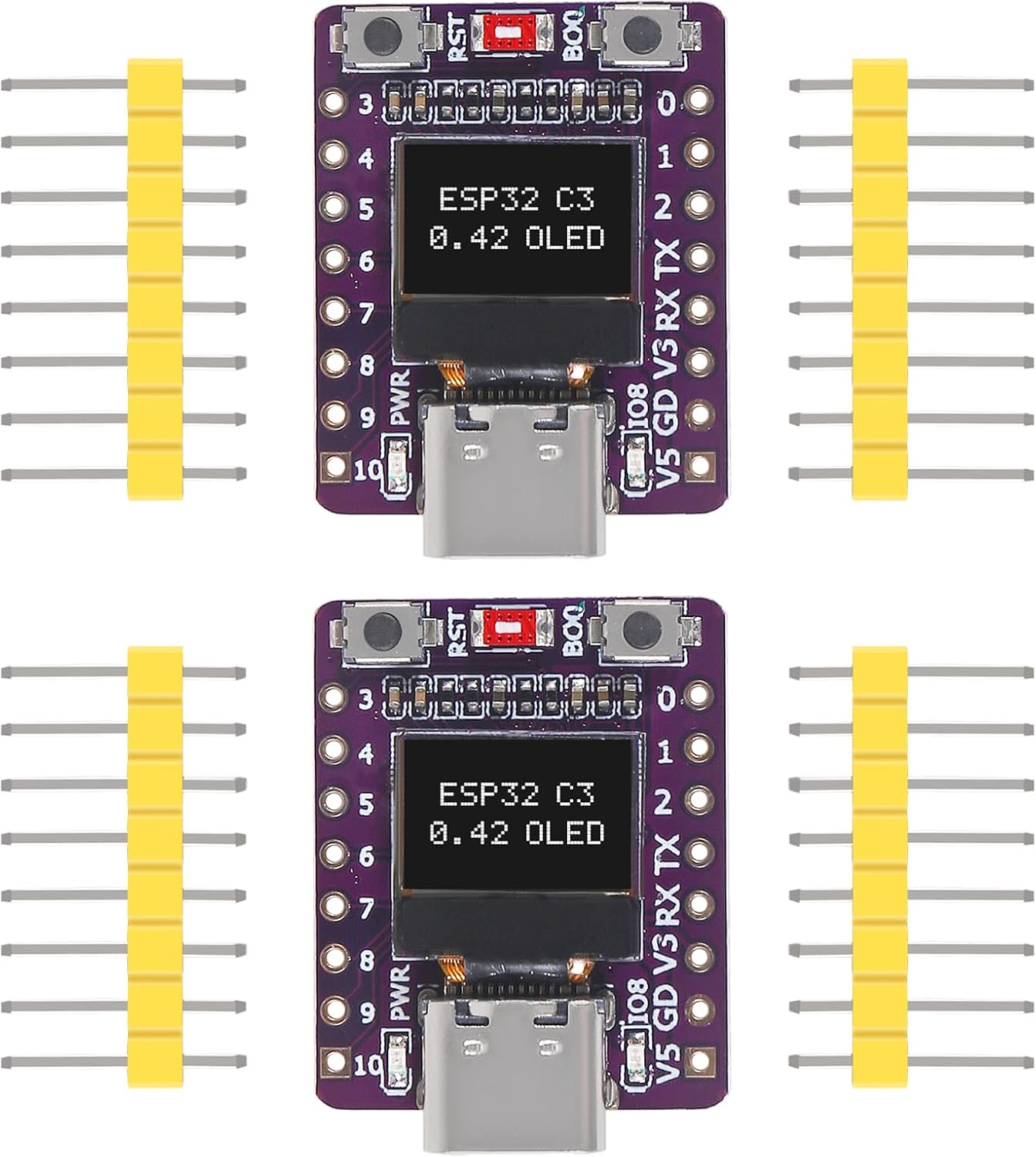
Figure 1: Two AITRIP ESP32-C3 0.42-inch OLED Development Boards with included pin headers.
2. Caratteristiche del prodotto
- Processore principale: Based on ESP32-C3FN4/FH4, featuring a built-in 4MB flash memory.
- Connettività wireless: Integrated Wi-Fi and Bluetooth (BLE) capabilities with an onboard ceramic antenna.
- Display: Equipped with a 0.42-inch OLED screen for visual output.
- Programmazione: Supports USB download for convenient firmware updates and programming.
- Interfacce periferiche: Includes 1x I2C, 1x SPI, 2x UART, 11x GPIO (supporting PWM), and 4x ADC pins for extensive connectivity.
- Design compatto: Features a supermini form factor, ideal for space-constrained projects.
3. Specifiche
| Caratteristica | Dettaglio |
|---|---|
| Processore | Espressif ESP32-C3 (Core M Family) |
| Sistema operativo | RTOS gratuito |
| Capacità di archiviazione della memoria | 4 MB |
| Tecnologia di connettività | Bluetooth, USB, Wi-Fi |
| Peso dell'articolo | 0.317 once |
| Dimensioni del pacco | 2.91 x 1.26 x 0.87 pollici |
| Dimensioni della scheda (circa) | 25 mm x 20 mm (0.98 x 0.78 pollici) |
4. Contenuto della confezione
Ogni pacchetto in genere include:
- ESP32-C3 0.42-inch OLED Development Board(s)
- Pin Header (per saldatura)
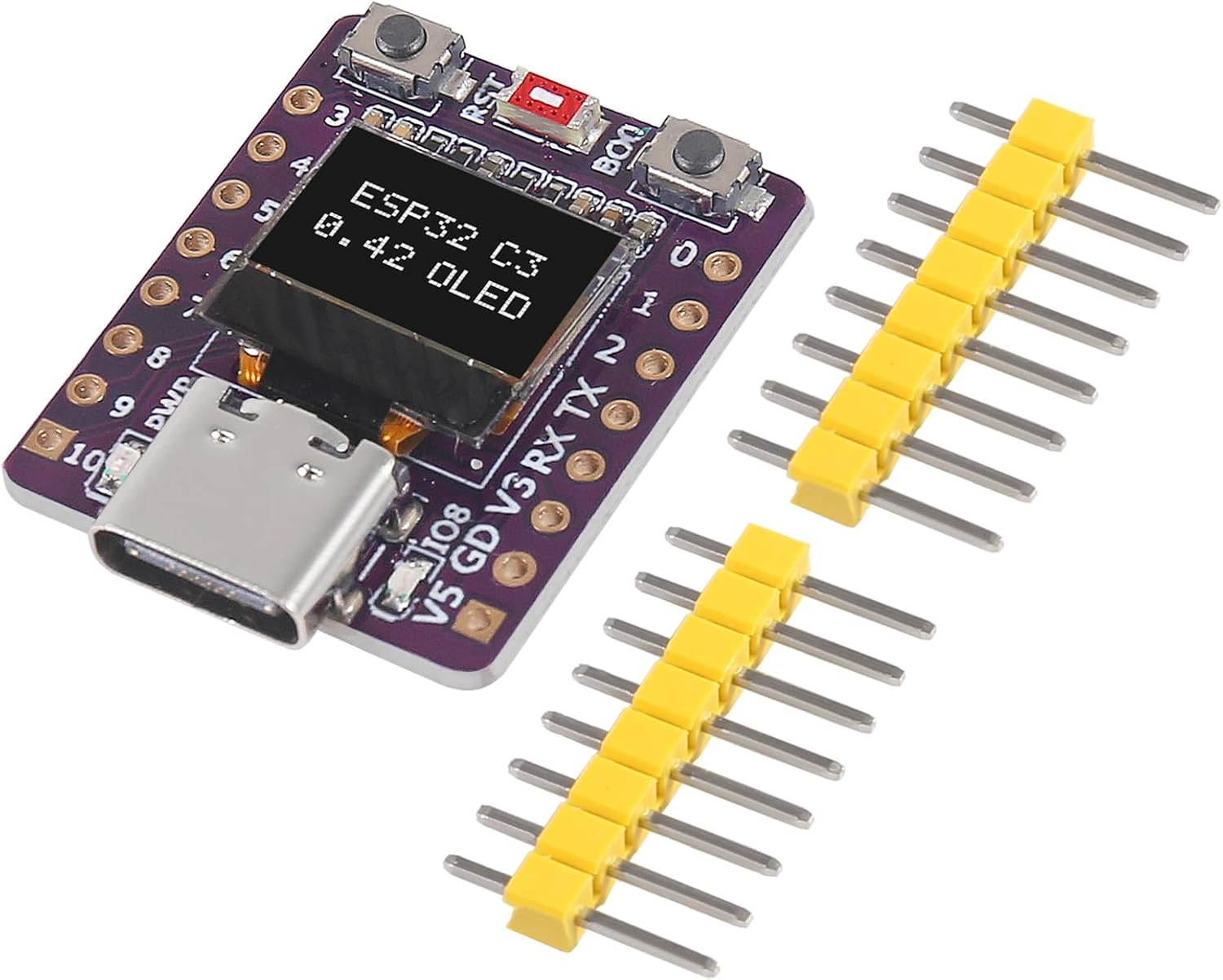
Figure 2: Contents of the AITRIP ESP32-C3 Development Board package.
5. Configurazione e hardwareview
Before using the development board, it is recommended to solder the included pin headers to allow for easy integration with breadboards or custom circuits. The board features a USB-C port for power and data communication, along with reset and boot buttons.
5.1 Dimensioni della scheda

Figure 3: Approximate dimensions of the ESP32-C3 Development Board.
5.2 Dettagli dei componenti

Figura 4: dettagliata views of key components including the USB-C port, ESP32-C3 chip, and control buttons.
5.3 Diagramma di pinout
Understanding the pinout is essential for connecting peripherals and programming the board. Refer to the diagram below for GPIO assignments and power pins.
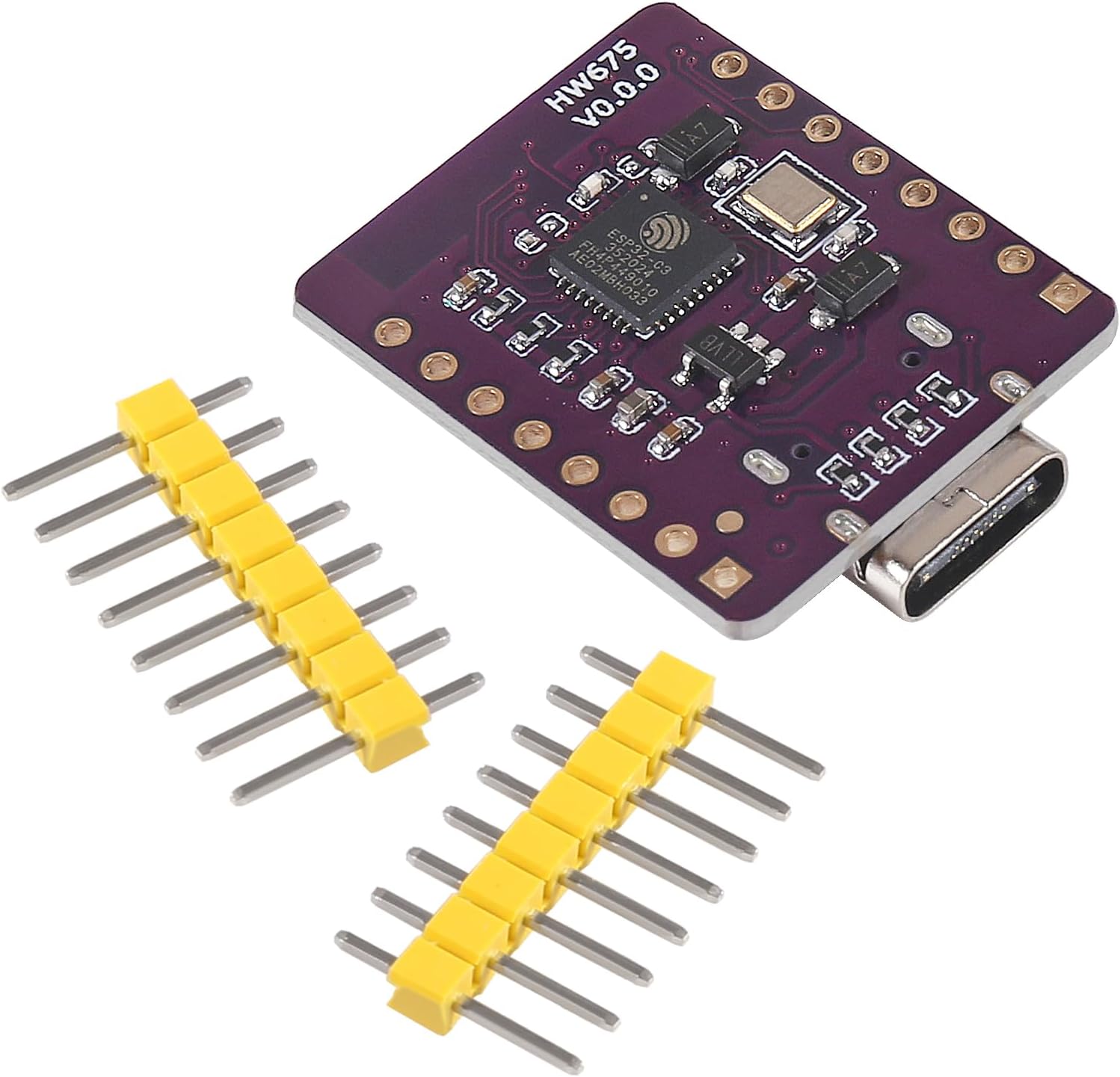
Figure 5: Pinout diagram of the ESP32-C3 Development Board. Note that for the 0.42-inch OLED, I2C SDA and SCL pins are typically GPIO5 and GPIO6, respectively, though some configurations may vary.
6. Istruzioni per l'uso
The AITRIP ESP32-C3 Development Board can be programmed using various integrated development environments (IDEs), such as the Arduino IDE or Espressif's ESP-IDF. The onboard 0.42-inch OLED display is typically controlled via I2C communication.
6.1 Initial Programming Setup
- Installa Arduino IDE: Scarica e installa l'ultima versione dell'IDE Arduino dal sito ufficiale Arduino websito.
- Aggiungi supporto scheda ESP32: Nell'IDE di Arduino, vai a
File > Preferencesand add the ESP32 board manager URL to the 'Additional Board Manager URLs' field. - Installare le schede ESP32: Vai a
Tools > Board > Boards Manager, search for 'ESP32', and install the 'esp32 by Espressif Systems' package. - Seleziona la bacheca: Sotto
Tools > Board > ESP32 Arduino, select a compatible ESP32-C3 board, such as 'MakerGo ESP32C3 Supermini' or a generic ESP32-C3 Dev Module. - Connect Board: Connect the ESP32-C3 board to your computer using a USB-C cable.
- Seleziona Porto: Vai a
Tools > Porte seleziona la porta seriale corrispondente alla scheda collegata.
6.2 OLED Display Usage
The 0.42-inch OLED display typically uses the I2C protocol. Common libraries like U8g2 or Adafruit SSD1306 can be used to control it. Based on user feedback, the I2C SDA and SCL pins for the OLED may be GPIO5 and GPIO6, respectively. The usable display area might also require specific offsets (e.g., xOffset=28, yOffset=24 for a 72x40 display within a 128x64 buffer) depending on the specific OLED driver and library configuration.
Refer to the library documentation and example sketches for detailed programming instructions for the OLED.
6.3 Esample Applicazioni
The ESP32-C3's Wi-Fi and Bluetooth capabilities, combined with its rich GPIO, enable a wide range of applications, from simple sensor data logging to complex IoT nodes. The board also supports GUI interface programs like LVGL for more advanced display applications.
Video 1: Demonstration of an ESP32-C3 Development Board's features, including Wi-Fi and Bluetooth connectivity, and its application in various projects. This video is provided by Aceirmc US.
Video 2: Un breve riassuntoview of an ESP32 module, showcasing its compact size and potential for integration into electronic projects. This video is provided by Aitrip.
7. Manutenzione
To ensure the longevity and proper functioning of your AITRIP ESP32-C3 Development Board, follow these maintenance guidelines:
- Maneggiare con cura: Evitare di far cadere la tavola o di sottoporla a urti fisici.
- Prevenire le scariche statiche: Always handle the board on an anti-static mat or by touching a grounded object to discharge static electricity.
- Mantenere asciutto: Protect the board from moisture and liquids, as these can cause short circuits and damage.
- Ambiente operativo: Use the board within its specified operating temperature and humidity ranges.
- Pulizia: Mantenere la scheda pulita da polvere e detriti. Se necessario, utilizzare una spazzola morbida e asciutta o aria compressa per la pulizia.
8. Risoluzione Dei Problemi
If you encounter issues with your ESP32-C3 Development Board, consider the following common troubleshooting steps:
- Problemi di alimentazione: Ensure the board is receiving adequate power via the USB-C port. Check the cable and power source.
- Connessione USB: Verify that the USB-C cable is securely connected and that your computer recognizes the serial port. Try a different USB port or cable.
- Installazione del driver: Confirm that the necessary USB-to-serial drivers (e.g., CP210x or CH340, depending on the board's chip) are installed on your computer.
- Errori di programmazione: If code upload fails, check your Arduino IDE board and port selections. Ensure the correct ESP32-C3 board type is selected.
- Display OLED non funzionante: Double-check the I2C pin assignments (SDA, SCL) in your code against the board's pinout. Verify the I2C address of the OLED module. Ensure the display library is correctly configured for the 0.42-inch OLED.
- Modalità di avvio: If programming issues persist, try holding down the BOOT button while pressing and releasing the RST button, then release BOOT to enter download mode.
- Supporto della comunità: For specific programming or hardware issues, consult online forums and communities dedicated to ESP32 development.
9. Garanzia e supporto
For warranty information and technical support, please refer to the official AITRIP product page or contact AITRIP customer service directly. Keep your purchase receipt for warranty claims.