
Introduzione
Thank you for choosing the Nsiucion Invisible Mini Sleep Earbuds. These ultra-light, comfortable earbuds are designed for extended wear, especially for side sleepers, offering superior sound and stable connectivity. This manual provides detailed instructions to help you get the most out of your device.
Cosa c'è nella scatola
- Auricolari wireless x 2
- Wireless Charging Case x 1
- Soft Ear Tips x 1 (set)
- Cavo USB x 1
- Manuale utente x 1

Image: Contents of the Nsiucion Invisible Mini Sleep Earbuds package, including earbuds, charging case, and accessories.
Caratteristiche del prodotto
- Ultra-Light Comfort Fit: Weighing just 0.08oz per earbud, designed for snug fit, ideal for side sleepers.
- Unique Tumbler Design: Portable charging case with a fun tumbler toy design.
- Suono stereo superiore: 13mm drivers for quality sound with deep bass and clear mids.
- Long Playtime & Digital Display: Up to 4 hours playback on a single charge, 24 hours total with charging case. Built-in LED power display.
- Fast & Stable Bluetooth 5.3: Faster connections, lower latency, and stable performance. Auto one-step pairing.
- Controlli touch intelligenti: Seamless music playback and call management with a single touch.

Image: A woman sleeping on her side, demonstrating the low-profile and comfortable fit of the earbuds.
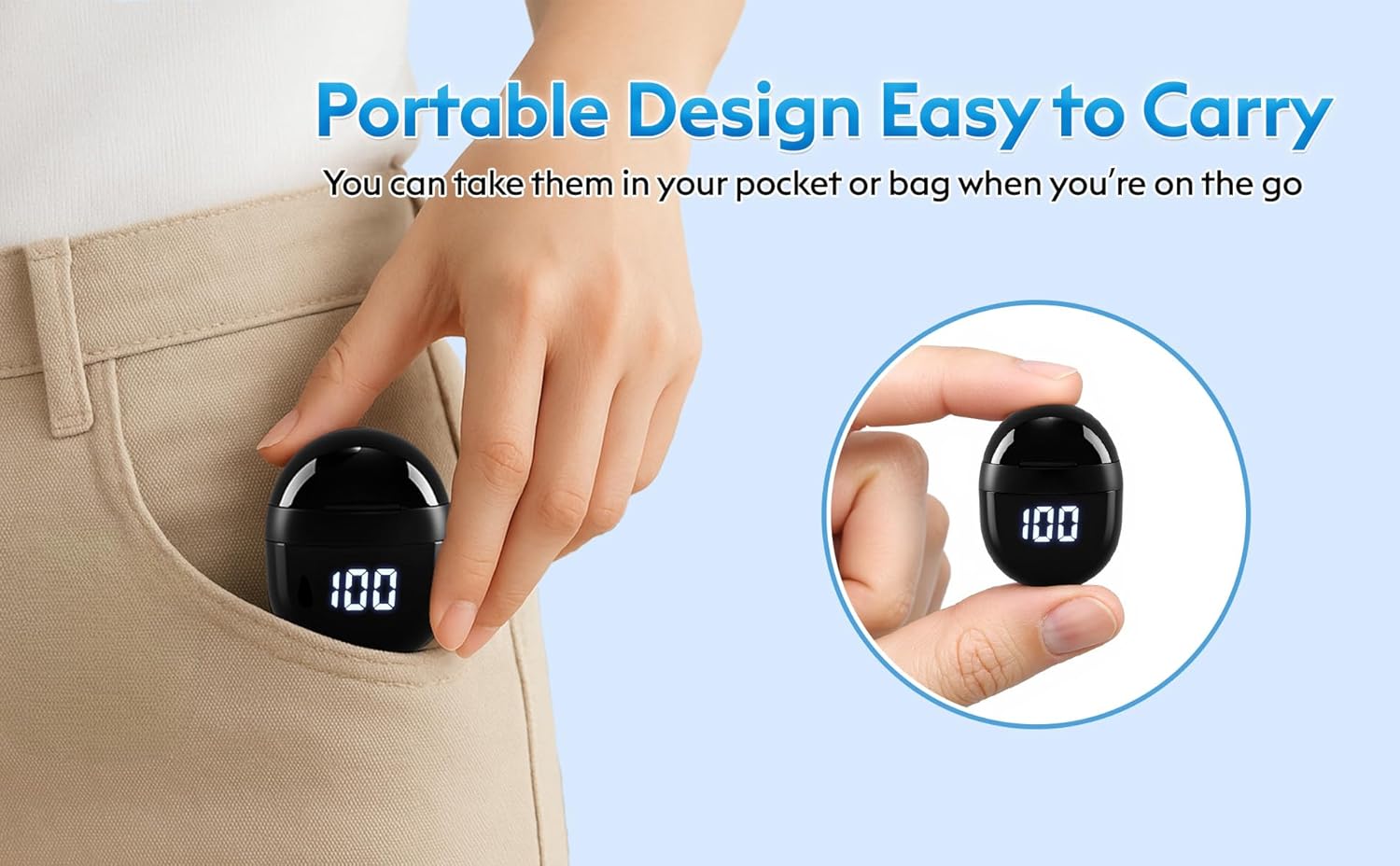
Image: The compact charging case easily fits into a pocket, highlighting its portability.
Impostare
1. Ricarica degli auricolari e della custodia
- Inserisci gli auricolari nella custodia di ricarica. Assicurati che siano posizionati correttamente: gli indicatori LED sugli auricolari si illumineranno.
- Connect the USB Type-C cable to the charging port on the case and plug the other end into a compatible USB power source.
- The LED Power Display on the charging case will show the current battery level. A full charge for the case takes approximately 1 hour.
- The earbuds provide approximately 4 hours of playback on a single charge, and the charging case offers an additional 20 hours, totaling 24 hours of use.

Image: Illustration of the charging case's LED power display and USB Type-C charging port, indicating battery life and charging time.
2. Accoppiamento Bluetooth
- Aprire la custodia di ricarica. Gli auricolari entreranno automaticamente in modalità di associazione.
- Sul tuo dispositivo (smartphone, tablet, ecc.), attiva il Bluetooth e cerca i dispositivi disponibili.
- Select "SK18" from the list of devices to connect.
- Una volta effettuata la connessione, verrà emesso un messaggio audio che conferma l'avvenuta associazione.
- To pair with a new device, disconnect from the currently paired device first.

Image: A smartphone displaying the Bluetooth pairing menu, with "SK18" visible as a discoverable device.
Istruzioni per l'uso
Indossare gli auricolari
- Identificare gli auricolari sinistro (L) e destro (R).
- Gently insert each earbud into your ear canal. Rotate slightly to ensure a snug and comfortable fit.
- Ensure the touch zone is not touching your ear to prevent accidental power on/off or control activation.

Image: Visual guide demonstrating the proper insertion of the earbuds to avoid accidental touch control activation.
Controlli touch
The earbuds feature smart touch controls for easy management of music and calls:
- Riproduci/Pausa: Un solo tocco su uno degli auricolari.
- Traccia successiva: Tocca due volte l'auricolare destro.
- Traccia precedente: Tocca due volte l'auricolare sinistro.
- Rispondi/Termina chiamata: Un solo tocco su uno degli auricolari.
- Rifiuta chiamata: Tieni premuto uno degli auricolari per 2 secondi.
- Attiva l'assistente vocale: Tocca tre volte uno degli auricolari.
Uso di un auricolare singolo
Each earbud can be used independently. Simply take one earbud out of the charging case, and it will automatically connect to your device if previously paired.
Manutenzione
- Pulizia: Pulisci regolarmente gli auricolari e la custodia di ricarica con un panno morbido, asciutto e privo di lanugine. Non utilizzare prodotti chimici aggressivi o materiali abrasivi.
- Suggerimenti per le orecchie: Remove and clean the silicone ear tips with mild soap and water. Ensure they are completely dry before reattaching.
- Magazzinaggio: Quando non li usi, riponi gli auricolari nella custodia di ricarica per proteggerli e assicurarti che rimangano carichi.
- Resistenza all'acqua: The earbuds are water-resistant. Avoid submerging them in water or exposing them to excessive moisture.
Risoluzione dei problemi
| Problema | Soluzione |
|---|---|
| Gli auricolari non si accoppiano | Ensure earbuds are charged. Turn off and on Bluetooth on your device. Forget "SK18" from your device's Bluetooth list and re-pair. |
| Nessun suono | Check device volume and earbud volume. Ensure earbuds are connected. Try re-pairing. |
| Gli auricolari non si caricano | Ensure earbuds are properly seated in the case. Check charging cable and power source. Clean charging contacts on earbuds and case. |
| Connessione intermittente | Assicurati che il tuo dispositivo si trovi entro un raggio di 10 metri dal segnale Bluetooth. Evita ostacoli tra gli auricolari e il dispositivo. |
Specifiche
- Nome modello: BDW-SK18
- Marca: Nsiucion
- Tecnologia di connettività: Senza fili, Bluetooth 5.3
- Posizionamento dell'orecchio: Nell'orecchio
- Fattore di forma: Nell'orecchio
- Controllo del rumore: Cancellazione adattiva del rumore
- Tipo di driver audio: Driver dinamico
- Durata della batteria: 4 ore (auricolari), 24 ore (con custodia di ricarica)
- Tempo di ricarica: Approximately 1 hour (case)
- Tipo di controllo: Controllo touch
- Livello di resistenza all'acqua: Resistente all'acqua
- Peso dell'articolo: 0.08 once (per auricolare)
- Gamma Bluetooth: 10 metri
- Materiale: Plastica, Silicone
Garanzia e supporto
Nsiucion provides a Garanzia di 12 mesi for these Invisible Mini Sleep Earbuds. For any product inquiries, technical support, or warranty claims, please contact Nsiucion customer service through the retailer's platform or the official brand websito.
Video del prodotto
Video: Oltreview of the M73 Sleep Earbuds in black, showcasing their compact design and charging case features.
Video: Oltreview of the M73 Sleep Earbuds in white, highlighting their design and functionality.
Video: Demonstration of the SK18 mini headphones, focusing on their small size and fit.
Video: Showcase of the Wireless Smallest Invisible Earbuds for Sleep, emphasizing their discreet design.
Video: Demonstration of the Mini Bluetooth headset, highlighting its compact form factor.