
1. Introduzione
This manual provides detailed instructions for the ganopterygon Smart Activity Fitness Tracker, Model TG19. This device is designed to help you monitor your health and fitness activities, including heart rate, sleep patterns, and various sports modes. Please read this manual thoroughly before using the device to ensure proper operation and to maximize its features.

Image 1.1: The ganopterygon Smart Activity Fitness Tracker shown with both black and blue interchangeable bands.
2. Cosa c'è nella scatola
Dopo aver aperto la confezione, verificare che siano presenti tutti i seguenti elementi:
- Smart Health Wristband (Fitness Tracker)
- Manuale dell'utente (questo documento)
- Watch Band (Black)
- Watch Band (Blue)
- Cavo di ricarica
3. Guida all'installazione
3.1 Ricarica del dispositivo
Before initial use, fully charge your Smart Activity Fitness Tracker. Connect the provided charging cable to the charging port on the device and plug the other end into a USB power source (e.g., computer USB port, USB wall adapter). A full charge typically takes approximately 1.5 hours.
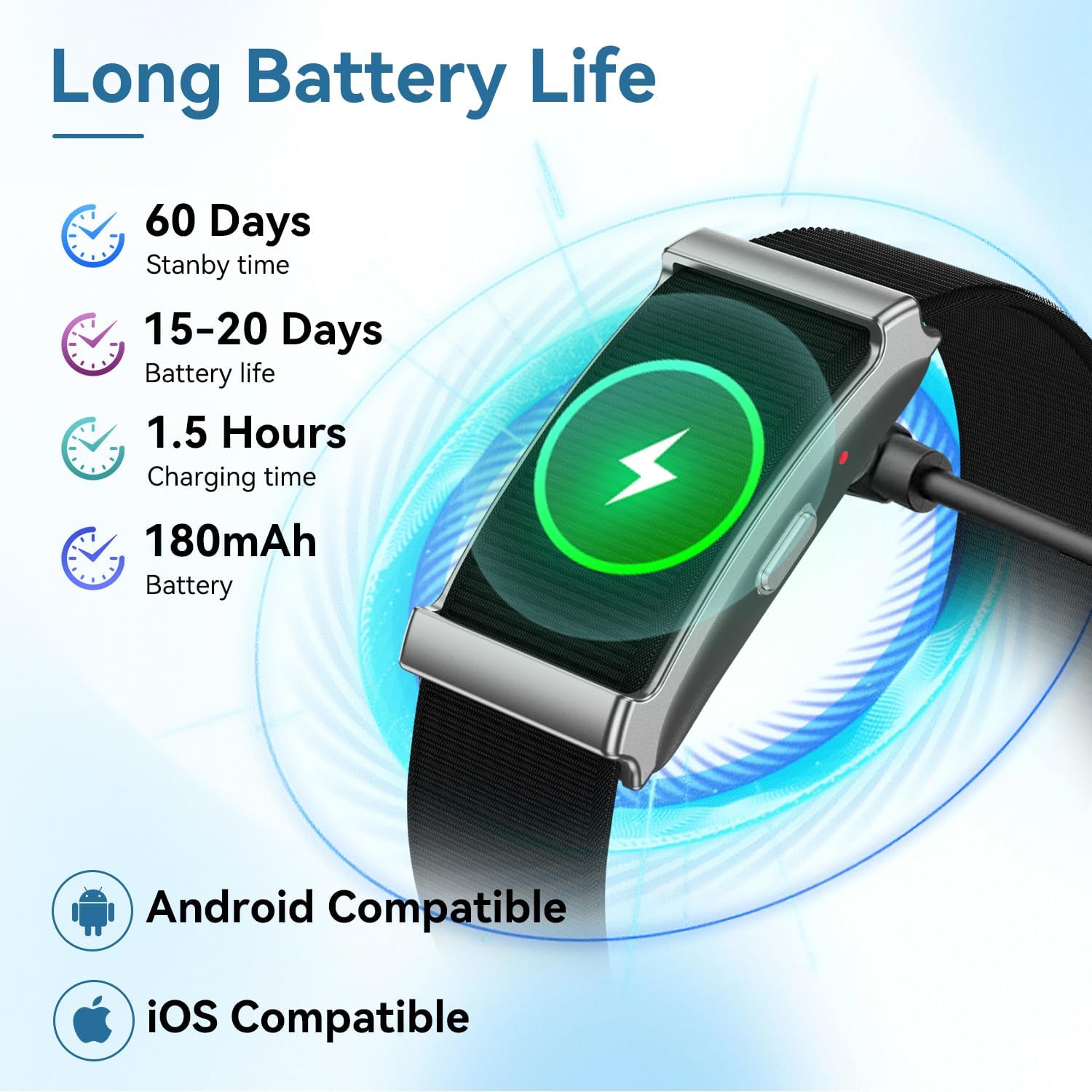
Image 3.1: The fitness tracker being charged, illustrating the charging process and battery life indicators.
3.2 Installazione e associazione dell'app
To utilize all features of your fitness tracker, you must download and install the companion application on your smartphone. The device is compatible with both Android and iOS operating systems.
- Scan the QR code provided in the quick start guide (if available) or search for the official ganopterygon app in your smartphone's app store (Google Play Store for Android, Apple App Store for iOS).
- Installa l'applicazione sul tuo smartphone.
- Apri l'app e segui le istruzioni sullo schermo per creare un account o accedere.
- Ensure your fitness tracker is charged and Bluetooth is enabled on your smartphone.
- Within the app, navigate to the device pairing section and select your TG19 tracker from the list of available devices.
- Confirm the pairing request on both your smartphone and the fitness tracker (if prompted).
Once paired, the tracker will synchronize data with your smartphone, allowing you to view detailed health and activity statistics.
4. Istruzioni per l'uso
4.1 Monitoraggio sanitario
The Smart Activity Fitness Tracker continuously monitors various health metrics:
- Monitoraggio della frequenza cardiaca: The device provides precise 24/7 heart rate tracking. You can view real-time heart rate data on the device or in the companion app.
- Monitoraggio del sonno: The tracker analyzes your sleep stages (deep, light, REM) to provide in-depth insights into your sleep quality. This data helps optimize recovery and overall wellness.
- Monitoraggio dell'ossigeno nel sangue (SpO2): Track your blood oxygen levels at any time to optimize your body's health status.
- Monitoraggio della salute delle donne: The device can help you keep track of your menstrual cycle and remind you of special dates, assisting in managing your health more easily.

Image 4.1: Illustration of 24/7 health monitoring, including heart rate and blood oxygen levels.
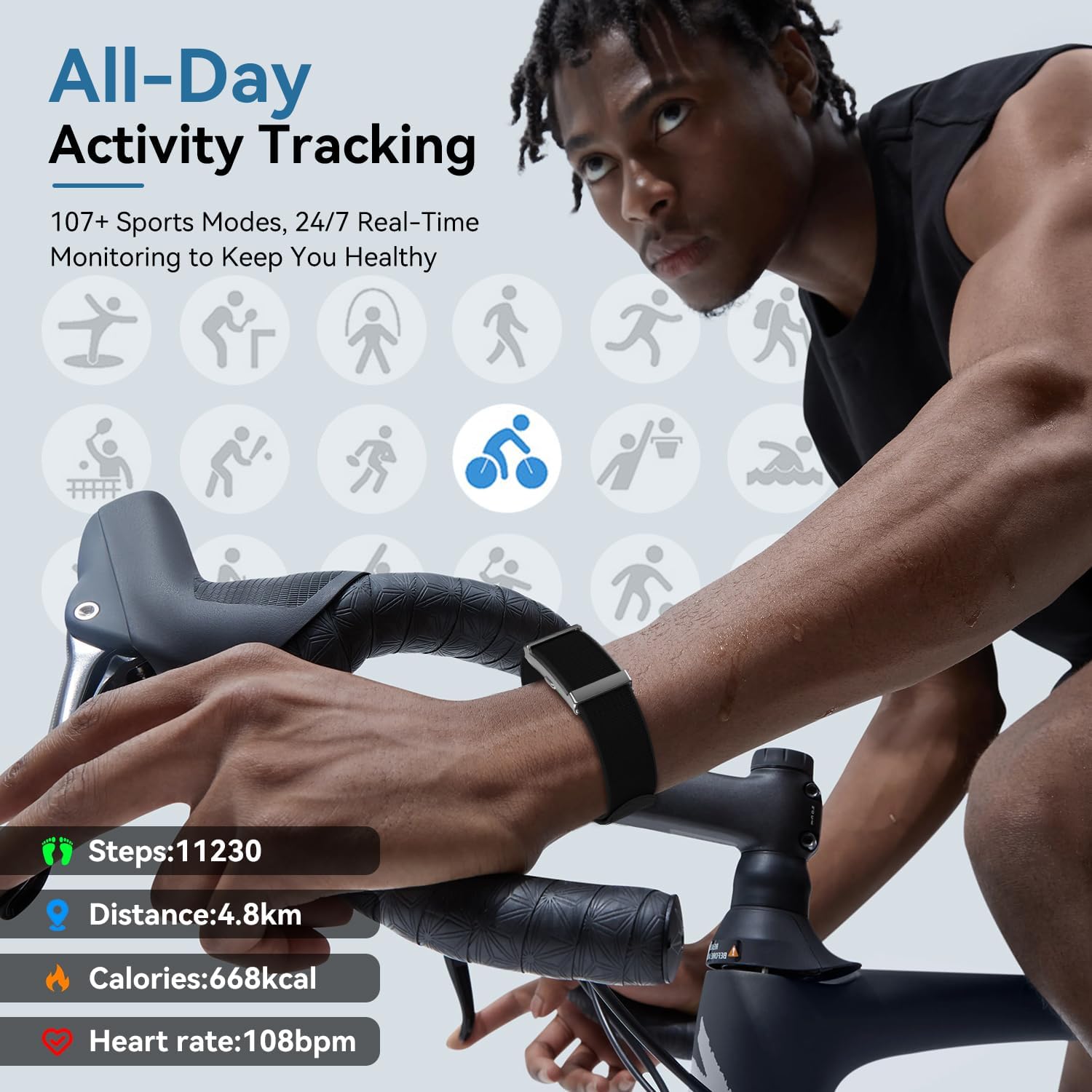
Image 4.2: Visual representation of the sleep quality monitoring feature, detailing different sleep stages.
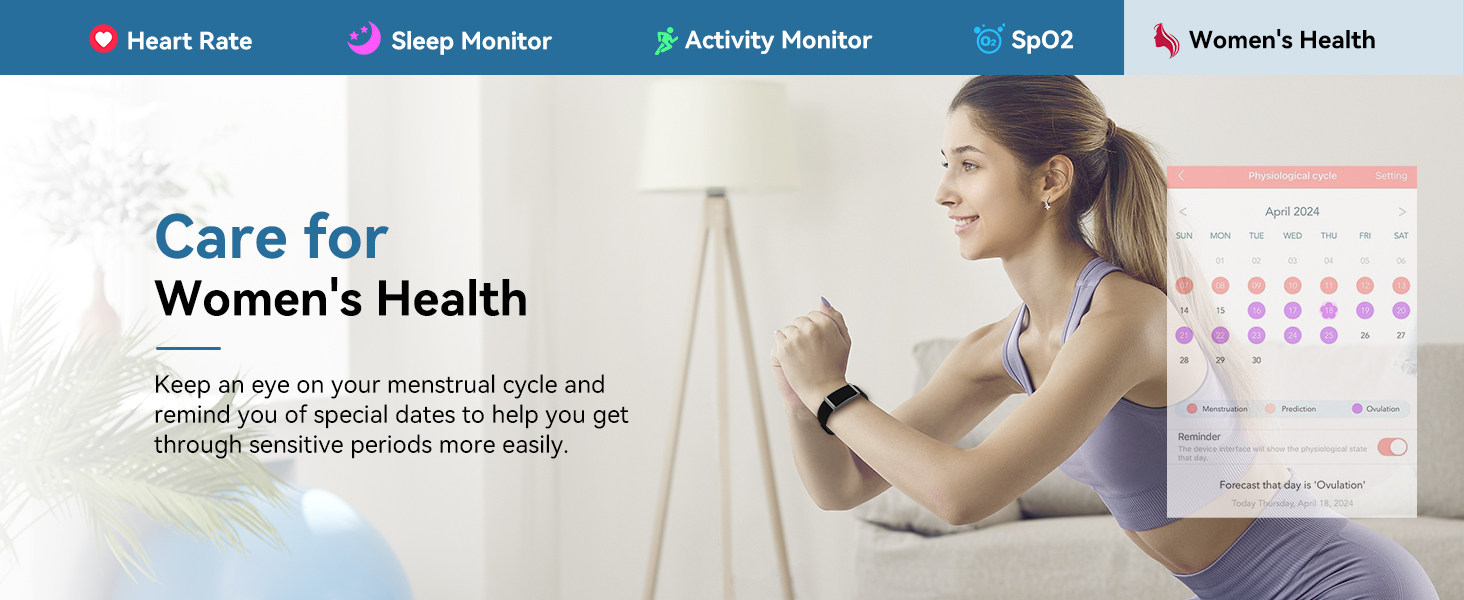
Image 4.3: The fitness tracker's capability to track blood oxygen levels for comprehensive health monitoring.
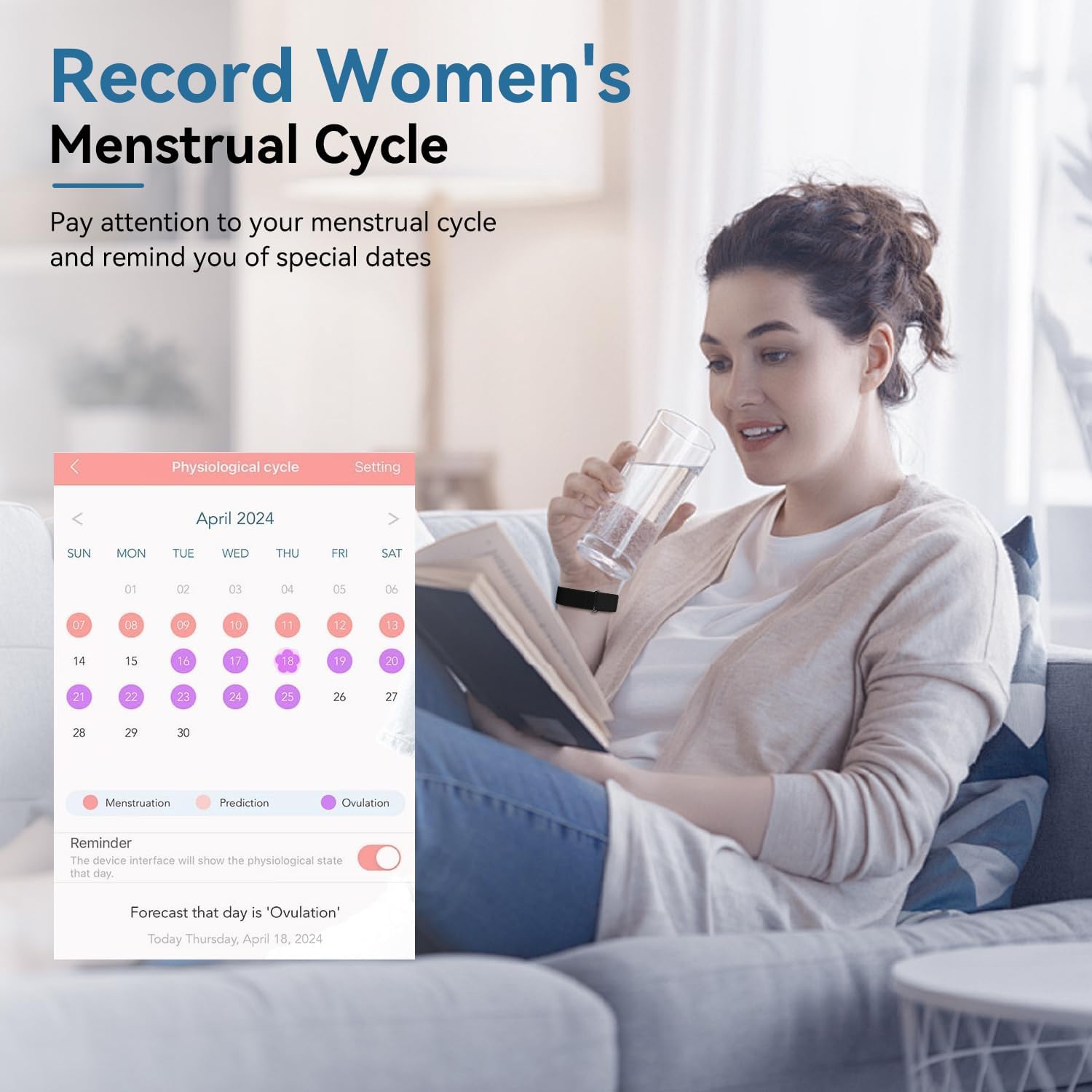
Image 4.4: The fitness tracker's feature for recording and tracking women's menstrual cycles.
4.2 Monitoraggio delle attività
The tracker supports comprehensive activity monitoring:
- Tracciamento GPS: Utilize the built-in GPS to map routes, track pace, and monitor elevation for outdoor activities such as runs, hikes, and cycling. Note: GPS functionality is via smartphone connection.
- Oltre 120 modalità sportive: Adapt to a wide range of activities, from swimming and yoga to HIIT and skiing. The tracker records calories burned, distance, and duration for each mode.

Image 4.5: The fitness tracker's all-day activity tracking capabilities, including multiple sport modes and key metrics.
4.3 Smart Connectivity & Control
The device offers seamless integration with your smartphone:
- Notifiche: Receive real-time call and SMS notifications directly on your wrist.
- Controllo della musica: Control music playback on your smartphone directly from the tracker.
- Promemoria: Set various reminders such as drinking water reminders, sedentary reminders, and menstrual cycle reminders to maintain a healthy lifestyle.
- Funzioni aggiuntive: Includes camera control, alarm vibration, and a 'Find Bracelet' feature.

Immagine 4.6: Passoview of smart notifications and reminder features available on the fitness tracker.
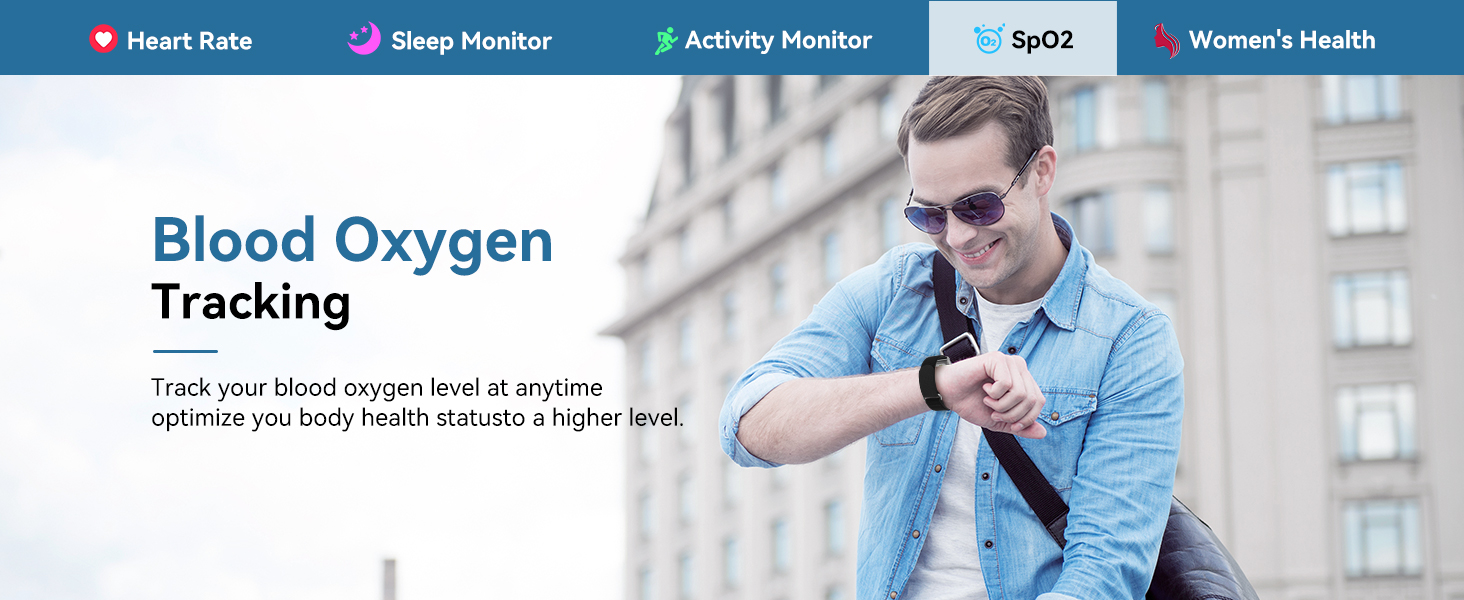
Image 4.7: Additional multifunctional features of the fitness tracker.
5. Manutenzione
5.1 Pulizia
To maintain the cleanliness and functionality of your fitness tracker:
- Wipe the device and bands regularly with a soft, damp stoffa.
- Avoid using harsh chemicals or abrasive cleaners, as these can damage the device's finish or sensors.
- Prima di procedere alla ricarica, assicurarsi che i contatti di ricarica siano puliti e asciutti.
5.2 Resistenza all'acqua
The ganopterygon Smart Activity Fitness Tracker has an IP68 waterproof rating, meaning it can withstand handwashing and exposure to rain. It is designed to be water-resistant for daily use.
Nota importante:
- È non consigliato to wear the device when taking a hot bath, showering, or swimming for extended periods, as steam or prolonged submersion may affect its performance.
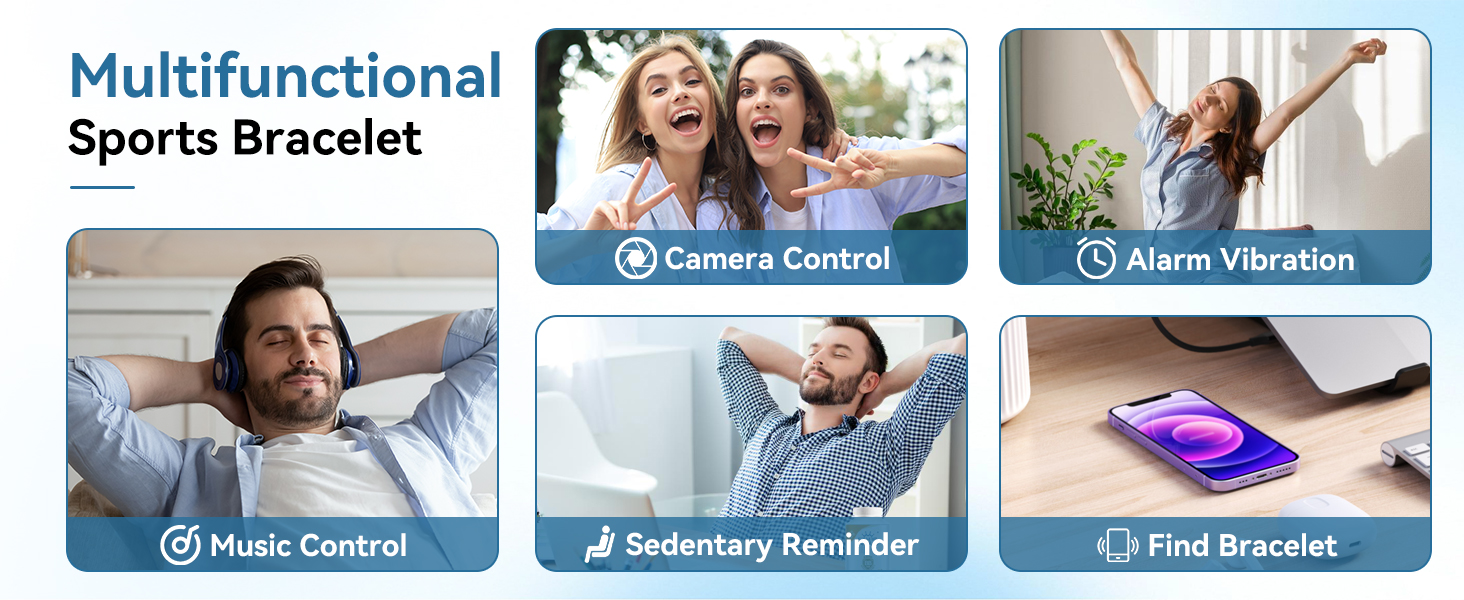
Image 5.1: Demonstration of the IP68 waterproof rating, suitable for daily activities like handwashing and exposure to rain.
5.3 Sostituzione della fascia
The included black and blue bands are easily interchangeable. To replace a band, locate the quick-release pins on the underside of the tracker where the band connects. Slide the pin to detach the current band and attach the new band by aligning the pins with the holes on the tracker and releasing lo spillo.
6. Risoluzione Dei Problemi
If you encounter issues with your ganopterygon Smart Activity Fitness Tracker, please refer to the following common solutions:
| Problema | Possibile causa | Soluzione |
|---|---|---|
| Device not turning on or unresponsive | Batteria scarica; problema software | Charge the device for at least 30 minutes. If still unresponsive, perform a force restart (refer to app for specific instructions or hold button for 10-15 seconds). |
| Impossibile associare allo smartphone | Bluetooth off; app issue; device not discoverable | Ensure Bluetooth is enabled on your phone. Restart both the tracker and your phone. Reinstall the app if necessary. Make sure the tracker is close to the phone during pairing. |
| Inaccurate heart rate/sleep tracking | Improper fit; sensor obstruction; software calibration | Ensure the tracker is worn snugly on your wrist, about one finger's width above the wrist bone. Clean the sensor on the back of the device. Check app settings for calibration options. |
| GPS tracking issues | Poor satellite signal; phone GPS off; app permissions | Assicurati di essere in un'area aperta con cielo sereno view. Verify GPS is enabled on your smartphone and the companion app has location permissions. |
| Durata breve della batteria | Frequent use of power-intensive features; old battery | Reduce frequency of continuous heart rate monitoring or GPS usage. Ensure background app refresh is managed. Battery life may vary depending on frequency of use. |
If the problem persists after trying these solutions, please contact ganopterygon customer support for further assistance.
7. Specifiche
| Caratteristica | Dettaglio |
|---|---|
| Numero di modello | TG19 |
| Dimensioni del pacco | 5.94 x 3.5 x 0.75 pollici |
| Peso dell'articolo | 1.2 once |
| Dimensioni dello schermo | 1.85 pollici (dimensioni dello schermo in piedi) |
| Sistema operativo | Sistema operativo proprietario |
| Capacità di archiviazione della memoria | 128 MB |
| Dimensione della memoria RAM installata | 1 GB |
| Tipo di batteria | Polimeri di litio (batteria da 1 A inclusa) |
| Capacità della batteria | 180 milioneamp Ore |
| Tecnologia di connettività | Bluetooth |
| Standard di comunicazione wireless | Bluetooth |
| GPS | GPS tramite smartphone |
| Forma | Rettangolare |
| Caratteristica speciale | Monitoraggio attività |
| Produttore | ganopterigono |
8. Garanzia e supporto
For warranty information and customer support, please refer to the documentation included with your purchase or visit the official ganopterygon brand store on Amazon. The brand store can be accessed via the link provided on the product page or by searching for 'ganopterygon' on Amazon.
Typical warranty periods and support details are provided by the manufacturer at the time of purchase. Please retain your proof of purchase for any warranty claims.
Nota sui video:
No official product videos from the seller were found in the provided product data to embed in this manual.