
Sonos Sub 4
Manuale di istruzioni del subwoofer wireless Sonos Sub 4
Model: Sub 4 (SUBG4US1BLK)
Introduzione
The Sonos Sub 4 is a wireless subwoofer designed to enhance your audio experience with powerful, deep bass. It integrates seamlessly with your existing Sonos sound system, providing an immersive sound for music, movies, and more. Featuring dual force-canceling drivers, the Sub 4 delivers rich low frequencies without distortion or rattle. Its versatile design allows for flexible placement within your home.
Cosa c'è nella scatola
Carefully unpack your Sonos Sub 4 and ensure all components are present:
- Subwoofer wireless Sonos Sub 4
- Cavo di alimentazione
- Guida rapida

Image: Sonos Sub 4 Wireless Subwoofer, front view, black finish. This image displays the sleek, minimalist design of the subwoofer.
Guida all'installazione
Follow these steps to set up your Sonos Sub 4:
- Scegli una posizione: The Sub 4 can be placed upright or laid on its side. Consider placing it near your main listening area or where you want to enhance bass. Ensure it has access to a power outlet.
- Connetti alimentazione: Plug the included power cable into the Sub 4 and then into a wall outlet.
- Scarica l'app Sonos: If you haven't already, download the Sonos app on your smartphone or tablet from your device's app store.
- Add Sub 4 to Your System: Open the Sonos app and follow the on-screen instructions to add your new Sub 4 to your existing Sonos system. The app will guide you through connecting it wirelessly to your Sonos soundbar (e.g., Sonos Arc Ultra, Arc, or Beam) or other Sonos speakers.
- Ottimizzazione Trueplay (opzionale): For optimal sound, use the Trueplay tuning feature in the Sonos app to calibrate the Sub 4 to your room's acoustics.

Image: Simple Plug & Play Setup. This image illustrates the straightforward process of connecting the Sub 4 to power and integrating it into your Sonos system.

Image: Pairing Subwoofer. This image demonstrates how to pair the Sub 4 with other Sonos speakers for a unified audio experience.
Operating Your Sonos Sub 4
The Sonos Sub 4 is controlled primarily through the Sonos app, offering seamless integration and customization options for your audio experience.
- Controllo app: Use the Sonos app to adjust bass levels, enable or disable the Sub 4, and manage its connection to other Sonos devices.
- Bassi migliorati: The Sub 4 features dual Sonos-engineered drivers and a ported enclosure to deliver deep, dynamic bass that complements your main speakers.
- Suono senza distorsioni: Its force-canceling acoustic architecture virtually eliminates vibration, buzz, and rattle, ensuring pure bass output.
- Posizionamento flessibile: The iconic sculptural design allows the Sub 4 to be placed vertically or horizontally, blending into any room decor.

Image: Subwoofer Placement Example. The Sonos Sub 4 is shown positioned discreetly next to a sofa, demonstrating its versatile placement options in a home environment.

Image: Home Theater Integration. This image illustrates the Sonos Sub 4 seamlessly integrated into a home theater setup, enhancing the audio experience alongside a soundbar and television.

Image: Zero Distortion Technology. An exploded view of the Sonos Sub 4 highlights its internal force-canceling drivers, designed to eliminate unwanted vibrations and distortion.

Image: Sound Customization. This illustration depicts the various sound customization options available within the Sonos app, allowing users to fine-tune their audio experience.
Cura e manutenzione
To ensure the longevity and optimal performance of your Sonos Sub 4, follow these care guidelines:
- Pulizia: Use a soft, dry cloth to clean the exterior of the Sub 4. Avoid using abrasive cleaners, solvents, or chemical sprays, as these can damage the finish.
- Posizionamento: Keep the Sub 4 away from direct sunlight, heat sources, and excessive moisture. Ensure adequate ventilation around the unit.
- Evitare ostacoli: Do not block the port or any openings on the subwoofer, as this can affect sound quality and internal cooling.
Risoluzione dei problemi
If you encounter issues with your Sonos Sub 4, try the following steps:
- Nessun potere: Ensure the power cable is securely connected to both the Sub 4 and a working electrical outlet. Try a different outlet if necessary.
- Nessun suono/suono intermittente:
- Check your Wi-Fi connection. The Sub 4 relies on a stable Wi-Fi network.
- Verify that the Sub 4 is properly paired with your Sonos soundbar or speakers in the Sonos app.
- Restart the Sub 4 by unplugging it from power for 10 seconds, then plugging it back in.
- Ensure the volume levels for the Sub 4 are not muted or set too low in the Sonos app.
- Suono distorto:
- Check for any physical obstructions around the subwoofer.
- Ensure the Sub 4 is placed on a stable surface to prevent rattling.
- Adjust the bass levels in the Sonos app.
- App Not Detecting Sub 4: Ensure your smartphone or tablet is connected to the same Wi-Fi network as your Sonos system. Try restarting your router and the Sub 4.
For more complex issues or persistent problems, please refer to the customer support section.
Specifiche tecniche
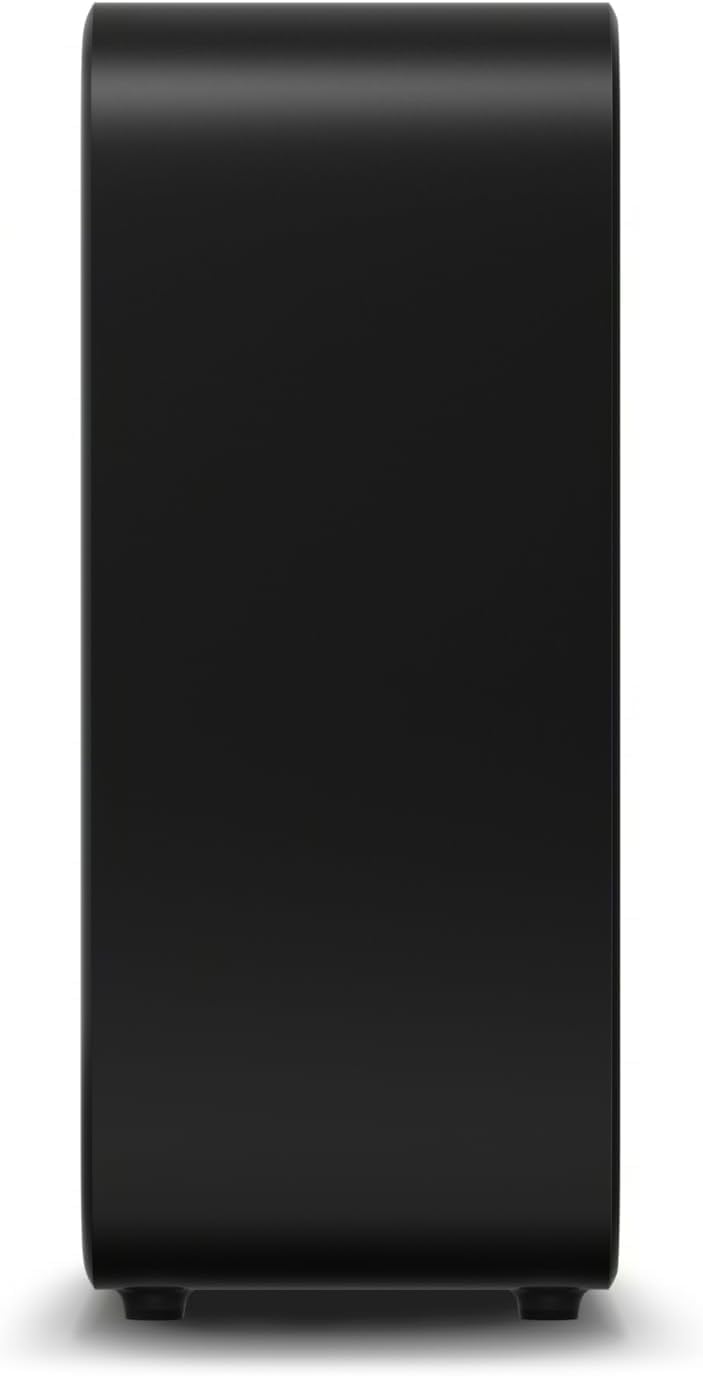
Image: Sonos Sub 4 Dimensions. This image provides a visual representation of the subwoofer's dimensions, indicating a height of 38.9 cm, depth of 15.8 cm, and width of 40.2 cm.
| Caratteristica | Specificazione |
|---|---|
| Marca | Sonos |
| Nome del modello | 4 sub |
| Numero di modello | SUBG4US1BLK |
| Colore | Nero |
| Tecnologia di connettività | Wifi |
| Risposta in frequenza | Frequenza 25 Hz |
| Modalità di uscita audio | Circondare |
| Tipo di montaggio | Da terra |
| Tipo di altoparlante | Subwoofer |
| Metodo di controllo | Applicazione |
| Dimensioni dell'articolo (P x L x A) | 15.8D x 38.8W x 40.2H centimetri |
| Peso dell'articolo | 12 kg |
| Fonte di alimentazione | Elettrico con cavo |
| Dispositivi compatibili | Sonos Soundbar, Sonos Speaker |
| Tipo di driver audio | Driver dinamico |
| Paese di origine | Vietnam |
Garanzia e assistenza clienti
Your Sonos Sub 4 is covered by a manufacturer's warranty. For specific warranty terms and conditions, please refer to the documentation included with your product or contact customer support.
Informazioni di contatto dell'assistenza clienti:
- Telefono: Numero di telefono: 1800-110-750
- E-mail: cse2@luxurypersonified.in
Please have your product model number (SUBG4US1BLK) and proof of purchase ready when contacting support.
Documenti correlati4 sub


Ask a question about this manual
Ask about setup, troubleshooting, compatibility, parts, safety, or missing instructions. Manuals+ will review the question and use this page’s manual context to help answer it.