
Introduzione
Thank you for choosing the W-KING T8II Portable Bluetooth Speaker. This manual will guide you through the features and functions of your new speaker, ensuring optimal performance and longevity. Please read these instructions carefully before using the product.
Contenuto della confezione
- 1 x W-KING T8II Portable Loud Speaker
- 1 cavo audio da 3.5 mm
- 1 x Cavo di ricarica di tipo C
- 1 x Manuale utente
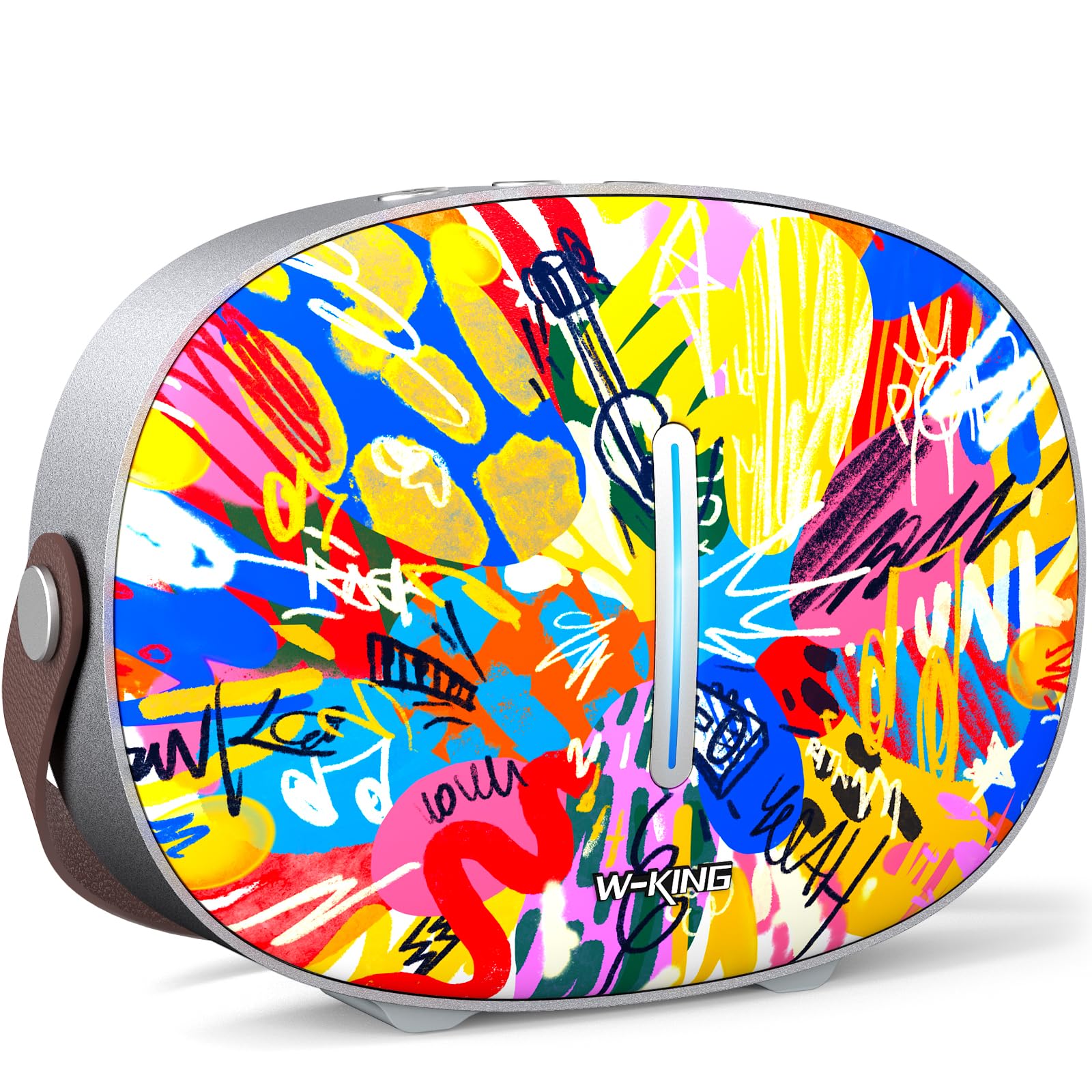
The package includes the W-KING T8II speaker, a 3.5mm audio cable for auxiliary connections, a Type-C charging cable, and this user manual.
Impostare
Carica iniziale
Before first use, fully charge your W-KING T8II speaker. Connect the provided Type-C charging cable to the speaker's Type-C port and a compatible power source. The speaker supports up to 30W fast charging. The indicator lights on the back will show the charging status.

Accensione/spegnimento
- To power on: Press and hold the power button located on the back of the speaker for a few seconds until the indicator light illuminates.
- To power off: Press and hold the power button again for a few seconds until the indicator light turns off.

Accoppiamento Bluetooth
- Assicurarsi che l'altoparlante sia acceso e in modalità di associazione Bluetooth (la spia luminosa lampeggerà).
- Sul tuo dispositivo (smartphone, tablet, ecc.), attiva il Bluetooth e cerca i dispositivi disponibili.
- Select "W-KING T8II" from the list of devices.
- Una volta effettuata la connessione, la spia luminosa diventerà fissa e verrà emesso un segnale acustico di conferma.

The W-KING T8II uses Bluetooth 5.4 for a stable and efficient wireless connection.
Unboxing e conclusioneview Video
Video: Unboxing e oltreview of the W-KING T8II Portable Bluetooth Speaker, demonstrating its contents and initial setup.
Istruzioni per l'uso
Pulsanti di controllo
The top panel of the speaker features intuitive control buttons for easy operation:
- M (pulsante Modalità): Premere per passare tra le modalità di riproduzione Bluetooth, AUX e USB.
- - (Volume giù / Traccia precedente): Premere brevemente per diminuire il volume. Premere a lungo per tornare alla traccia precedente.
- Pulsante Play/Pausa: Premere per riprodurre o mettere in pausa l'audio.
- + (Volume su / Traccia successiva): Premere brevemente per aumentare il volume. Premere a lungo per passare alla traccia successiva.

Modalità di riproduzione
- Modalità Bluetooth: Connect wirelessly to your device as described in the Setup section.
- Modalità AUX: Connect an external audio device using the provided 3.5mm audio cable to the AUX port on the back of the speaker. Press the 'M' button to switch to AUX mode.
- Modalità di riproduzione USB: Insert a USB flash drive into the USB-A port on the back of the speaker. The speaker will automatically switch to USB mode and begin playing compatible audio files.

Accoppiamento True Wireless Stereo (TWS)
For an enhanced audio experience, two W-KING T8II speakers can be paired together to create a true stereo sound system:
- Ensure both T8II speakers are powered on and in Bluetooth pairing mode (not connected to any device).
- On one of the speakers, press and hold the Bluetooth pairing button (usually indicated by a Bluetooth icon) until you hear a confirmation tone.
- I due altoparlanti si collegheranno automaticamente tra loro. Una volta connessi, uno degli altoparlanti fungerà da master (canale sinistro) e l'altro da slave (canale destro).
- Connect your device to the master speaker via Bluetooth.

Caricare dispositivi esterni
The W-KING T8II speaker can function as a power bank to charge your mobile devices. Connect your device to the speaker's USB-A output port using a compatible charging cable. The USB-A to Type-C output supports up to 18W charging.

Manutenzione
Assistenza generale
- Tenere l'altoparlante lontano da temperature estreme, luce solare diretta e umidità.
- Evitare di far cadere o di sottoporre l'altoparlante a forti urti.
- Non smontare o tentare di riparare l'altoparlante da soli, poiché ciò invaliderebbe la garanzia.
Cura della batteria
To maximize battery life, avoid fully discharging the speaker frequently. Recharge the battery regularly, even if the speaker is not in use for extended periods.
Pulizia
Pulisci l'altoparlante con un panno morbido e asciutto. Non utilizzare detergenti abrasivi o solventi.
Resistenza all'acqua
Nota: The W-KING T8II speaker is NON impermeabile. Avoid exposure to water or other liquids to prevent damage.
Risoluzione dei problemi
| Problema | Soluzione |
|---|---|
| L'altoparlante non si accende. | Assicurati che la batteria sia carica. Collega l'altoparlante a una fonte di alimentazione tramite il cavo Type-C. |
| Impossibile effettuare l'associazione tramite Bluetooth. |
|
| Nessun suono. |
|
| Distorsione del suono ad alto volume. | Reduce the volume on the speaker or your connected device. Ensure audio source quality is high. |
| L'altoparlante non carica il dispositivo esterno. | Ensure the speaker has sufficient battery charge. Use a compatible USB-A cable. |
Specifiche
| Nome del modello | T8 II |
| Marca | RE-W |
| Tipo di altoparlante | Outdoor Wireless Portable Loud Speaker |
| Tecnologia di connettività | Ausiliario, Bluetooth, USB |
| Versione Bluetooth | 5.4 |
| Potenza massima in uscita dell'altoparlante | 96 Watt |
| Modalità di uscita audio | Stereo surround |
| Risposta in frequenza | 20 Hz (Lower bound, full range not specified) |
| Signal-to-Noise Ratio | 85 dB |
| Diametro del woofer | 3 pollici |
| Diametro del tweeter | 1 pollici |
| Fonte di alimentazione | Alimentato a batteria (è richiesta 1 batteria da 12 V) |
| Dimensioni del prodotto | 10.91"P x 7.73"L x 3.9"A |
| Peso dell'articolo | 5.5 libbre (2.5 chilogrammi) |
| Materiale | Plastica, Metallo |
| Impermeabile | NO |
| Caratteristiche speciali | Bass Boost, Bluetooth 5.4, True Wireless Stereo Pairing, Portable, Shockproof, Type-C Fast Charging, Type-C output, USB PLAYBACK/AUX, Personalised Trendy Design |
Informazioni sulla garanzia
The W-KING T8II Portable Bluetooth Speaker comes with a Limited Warranty. Please refer to the product packaging or contact W-KING customer support for specific warranty terms and conditions.
Supporto
For further assistance, technical support, or inquiries regarding your W-KING T8II speaker, please visit the official W-KING website or contact their customer service department. The user manual included in the package also contains detailed information.
W-KING Store: Visita lo Store W-KING su Amazon


