
Introduzione
The Skullcandy Crusher Evo Wireless Bluetooth Headphones deliver a powerful audio experience with patented Multi-Sensory Crusher Bass technology. Designed for comfort and extended use, these headphones feature up to 40 hours of battery life, Rapid Charge, and personalized sound tuning through the Skullcandy App. This manual provides essential information for setting up, operating, maintaining, and troubleshooting your Crusher Evo headphones.
Cosa c'è nella scatola
Upon opening your Skullcandy Crusher Evo package, you should find the following items:
- Crusher® Evo Wireless Headphones
- Cavo di ricarica USB-C
- Cavo audio ausiliario
- Custodia protettiva
- Guide rapide e per l'utente

Image: The Skullcandy Crusher Evo headphones, USB-C charging cable, auxiliary cable, protective case, and user guide are neatly arranged, illustrating the complete package contents.
Impostare
1. Ricarica delle cuffie
Before initial use, fully charge your Crusher Evo headphones. Connect the provided USB-C charging cable to the headphone's charging port and a compatible USB power source. A full charge provides up to 40 hours of listening time. The Rapid Charge feature allows for 4 hours of listening with just a 10-minute charge.
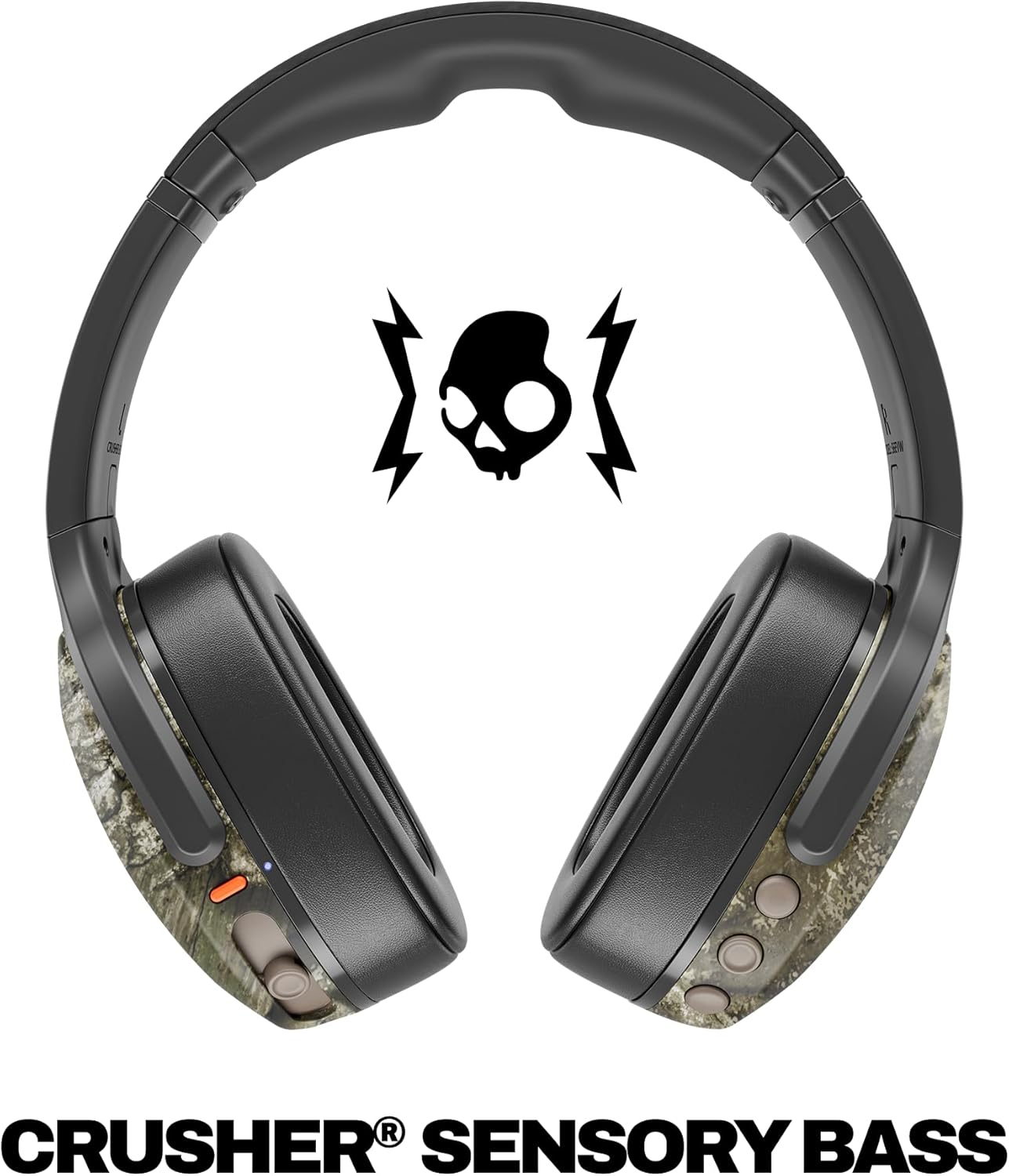
Image: A close-up of the Skullcandy Crusher Evo headphones showing the USB-C charging port and cable connected, indicating the charging process.
2. Accoppiamento Bluetooth
- Assicurati che le cuffie siano spente.
- Press and hold the main power button for 3-5 seconds until the LED indicator flashes blue and red, indicating pairing mode.
- Sul tuo dispositivo (smartphone, tablet, computer), attiva il Bluetooth e cerca i dispositivi disponibili.
- Select "Crusher Evo" from the list of available devices.
- Una volta effettuata la connessione, l'indicatore LED lampeggerà periodicamente in blu.
3. Personal Sound Tuning (Skullcandy App)
Enhance your listening experience by downloading the Skullcandy App. The app features a Personal Sound analysis that customizes audio levels to your unique hearing profile, ensuring optimal sound quality.

Image: A woman wearing the headphones, illustrating the personalized sound feature. The accompanying text highlights the "Personal Sound tuned to you" capability via the Skullcandy app.
Utilizzo delle cuffie
1. Controlli di base
The Crusher Evo headphones feature intuitive button controls located on the earcups:
- Accensione/spegnimento: Premere e tenere premuto il pulsante di accensione principale.
- Riproduci/Pausa: Single press the main power button.
- Volume su/giù: Utilizzare i pulsanti del volume dedicati.
- Salta traccia: Doppia pressione per la traccia successiva, tripla pressione per la traccia precedente.
- Rispondi/Termina chiamata: Single press the main power button during a call.
- Attiva l'assistente vocale: Tenere premuto il pulsante di accensione principale per 2 secondi.
2. Multi-Sensory Crusher Bass
Experience deep, adjustable bass that you can feel. Use the slider on the earcup to increase or decrease the intensity of the Crusher Bass. This feature provides a tactile feedback that enhances your audio experience.
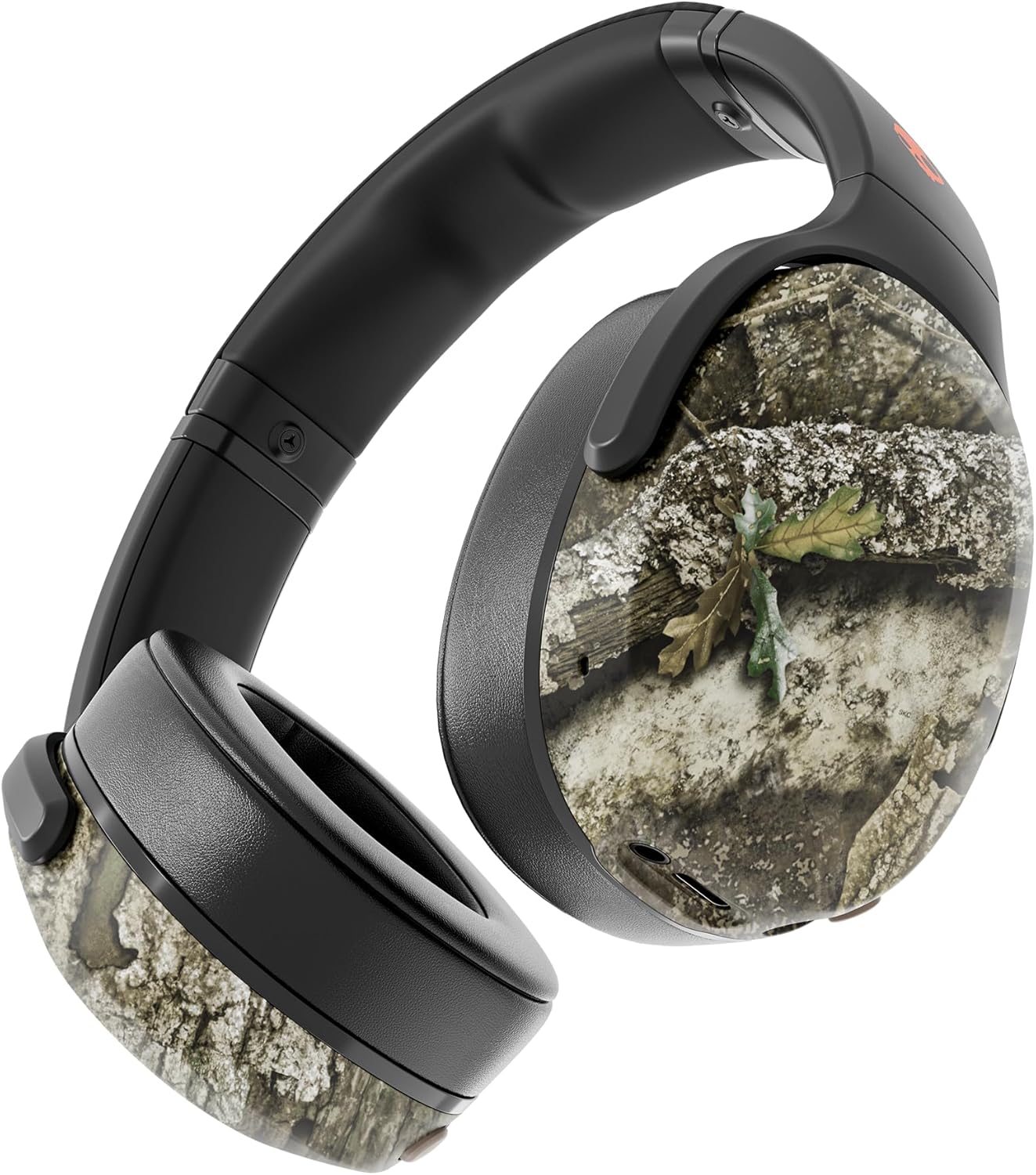
Image: The Skullcandy Crusher Evo headphones, highlighting the "Crusher Sensory Bass" feature, which allows users to feel the bass.
Video: This video demonstrates the multi-sensory bass feature of the Crusher Evo headphones by showing its effect on water, creating ripples. This illustrates how the bass can be physically felt.
Video: This video captures various individuals reacting to the Crusher Bass, showcasing the immersive and impactful experience provided by the headphones' unique bass technology.
3. Flat-Folding and Collapsible Design
The headphones are designed to fold flat and collapse for easy storage and portability. This compact design makes them convenient for travel and daily commutes.
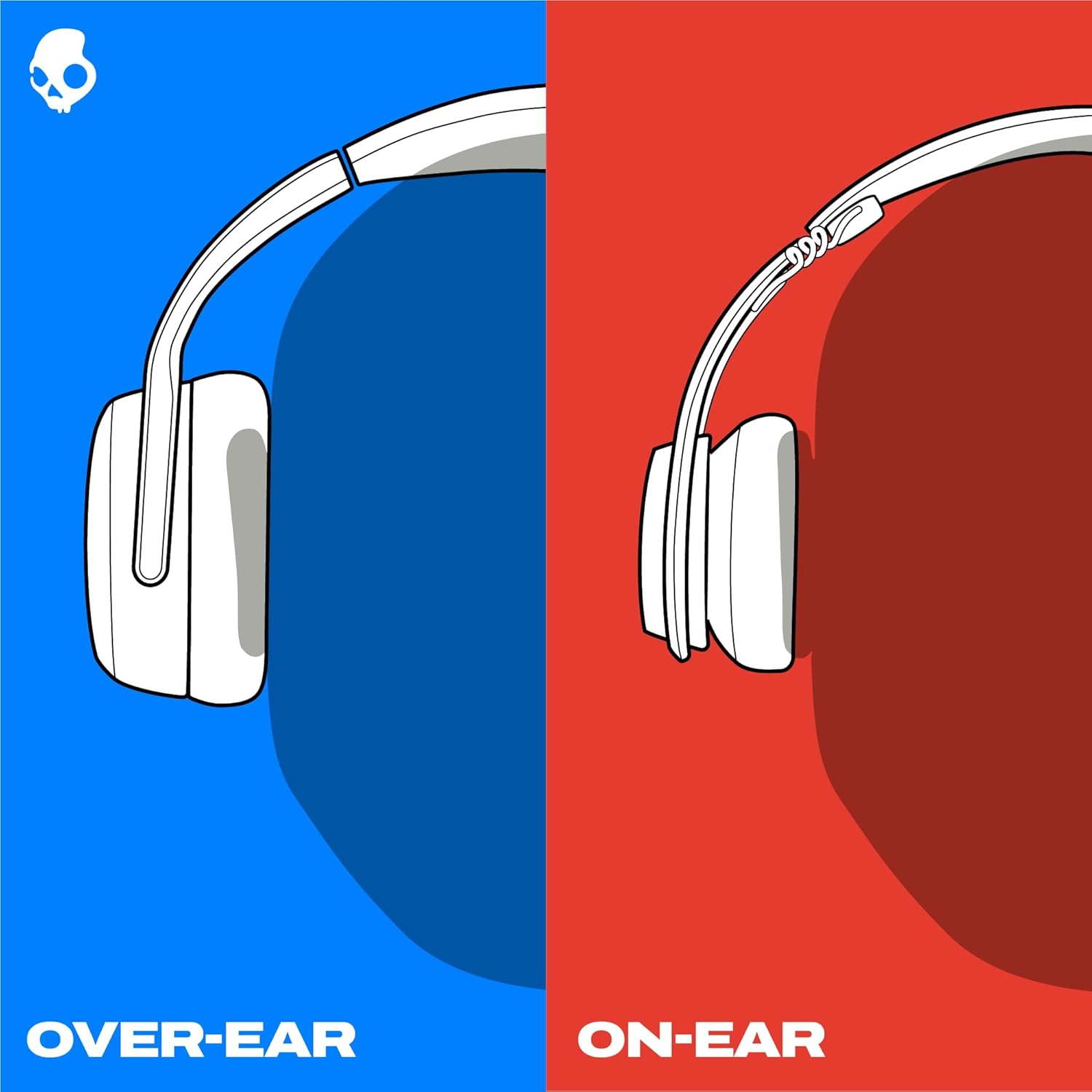
Image: The Skullcandy Crusher Evo headphones are shown folded flat, demonstrating their compact design for easy storage and travel.
Manutenzione
- Pulizia: Per pulire le cuffie, utilizzare un panno morbido e asciutto. Evitare l'uso di prodotti chimici aggressivi o materiali abrasivi.
- Magazzinaggio: When not in use, store the headphones in their protective case to prevent damage. Keep them in a cool, dry place away from extreme temperatures.
- Cura della batteria: Per prolungare la durata della batteria, evitare di scaricare completamente le cuffie frequentemente. Ricaricarle regolarmente, anche se non utilizzate per periodi prolungati.
Risoluzione dei problemi
Nessuna alimentazione / Non in carica
- Ensure the USB-C charging cable is securely connected to both the headphones and a working power source.
- Prova un cavo USB-C e un adattatore di alimentazione diversi.
- Controllare la porta di ricarica per eventuali detriti o danni.
Problemi di connessione Bluetooth
- Assicurarsi che le cuffie siano in modalità di associazione (LED blu e rosso lampeggianti).
- Assicurati che il Bluetooth sia abilitato sul tuo dispositivo.
- Forget "Crusher Evo" from your device's Bluetooth settings and attempt to re-pair.
- Avvicina le cuffie al dispositivo per assicurarti che siano nel raggio d'azione.
Nessun suono/Volume basso
- Controlla i livelli del volume sia delle cuffie che del dispositivo collegato.
- Assicurarsi che le cuffie siano correttamente associate e collegate.
- If using the auxiliary cable, ensure it is fully plugged into both the headphones and the audio source.
- Eseguire una prova con una sorgente audio o un dispositivo diverso.
Specifiche
| Marca | Caramella del cranio |
| Nome del modello | Frantoio Evo |
| Numero di modello | S6EVW-T991 |
| Tecnologia di connettività | Senza fili (Bluetooth 5.0) |
| Posizionamento dell'orecchio | Sopra l'orecchio |
| Durata della batteria | Fino a 40 ore |
| Carica rapida | 10 minuti di carica per 4 ore di riproduzione |
| Impedenza | 32 Ohm |
| Risposta in frequenza | 20 Hz - 20,000 Hz |
| Sensibilità | 100 dB |
| Controllo del rumore | Isolamento acustico |
| Peso | 0.01 once (circa 0.28 grammi) |
Garanzia e supporto
The Skullcandy Crusher Evo headphones come with a Garanzia limitata USA di 1 annoLa presente garanzia copre i difetti di fabbricazione e assicura che il prodotto funzioni come previsto in condizioni di utilizzo normali.
For warranty claims, technical support, or further assistance, please visit the official Skullcandy support websito o contattare il servizio clienti. Conservare la prova d'acquisto per la convalida della garanzia.