
Introduzione
This manual provides comprehensive instructions for the setup, operation, and maintenance of your Lepro OE1 AI Smart RGBICW LED Corner Floor Lamp. Please read this manual thoroughly before use to ensure proper functionality and safety.
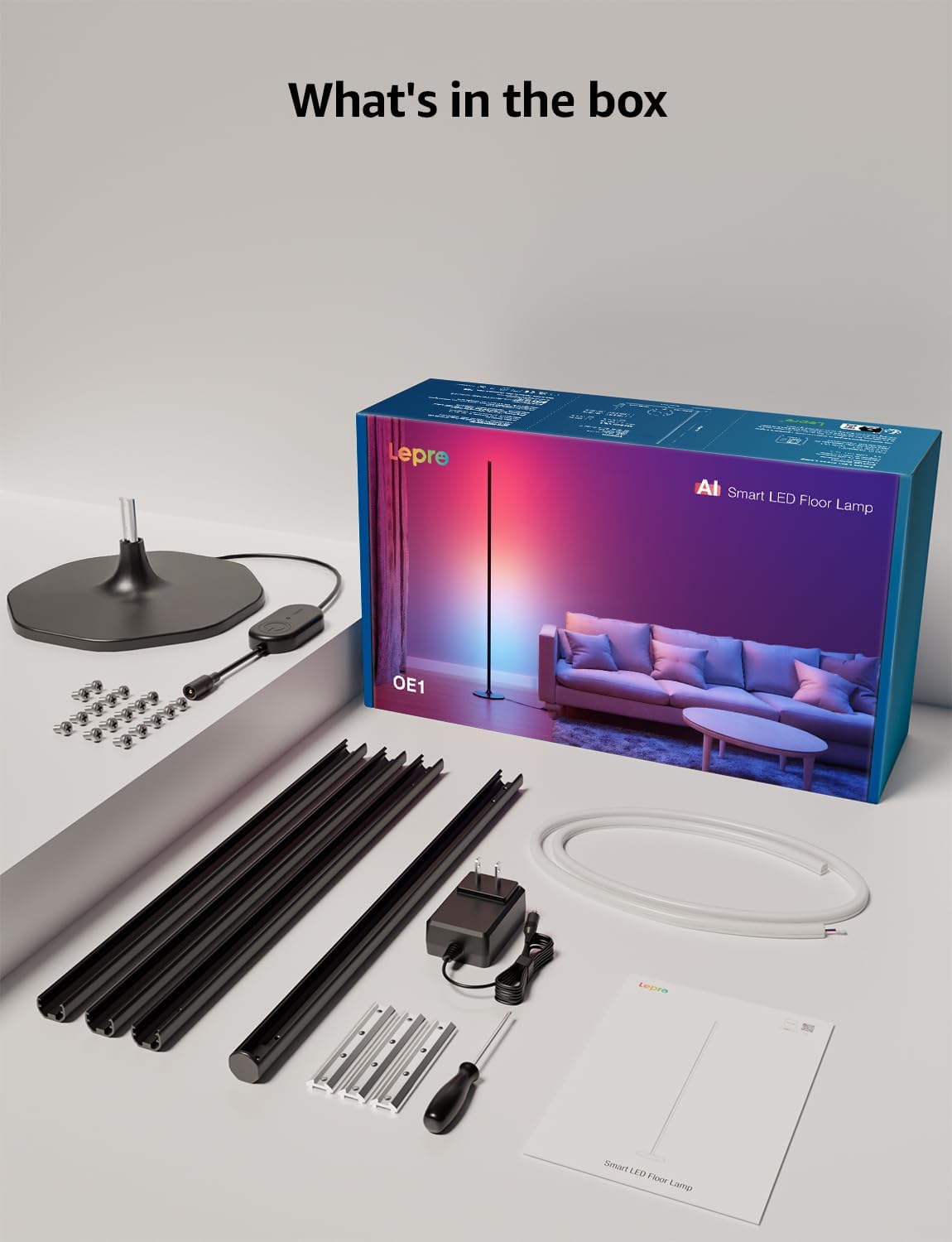
Contenuto della confezione
Verificare che tutti i componenti siano presenti nella confezione:
- Lamp Base
- Metal Poles (multiple sections)
- Metal Connecting Pieces
- Strisce luminose a LED
- Viti e cacciavite
- Adattatore di alimentazione
- Manuale d'uso
Installazione e assemblaggio
Follow these steps to assemble and set up your Lepro OE1 floor lamp:
- Assemble the Metal Poles: Align the metal slots of the pole sections with the connecting pieces. Use the provided screws and screwdriver to tighten them securely. Continue this process until all pole sections are connected to form the main lamp corpo.
- Attaccare alla base: Secure the assembled metal pole to the lamp base using the designated screws.
- Insert LED Strip: Carefully insert the LED strip light into the channel of the assembled metal pole. Ensure the strip's bottom connector aligns with the wire from the base.
- Collegare il cablaggio: Connect the wire from the LED strip to the wire extending from the lamp base.
- Posizionare la striscia LED: Gently press and adjust the LED strip from the middle outwards to ensure it sits flush and evenly within the pole's channel. Do not cut the strip lights, as this will cause damage.
- Collegamento elettrico: Collegare l'alimentatore alla presa lamp e poi collegarlo a una presa elettrica standard.

Download e connessione dell'app
The Lepro OE1 lamp is controlled via the Lepro app. It is compatible with 2.4GHz WiFi networks only. Ensure your phone's Bluetooth is enabled during the pairing process.
- Download the "Lepro" app from your device's app store. (Note: Not compatible with "Lepro Lampux" or "Smart Life" apps).
- Registra un nuovo account o accedi.
- Ensure your phone's Bluetooth is on and connected to a 2.4GHz WiFi network.
- In the app, select "Add Device" and follow the on-screen instructions to pair your OE1 lamp.
Video 1: Step-by-step guide on how to assemble the Lepro OE1 AI floor lamp.
Video 2: Instructions on how to connect the OE1 AI floor lamp to the Lepro app.
Istruzioni per l'uso
The Lepro OE1 lamp offers various control methods and lighting features:
1. Lepro App Control
The Lepro app provides full control over your lampfunzioni di:
- LightGPM 4 - Personalized AI Lighting Designer: Use voice or text prompts to describe your desired mood or scene. The AI will generate lighting effects tailored to your preferences. The more you use it, the more it adapts.
- DIY Lighting: Customize your ambiance with over 16 million RGB colors and various effects. Adjust colors, brightness, and speed. Save your custom settings and explore community ideas within the app.
- Sincronizzazione musicale: The RGB+ICW color-changing floor lamp reacts to music beats, creating dynamic lighting effects.
- Photo-to-Vibe: Upload a photo of your room, a movie poster, or a game character, and LightGPM will generate a lighting design to match the image's theme.
- Illuminazione bianca calda: For daily use, the lamp provides 1000 lumens of warm white light at 2700K, adjustable from 1% to 100% brightness.
- Gestione remota: Controlla il tuo lamp remotely via the Lepro App, even when away from home.
- Pianificazione: Set automatic on/off timers for convenience.


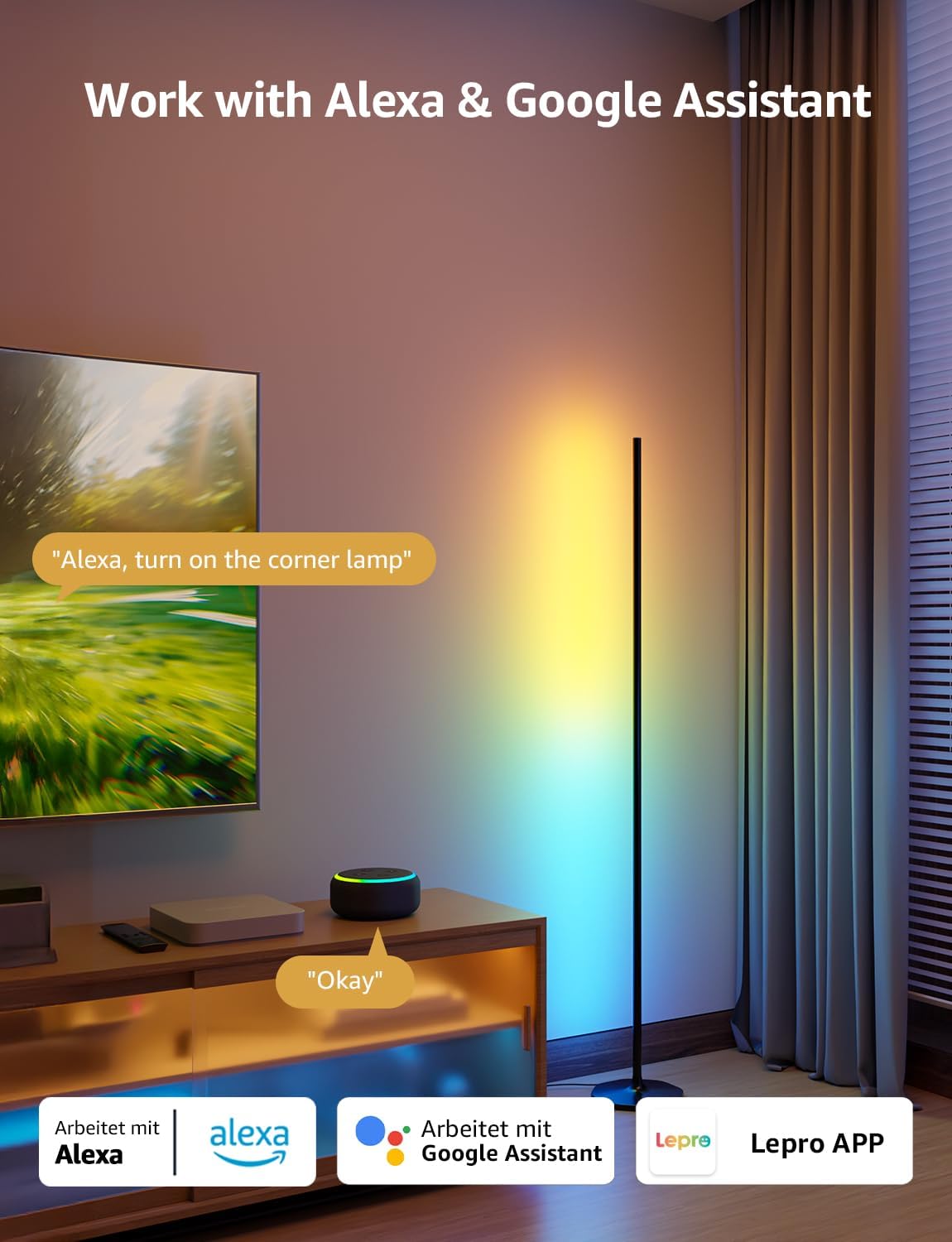
2. Controllo vocale (Alexa e Google Assistant)
The OE1 lamp supports effortless voice control through Amazon Alexa and Google Assistant. Link your Lepro account with Alexa or Google Assistant in their respective apps to enable voice commands.
- Example commands: "Alexa, turn on the corner lamp," "Hey Google, set the floor lamp to blue," "Alexa, dim the floor lamp al 50%».
3. Controllo di gruppo
For multiple Lepro AI devices, simultaneous group control is supported through the Lepro app, allowing you to manage all your smart lights together.
Manutenzione
To ensure the longevity and optimal performance of your Lepro OE1 floor lamp:
- Pulizia: Pulisci la lamp with a soft, dry cloth. Avoid using abrasive cleaners or solvents that may damage the finish or LED strip.
- Posizionamento: Posizionare la lamp on a stable, flat surface. Avoid areas with excessive moisture or direct exposure to sunlight, which can affect the LED lifespan.
- Energia: Always disconnect the power adapter before cleaning or performing any maintenance.
Risoluzione dei problemi
If you encounter issues with your Lepro OE1 floor lamp, fare riferimento alle seguenti soluzioni comuni:
- Lamp non si accende:
- Assicurarsi che l'adattatore di alimentazione sia collegato saldamente a entrambe le porteamp e una presa elettrica funzionante.
- Verificare che la presa di corrente funzioni collegandovi un altro dispositivo.
- Unable to connect to the Lepro app:
- Verifica che il Bluetooth del tuo smartphone sia abilitato.
- Confirm your WiFi network is 2.4GHz. The lamp does not support 5GHz WiFi.
- Ensure your phone is connected to the same 2.4GHz WiFi network as the lamp durante la configurazione iniziale.
- Prova a reimpostare lamp (see "Resetting the Lamp" below).
- Il controllo vocale non funziona:
- Ensure your Lepro account is correctly linked with your Alexa or Google Assistant app.
- Check your internet connection for both the lamp and your voice assistant device.
Reimpostare la Lamp
If you experience persistent issues or need to re-pair your lamp, perform a factory reset:
- Locate the control button on the power cable.
- Tenere premuto il pulsante per 5 secondi.
- A flashing blue light on the lamp indicates a successful reset. The lamp is now ready for re-pairing with the Lepro app.
Video 3: Visual demonstration of how to reset the Lepro OE1 AI floor lamp.
Specifiche
| Caratteristica | Dettaglio |
|---|---|
| Marca | Lebbroso |
| Numero di modello | OE1 |
| Dimensioni del prodotto | 7.87"P x 7.87"L x 55.11"A |
| Peso dell'articolo | 2.86 libbre |
| Tipo di sorgente luminosa | GUIDATO |
| Luminosità | 1000 lumen |
| Temperatura del colore | 2700 Kelvin (bianco caldo) |
| Colore chiaro | RGB, bianco caldo |
| Cosatage | 20 watt |
| Voltage | 120 Volt (CA) |
| Metodo di controllo | Voice, App (Lepro App) |
| Connettività | Bluetooth, 2.4G WiFi (5GHz not supported) |
| Vita media | 20000 ore |
| Materiale | Alluminio |
| Tipo di finitura | Opaco |
| Uso interno/esterno | Al chiuso |
| Assemblaggio richiesto | SÌ |
| Codice UPC | 810168791135 |
Garanzia e supporto
For warranty information or technical support, please refer to the official Lepro webo contattare direttamente il servizio clienti. Conservare la ricevuta d'acquisto per eventuali reclami in garanzia.
Optional protection plans may be available for purchase separately. Please check with your retailer for details.