
1. Introduzione
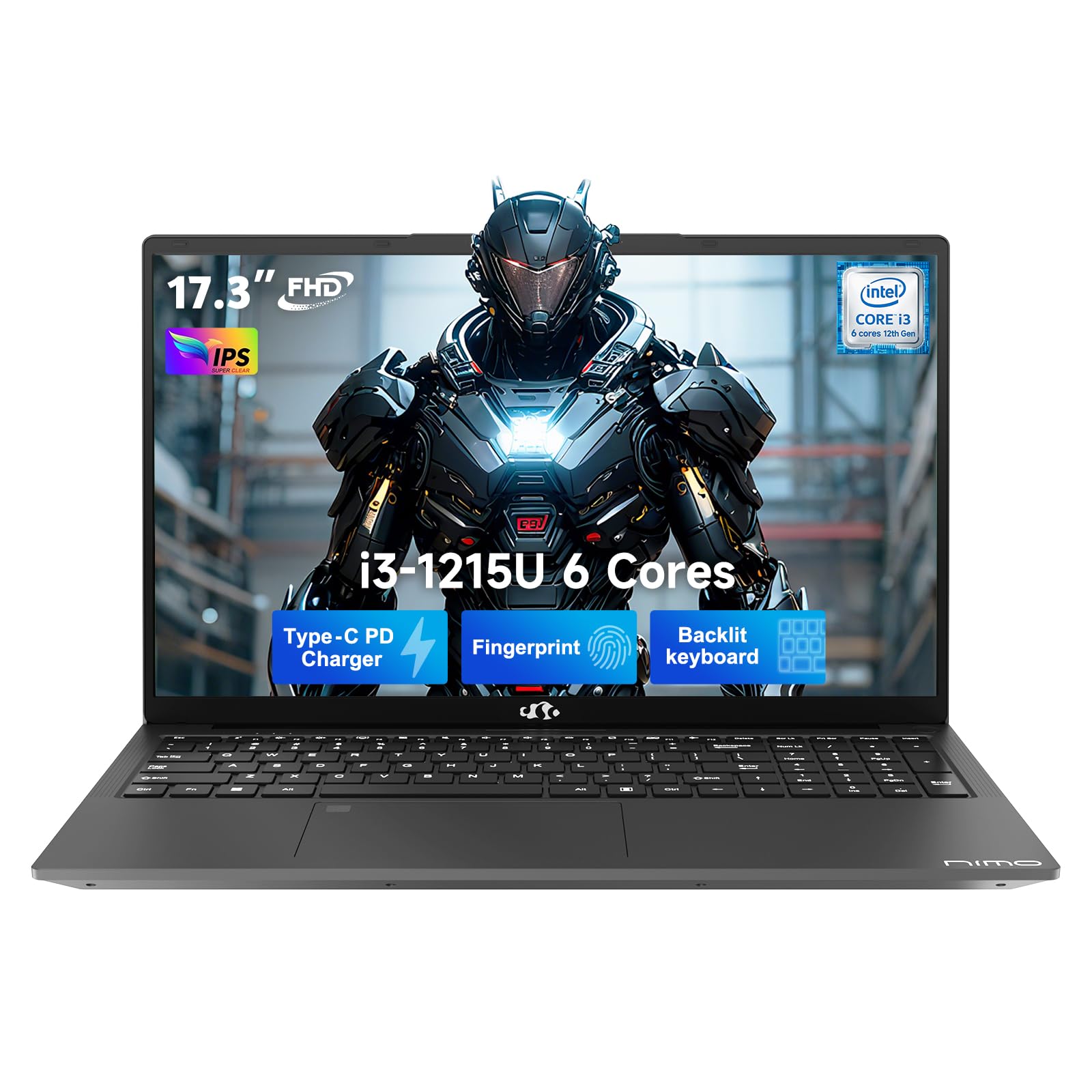
This manual provides essential information for setting up, operating, and maintaining your NIMO 17.3" FHD IPS Laptop. Please read this guide thoroughly before using your device to ensure proper function and longevity. This laptop features an Intel Core i3-1215U processor, 16GB RAM, and a 512GB SSD, designed for efficient everyday computing.
2. Cosa c'è nella scatola
- 1 x NIMO N171 Laptop
- 1 x Type-C 65W PD Fast Charger
- 1 x Manuale utente (questo documento)
- Windows 11 Home (preinstallato)
3. Guida all'installazione
3.1 Accensione iniziale
- Disimballare il portatile: Estrarre con cautela il computer portatile e tutti gli accessori dalla confezione.
- Connetti alimentazione: Plug the Type-C 65W PD Fast Charger into the laptop's USB-C port and then into a power outlet.
- Accensione: Open the laptop lid and press the power button, usually located on the top right of the keyboard or side.
- Installazione di Windows: Seguire le istruzioni visualizzate sullo schermo per completare la configurazione iniziale di Windows 11 Home, inclusa la lingua, la regione, la connessione di rete e la creazione dell'account utente.
3.2 Configurazione del sensore di impronte digitali
For enhanced security and quick access, set up the integrated fingerprint sensor:
- Vai a Impostazioni > Account > Opzioni di accesso in Windows 11.
- Locate the "Fingerprint recognition (Windows Hello)" option and click Impostare.
- Segui le istruzioni sullo schermo per registrare la tua impronta digitale.

4. Istruzioni per l'uso
4.1 Tastiera e touchpad
- Tastiera retroilluminata: The full-size keyboard includes a numeric keypad and backlighting for use in low-light conditions. The backlight can typically be toggled using a function key combination (e.g., Fn + F5 or similar, refer to keyboard icons).
- Touchpad: Il touchpad integrato supporta i gesti multi-touch per la navigazione.

4.2 Webcam con Privacy Shutter
The laptop features a 2MP HD camera with a physical privacy shutter. To ensure privacy, slide the shutter to cover the camera lens when not in use. Slide it open to activate the camera for video calls or other applications.

5. Caratteristiche principali
5.1 Prestazioni
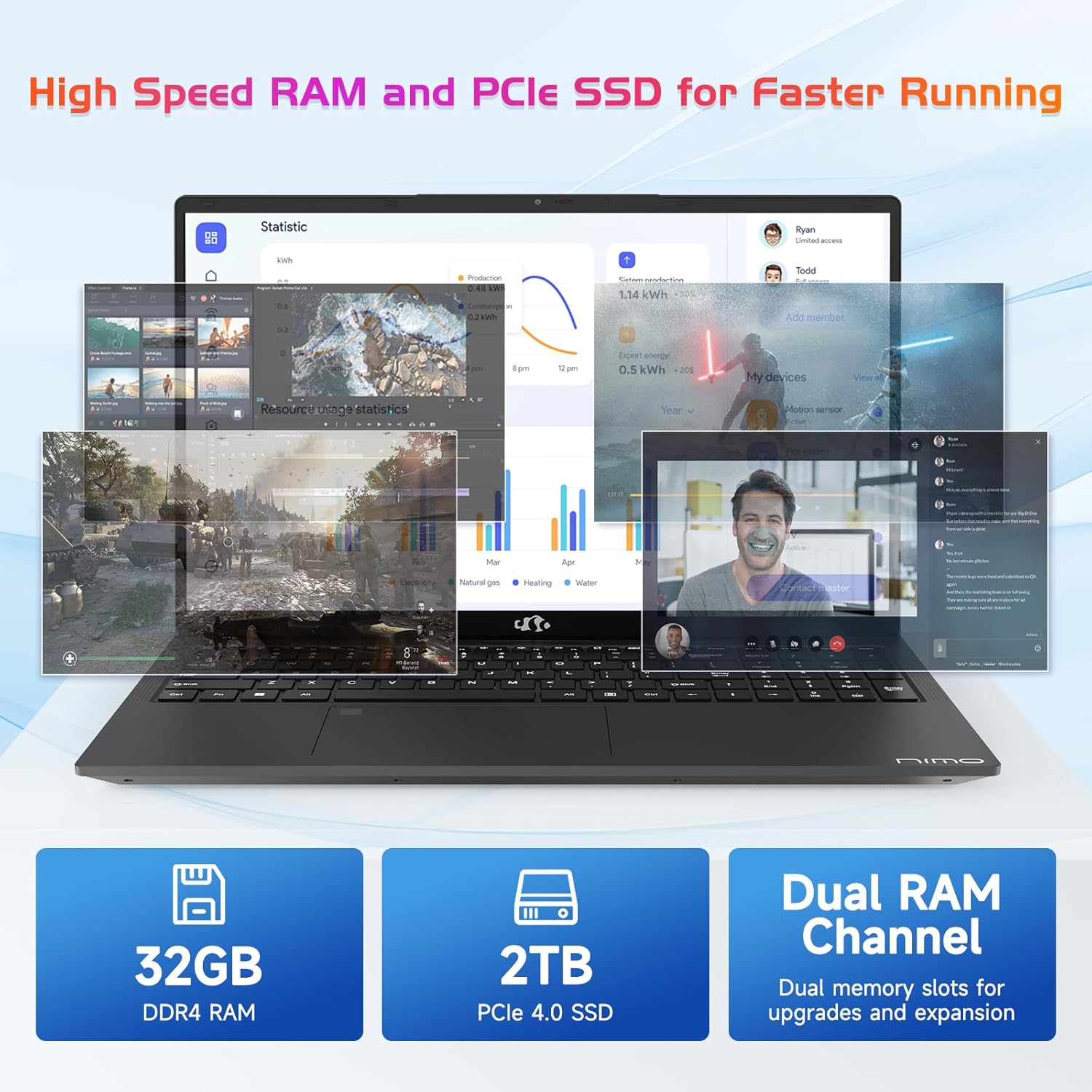
The NIMO N171 laptop is equipped with a 12th Gen Intel Core i3-1215U processor (6 Cores, up to 4.40 GHz), 16GB DDR4 RAM, and a 512GB SSD. This configuration provides responsive performance for multitasking, web browsing, and various applications.

5.2 Visualizzazione
The laptop features a 17.3-inch Full HD (1920x1080) IPS display, offering a wide viewing experience with clear visuals and reduced eye strain. The screen-to-body ratio is approximately 85%.

5.3 Connettività
The NIMO N171 supports Wi-Fi 6 for fast and stable wireless internet connectivity and Bluetooth 5.2 for pairing with wireless peripherals.
The laptop includes multiple ports for versatile connectivity:
- USB 3.2 Gen1 ports (x2)
- Porta USB 2.0 (x1)
- USB Type-C 3.2 Gen1 port (x1)
- USB Type-C Gen1 port (Charge Only) (x1)
- Standard HDMI 1.4 port (x1)
- Audio Jack (x1)
- Micro SD card slot (x1)
- Kensington lock slot (x1)

5.4 Batteria e ricarica
The laptop is powered by a 53.58Wh battery, providing up to 9 hours of average battery life. It supports 65W PD Fast Charge via USB-C, allowing for quick recharging.


6. Manutenzione
- Pulizia: Utilizzare un panno morbido e privo di lanugine per pulire lo schermo e l'esterno. Evitare prodotti chimici aggressivi.
- Cura della batteria: Per prolungare la durata della batteria, evitare di scaricarla completamente frequentemente. Conservare il portatile in un luogo fresco e asciutto.
- Aggiornamenti software: Aggiorna regolarmente il sistema operativo Windows e i driver per garantire prestazioni e sicurezza ottimali.
- Magazzinaggio: Keep the SSD from becoming completely full to maintain performance. Utilize the Micro SD card slot for additional storage if needed.
7. Risoluzione Dei Problemi
| Problema | Possibile causa | Soluzione |
|---|---|---|
| Il portatile non si accende | Problema con la batteria scarica o con l'adattatore di alimentazione | Ensure the charger is properly connected and the power outlet is functional. Allow the laptop to charge for at least 30 minutes before attempting to power on again. |
| Lo schermo è vuoto o nero | Display settings, external monitor connection, or system crash | Premere Tasto F7 (or the key with a display icon) to cycle through display modes. Disconnect any external monitors. Perform a hard reset by holding the power button for 10-15 seconds. |
| Problemi di connessione Wi-Fi | Wi-Fi adapter disabled, incorrect password, or router problem | Check if Wi-Fi is enabled in Windows settings. Verify the Wi-Fi password. Restart your router and modem. |
| Il sensore di impronte digitali non funziona | Unregistered fingerprint, dirty sensor, or software glitch | Ensure your fingerprint is registered correctly. Clean the sensor with a soft cloth. Restart the laptop. |
8. Specifiche
| Caratteristica | Dettaglio |
|---|---|
| Marca | NIMO |
| Nome del modello | NIMO N171 |
| Dimensioni dello schermo | 17.3 pollici |
| Risoluzione dello schermo | 1920 x 1080 pixel (FHD) |
| Processore | Intel Core i3-1215U (6 core, fino a 4.4 GHz) |
| Memoria RAM | 16 GB DDR4 (3200 MHz) |
| Disco rigido | SSD da 512 GB (stato solido) |
| Coprocessore grafico | Grafica integrata (Intel) |
| Sistema operativo | Windows 11 Casa |
| Tipo senza fili | Wi-Fi 6 (802.11a/b/g/n/ac) |
| Bluetooth | Bluetooth 5.2 |
| Porte USB 2.0 | 1 |
| Porte USB 3.0 | 3 (includes USB 3.2 Gen1) |
| Porte USB di tipo C | 2 (1x 3.2 Gen1, 1x Gen1 Charge Only) |
| Porta HDMI | 1 (Standard HDMI 1.4) |
| Presa audio | 1 (Combo Jack) |
| Slot per scheda Micro SD | SÌ |
| Posteriore WebRisoluzione della camma | 2 MP |
| Durata della batteria (media) | 9 ore |
| Capacità della batteria | 53.58 Wh |
| Fonte di alimentazione | Battery Powered (65W PD Fast Charger) |
| Peso dell'articolo | 4.6 libbre |
| Dimensioni del prodotto (LxWxH) | 15.61 x 9.84 x 0.76 pollici |
| Caratteristiche speciali | Fingerprint Reader, HD Audio, Memory Card Slot, Numeric Keypad, Backlit Keyboard, Privacy Shutter |
9. Garanzia e supporto
NIMO provides a Garanzia di 2 anno per questo prodotto. Inoltre, un Politica di reso senza problemi entro 90 giorni is offered. For technical assistance, warranty claims, or product-related inquiries, please contact NIMO customer support.
- Periodo di garanzia: 2 anni
- Politica di ritorno: 90 Days (hassle-free)
- Contatto: Refer to the official NIMO website or product page for current contact information.


10. Video del prodotto finitoview
Questo video fornisce una panoramica visivaview of the NIMO 17.3" FHD Intel i3-1215U Laptop, showcasing its design, features, and various usage scenarios.