
1. Introduzione
Thank you for choosing the Onforu 32W 2 Head Smart LED Security Light. This manual provides essential information for the safe installation, effective operation, and proper maintenance of your new security light. Please read these instructions thoroughly before installation and retain them for future reference.
2. Prodotto finitoview
Caratteristiche principali
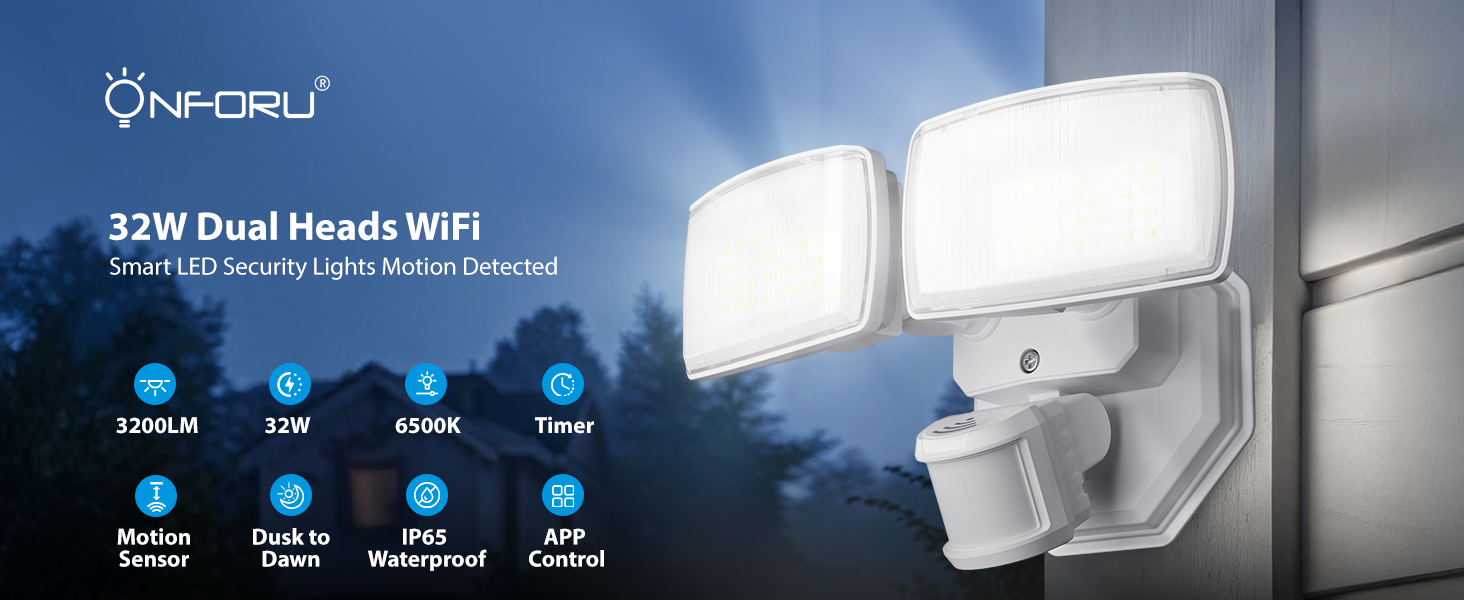
- WiFi App & Voice Control: Supports 2.4GHz WiFi for control via the 'Onforu' App, Alexa, or Google Assistant. Features include color temperature adjustment, motion sensor distance setting, motion-off delay, stepless dimming, dim light brightness control, and group control.
- Rilevamento avanzato del movimento: 180° detection angle with a range of 19–72 ft, covering up to 1,150 sq ft.
- Temperatura del colore e luminosità regolabili: Stepless dimming with 3 basic color temperatures (warm white, daylight, cold white) and 5-level brightness settings (2700K-6500K). Includes a memory function.
- Tempismo intelligente: Two timing options for automatic on/off schedules and varied light settings.
- IP65 resistente alle intemperie: Progettato per resistere alle dure condizioni atmosferiche esterne.

Sopraview of the Onforu Smart LED Security Light's key features and capabilities.
Cosa c'è nella scatola
- 1 x WiFi Motion Sensor Light
3. Informazioni sulla sicurezza
Please observe the following safety precautions before installing or operating the light fixture:
- Sicurezza elettrica: Always turn off power at the circuit breaker before installation or servicing. Consult a qualified electrician if you are unsure about wiring.
- Messa a terra: Ensure the fixture is properly grounded to avoid electrical shock.
- Luogo di installazione: Install the light in a location suitable for outdoor use, away from flammable materials. Ensure the mounting surface is sturdy enough to support the fixture.
- Cablaggio: Use appropriate wire connectors and ensure all connections are secure and insulated.
- Temperatura di esercizio: Non utilizzare l'apparecchio al di fuori dell'intervallo di temperatura specificato.
4. Configurazione e installazione
This security light is designed for hardwired installation. It is not solar or battery powered and does not include a camera.
Opzioni di montaggio
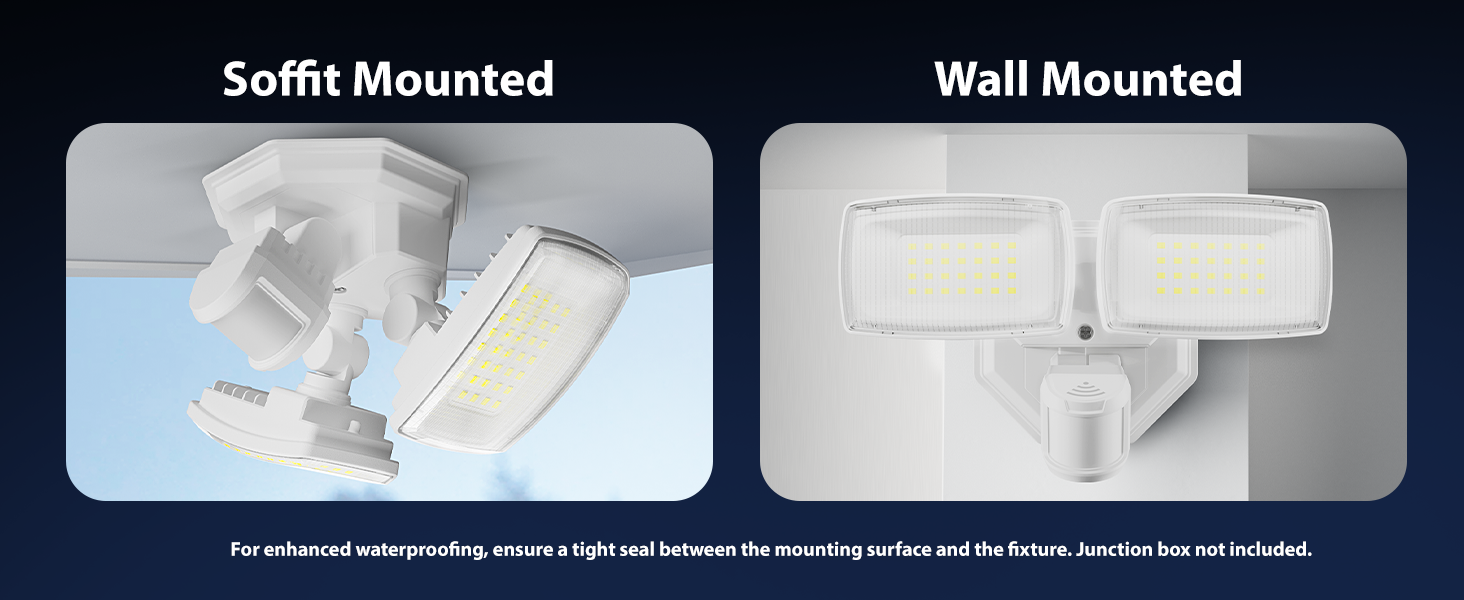
The fixture can be mounted on a wall or soffit. For enhanced waterproofing, ensure a tight seal between the mounting surface and the fixture. A junction box is not included.

Illustration of soffit and wall mounting configurations.
Istruzioni di cablaggio
Follow these steps for hardwired installation:
- Spegni l'alimentazione: Prima di iniziare, assicurarsi che l'alimentazione elettrica nell'area di installazione sia stata interrotta tramite l'interruttore automatico.
- Preparare il cablaggio: Connect the Live Wire (L), Neutral Wire (N), and Ground Wire to the corresponding wires from your electrical supply. Refer to the wiring diagram below.
- Dispositivo sicuro: Mount the fixture securely to the desired surface using appropriate hardware.
- Giunti di tenuta: Assicurarsi che tutti i collegamenti elettrici siano sicuri e protetti dall'umidità.
- Ripristina alimentazione: Una volta completata e verificata l'installazione, ripristinare l'alimentazione all'interruttore automatico.
Dettagliato view of the hardwired installation process and wiring connections.
Dimensions of the light fixture and wiring color codes.
5. Istruzioni per l'uso
5.1 App Control and WiFi Connection
To unlock the full smart features of your Onforu security light, download the 'Onforu' App from your smartphone's app store. Follow the in-app instructions to pair the light with your 2.4GHz WiFi network (5GHz WiFi is not supported).
5.2 Controllo vocale
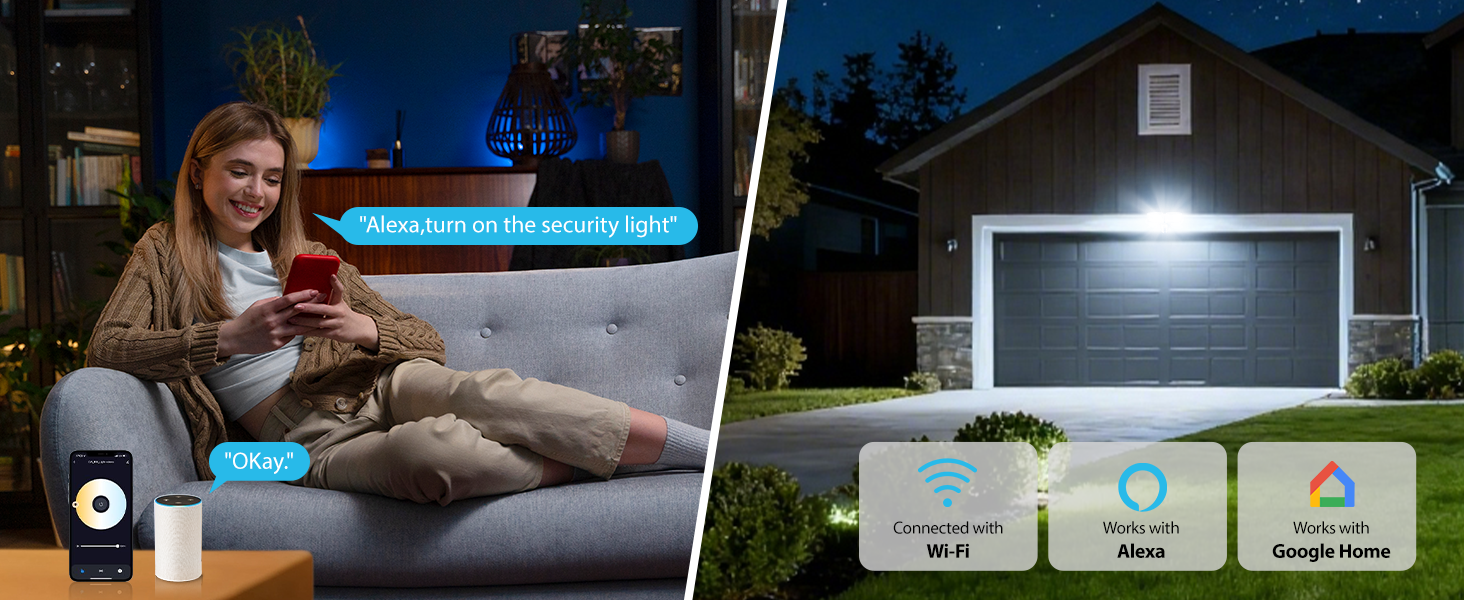
Once connected to the 'Onforu' App, you can link your light to Alexa or Google Assistant for convenient voice control. Use commands such as "Alexa, turn on the security light" to operate your device.

Voice control functionality with smart home assistants.
5.3 Rilevamento del movimento
The integrated motion sensor offers a 180° detection angle and a range of 19–72 feet. You can adjust the sensitivity and detection area within the 'Onforu' App. The app also provides activity records of detected motion.

Motion detection in action, showing detection angle and activity logs.
5.4 Adjustable Color Temperature & Brightness
Customize your lighting with stepless dimming and a broad range of color temperatures from 2700K (warm white) to 6500K (cold white). Brightness can be adjusted from 1% to 100%. The light retains your last settings with its memory function.
Adjusting color temperature and brightness via the app.
5.5 Smart Timing and Dusk to Dawn Mode
Set specific schedules for your light to turn on/off automatically. You can also configure different color temperatures or brightness levels for specific hours. The Dusk to Dawn mode allows the light to automatically turn on at dusk and off at dawn.

Dusk to Dawn mode operation.
Sopraview of smart lighting modes including motion sensor, dimmed light, time schedule, and adjustable color temperature.
5.6 Networking (Group Control)
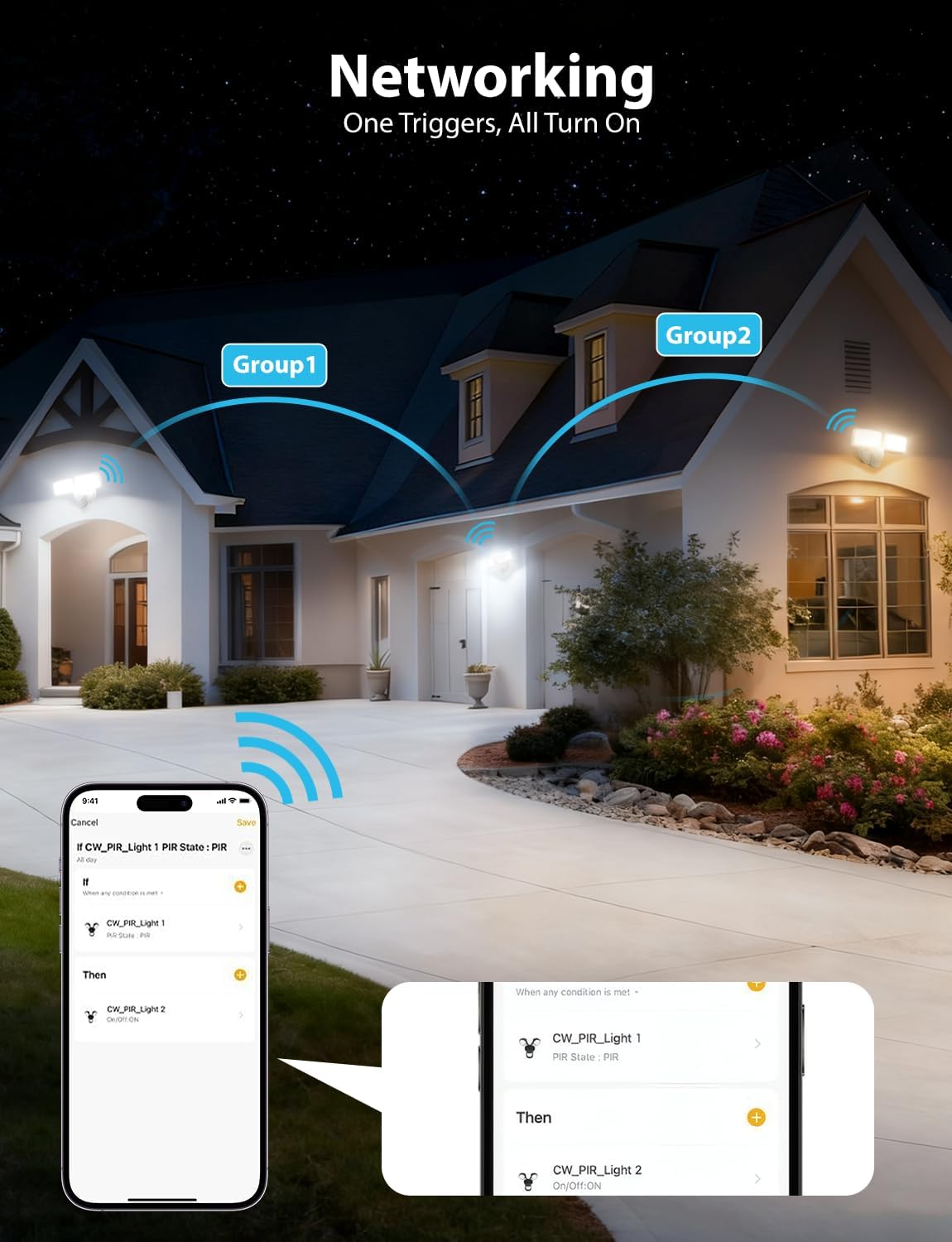
Utilize the networking feature to group multiple Onforu smart lights. When one light in a group triggers, all linked lights can be set to turn on, providing broader coverage and enhanced security.

Networking multiple lights for group control.
6. Manutenzione
Una manutenzione regolare garantisce prestazioni ottimali e longevità della vostra luce di sicurezza.
- Pulizia: Pulire periodicamente l'apparecchio di illuminazione con un panno morbido eamp panno. Non utilizzare detergenti abrasivi o solventi. Assicurarsi che l'alimentazione sia spenta prima della pulizia.
- Ispezione: Annually inspect the wiring and mounting hardware for any signs of wear, damage, or loosening. Tighten connections as needed.
- Lente del sensore: Keep the motion sensor lens clean and free from obstructions (e.g., dirt, spiderwebs) to ensure accurate detection.
7. Risoluzione Dei Problemi
If you encounter issues with your Onforu security light, refer to the following common troubleshooting steps:
| Problema | Possibile causa | Soluzione |
|---|---|---|
| La luce non si accende. | No power, loose wiring, faulty sensor, incorrect settings. | Check circuit breaker. Verify wiring connections. Check app settings for schedules or motion sensor mode. |
| Il sensore di movimento non rileva. | Sensore ostruito, impostazione della sensibilità errata, fuori dal raggio di rilevamento. | Clear sensor lens. Adjust sensitivity in the app. Ensure motion occurs within the 19-72 ft range. |
| Impossibile connettersi al Wi-Fi. | Banda WiFi errata (5 GHz), segnale debole, password errata. | Ensure you are connecting to a 2.4GHz WiFi network. Move router closer or use a WiFi extender. Double-check WiFi password. |
| La luce tremola o si attenua inaspettatamente. | Unstable power supply, loose connection, faulty unit. | Check power supply stability. Inspect wiring connections. If problem persists, contact customer support. |
If these steps do not resolve the issue, please contact Onforu customer support for further assistance.
8. Specifiche
| Caratteristica | Dettaglio |
|---|---|
| Marca | Onforù |
| Numero di modello | BDR32WF-2 |
| Fonte di alimentazione | Elettrico con cavo |
| Cosatage | 32 watt |
| Luminosità | 3200 lumen |
| Temperatura del colore | 2700K-6500K (regolabile) |
| Angolo di rilevamento del movimento | 180° |
| Intervallo di rilevamento del movimento | 19-72 piedi |
| Connettività | Wi-Fi (solo 2.4 GHz) |
| Metodo di controllo | App, Voce (Alexa, Assistente Google) |
| Livello di resistenza all'acqua | IP65 impermeabile |
| Materiale | Plastica |
| Dimensioni (L x P x A) | 8.77 cm L x 5.27 cm P x 4.96 cm A |
| Tipo di montaggio | Montaggio a parete, montaggio su superficie |
9. Garanzia e supporto
Informazioni sulla garanzia
This Onforu product comes with a 2-year manufacturer's warranty. Please retain your proof of purchase for warranty claims.
Assistenza clienti
For technical assistance, troubleshooting, or warranty inquiries, please contact Onforu customer support. Refer to the product packaging or the official Onforu websito per le informazioni di contatto più aggiornate.