
OnePlus OnePlus Watch 3
Manuale utente OnePlus Watch 3 43mm Silver Steel
Guida completa per il tuo smartwatch
1. Introduzione
This user manual provides essential information for the safe and efficient operation of your OnePlus Watch 3 43mm Silver Steel. Please read this manual thoroughly before using the device to ensure proper functionality and to prevent damage. Keep this manual for future reference.
2. Cosa c'è nella scatola
Verificare che tutti gli articoli siano presenti nel pacco:
- OnePlus Watch 3 (43mm Silver Steel)
- Cinturini per orologi
- Cavo di ricarica
- Guida rapida

Image: OnePlus Watch 3 43mm Silver Steel, front view con cinturino.
3. Prodotto finitoview
3.1 Progettazione e componenti
The OnePlus Watch 3 features a 43mm round display encased in polished stainless steel. The crown and side button provide tactile control, complementing the touchscreen interface. The device is designed for comfortable wear with a fluoroelastomer band.
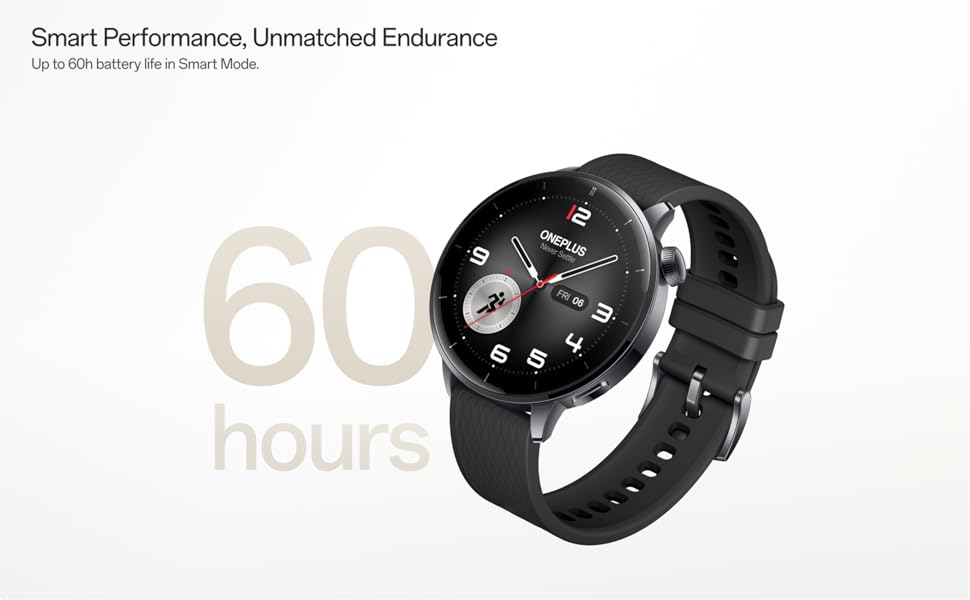
Image: OnePlus Watch 3 43mm Silver Steel, highlighting its refined design and polished stainless steel case.
3.2 Caratteristiche principali
- Display: 1.32-inch round AMOLED touchscreen.
- Sistema operativo: WearOS.
- Magazzinaggio: 32 GB di memoria interna.
- Connettività: Bluetooth, Multi-GNSS (Beidou, GPS, Galileo, GLONASS, QZSS).
- Resistenza all'acqua: Grado di protezione IP68.
- Batteria: 345mAh Lithium-Ion, offering up to 60 hours in Smart Mode.
4. Impostazione
4.1 Carica iniziale
Before first use, fully charge your OnePlus Watch 3. Connect the charging cable to the watch's charging port and a compatible USB power adapter. The watch display will indicate charging status.
4.2 Accensione/Spegnimento
- Accensione: Press and hold the side button (crown) until the OnePlus logo appears.
- Spegni: Tieni premuto il pulsante laterale, quindi seleziona "Spegni" dalle opzioni sullo schermo.
4.3 Associazione con lo smartphone
- Assicurati che il tuo smartphone abbia il Bluetooth attivato e sia connesso a Internet.
- Download and install the Wear OS by Google app from your phone's app store.
- Open the Wear OS app and follow the on-screen instructions to pair your OnePlus Watch 3.
- Accept all necessary permissions for full functionality.
5. Funzionamento dell'orologio
5.1 Navigazione
- Schermo tattile: Scorri verso l'alto, verso il basso, verso sinistra o verso destra per navigare tra i menu e le notifiche. Tocca per selezionare gli elementi.
- Corona: Rotate the crown to scroll through lists or adjust settings. Press the crown to return to the watch face or access the app drawer.
- Pulsante laterale: Customizable for quick access to a specific app or function.
5.2 Personalizzazione dei quadranti dell'orologio
To change your watch face, long-press on the current watch face and swipe left or right to browse available options. Tap to select. Additional watch faces can be downloaded via the Wear OS app or Google Play Store on your watch.
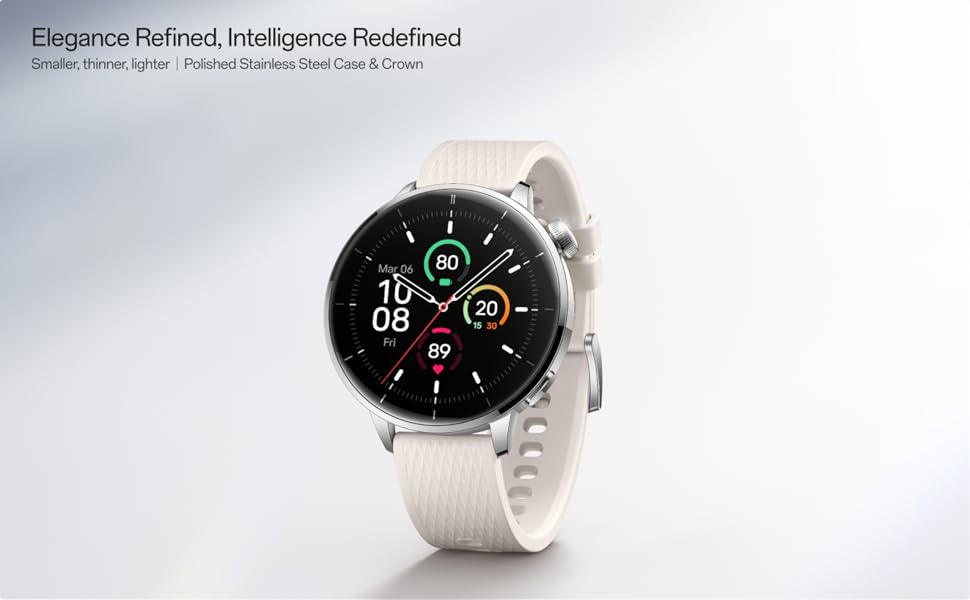
Image: Two OnePlus Watch 3 devices showing different watch faces, illustrating customization options.
6. Monitoraggio della salute
The OnePlus Watch 3 offers comprehensive health tracking features:
- Monitoraggio della frequenza cardiaca: Monitoraggio continuo della frequenza cardiaca durante il giorno.
- Misurazione dell'ossigeno nel sangue (SpO2): On-demand and continuous blood oxygen level monitoring.
- Monitoraggio del sonno: Monitora il sonnotages, duration, and detects potential sleep breathing risks.
- Monitoraggio del ciclo: For tracking menstrual cycles.
- Monitoraggio dello stress: Analizza la variabilità della frequenza cardiaca per stimare i livelli di stress.

Image: The OnePlus Watch 3 and a smartphone screen showing various health metrics like daily activity, heart rate, and sleep data.
7. Monitoraggio della forma fisica
The watch supports 11 professional fitness modes and provides fat burning evaluation. Utilize the built-in Multi-GNSS for accurate outdoor activity tracking.
- Monitoraggio delle attività: Registra passi, distanza, calorie bruciate e minuti attivi.
- Modalità di allenamento: Select from various modes like running, cycling, swimming, and more for tailored tracking.
- Tracciamento GPS: Integrated GPS for precise route mapping during outdoor workouts.

Image: A person wearing the OnePlus Watch 3 during a cycling activity, demonstrating its use for fitness tracking.
8. Funzionalità intelligenti
Running on WearOS, the OnePlus Watch 3 integrates seamlessly with your digital life:
- Notifiche: Ricevi chiamate, messaggi e avvisi delle app direttamente sul tuo polso.
- App di Google Play: Accedi a un'ampia gamma di applicazioni dal Google Play Store.
- Google Wallet: Effettua pagamenti contactless.
- Controllo della musica: Controlla la riproduzione musicale sul tuo smartphone connesso.
- Assistente vocale: Utilize Google Assistant for hands-free commands.

Image: The OnePlus Watch 3 screen showing multiple app icons, representing its WearOS ecosystem and access to Google Play apps.
9. Gestione della batteria
The OnePlus Watch 3 is equipped with a 345mAh battery, providing up to 60 hours of use in Smart Mode. Battery life can vary based on usage and settings.
- Ricarica: Use the provided charging cable. A full charge takes approximately 30 minutes.
- Modalità risparmio batteria: Enable this mode to extend battery life by limiting certain features.
- Tips for Extending Battery Life: Ridurre la luminosità dello schermo, disattivare la visualizzazione sempre attiva, limitare l'aggiornamento delle app in background e disattivare le notifiche non necessarie.
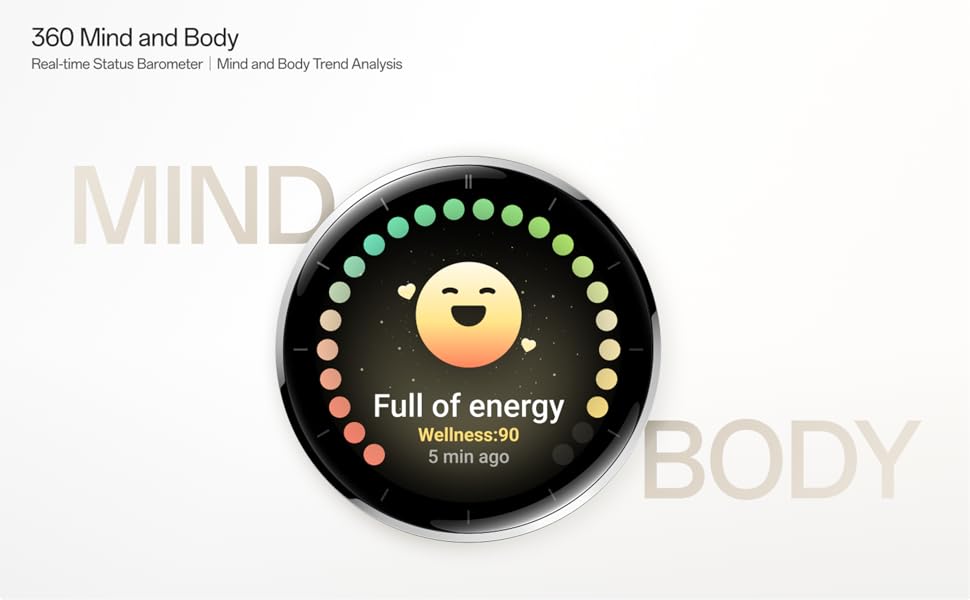
Image: The OnePlus Watch 3 with a large '60 hours' text, emphasizing its extended battery life in Smart Mode.
10. Manutenzione
10.1 Pulizia
Pulisci regolarmente l'orologio e il cinturino per prevenire irritazioni cutanee e mantenerne la funzionalità.
- Pulisci lo schermo e il corpo dell'orologio con un panno morbido e privo di lanugine.
- Per il cinturino, utilizzare acqua e sapone neutro, quindi risciacquare abbondantemente e asciugare completamente prima di indossarlo.
- Evitare l'uso di prodotti chimici aggressivi o materiali abrasivi.
10.2 Resistenza all'acqua
The OnePlus Watch 3 has an IP68 water resistance rating. This means it is protected against dust and can withstand immersion in water up to 1.5 meters for 30 minutes. It is suitable for everyday use and activities like hand washing or light rain. Avoid using it for diving, high-pressure water activities, or in hot water/steam.
11. Risoluzione Dei Problemi
Se riscontri problemi con OnePlus Watch 3, prova a seguire questi passaggi:
- L'orologio non si accende: Assicurarsi che l'orologio sia completamente carico.
- Problemi di accoppiamento: Check if Bluetooth is enabled on your phone and watch. Restart both devices and try pairing again.
- Letture imprecise: Assicurati che l'orologio sia ben aderente al polso, né troppo stretto né troppo largo. Pulisci i sensori sul retro dell'orologio.
- Arresti anomali dell'app/prestazioni lente: Restart the watch. If the issue persists, consider resetting the watch to factory settings (this will erase all data).
- La batteria si scarica rapidamente: Review battery management tips in Section 9.
For further assistance, refer to the official OnePlus support websito o contattare il servizio clienti.
12. Specifiche
| Caratteristica | Specificazione |
|---|---|
| Numero di modello | OnePlus Watch 3 |
| Dimensioni dello schermo | 1.32 pollici |
| Tipo di visualizzazione | AMOLED |
| Sistema operativo | IndossareOS |
| Capacità di archiviazione della memoria | 32 GB |
| Connettività | Bluetooth |
| GPS | Beidou, GPS, Galileo, GLONASS, QZSS |
| Capacità della batteria | 345 mAh agli ioni di litio |
| Resistenza all'acqua | Grado di protezione IP68 |
| Peso dell'articolo | 9.9 once (0.28 chilogrammi) |
| Dimensioni del pacco | 4.72 x 4.69 x 2.56 pollici |
13. Garanzia e supporto
For warranty information, please refer to the warranty card included with your product or visit the official OnePlus website. For technical support, software updates, and frequently asked questions, please visit the OnePlus support page: