
1. Prodotto finitoview
The Anona Pano 4K UHD Indoor Camera is a versatile security solution designed for monitoring pets, babies, and general indoor surveillance. It features 4K Ultra HD resolution, 360° pan and 110° tilt capabilities, dual-band Wi-Fi 6 connectivity, and advanced AI detection for persons, pets, and baby crying. This manual provides detailed instructions for setting up, operating, and maintaining your Anona Pano camera.
1.1 Caratteristiche principali
- Stunning 4K UHD & 8x Zoom: Captures ultra-clear videos with professional-grade lens and 8X digital zoom.
- AI Person/Pet/Crying Detection: Advanced algorithms detect and notify for human presence, pet activity, and baby crying.
- Ultra-Smooth 360° Pan & 110° Tilt: Provides comprehensive coverage with remote-controlled pan and tilt, including auto-tracking.
- Faster Dual-Band Wi-Fi 6: Ensures stable and smooth data transmission with support for both 2.4 GHz and 5 GHz Wi-Fi networks.
- Safer Local or Cloud Storage: Offers flexible storage options with support for up to 512 GB microSD card (not included) and encrypted cloud storage.
- Audio bidirezionale: Consente la comunicazione tramite la telecamera.
- Modalità privacy: Allows instant cessation of recording and live view per la privacy.
- Funziona con Alexa e Google Assistant: Integrates with smart home ecosystems for voice control and streaming.
1.2 Contenuto della confezione
Assicurarsi che tutti gli articoli siano presenti nel pacco:
- Anona Pano Camera
- 5V2A Power Adapter (3m power cable)
- Piastra di montaggio
- Screws & Anchors Kit
- Guida rapida

Image: Anona Pano 4K UHD Indoor Camera with a smartphone showing its live feed.
2. Guida all'installazione
2.1 Prima di iniziare
- Ensure your Wi-Fi network is available (supports 2.4 GHz and 5 GHz).
- Tieni a portata di mano il nome della tua rete Wi-Fi (SSID) e la password.
- Download the Anona App from your smartphone's app store (iOS or Android).
2.2 Accensione della fotocamera
- Collegare l'adattatore di alimentazione 5V2A in dotazione alla porta di alimentazione della fotocamera.
- Collegare l'adattatore di corrente a una presa a muro.
- La telecamera si accenderà e la spia luminosa inizierà a lampeggiare, indicando che è pronta per la configurazione.
2.3 Connecting to Wi-Fi via Anona App
- Open the Anona App on your smartphone.
- Crea un account o accedi se ne hai già uno.
- Tocca l'icona "+" per aggiungere un nuovo dispositivo.
- Follow the on-screen instructions to select your camera model and connect it to your Wi-Fi network. This typically involves scanning a QR code displayed on your phone with the camera, or entering Wi-Fi credentials.
- Once connected, the camera's indicator light will turn solid, and you will see the live feed in the app.
2.4 Montaggio della telecamera
The Anona Pano camera can be placed on a flat surface (tabletop) or mounted to a ceiling.
Posizionamento sul tavolo:
- Place the camera on a stable, flat surface within range of your Wi-Fi signal.
- Ensure the camera has a clear line of sight to the area you wish to monitor.
Montaggio a soffitto:
- Scegliere una posizione adatta sul soffitto.
- Utilizzare la piastra di montaggio fornita come modello per contrassegnare i fori da praticare.
- Drill holes and insert the anchors if necessary.
- Fissare la piastra di montaggio al soffitto utilizzando le viti fornite.
- Fissare la telecamera alla piastra di montaggio ruotandola finché non si blocca in posizione.
- In the Anona App settings, enable "Image Rotation" if the camera is mounted upside down.
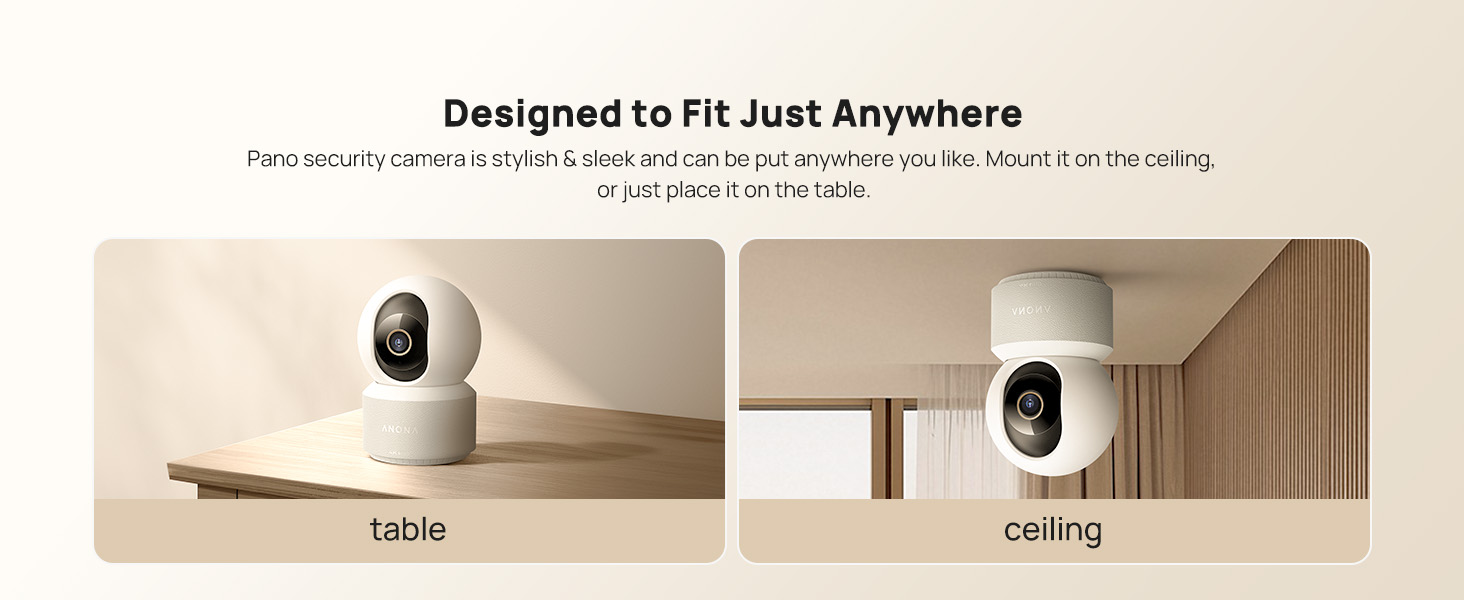
Image: The Anona Pano camera can be placed on a table or mounted to a ceiling.
3. Utilizzo della fotocamera
3.1 Vivere View e controllo Pan/Tilt
- Open the Anona App and select your camera to view il feed dal vivo.
- Utilizzare i controlli direzionali all'interno dell'app per spostare la telecamera orizzontalmente (360°) e inclinarla verticalmente (110°) per regolare la viewangolo di ing.

Image: The Anona Pano camera offers 360° pan and 110° tilt for full room coverage.
3.2 Monitoraggio automatico
Enable auto-tracking in the app settings. The camera will automatically detect and follow moving objects within its field of view, ensuring continuous recording of activity.
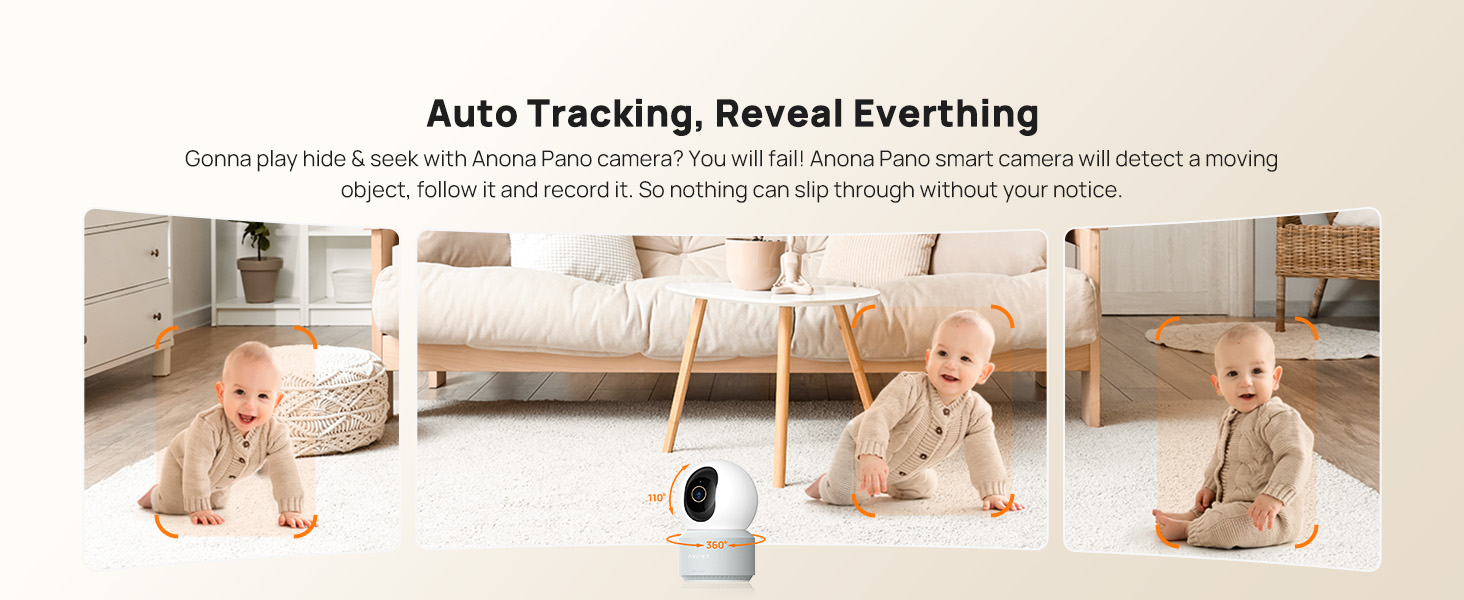
Image: The camera's auto-tracking feature follows moving subjects like a crawling baby.
3.3 Rilevamento e avvisi AI
The Anona Pano camera utilizes AI algorithms for intelligent detection:
- Rilevamento persona: Identifies human shapes and movements, sending real-time alerts.
- Rilevamento animali domestici: Recognizes cats and dogs, alerting you to their activity.
- Rilevamento del pianto del bambino: Detects the sound of a baby crying and sends immediate notifications.
Configure alert settings and notification preferences within the Anona App.
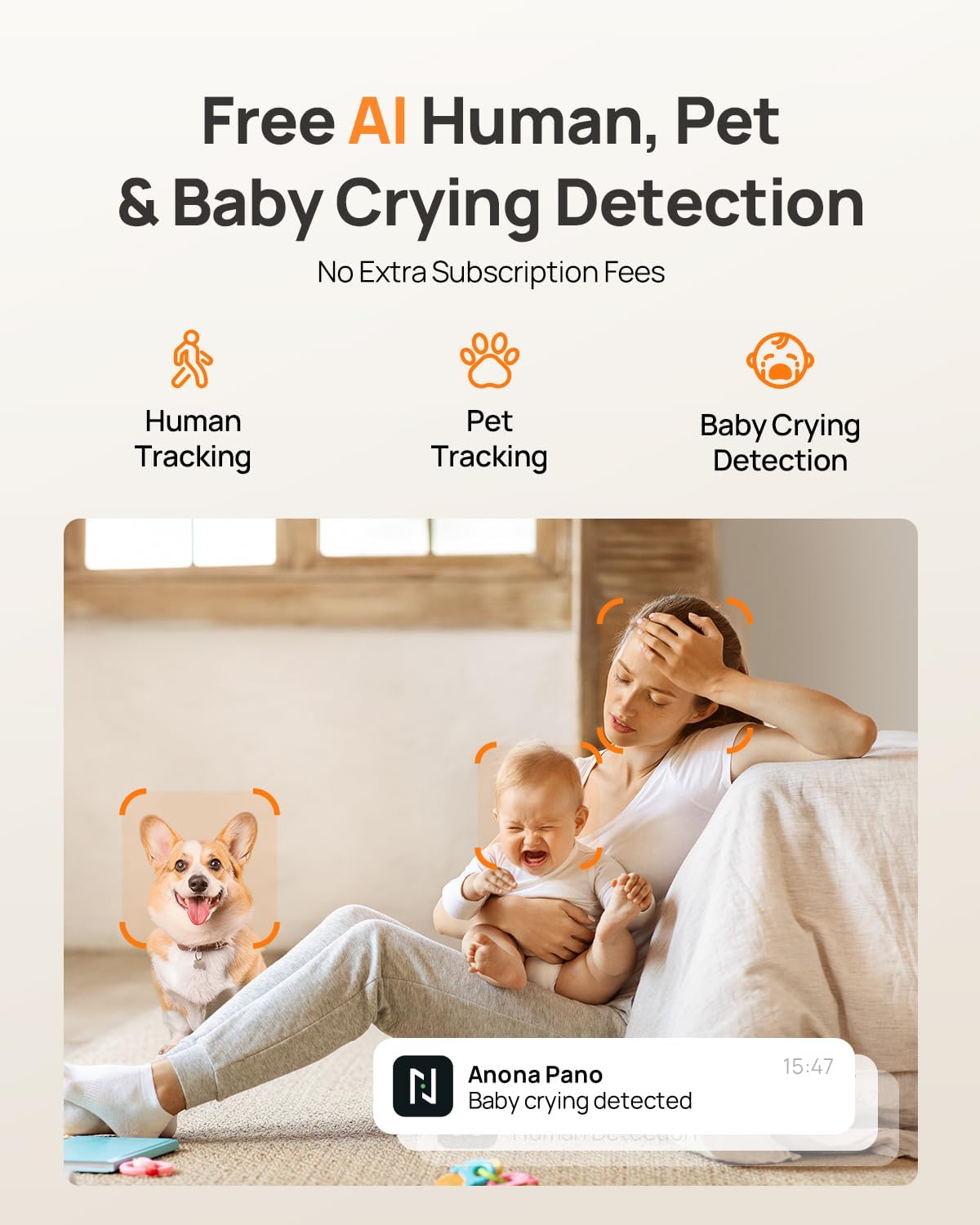
Image: AI detection for human, pet, and baby crying events, with app notification examplui.
3.4 Audio bidirezionale
Utilizza la funzione audio bidirezionale per comunicare con le persone vicine alla telecamera. Tocca l'icona del microfono nella schermata live view interface of the Anona App to speak, and listen through the camera's speaker.
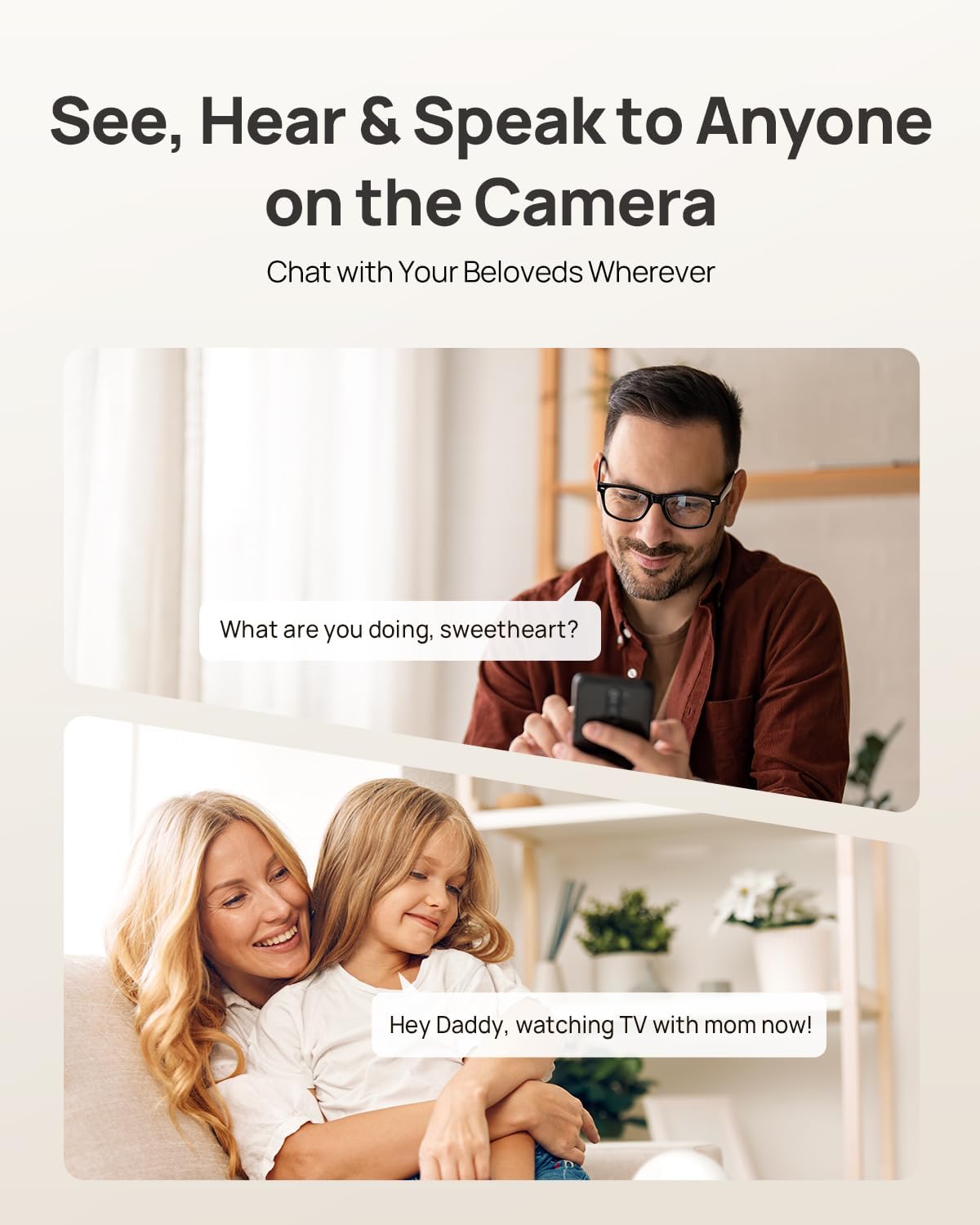
Image: Two-way audio allows communication with family members or pets via the camera.
3.5 Modalità Privacy
Activate Privacy Mode via a single tap in the Anona App. This feature instantly stops live view and recording, providing privacy without needing to unplug the camera.

Image: Privacy Mode can be activated with one tap in the app, stopping recording and live view.
3.6 Opzioni di archiviazione
The Anona Pano camera supports two storage methods:
- Archiviazione locale (scheda MicroSD): Insert a microSD card (up to 512 GB, not included) into the camera's designated slot for local recording. This allows saving up to 150 days of motion-triggered videos or 14 days of 24/7 recordings.
- Archiviazione cloud: Opt for Anona Cloud service to save videos securely with AES-128 encryption. Subscription may be required for cloud services.
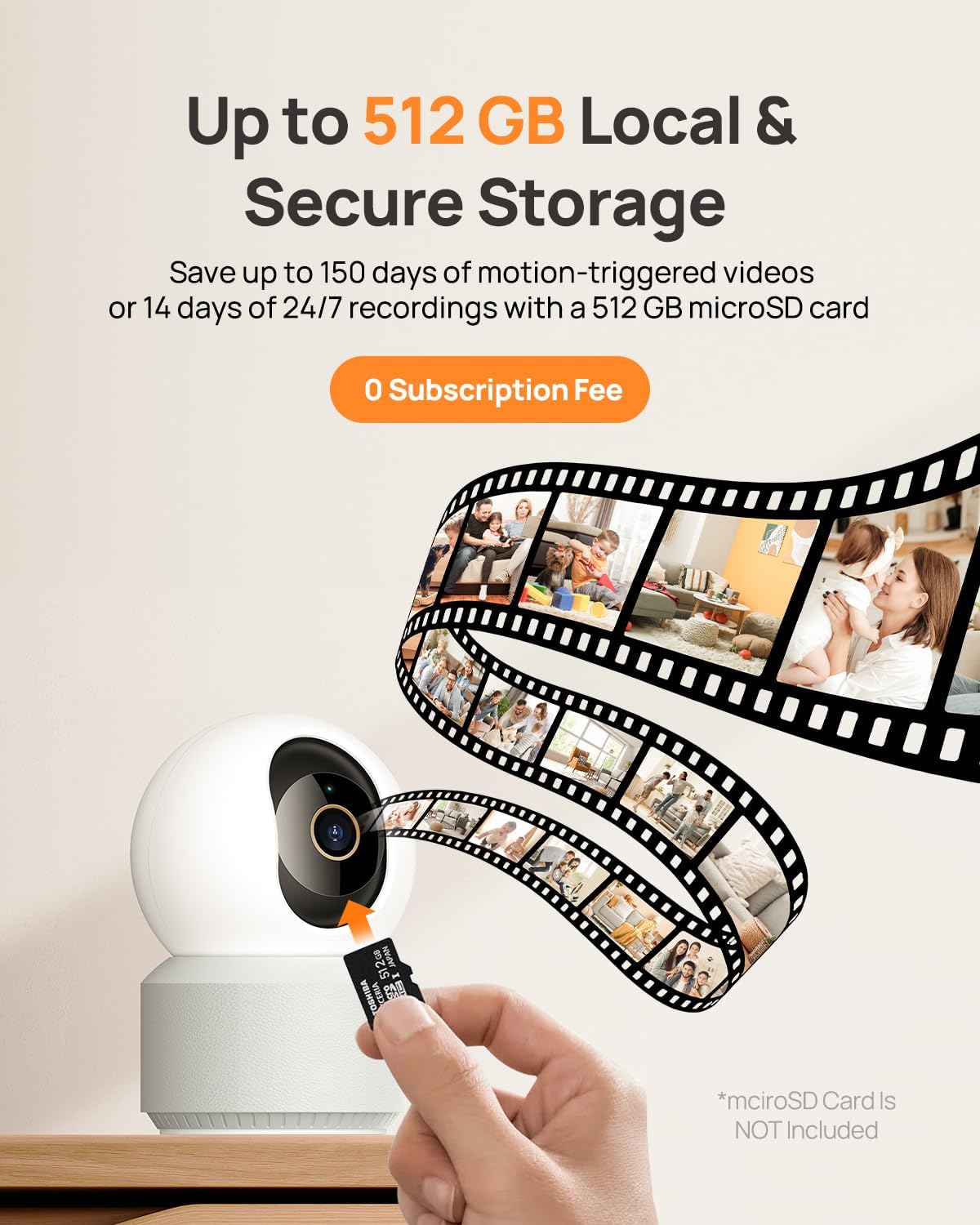
Image: The camera supports local storage via a microSD card (up to 512 GB).
3.7 Visione notturna
The camera features F1.6 aperture and powerful IR LEDs for enhanced night vision, allowing clear 4K UHD footage even in low-light or pitch-black conditions up to 30 feet.
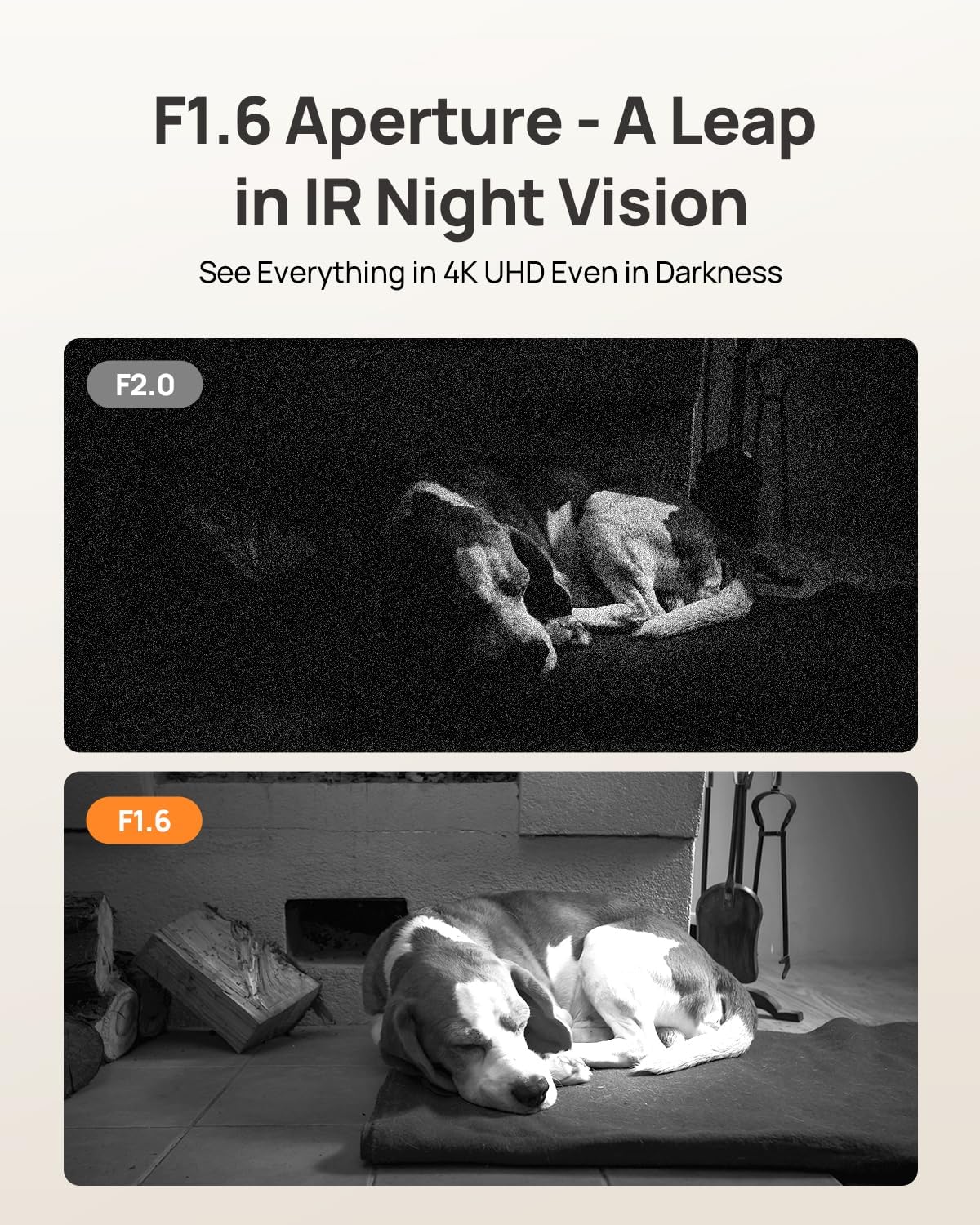
Image: F1.6 aperture provides superior night vision clarity compared to F2.0.
3.8 Integrazione della casa intelligente
The Anona Pano camera is compatible with Amazon Alexa and Google Assistant. Link your camera through the respective smart home apps to enable voice commands and stream live video to compatible smart displays.
- Example command: "Hey Alexa, show me the Anona Pano camera!"
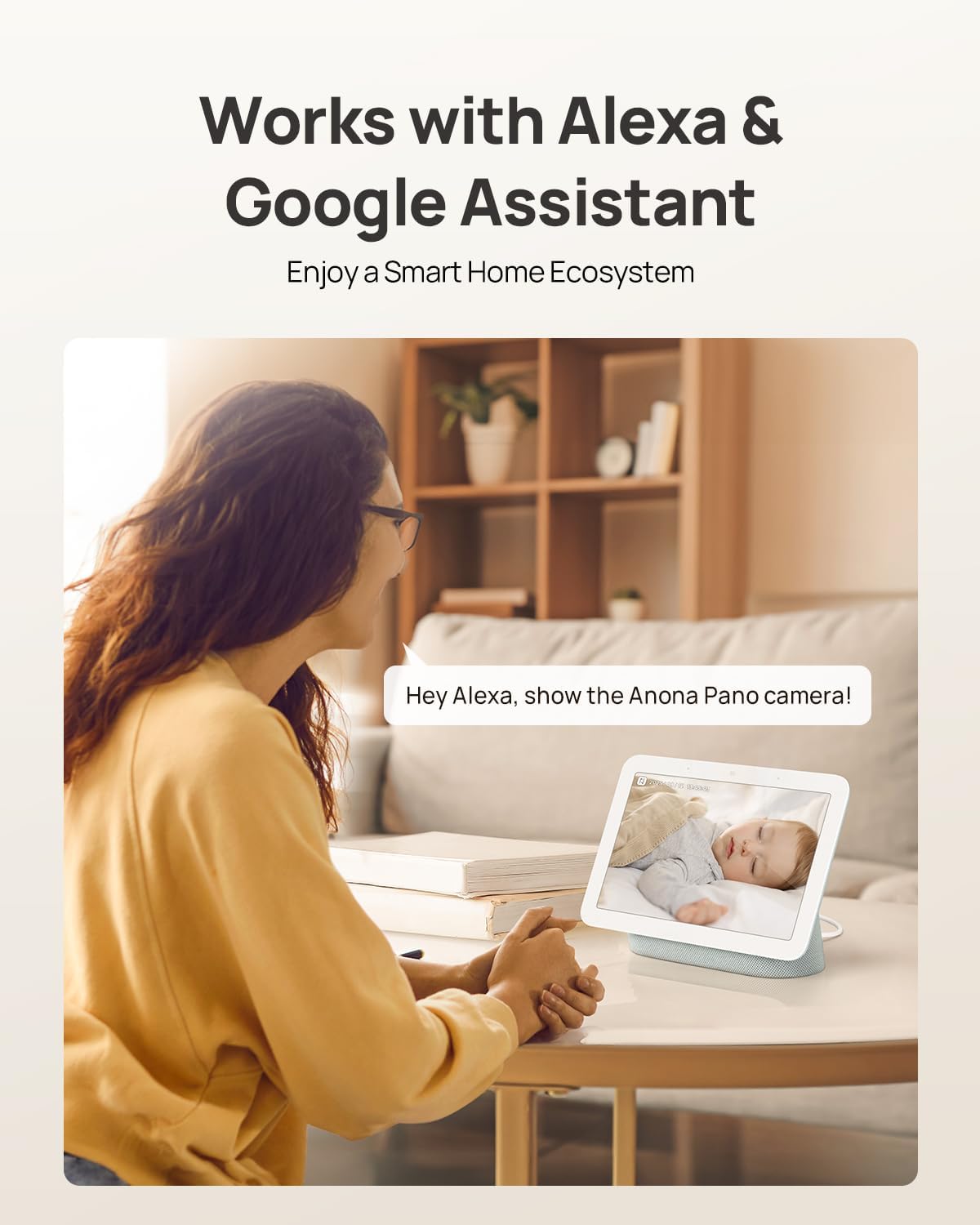
Image: The camera integrates with smart home devices like Amazon Echo Show or Google Nest Hub.
4. Manutenzione
4.1 Pulizia della fotocamera
- Prima di procedere alla pulizia, assicurarsi che la fotocamera sia spenta.
- Per pulire il corpo della fotocamera, utilizzare un panno morbido e asciutto.
- Per la lente, utilizzare un panno specifico per la pulizia delle lenti, progettato appositamente per l'ottica, per evitare graffi. Non utilizzare prodotti chimici aggressivi o detergenti abrasivi.
4.2 Aggiornamenti firmware
Regularly check for firmware updates through the Anona App. Updates often include performance improvements, new features, and security enhancements. The app will typically notify you when an update is available and guide you through the process.
4.3 Gestione dell'archiviazione
- Scheda MicroSD: Periodicamente riview and back up important recordings from your microSD card. When the card is full, older footage will typically be overwritten.
- Archiviazione cloud: Gestisci il tuo abbonamento all'archiviazione cloud e ripristinaloview cibo immagazzinatotage directly through the Anona App.
5. Risoluzione Dei Problemi
5.1 Problemi comuni e soluzioni
| Problema | Possibile causa | Soluzione |
|---|---|---|
| La fotocamera non si accende | Adattatore di alimentazione non collegato o presa difettosa. | Assicurarsi che l'adattatore di alimentazione sia collegato correttamente e provare una presa di corrente diversa. |
| Impossibile connettersi al Wi-Fi | Password Wi-Fi errata, telecamera troppo lontana dal router o interferenza di rete. | Verify Wi-Fi password, move camera closer to router, ensure router supports 2.4/5 GHz, and restart router. |
| Scarsa qualità video | Weak Wi-Fi signal, dirty lens, or insufficient lighting. | Improve Wi-Fi signal strength, clean the camera lens, ensure adequate lighting or rely on night vision. |
| Il rilevamento dell'IA non funziona | Detection settings disabled in app, or objects are out of detection range/angle. | Check and enable detection settings in the Anona App. Adjust camera position for optimal coverage. |
| Problemi audio bidirezionali | Microphone/speaker muted in app, or network latency. | Ensure audio settings are enabled in the app. Check network connection for stability. |
| La scheda MicroSD non registra | Card not inserted correctly, card full, or card not formatted. | Reinsert card, check storage status in app, format card via app if necessary. Ensure card is compatible (up to 512 GB). |
For further assistance, refer to the Anona App's help section or contact customer support.
6. Specifiche del prodotto
| Caratteristica | Dettaglio |
|---|---|
| Nome del modello | Anona Pano |
| Uso interno/esterno | Al chiuso |
| Risoluzione di acquisizione video | 4K (8MP) |
| Zoom ottico | 8x |
| Pan Angle | 360 gradi |
| Angolo di inclinazione | 110 gradi |
| Tecnologia di connettività | Senza fili (Wi-Fi) |
| Tecnologia di comunicazione wireless | Bluetooth, Wi-Fi (Dual-Band 2.4/5 GHz Wi-Fi 6) |
| Fonte di alimentazione | Elettrico con cavo (5 V) |
| Tipo di controllore | App, telecomando, voce (Amazon Alexa, Google Assistant) |
| Tipo di montaggio | Tabletop Mount, Freestanding, Ceiling Mount |
| Gamma di visione notturna | 30 piedi |
| Frequenza dei fotogrammi | 15 fotogrammi al secondo |
| Materiale | Plastica |
| Dimensioni articolo (L x P x A) | 3.23 x 3.11 x 4.77 pollici |
| Peso dell'articolo | 14.9 once (0.93 libbre) |
| Dimensione massima supportata della memoria flash | 512 GB (Micro SD) |
| Caratteristiche speciali | 2-Way Talk, 2.4/5G WiFi, 355° Pan & 110° Tilt, 4K 8MP Resolution, AI Person/Pet/Cry Detection |
7. Garanzia e supporto
7.1 Garanzia del prodotto
Anona products typically come with a manufacturer's warranty. Please refer to the warranty card included in your product packaging or visit the official Anona website for detailed warranty terms and conditions. Protection plans may also be available for extended coverage.
- Optional 2-Year Protection Plan
- Optional 3-Year Protection Plan
7.2 Assistenza clienti
If you encounter any issues or have questions regarding your Anona Pano camera, please contact Anona Customer Support. You can usually find contact information (email, phone, or support portal) on the official Anona website or within the Anona App's help section.
Per le informazioni più recenti e le risorse di supporto, visitare il sito Anona Store on Amazon.